
How to Build a Professional Wix Business Website
A professional Wix business website should make your company easy to understand, easy to trust, and easy to contact. Good design is not only about choosing a modern template. The website also needs a clear structure, consistent branding, useful service information, a strong mobile experience, working forms, and basic search optimization.
This step-by-step guide explains how to build a professional Wix business website from planning to launch without filling the site with unnecessary sections or features.
Step 1: Define What the Website Must Achieve
Before opening the editor, decide what the website should do for the business. A service company may want quote requests, a consultant may want calls booked, and a local business may want phone calls or store visits.
Write down three things
- Your primary target customer
- Your main service or offer
- The main action you want a visitor to take
These decisions should guide the page structure and calls to action.
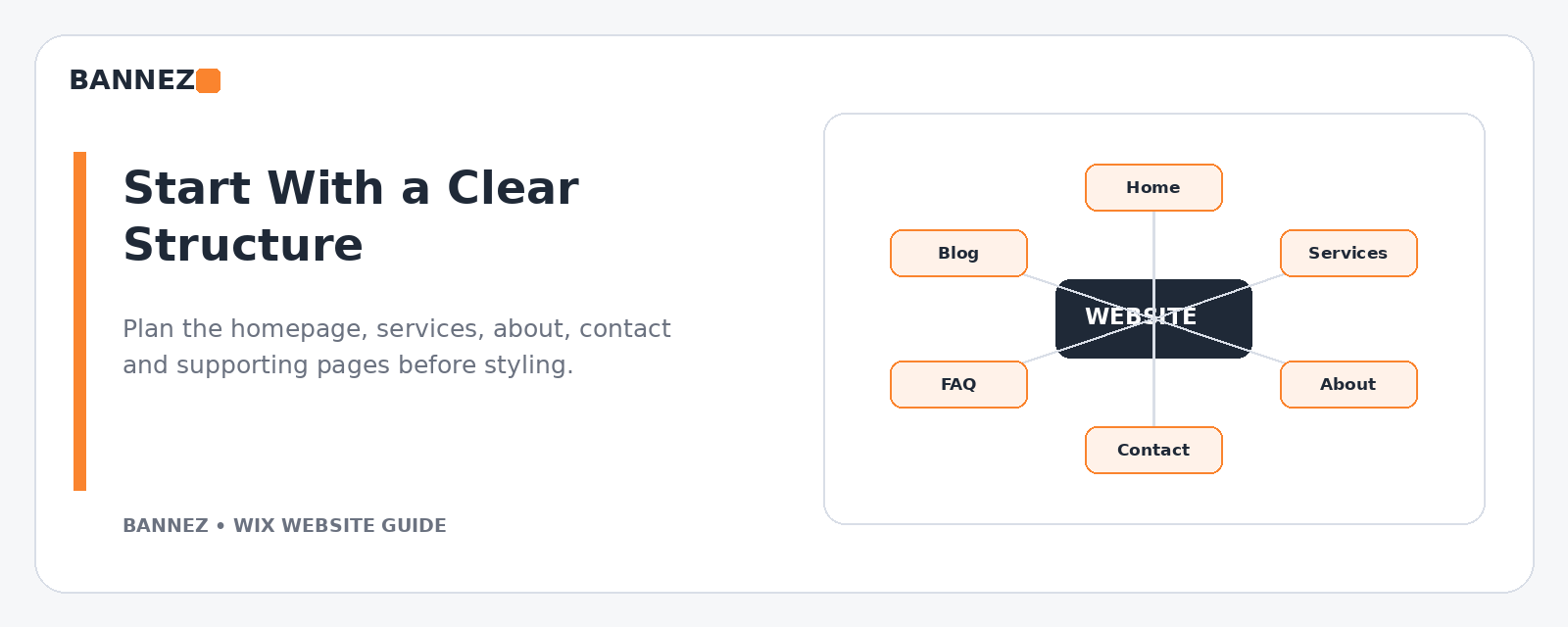
Step 2: Plan the Website Structure
Build the site map before designing individual sections. Most business websites need a focused structure that may include Home, Services, About, Contact, FAQ, and appropriate policy pages.
Wix provides controls for adding, renaming, hiding, duplicating, and organizing pages. You can review the current options in its official page management guide.
Step 3: Choose a Suitable Starting Design
A template should fit the type of content you will publish. Do not choose it only because the demo photography looks impressive.
Check whether the design supports
- Your navigation structure
- Service or product pages
- Contact forms
- Testimonials or project examples where genuine
- Mobile layouts
- Required business features
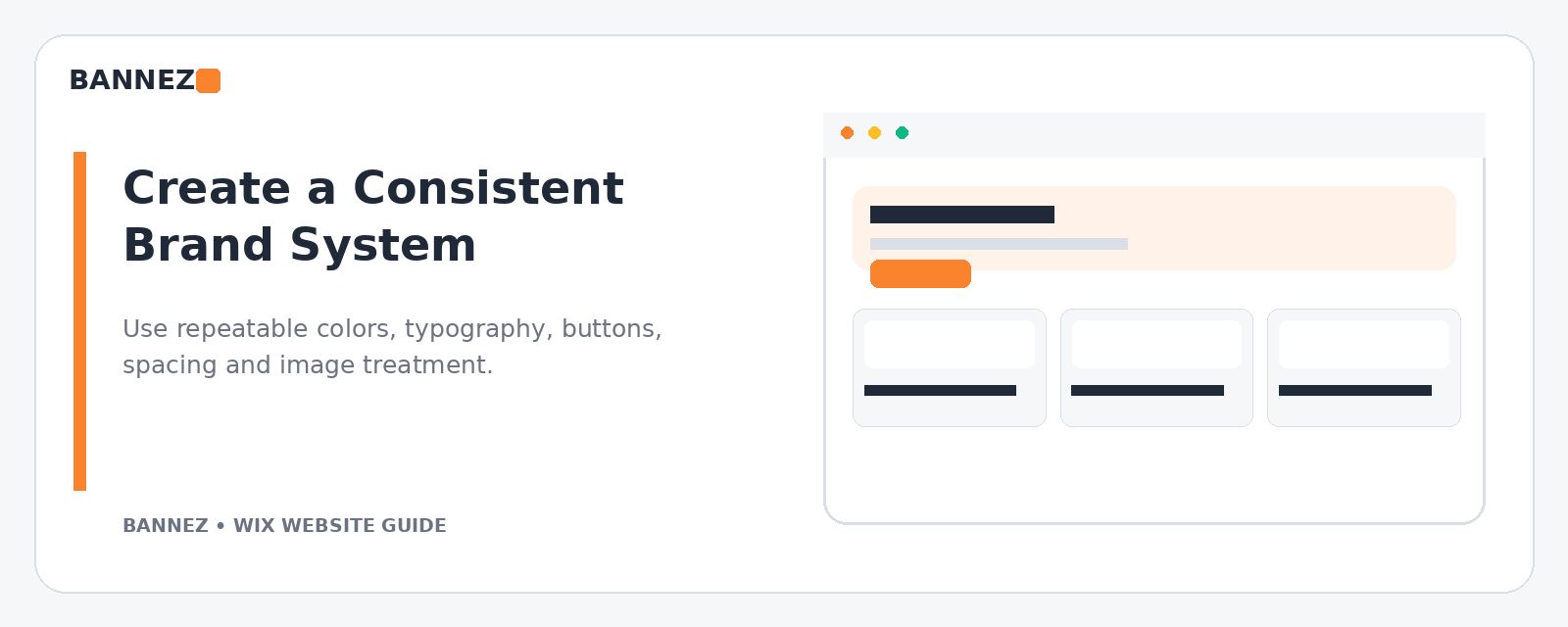
Step 4: Create a Simple Brand System
Professional websites feel consistent. Use a limited color palette, readable typography, consistent buttons, repeatable section spacing, and a clear image style.
Brand consistency checklist
- Logo has enough space and remains readable
- Heading styles are consistent
- Body text is easy to read
- Primary buttons use one clear visual treatment
- Images use a similar quality and tone
- Section spacing does not change randomly
Step 5: Build a Clear Homepage
The homepage should explain the business quickly. A visitor should understand what you offer, who you help, and what to do next without reading every section.
A practical homepage structure
- Clear hero headline and primary call to action
- Main services or categories
- Reasons to choose the business
- Relevant proof such as genuine reviews or work examples
- Simple process or next steps
- Final contact or booking call to action
Remove sections that do not help the visitor make a decision.
Step 6: Create Strong Service Pages
Give important services their own useful pages when appropriate. Explain what the service does, who it is for, what is included, how the process works, and how the customer can get started.
This also creates better internal-linking opportunities between the homepage, related services, FAQs, and contact page.
Step 7: Build an About Page That Supports Trust
An About page should not be a long biography unless the story is relevant. Explain the business, the people behind it where useful, your experience, and what customers can expect.
Use real information. Avoid invented achievements, vague claims, or stock-style testimonials.
Step 8: Make the Contact Page Easy to Use
Include the contact methods you actually monitor. Depending on the business, this can include a form, phone number, email, physical address, hours, service area, or booking link.
Keep forms focused. Asking for too much information can make a simple enquiry harder than it needs to be.
Step 9: Organize Navigation
Use familiar menu labels and avoid turning the main navigation into a list of every page on the site. Wix explains how to add and manage site menus in its official site menu guide.
Good navigation should help visitors
- Find the main services
- Understand where they are
- Reach Contact or Booking easily
- Find supporting pages from the footer when appropriate
Step 10: Review the Mobile Website
Wix Editor creates a mobile-friendly version, but the mobile layout still needs review. Wix’s official mobile version documentation explains how to use the mobile editor.
Check on a real phone
- Header and menu
- Headline wrapping
- Button size and spacing
- Images
- Forms
- Sticky elements
- Footer links
Step 11: Add Business Features Only When Needed
Bookings, ecommerce, chat, memberships, events, or other tools can be valuable when they support the business. Do not add features simply to make the website look more advanced.
Every added tool should have a clear purpose and should be tested before launch.
Step 12: Complete Basic SEO Settings
Give each important page a clear topic, useful title, descriptive meta description, logical headings, readable URL, and natural internal links. Add accurate image alt text where it helps describe the image.
Wix provides an official SEO Setup Checklist for initial optimization and Google connection tasks.
Step 13: Keep Performance in Mind While Designing
Large media, many animations, multiple galleries, and unnecessary third-party scripts can make a page feel heavy. Wix recommends keeping above-the-fold content relevant and lightweight and provides additional guidance in its performance best practices.
Step 14: Add Trust Information
Professional design is stronger when the business information is complete. Use accurate contact details, clear policies, genuine reviews, real project examples, and realistic claims.
Do not rely on decorative trust badges to replace actual business information.
Step 15: Test the Complete Website Before Launch
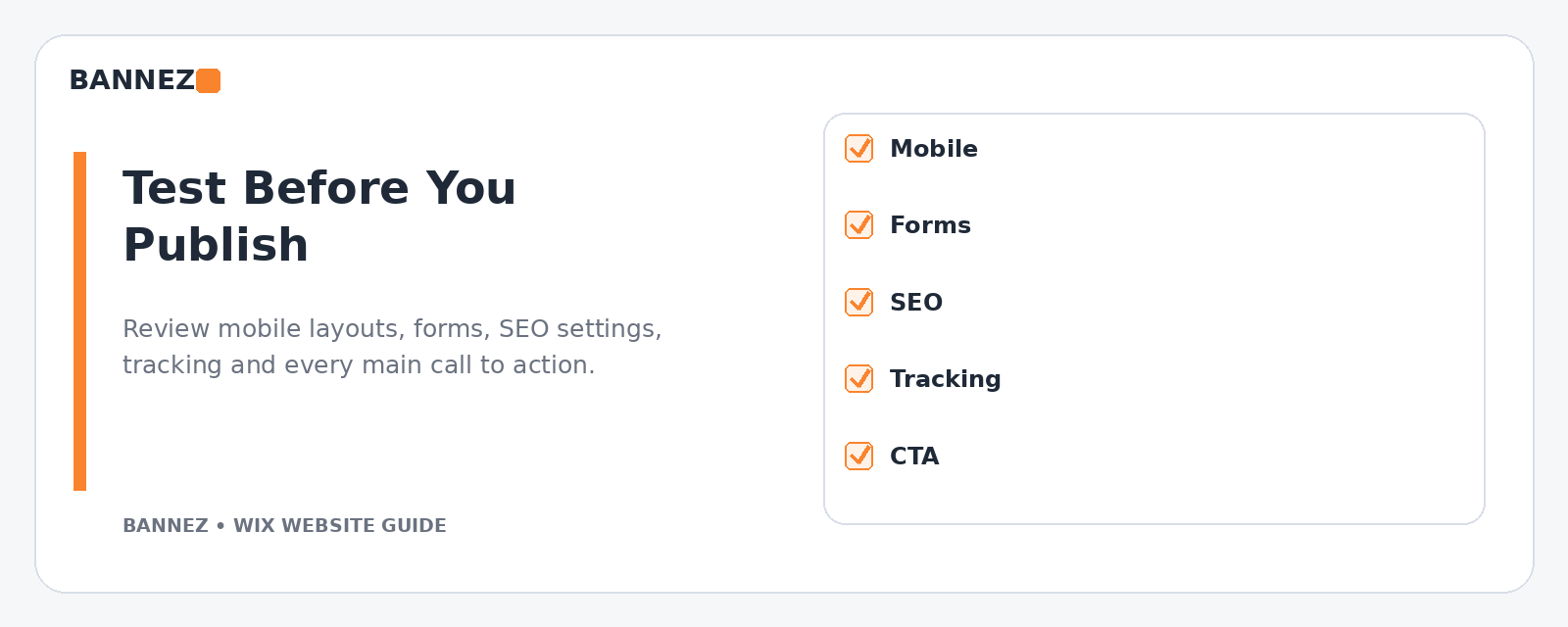
Final testing checklist
- Click every menu item
- Test all major buttons
- Submit forms
- Check phone and email links
- Review desktop and mobile versions
- Check spelling and old placeholder content
- Verify page titles and meta descriptions
- Check important images and alt text
- Test bookings or ecommerce if used
- Confirm analytics and required marketing integrations
Professional Wix Business Website Checklist
| Area | What good looks like |
|---|---|
| Structure | Clear pages and simple navigation |
| Branding | Consistent colors, fonts, buttons, and imagery |
| Content | Useful information written for customers |
| Mobile | Readable and easy to use on smaller screens |
| Trust | Accurate contact details, policies, and genuine proof |
| SEO | Clear topics, titles, headings, internal links, and metadata |
| Testing | Forms, links, actions, and business features work |
Professional Wix Design and Development Support
If you want your Wix business website designed, redesigned, or configured with the features your project requires, you can explore our Wix Website Design, Redesign & E-commerce Development service.
Frequently Asked Questions
Can a small business build a professional website with Wix?
Yes. A professional result depends on planning, content quality, consistency, mobile usability, and proper testing—not only the platform or template.
How many pages should a Wix business website have?
Use enough pages to explain the business clearly. A focused small site may need only a few core pages, while a company with several distinct services may benefit from dedicated service pages.
Do I need a premium template?
Not necessarily. Choose a design based on the structure and features you need. Good content and consistent customization can matter more than starting from the most expensive design option.
What should I improve after launch?
Watch customer questions, form activity, analytics, search performance, and page behavior. Improve unclear content, weak conversion paths, and pages that do not support business goals.
Conclusion
To build a professional Wix business website, start with business goals rather than visual effects. Plan the page structure, create consistent branding, write useful service content, review the mobile version, complete the SEO basics, and test every important customer action.
After launch, keep the site current. A professional website is not a one-time design project; it should continue to reflect the real business as services, customers, and priorities change.
