
XML Sitemap Explained: How Search Engines Use Your Sitemap
XML Sitemap Explained: How Search Engines Use Your Sitemap
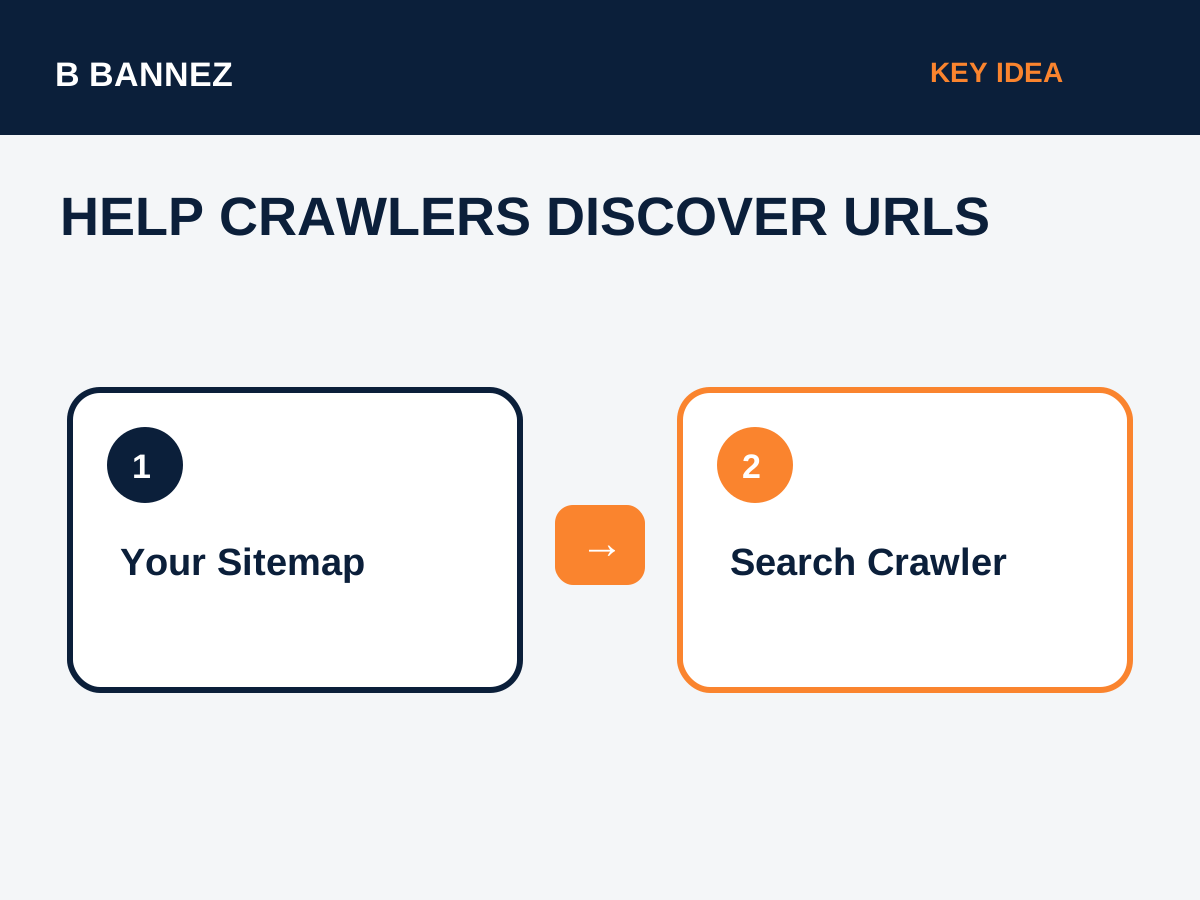
An XML sitemap is a machine-readable file that lists important URLs on a website. Its main purpose is to help search engines discover pages that you want crawled and considered for indexing.
A sitemap is especially useful for new websites, large websites, ecommerce stores, sites with deep navigation, and sites where some important pages may not receive many internal links. Google’s official sitemap documentation explains how sitemaps help Google understand which pages and files you consider important.
What Is an XML Sitemap?
An XML sitemap is usually available at a URL such as:
https://example.com/sitemap.xmlMany WordPress SEO plugins create a sitemap index instead, such as:
https://example.com/sitemap_index.xmlThe sitemap index can link to separate sitemaps for posts, pages, categories, products, and other content types.
How Search Engines Use Sitemaps
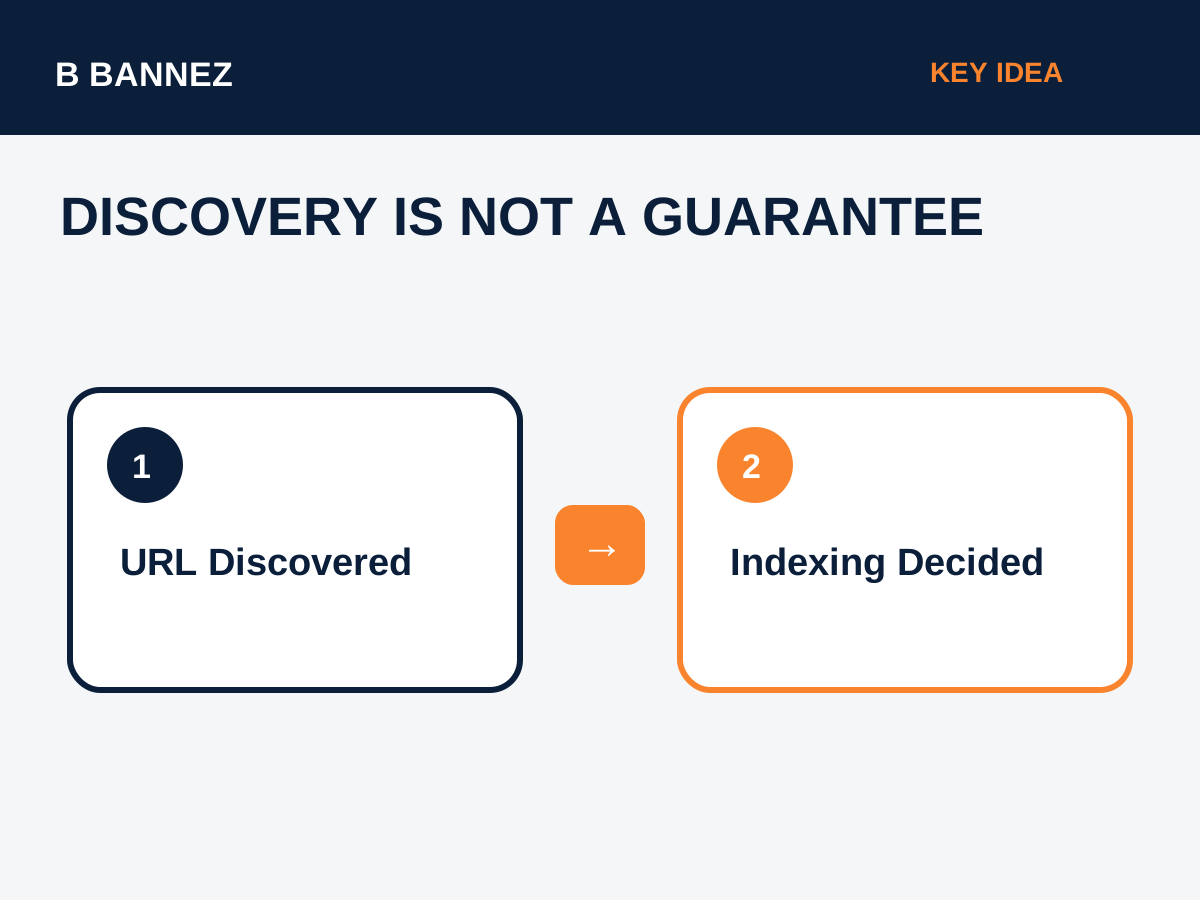
Search engines crawl the sitemap file to discover URLs and metadata associated with them. A sitemap does not force a page into the search index. It is a discovery and canonicalization signal, not an indexing guarantee.
Google may still decide not to index a URL if the page is duplicate, low value, blocked, redirected, noindexed, or otherwise not suitable for search.
What Should Be Included in a Sitemap?
Include URLs that are:
- Canonical versions of pages you want indexed.
- Accessible to search crawlers.
- Returning a successful status code.
- Important enough to be part of your search strategy.
A sitemap should not become a dump of every URL your CMS can generate.
URLs that usually should not be included
- Redirected URLs.
- 404 or error pages.
- Noindex pages.
- Duplicate parameter URLs.
- Pages canonicalized to another URL.
- Private or account-only pages that are not meant for search.
How to Create and Submit an XML Sitemap
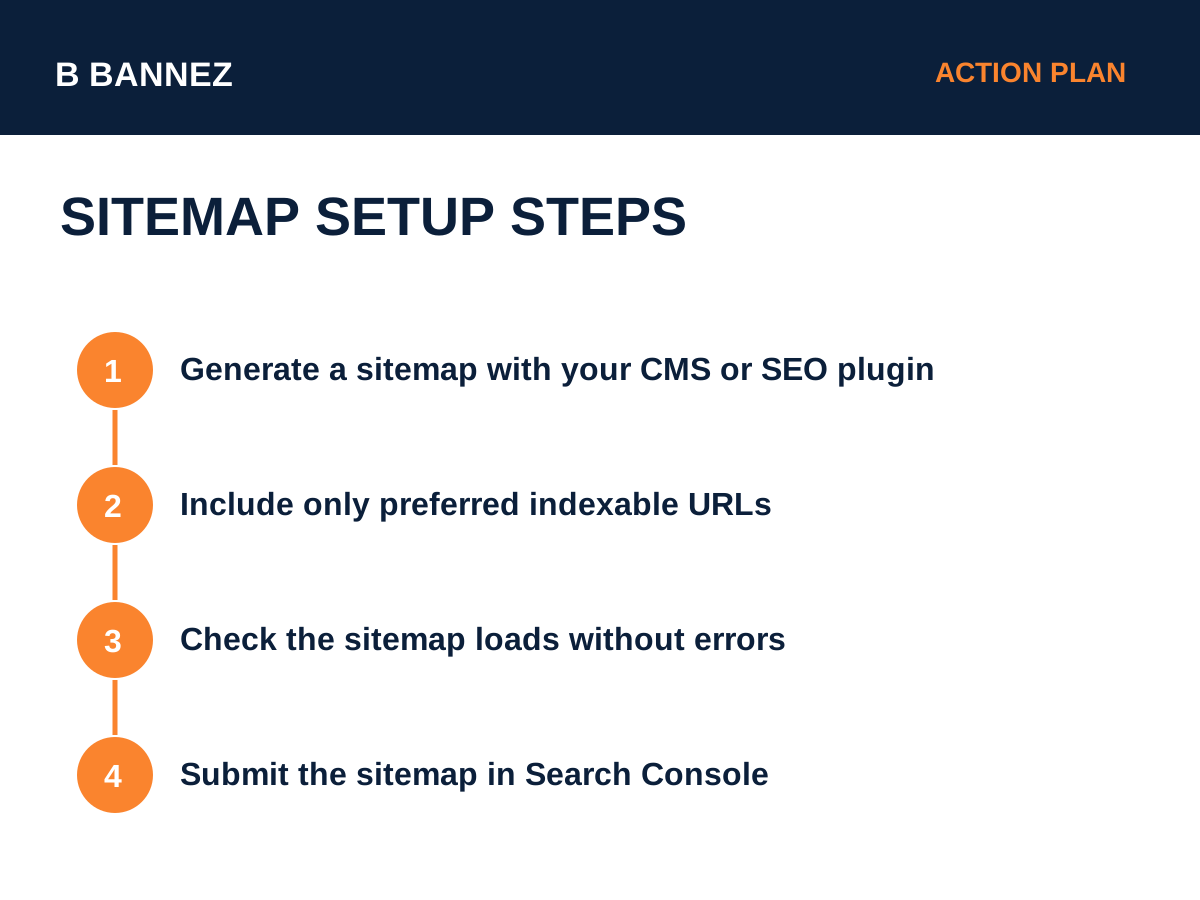
1. Generate the sitemap
WordPress core and popular SEO plugins can generate XML sitemaps automatically. Ecommerce platforms also typically provide sitemaps.
2. Open the sitemap in a browser
Confirm that the file loads and that URLs look correct.
3. Review important content types
Check whether posts, pages, services, products, and category archives are included according to your SEO strategy.
4. Submit it in Google Search Console
Use the Sitemaps section in Search Console to submit the sitemap URL. Google’s Search Console sitemap help explains the submission process and sitemap status reports.
XML Sitemap vs HTML Sitemap
An XML sitemap is designed mainly for search engines. An HTML sitemap is a normal webpage that helps users browse important sections of a site. A website can use both.
XML Sitemap and Canonical URLs
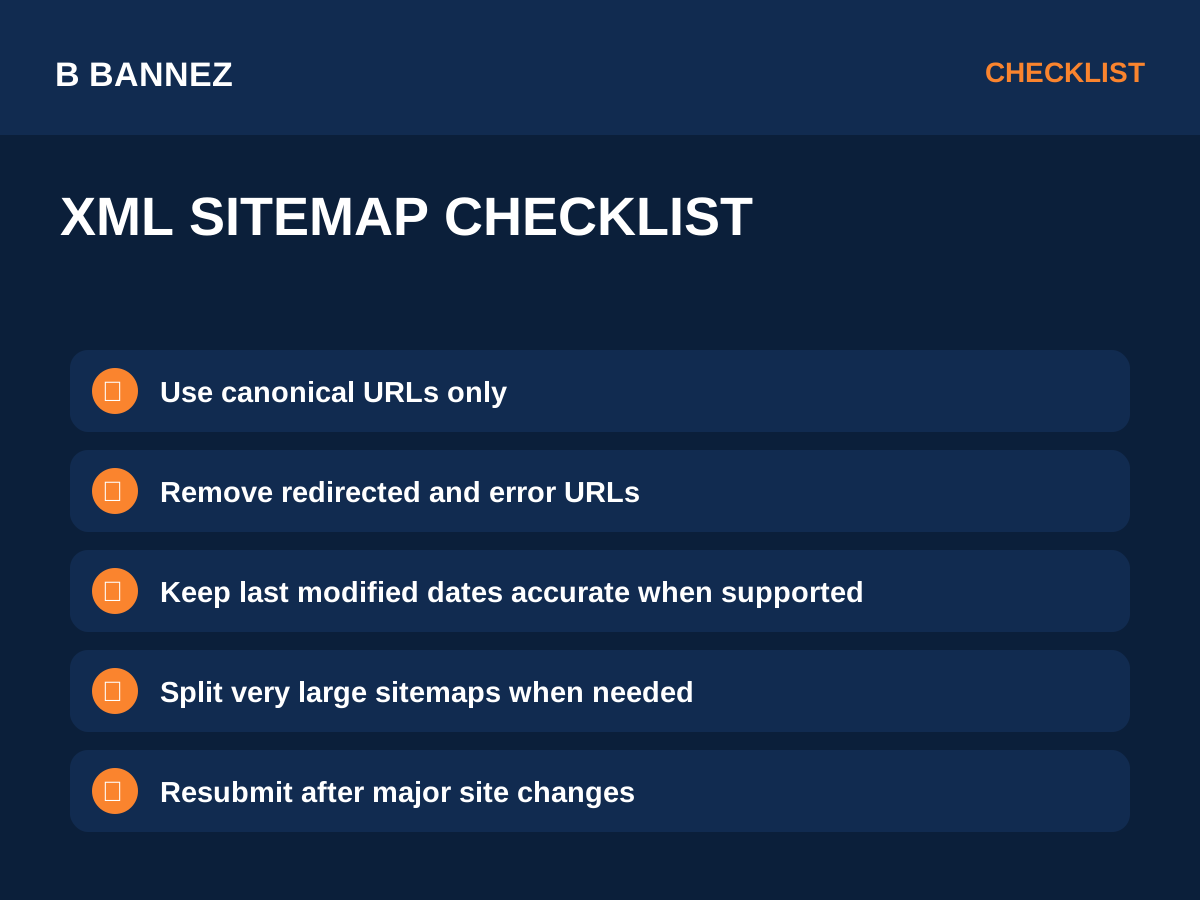
Google recommends listing canonical URLs in sitemaps. If a page canonicalizes to URL A but the sitemap lists URL B, the site sends conflicting signals.
Read our guide Canonical URLs Explained to understand how sitemap URLs and canonical tags should work together.
Common Sitemap Mistakes
Including redirected URLs
Update the sitemap to list the final destination directly.
Including noindex URLs
If a page is intentionally noindex, there is normally no reason to present it in a sitemap as an indexable priority.
Submitting several conflicting sitemap versions
Choose one consistent sitemap structure and keep it current.
Assuming sitemap submission guarantees indexing
A submitted URL can still remain unindexed. Google evaluates each page separately.
How Often Should a Sitemap Update?
Dynamic CMS platforms should update the sitemap automatically when content is published, updated, or removed. You generally do not need to manually regenerate it after every post when your CMS handles this correctly.
Large Websites and Sitemap Limits
Very large websites can split URLs across multiple sitemap files and connect them with a sitemap index. Follow current search engine limits and keep each file valid.
Sitemap Checklist
- Use one preferred HTTPS domain.
- Include canonical, indexable URLs.
- Remove redirected and broken URLs.
- Keep the sitemap accessible to crawlers.
- Submit it in Search Console.
- Review errors after major site changes.
- Keep sitemap and internal linking consistent.
- Do not rely on a sitemap instead of good navigation.
Internal Links Still Matter
A sitemap helps discovery, but important pages should also be reachable through normal crawlable internal links. Search engines and users both benefit from a logical website structure.
For a broader traffic and analytics foundation, see How to Analyze Website Traffic in Google Analytics.
FAQs
Do I need an XML sitemap for a small website?
A small, well-linked website may be crawled without one, but a valid sitemap is still a useful, low-maintenance discovery signal.
Can a sitemap improve rankings directly?
A sitemap helps discovery and communicates preferred URLs, but it is not a direct ranking shortcut.
Should images be in a sitemap?
Image sitemap information can be useful for sites where images are important, but modern CMS implementations vary. Follow platform and search-engine documentation for your use case.
Conclusion
An XML sitemap is a structured list of important URLs that helps search engines discover and process your website. Keep it clean, include preferred canonical URLs, remove errors and redirects, and submit the sitemap in Search Console.
Your next action should be to open your sitemap, check a sample of URLs, and confirm that every listed page is one you actually want search engines to consider for indexing.
