
Keyword Cannibalization: What It Is and How to Fix It
Keyword Cannibalization: What It Is and How to Fix It
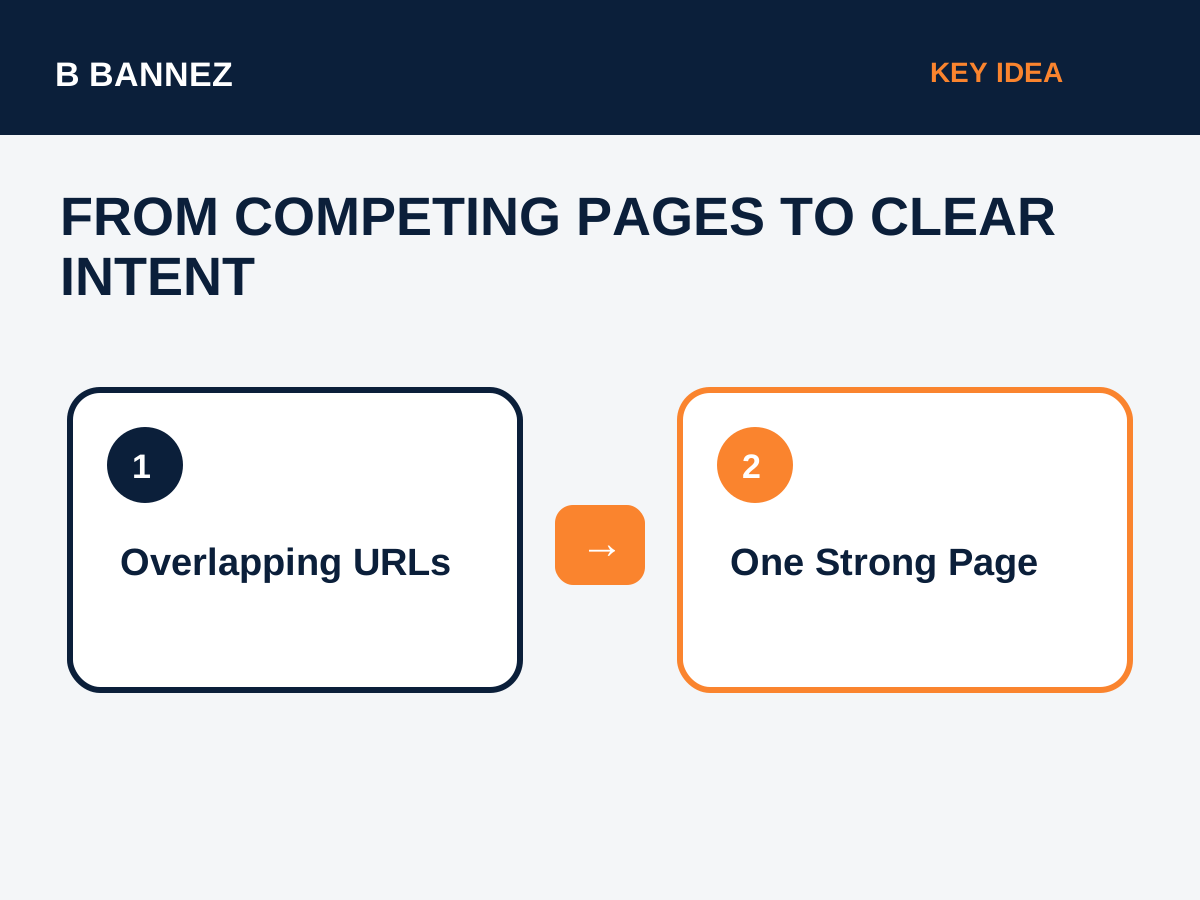
Keyword cannibalization happens when multiple pages on the same website compete for very similar search queries and serve essentially the same user intent. The problem is not simply that two pages mention the same keyword. Large, useful websites naturally discuss related terms across many pages. Cannibalization becomes a concern when search engines have difficulty understanding which URL should be the strongest result for a specific need.
This guide explains how to identify true keyword cannibalization, how to separate it from healthy topic coverage, and how to fix overlapping pages without deleting useful content unnecessarily.
What Is Keyword Cannibalization?
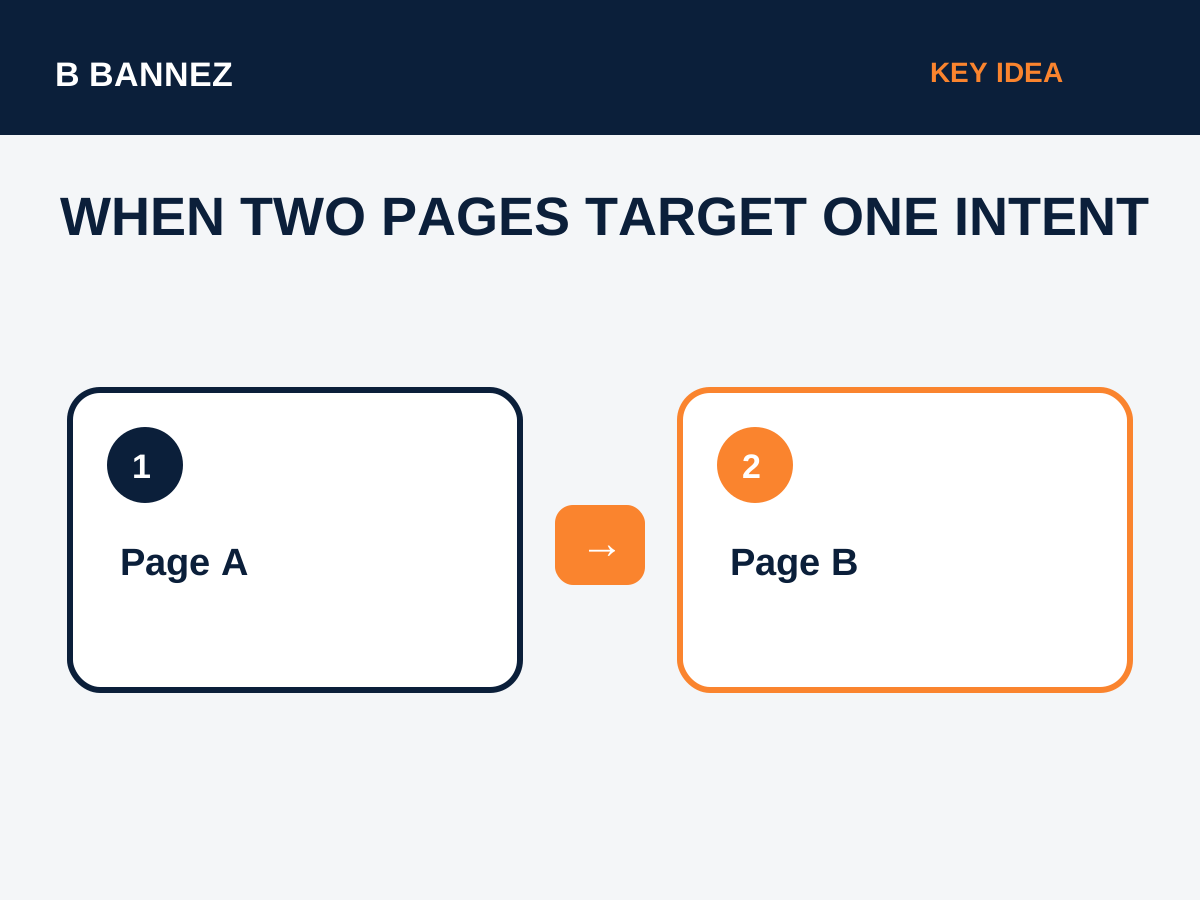
Keyword cannibalization is an SEO content-architecture issue in which two or more URLs target the same or nearly the same search intent. For example, if a site has separate posts titled “How to Speed Up WordPress,” “WordPress Speed Optimization Guide,” and “How to Make WordPress Faster,” all three may be trying to answer the same question.
That does not automatically mean Google will penalize the site. The bigger risk is that relevance and internal authority become divided across several pages.
Keyword overlap is not always cannibalization
Two articles can use the same broad keyword and still serve different intents. “WordPress Speed Guide” and “How Website Speed Affects Ad Revenue” both discuss speed, but the first is a technical optimization guide while the second is about monetization impact.
Common Signs of Cannibalization
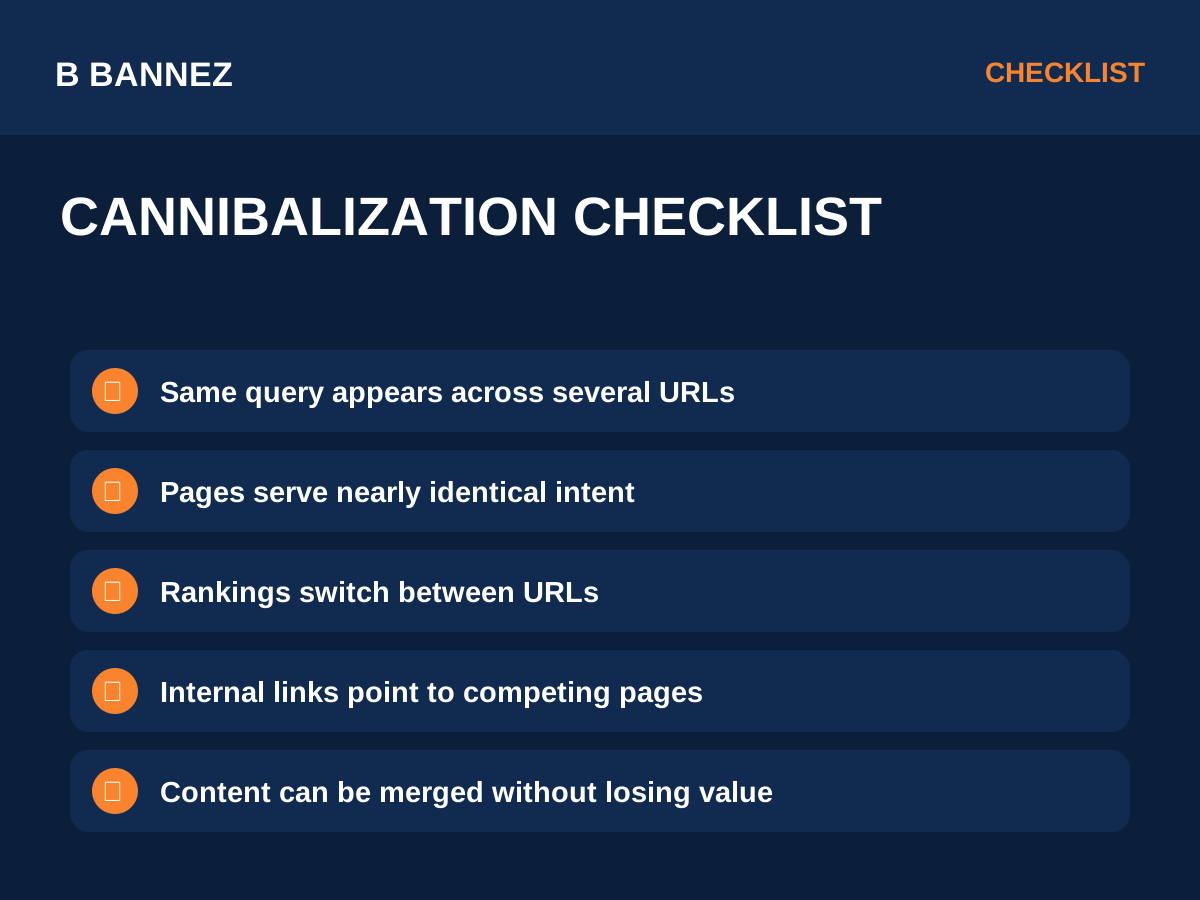
- Several URLs rank for the same query and frequently replace each other.
- Two pages have nearly identical titles and section structure.
- Internal links use the same anchor text but point to different competing pages.
- Backlinks and engagement are split across similar URLs.
- The weaker page ranks while the more complete page is ignored.
How to Find Keyword Cannibalization
1. Search your own site
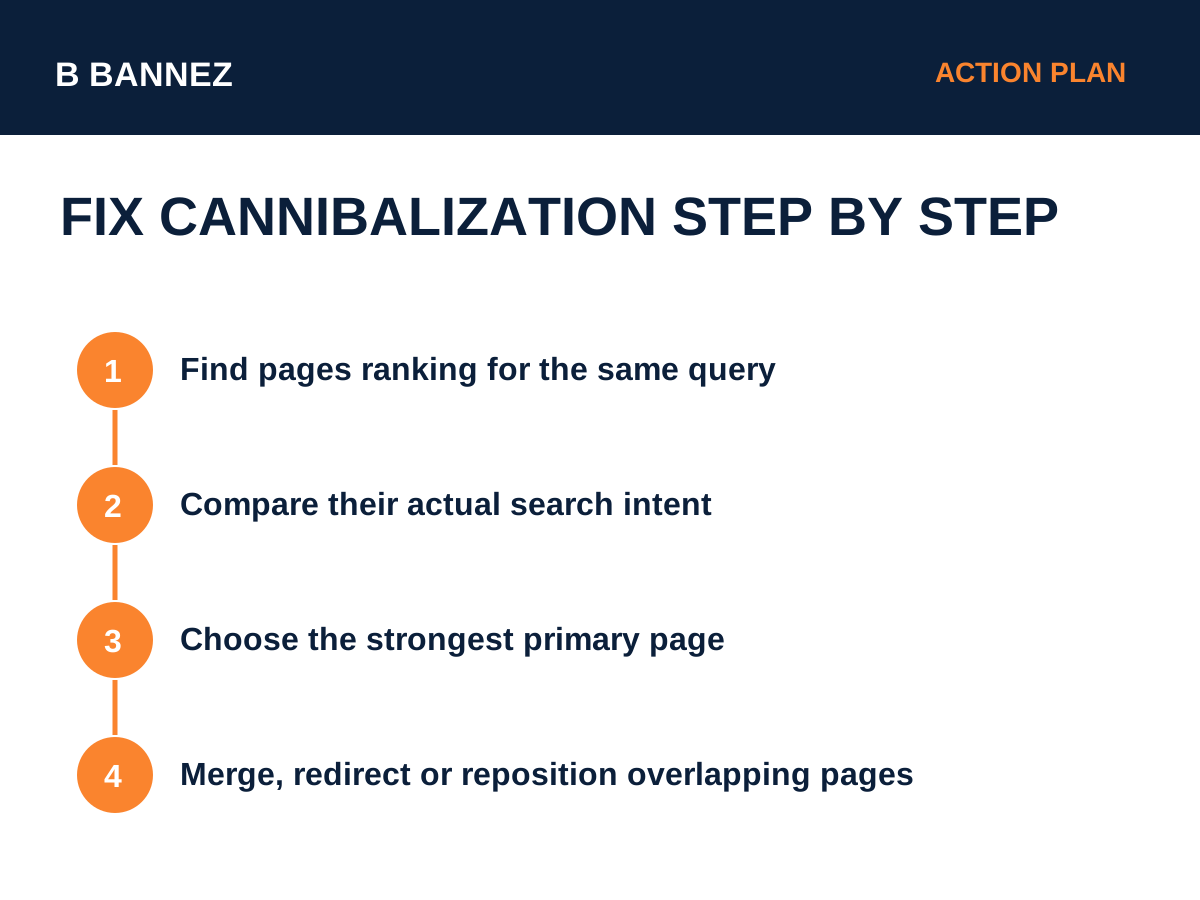
Use your WordPress search, a site search query, or a content inventory to find pages covering the same subject.
2. Check Google Search Console
In Search Console performance reports, review a query and compare the pages receiving impressions for it. Multiple pages appearing is not always bad, but it can reveal overlap that deserves review.
3. Compare search intent
Ask whether the pages solve the same problem. If one is a beginner guide and another is a troubleshooting guide, they may both deserve to exist. If they are interchangeable, consolidation is often better.
4. Compare quality and signals
Check content completeness, backlinks, internal links, conversions, traffic, and freshness. This helps identify which URL should become the main page.
How to Fix Keyword Cannibalization
Option 1: Merge overlapping content
If two pages answer the same intent, combine the strongest sections into one more complete resource. Preserve useful examples, FAQs, visuals, and internal links.
Option 2: Use a 301 redirect
After merging, redirect the retired URL to the surviving page. Google’s redirect guidance explains how permanent redirects communicate that a resource has moved.
Option 3: Reposition one page
If both pages provide value, change the weaker page to target a different intent. For example, turn a generic guide into a comparison, checklist, troubleshooting page, or advanced tutorial.
Option 4: Improve internal linking
Use internal links to make the primary page clear. Supporting articles should link naturally to the main guide with descriptive anchor text.
Option 5: Use canonicalization only when appropriate
A canonical tag can signal a preferred URL among duplicate or very similar pages, but it is not a substitute for good content architecture. Google documents canonical signals in its canonical URL guidance.
When You Should Not Merge Pages
Do not merge pages just because they share a keyword. Keep them separate if users expect clearly different answers. Examples include:
- “Shopify vs WooCommerce” and “How to Build a Shopify Store.”
- “What Is Ads.txt?” and “How to Fix Ads.txt Errors.”
- “Website Traffic vs Conversions” and “How to Analyze Website Traffic in GA4.”
These topics overlap semantically but serve different needs.
How Topic Clusters Reduce Cannibalization
A well-planned topic cluster gives each URL a clear role. One pillar page covers the broad subject, while supporting pages answer specific subtopics. Our guide What Is Topical Authority in SEO and How Do You Build It? explains how focused clusters can be structured.
A Practical Cannibalization Audit
- Export or list all published URLs.
- Group pages by topic.
- Mark pages that target the same intent.
- Choose a primary URL for each overlapping group.
- Merge unique value into the primary page.
- Redirect retired URLs where appropriate.
- Update internal links to point to the final page.
- Request recrawling for important updated URLs if needed.
Content Writing and Cannibalization
Strong editorial planning prevents many cannibalization problems before they happen. Before creating a new article, search your existing posts and identify whether the new title adds a genuinely different intent.
If you need professionally structured SEO content with images and authority links, you can explore our SEO Content Writing with Images & Authority Links service.
FAQs
Does using the same keyword on two pages cause a penalty?
No automatic penalty is implied simply because keywords overlap. The concern is unclear intent and competition between very similar pages.
Should I delete the weaker page?
Usually, preserve useful content by merging it into the stronger page and redirecting the old URL when appropriate.
Can internal links fix cannibalization?
Internal links help clarify page relationships, but severe overlap may still require merging or repositioning content.
Conclusion
Keyword cannibalization is mainly a clarity problem. The goal is to make each important URL serve a distinct purpose. Audit overlapping pages, compare search intent, choose the strongest page, merge useful content where needed, redirect retired URLs, and update internal links.
The best preventive habit is simple: before publishing a new article, search your own site first. If a strong page already satisfies that intent, improve it instead of creating another competing URL.
