
Crawled – Currently Not Indexed: What It Means and How to Fix It
Crawled – Currently Not Indexed: What It Means and How to Fix It
“Crawled – currently not indexed” is a Google Search Console Page Indexing status that can worry website owners because Google has already visited the URL but has not included it in the index at that time.
This status does not automatically mean your site has a technical error or a penalty. Google’s Search Console documentation describes the status as a page that was crawled but is not currently indexed and may or may not be indexed later. The most useful response is to review whether the affected URL is technically indexable and whether it adds enough distinct value to deserve a place in search.
Google also recommends creating helpful, reliable, people-first content rather than publishing pages primarily to attract search visits.
What Does “Crawled – Currently Not Indexed” Mean?
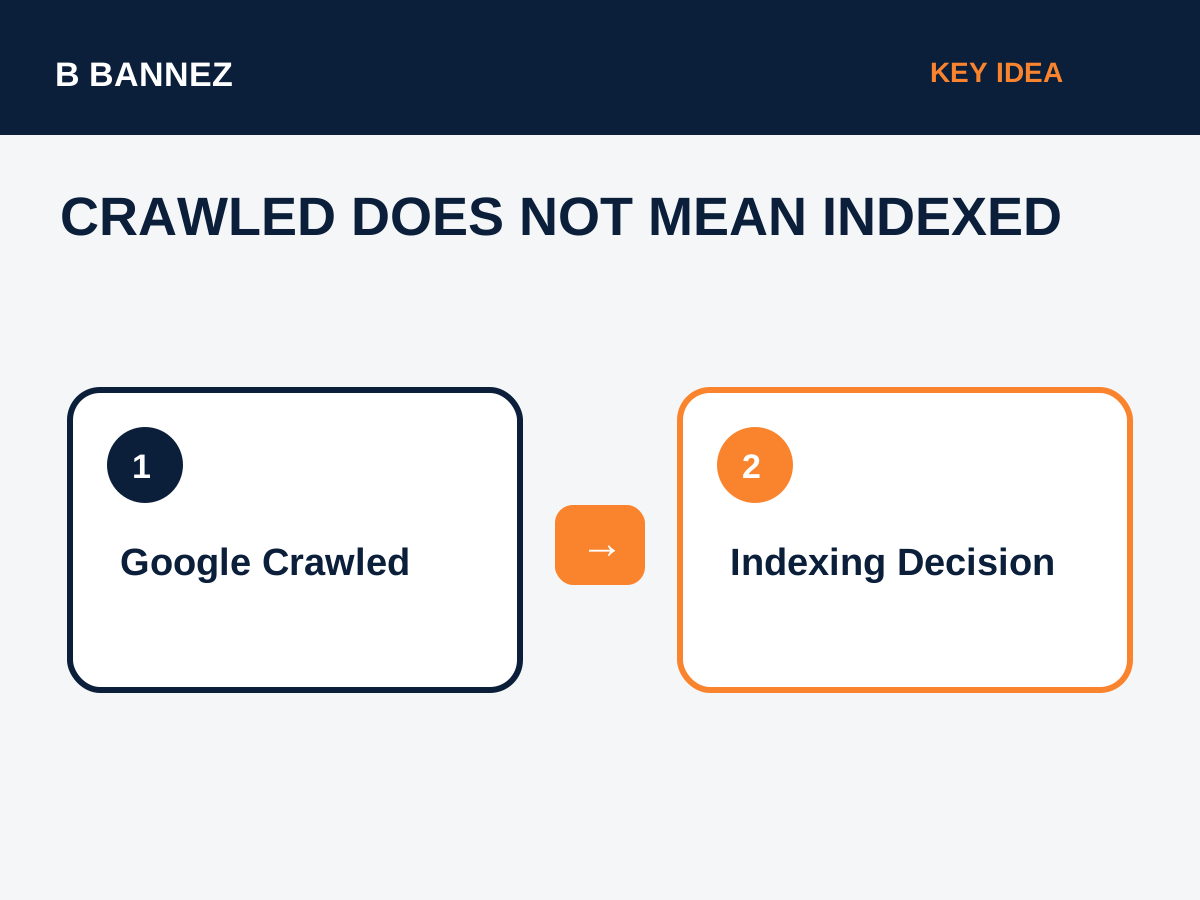
The status means Googlebot fetched the page, but Google has not selected that URL for the search index at the time represented by the report.
That is different from a page blocked by robots.txt, a page with a noindex directive, or a URL that returns an error. Search Console separates those situations into different reasons.
First: Confirm the Current State
Search Console reports are not always real-time. Use URL Inspection for an important affected URL and check whether the live URL is accessible and whether Google’s current canonical and indexing information match the report.
Technical Checks to Make
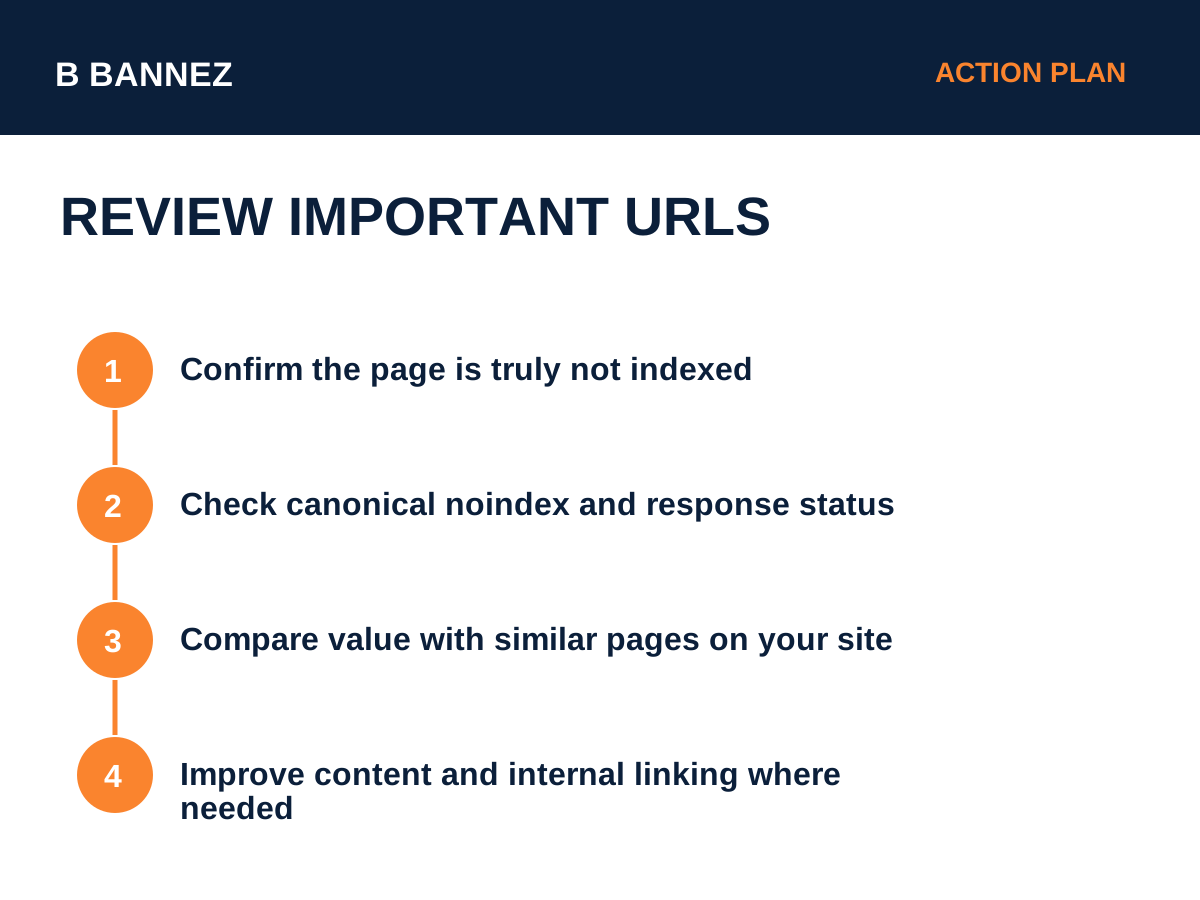
1. Check the HTTP status
The page should normally return a successful 200 response if you expect it to be indexed.
2. Check robots directives
Make sure the page does not contain an accidental noindex directive and is not blocked in a way that prevents Google from understanding the page.
3. Check the canonical
If the page canonicalizes to another URL, Google may correctly prefer the other URL. Our guide Canonical URLs Explained covers this in detail.
4. Check rendering
Confirm important content is available to search crawlers and not dependent on broken scripts or blocked resources.
Content and Value Checks
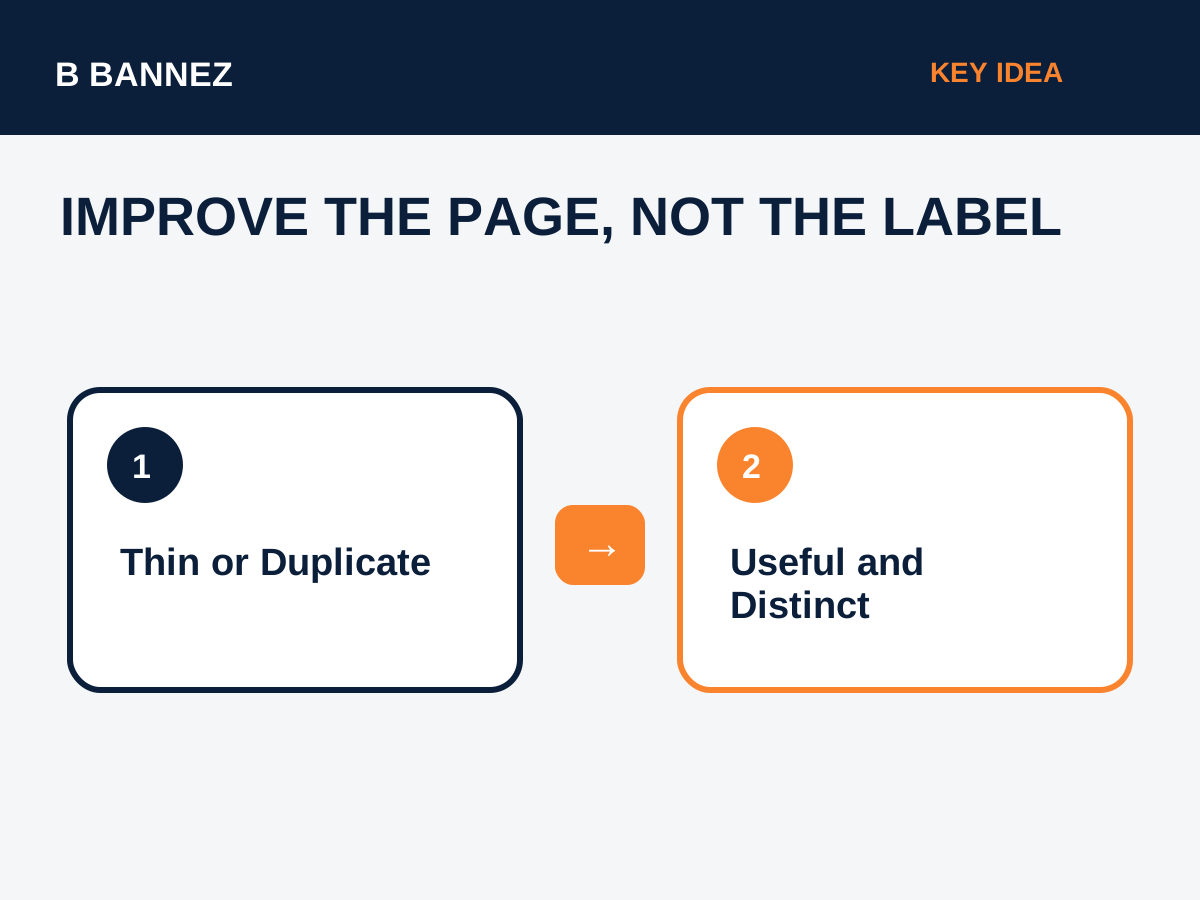
If the page is technically indexable, evaluate its usefulness honestly.
- Does the page offer information not already covered by another page on your site?
- Is it substantially useful compared with other results for the same search intent?
- Does it answer the user’s question completely?
- Is the page thin because it was created only for a keyword variation?
- Could two or more similar pages be merged?
Keyword overlap can be part of the problem when multiple URLs serve the same intent. See Keyword Cannibalization: What It Is and How to Fix It.
Internal Linking Matters
Important pages should be reachable through normal crawlable links from relevant sections of the site. An orphan page with no meaningful internal links can look less important and is harder for users to discover.
Add internal links where they genuinely help the reader. Do not create dozens of irrelevant links only to force crawling.
Should You Request Indexing Again?
URL Inspection can be useful after you make meaningful changes to an important page, but repeatedly submitting the same unchanged URL is not a substitute for improving it. Google decides what to index.
When Consolidation Is Better
If two articles answer the same question, consider merging them into one stronger page and redirecting the weaker URL. This can produce a clearer site structure and concentrate useful content.
For permanent URL consolidation, read 301 vs 302 Redirects: What Is the Difference for SEO?.
Indexing Troubleshooting Checklist
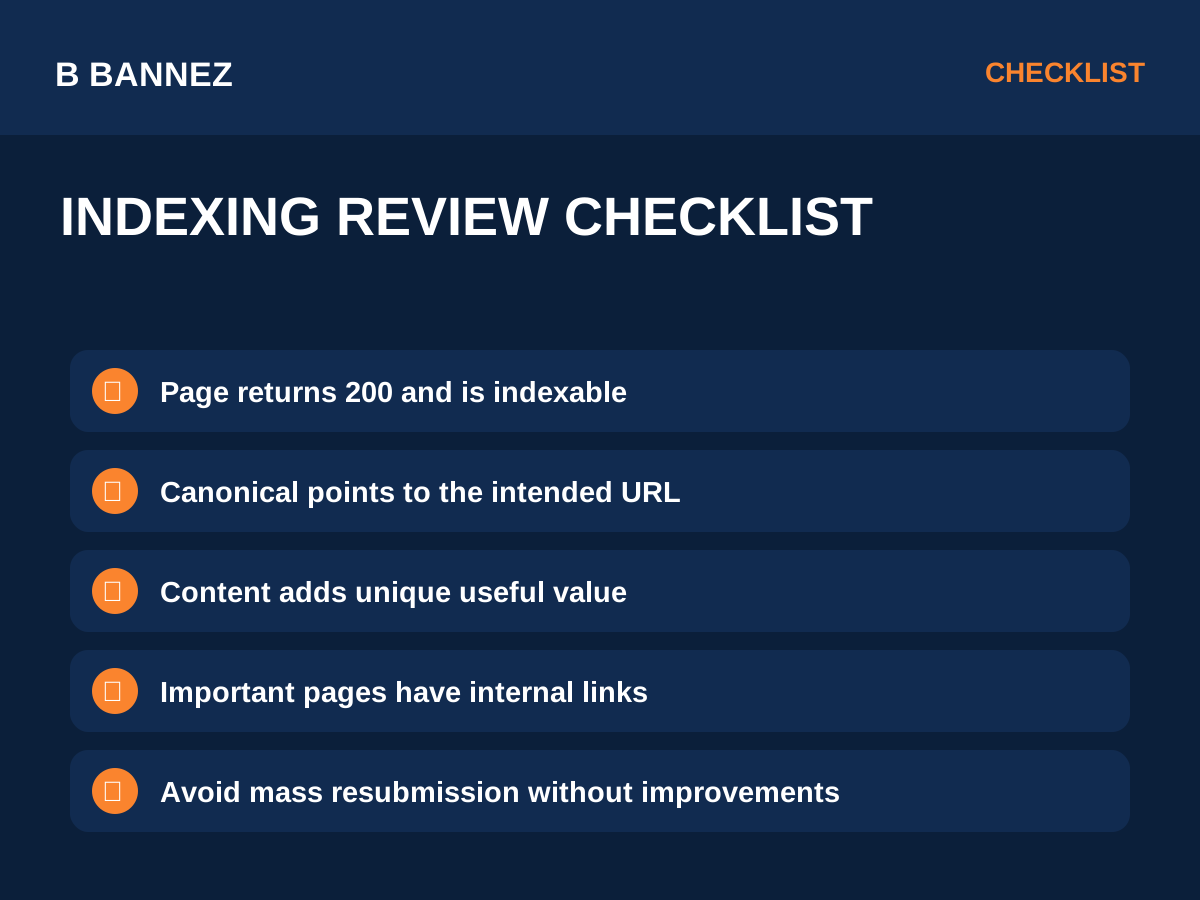
- Confirm the current status with URL Inspection.
- Check for a 200 response.
- Check noindex and robots settings.
- Check the canonical URL.
- Compare the page with similar content on your site.
- Improve weak sections with useful original value.
- Add relevant internal links.
- Merge near-duplicate pages when appropriate.
- Keep the preferred URL in your XML sitemap.
- Request indexing after meaningful changes, not repeatedly without changes.
Common Mistakes
Publishing more near-duplicate pages
If Google is already not indexing several similar pages, creating more keyword variants is unlikely to solve the underlying issue.
Changing the date without improving the content
Fresh timestamps are not a substitute for substantive updates.
Assuming every valid page must be indexed
Search engines do not guarantee indexing for every URL they crawl.
FAQs
Does Crawled – currently not indexed mean a penalty?
No. The status by itself does not mean a manual action or penalty.
Can a page become indexed later?
Yes. Search Console states that the page may or may not be indexed in the future.
Should I noindex every page in this status?
No. First decide whether the page should exist and whether it is valuable. Noindex is appropriate only when you intentionally do not want a page in search.
Conclusion
“Crawled – currently not indexed” means Google has visited the URL but has not selected it for indexing at that time. Start with technical checks, then focus on page value, duplication, internal links, and clear search intent.
For an important URL, the best next step is to inspect it, compare it with competing pages on your own site, and make substantive improvements before requesting another crawl.
