
Canonical URLs Explained: When and Why to Use Them
Canonical URLs Explained: When and Why to Use Them
A canonical URL tells search engines which version of a page you prefer when the same or very similar content can be reached through multiple URLs. It is one of the most important technical SEO tools for ecommerce sites, filtered pages, tracking parameters, print versions, HTTP/HTTPS duplicates, and other situations where several URLs may represent the same core content.
Google explains canonicalization in its official canonical URL documentation. A canonical is a strong signal, but Google can choose a different canonical when other site signals conflict.
What Is a Canonical URL?
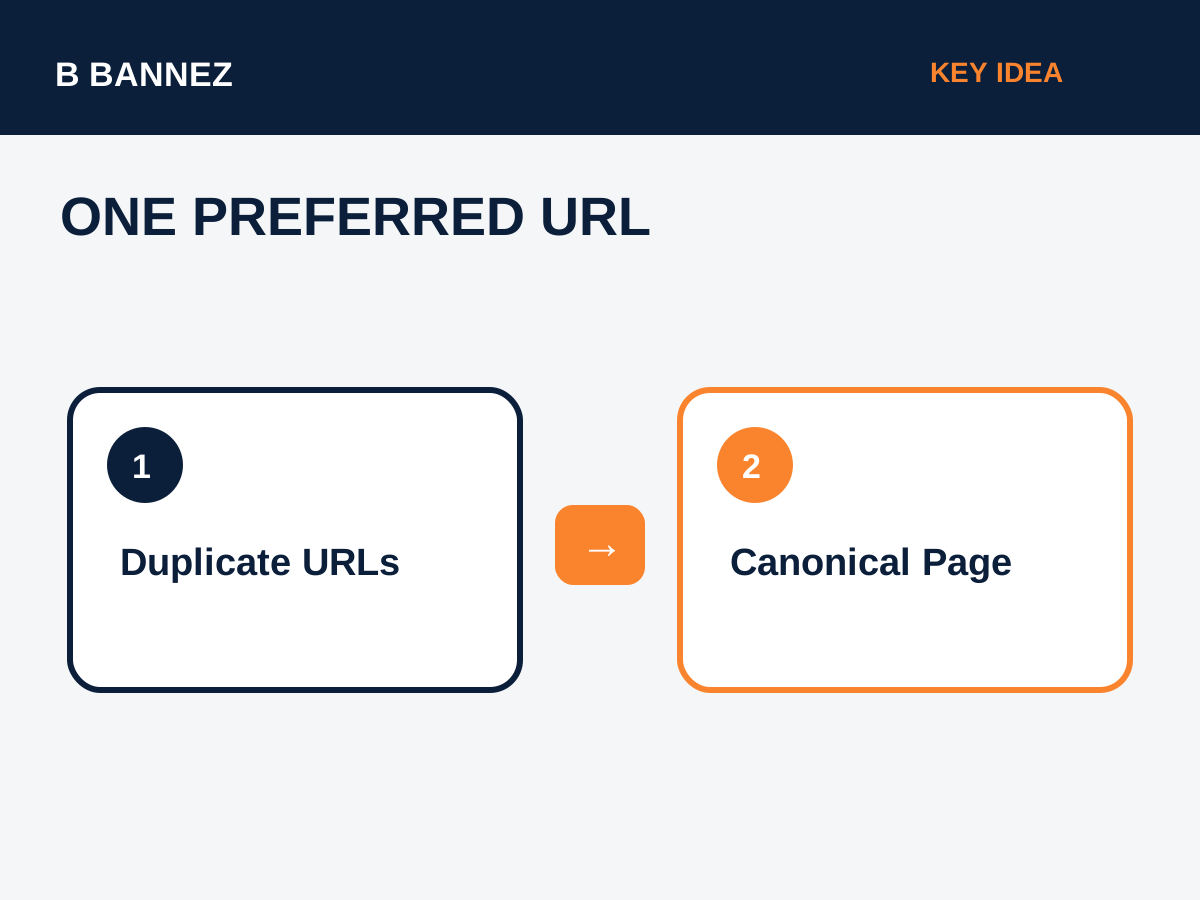
A canonical URL is the URL selected as the representative version of a group of duplicate or near-duplicate pages. Website owners can suggest that preferred version with a rel="canonical" link element.
<link rel="canonical" href="https://example.com/preferred-page/" />The tag normally appears inside the page’s <head>.
Why Canonical URLs Matter
Without a clear preferred URL, search engines may crawl several variants of the same content and decide for themselves which one should appear in search. Canonicalization helps consolidate duplicate signals around a preferred address.
Common duplicate URL examples
- URLs with tracking parameters.
- HTTP and HTTPS variants.
- www and non-www versions.
- Product pages accessible through several category paths.
- Printer-friendly or session-based URLs.
- Sort and filter parameters on ecommerce sites.
When Should You Use rel=canonical?
Use a canonical when multiple URLs need to remain accessible but one version should be treated as the primary search version. For example, if marketing parameters create copies of a landing page, the parameterized versions can canonicalize to the clean URL.
Self-referencing canonicals
A self-referencing canonical points to the page itself. It can reinforce the preferred URL format and is commonly used by SEO plugins and CMS platforms.
How to Implement a Canonical Correctly
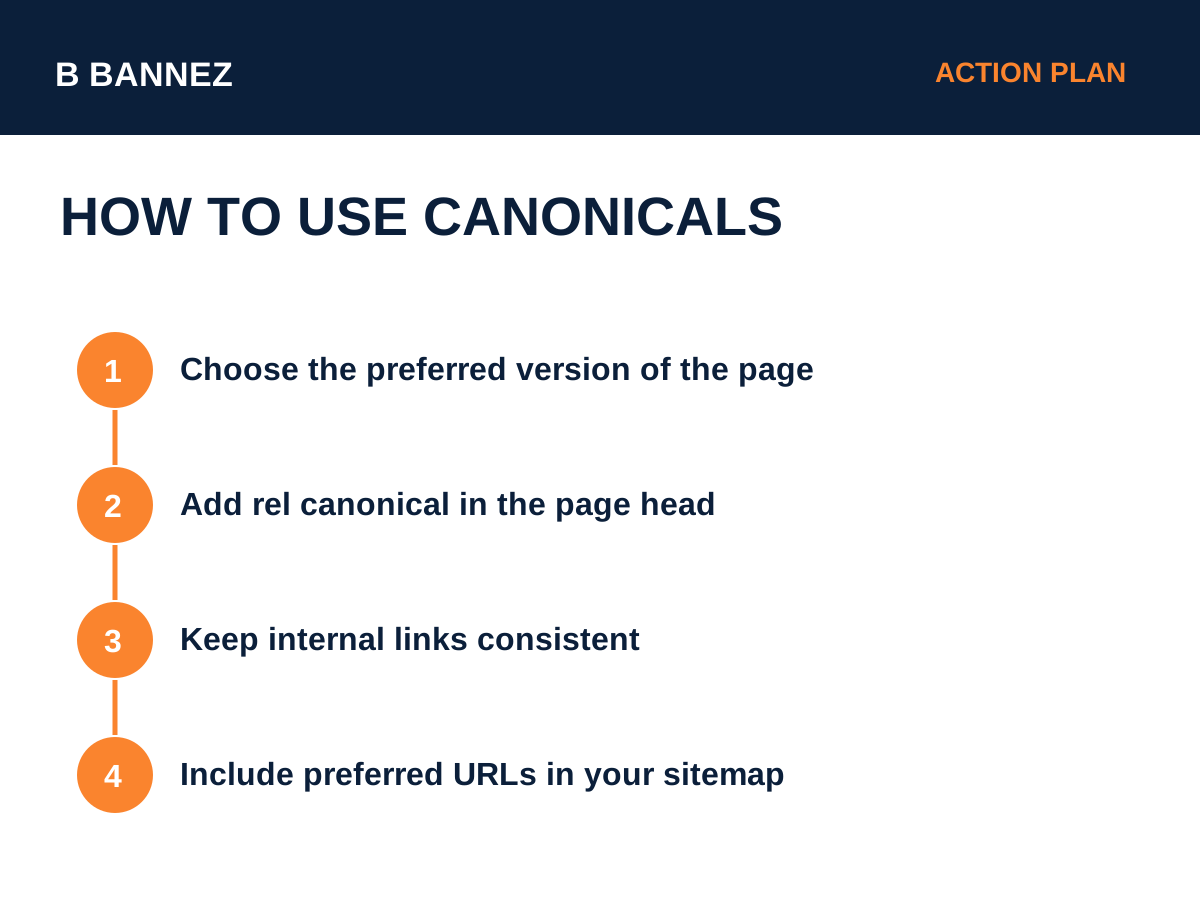
- Choose the preferred URL. Pick the clean, stable URL you want users and search engines to treat as primary.
- Add rel=canonical. Place the absolute preferred URL in the head of duplicate or equivalent pages.
- Use the preferred URL internally. Navigation and internal links should generally point to the canonical version.
- List preferred URLs in the sitemap. Google says sitemap URLs are also canonical signals.
- Keep redirects and canonicals consistent. Conflicting signals make canonical selection less clear.
Canonical Tag vs 301 Redirect
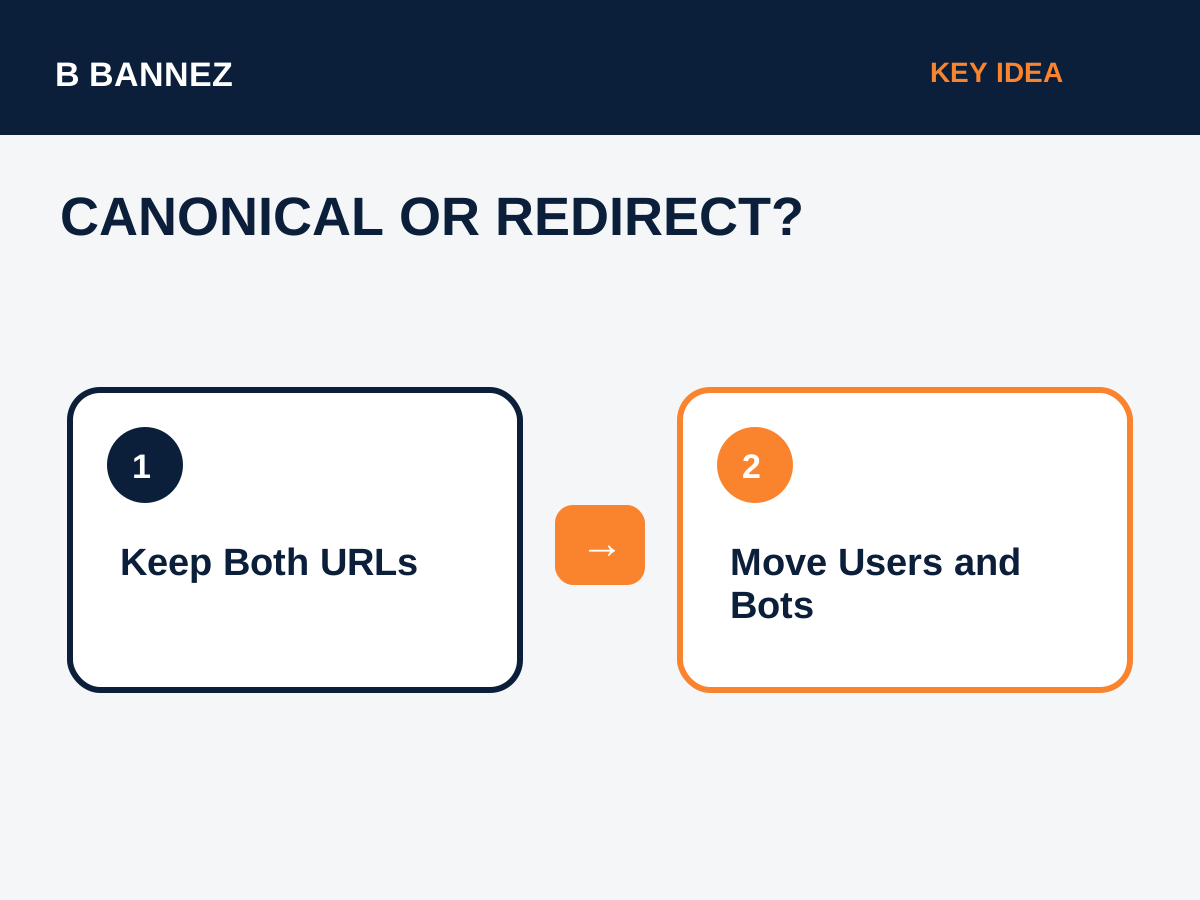
A canonical and a redirect solve different problems. A canonical lets multiple URLs remain available while suggesting one preferred search version. A 301 redirect sends users and crawlers from an old or duplicate URL to another URL.
If an old page no longer needs to exist, a permanent redirect is usually clearer. If both URLs must remain accessible for a legitimate reason, canonicalization may be more appropriate.
Our guide Keyword Cannibalization: What It Is and How to Fix It also explains when consolidation and redirects can be better than maintaining competing pages.
Canonical Signals Google Uses
Google considers several signals together, including redirects, canonical annotations, sitemap inclusion, internal links, and content similarity. That is why a canonical tag should not contradict the rest of the site.
Common Canonical Mistakes
Canonicalizing unrelated pages
Do not point completely different pages to one URL just to try to transfer ranking signals. Canonicals are intended for duplicate or very similar content.
Canonical chains
A page canonicalizing to another page that canonicalizes again creates unnecessary complexity. Point directly to the final preferred URL.
Using a blocked or non-indexable canonical
The preferred page should be crawlable and suitable for indexing. Canonicalizing to an error page, noindex page, or blocked resource creates conflicting signals.
Internal links point to non-canonical versions
If all internal links point to parameterized or alternate versions while the canonical points elsewhere, the site sends mixed signals.
Canonical URLs for WordPress
Most modern WordPress SEO plugins output canonical tags automatically. Still, website owners should check unusual templates, custom landing pages, pagination, ecommerce filters, and migrated URLs.
If you are customizing an existing WordPress site, see our guide to customizing a WordPress theme safely.
Canonical URLs for Ecommerce
Ecommerce stores often create duplicate product paths, tracking URLs, filters, and sorting parameters. Canonical rules should reflect the store’s actual index strategy rather than using one blanket rule for every filtered page.
Canonical URL Checklist
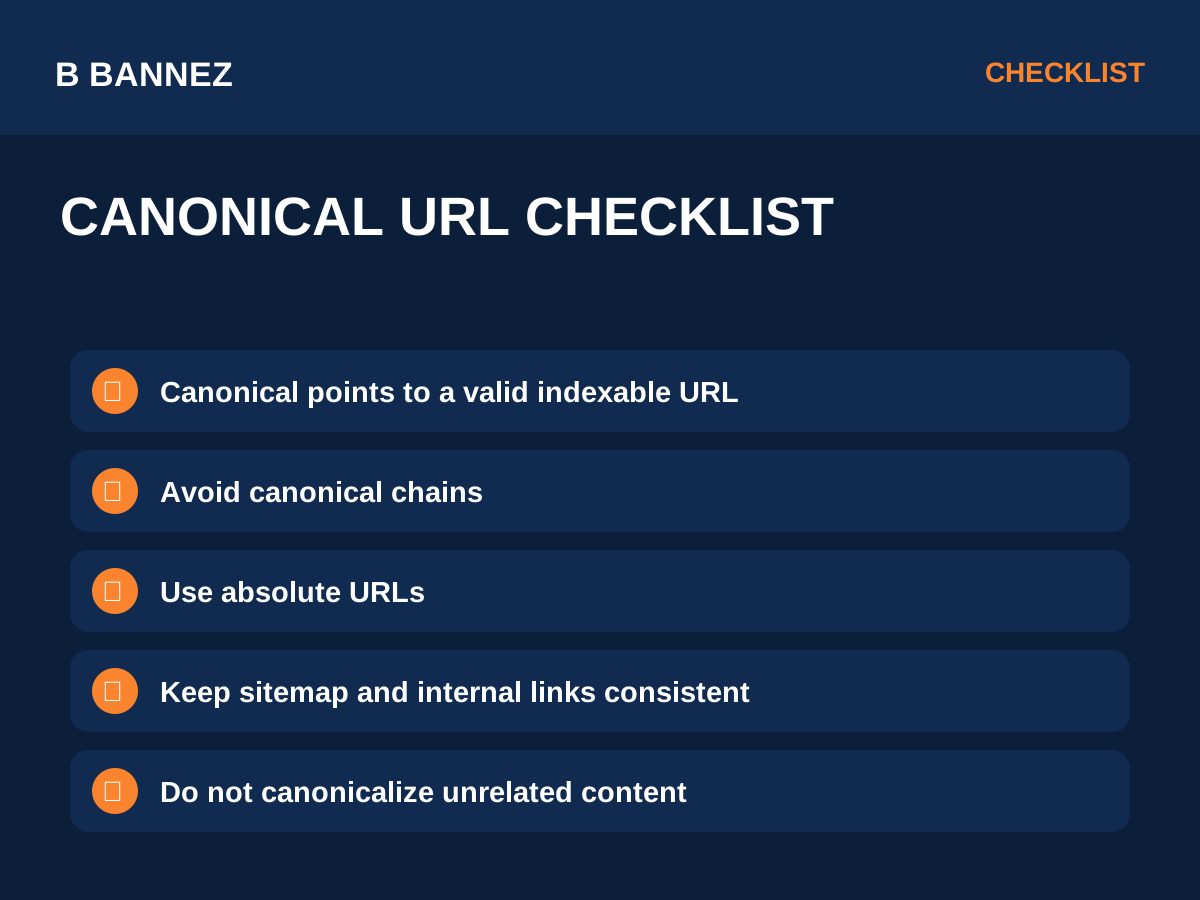
- Use an absolute URL.
- Point to a 200-status preferred page.
- Keep HTTP/HTTPS and www choices consistent.
- Use the preferred URL in internal links.
- List preferred versions in XML sitemaps.
- Avoid canonical chains and loops.
- Do not canonicalize unrelated content.
- Check rendered source after CMS or plugin changes.
FAQs
Does a canonical guarantee Google will index that URL?
No. It is a strong hint, not an absolute directive. Google may choose a different canonical if other signals are stronger.
Should every page have a canonical tag?
Self-referencing canonicals are common and can help keep URL signals consistent, but implementation should match your CMS and site structure.
Can I use canonical instead of redirecting an old page?
If the old URL should disappear for users, a permanent redirect is normally the better tool.
Conclusion
Canonical URLs help search engines understand which version of duplicate or highly similar content should represent the group. Choose one clean preferred URL, keep canonicals, internal links, redirects, and sitemaps aligned, and avoid sending conflicting signals.
For a practical next step, inspect important page templates and confirm that each one points to the URL version you actually want indexed.
