
Robots.txt Explained: What Website Owners Should Allow or Block
Robots.txt Explained: What Website Owners Should Allow or Block
The robots.txt file gives search-engine crawlers instructions about which parts of a website they may or may not crawl. It is useful for crawl management, but it is also easy to misuse. A single incorrect rule can block important sections of a site from being crawled.
Google’s official robots.txt documentation explains how the file works and what Googlebot supports. The most important thing to remember is that robots.txt controls crawling, not guaranteed indexing removal.
What Is Robots.txt?
Robots.txt is a plain text file placed at the root of a website:
https://example.com/robots.txtA simple file might look like this:
User-agent: *
Disallow: /private-area/

Sitemap: https://example.com/sitemap_index.xml
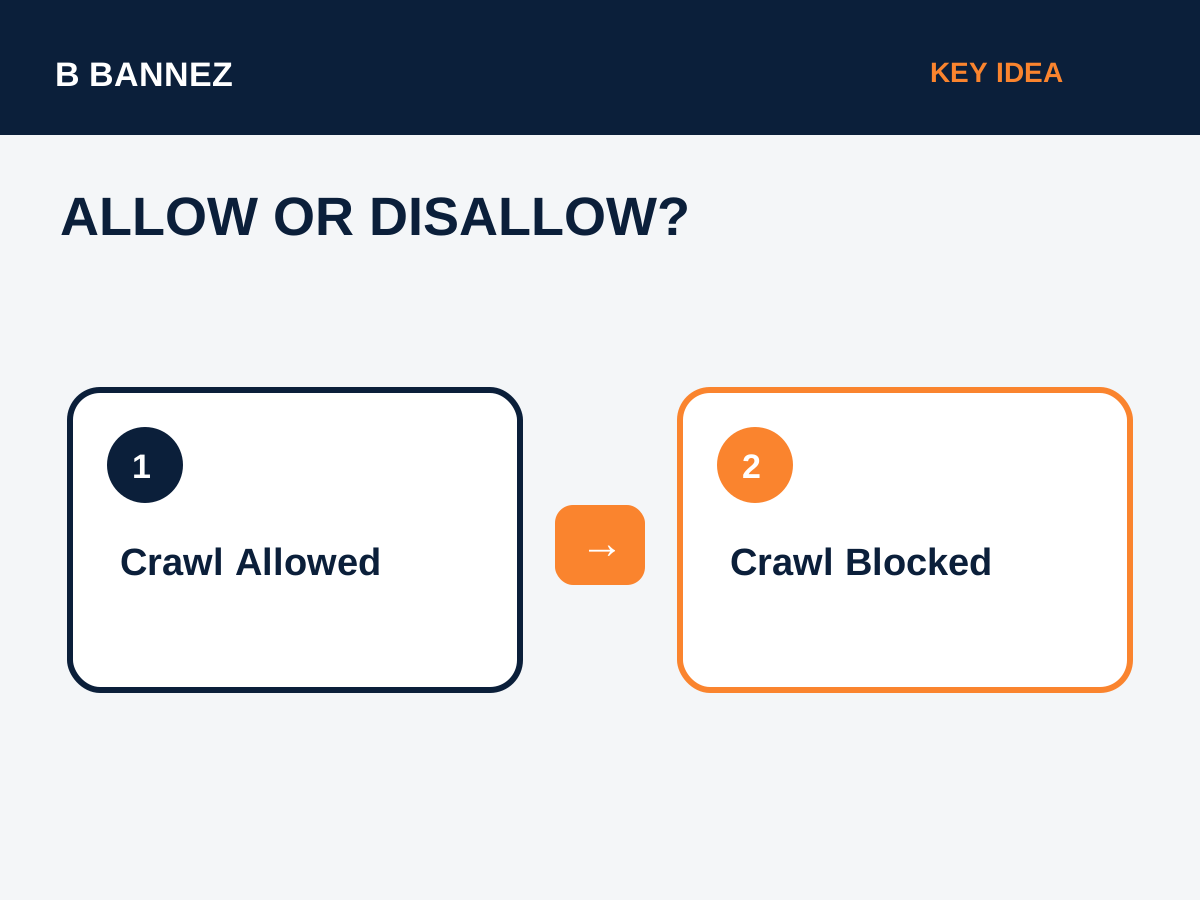
User-agent identifies the crawler the rule applies to. Disallow tells matching crawlers not to fetch a path. Some crawlers also support Allow rules.
What Should You Normally Allow?
Public content that you want search engines to understand should usually remain crawlable. This can include:
- Public pages and blog posts.
- Product and service pages.
- Important images.
- CSS and JavaScript required to render pages correctly.
- Category or archive pages that are part of your SEO strategy.
Blocking important assets can make it harder for search engines to render a page as users see it.
What Might You Block?
Robots.txt can be useful for crawl management when a site produces areas that do not need to be fetched by search bots. Examples may include certain internal search-result patterns, staging paths that are separately protected, crawler traps, or technically generated URL spaces with no search value.
However, do not use a generic list from another website without understanding your own CMS. A path that is harmless to block on one site may contain important content on another.
How to Review Your Robots.txt Safely
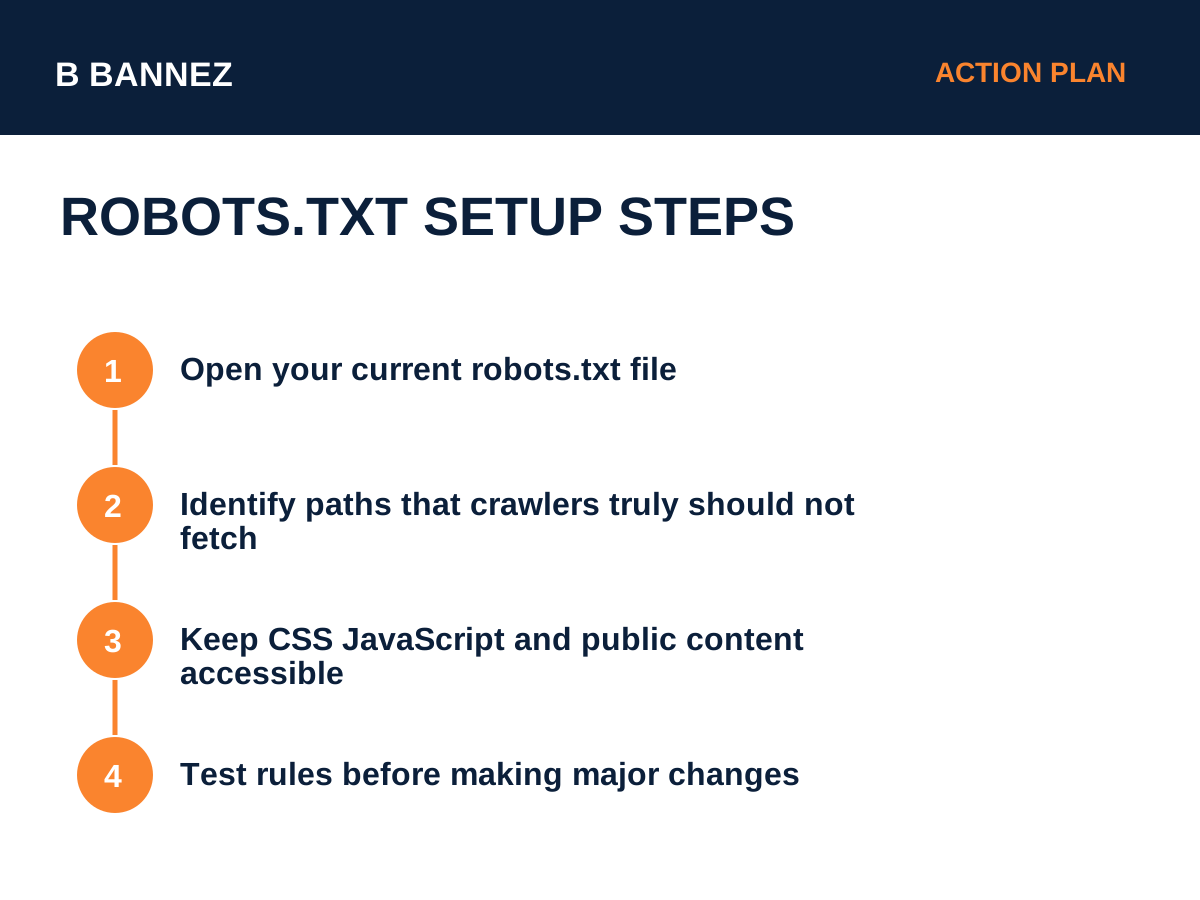
1. Open the current file
Visit /robots.txt and read every rule.
2. Identify which crawler each rule targets
A rule for User-agent: * applies broadly. Rules for named crawlers may behave differently.
3. Check every blocked path
Ask whether the blocked area contains any page you actually want discovered and rendered.
4. Check your sitemap reference
Adding the XML sitemap location to robots.txt is a common way to make the sitemap easy for crawlers to find.
5. Test after changes
After migrations, redesigns, staging launches, or security changes, review the file again.
Robots.txt vs Noindex
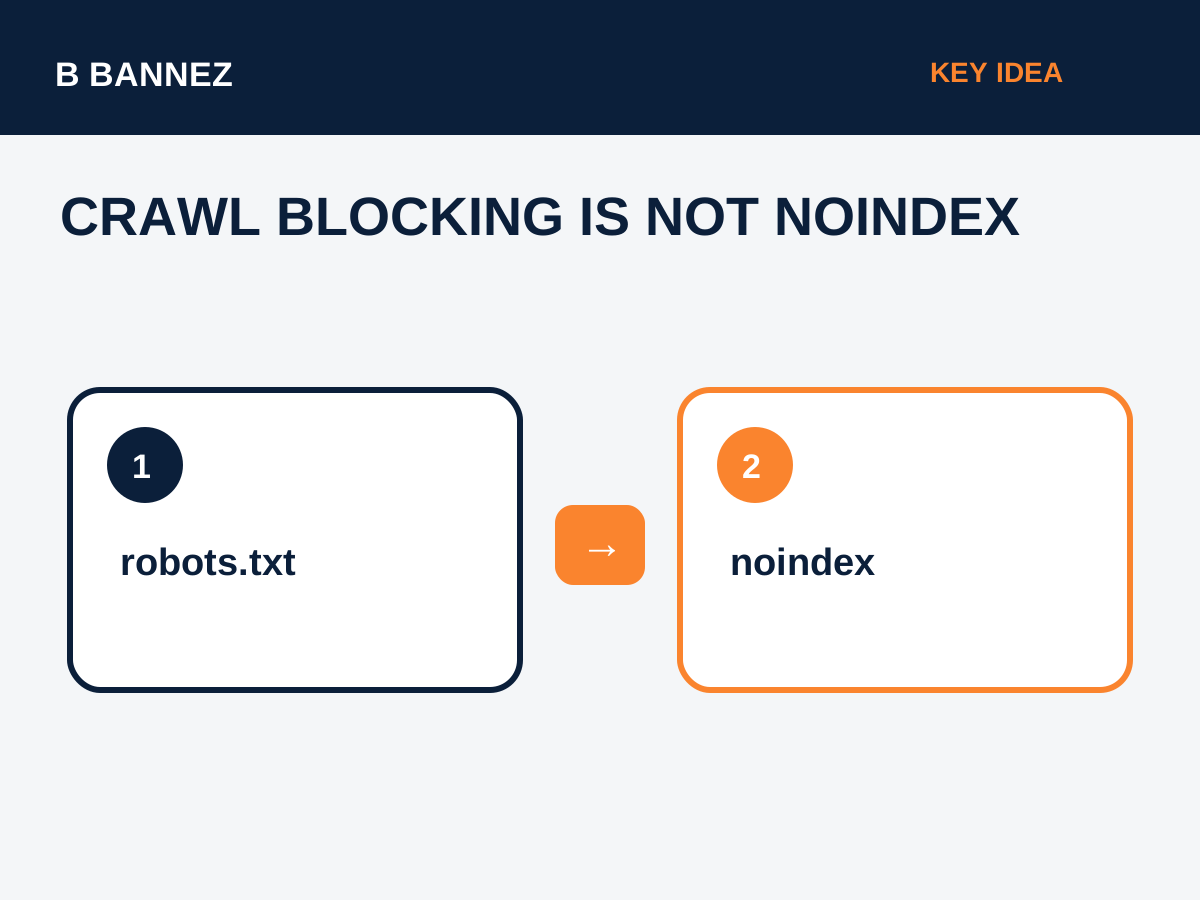
These two controls solve different problems:
- robots.txt: asks a crawler not to fetch a URL or path.
- noindex: tells a search engine not to include a crawlable page in its index.
If a URL is blocked from crawling, Google may not be able to see a noindex directive placed on that page. This is why robots.txt should not be treated as a reliable deindexing method.
Common Robots.txt Mistakes
Blocking the entire site
User-agent: *
Disallow: /
This rule blocks crawling across the whole site. It may be useful on a protected staging environment, but it is disastrous on a public site if used accidentally.
Blocking CSS or JavaScript
Modern search engines render pages. Blocking important resources can reduce their ability to understand layout and content.
Assuming robots.txt makes a page private
Robots.txt is public and is not an access-control system. Sensitive content should be protected with authentication or proper server permissions.
Copying another site’s rules
Robots.txt should reflect your own platform, URL structure, and crawl strategy.
Robots.txt for WordPress
WordPress may generate a virtual robots.txt file when no physical file exists. SEO plugins can also modify or expose robots settings. Before changing it, check whether a real file already exists at the web root and whether your SEO plugin is controlling the output.
For general site performance and technical maintenance, see our Cloudflare Free Plan setup guide.
Robots.txt and XML Sitemaps
The sitemap directive can point crawlers to your XML sitemap:
Sitemap: https://example.com/sitemap_index.xmlFor a complete explanation of sitemap strategy, read XML Sitemap Explained: How Search Engines Use Your Sitemap.
When You Should Be Extra Careful
- Before launching a staging site to production.
- After moving to a new CMS.
- After changing an SEO or security plugin.
- During a domain migration.
- When important pages suddenly disappear from crawl reports.
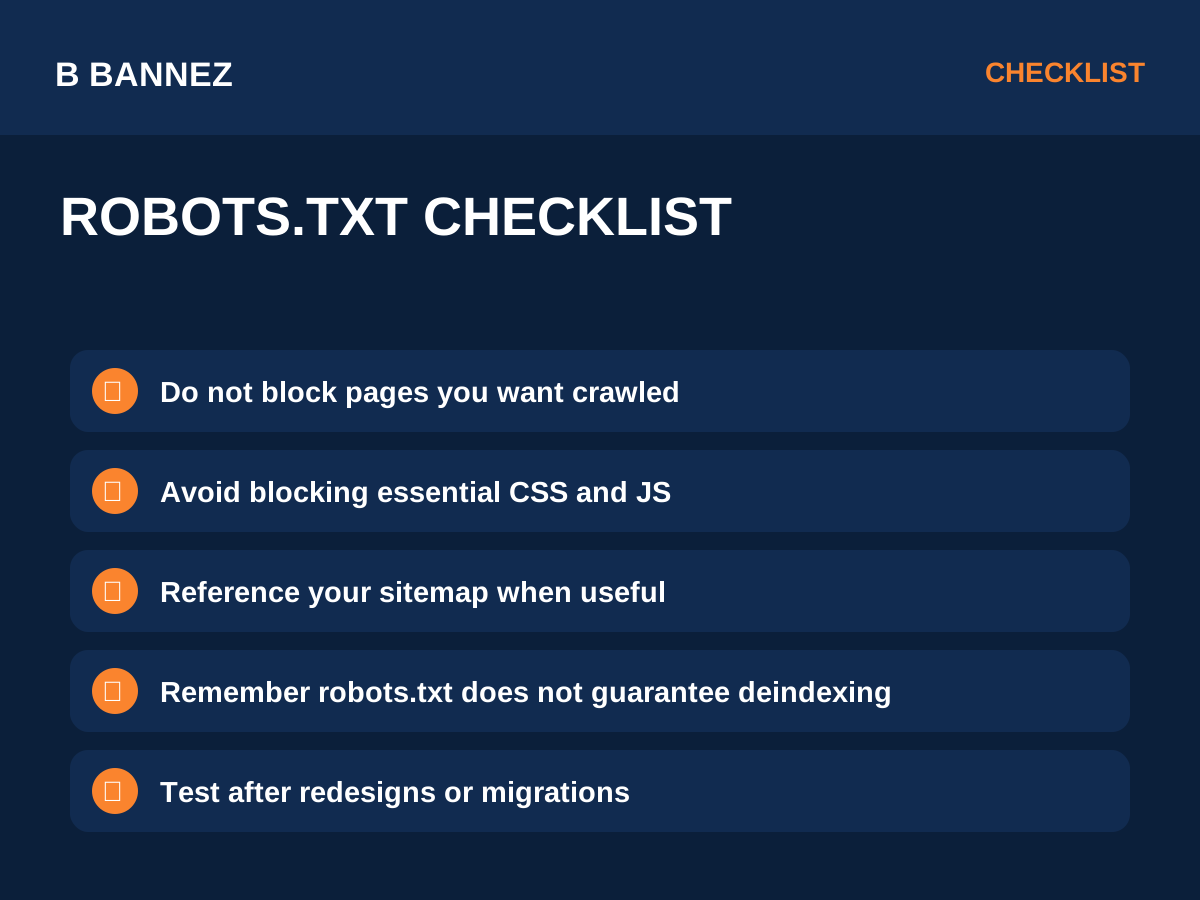
Robots.txt Checklist
- Open the file and read every directive.
- Confirm important public pages are crawlable.
- Do not block critical rendering assets unnecessarily.
- Do not use robots.txt as security.
- Do not rely on it alone to remove indexed pages.
- Add the sitemap location when useful.
- Review after technical site changes.
FAQs
Can robots.txt remove a page from Google?
Not reliably. It controls crawling. Use appropriate indexing controls and Search Console tools for removal scenarios.
Should WordPress block wp-admin?
Many WordPress installations discourage crawling of admin paths while allowing required AJAX endpoints. The exact configuration should match your setup.
Is robots.txt required?
No. A website can be crawled without a custom robots.txt file, but having a valid file can help communicate crawl preferences.
Conclusion
Robots.txt is a crawl-management tool, not a ranking trick or security system. Keep important public content accessible, block only paths you understand, avoid interfering with rendering assets, and remember that crawl blocking is different from noindex.
Your safest next step is to open your current robots.txt file and verify every blocked path against the pages you actually want search engines to crawl.
