
Discovered – Currently Not Indexed: What It Means
Discovered – Currently Not Indexed: What It Means
When Google Search Console shows Discovered – currently not indexed, it means Google knows the URL exists but has not crawled it yet. Because the page has not been crawled, Google has not evaluated its full content for indexing.
Google’s official Page Indexing report documentation explains that Google may discover a URL and schedule crawling for later. This can happen when Google expects additional crawling could put pressure on the site, or when crawl demand is low.
Discovered vs Crawled – Currently Not Indexed
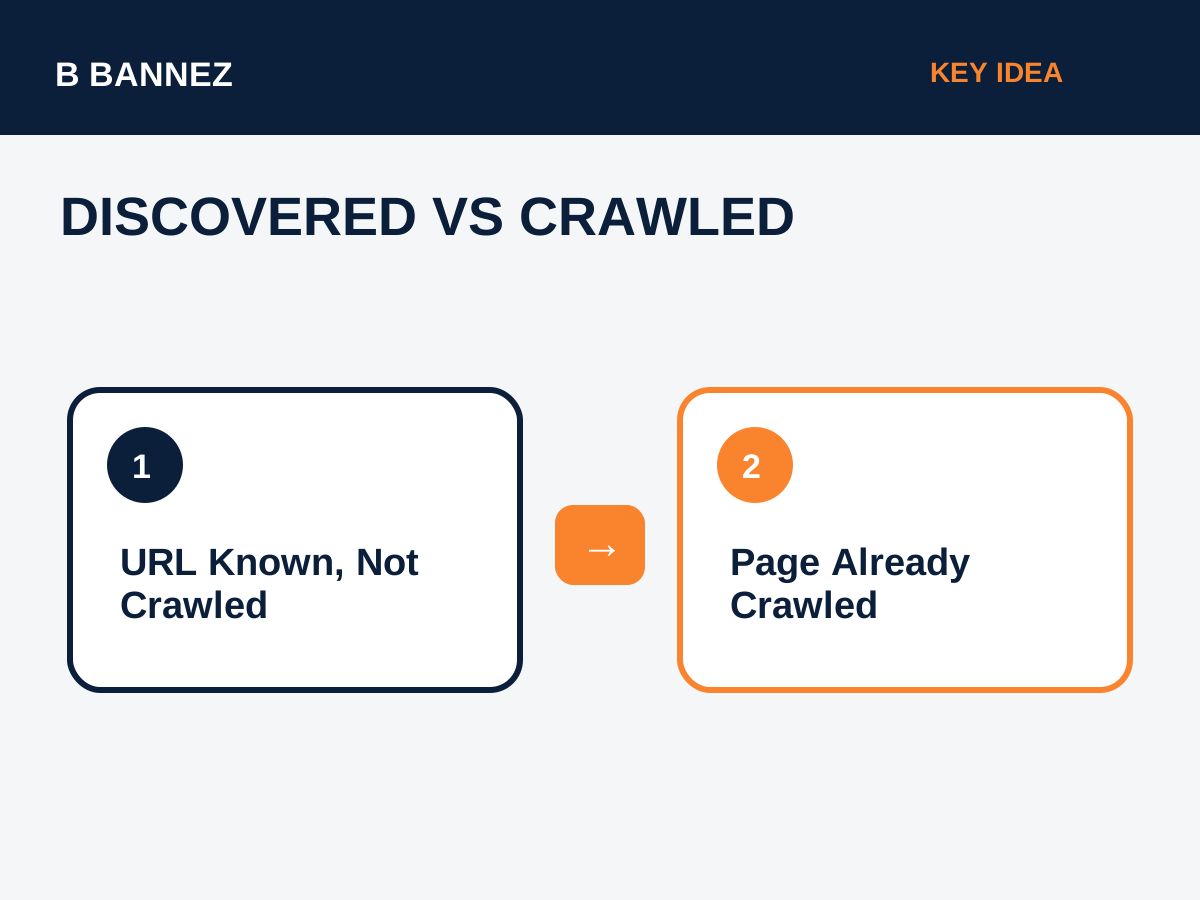
These two Search Console statuses are different:
- Discovered – currently not indexed: Google found the URL but has not crawled it yet.
- Crawled – currently not indexed: Google crawled the page but has not selected it for indexing.
For the second status, read our guide Crawled – Currently Not Indexed: What It Means and How to Fix It.
How Google Can Discover a URL
Google may learn about a URL through internal links, external links, XML sitemaps, redirects, and other crawl signals. Discovery only means the URL is known; it does not guarantee a crawl or index.
What Website Owners Should Check
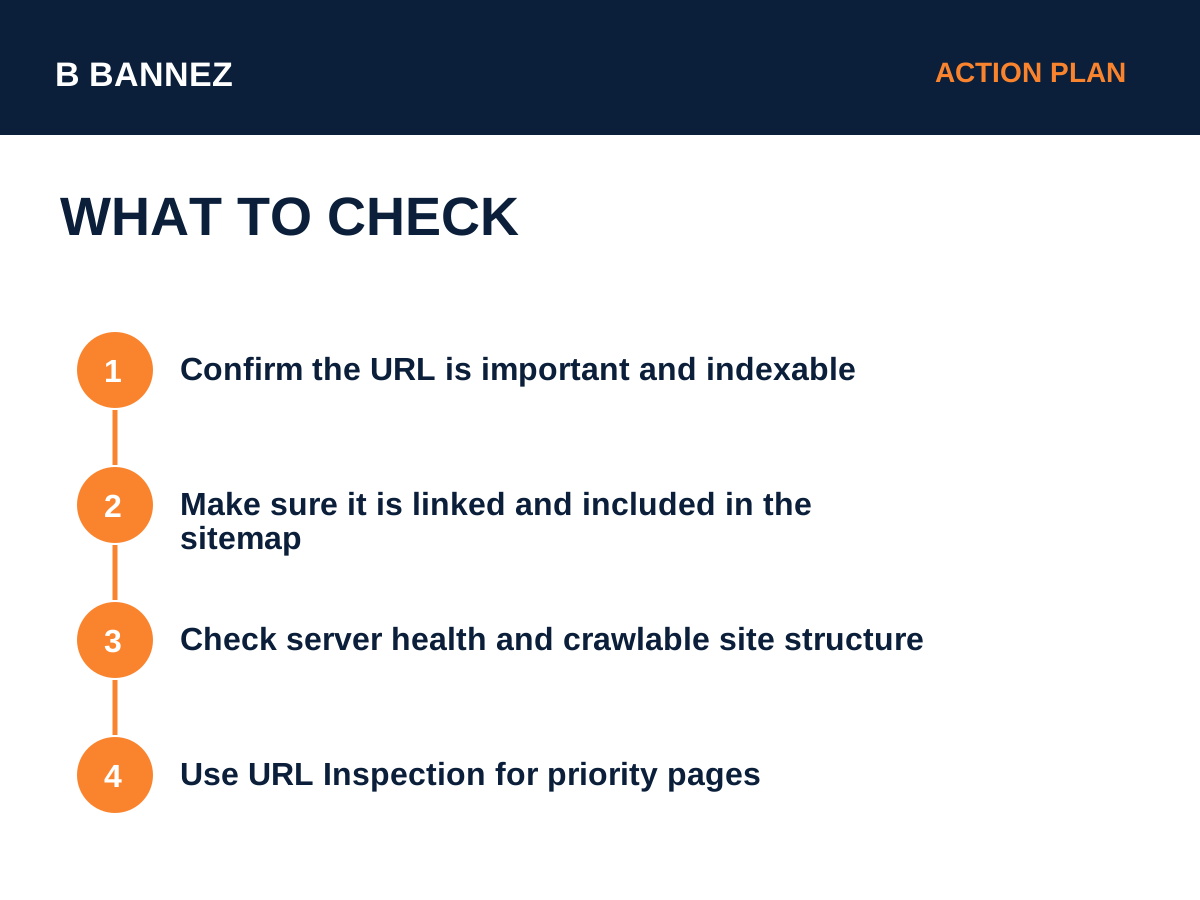
1. Make sure the URL matters
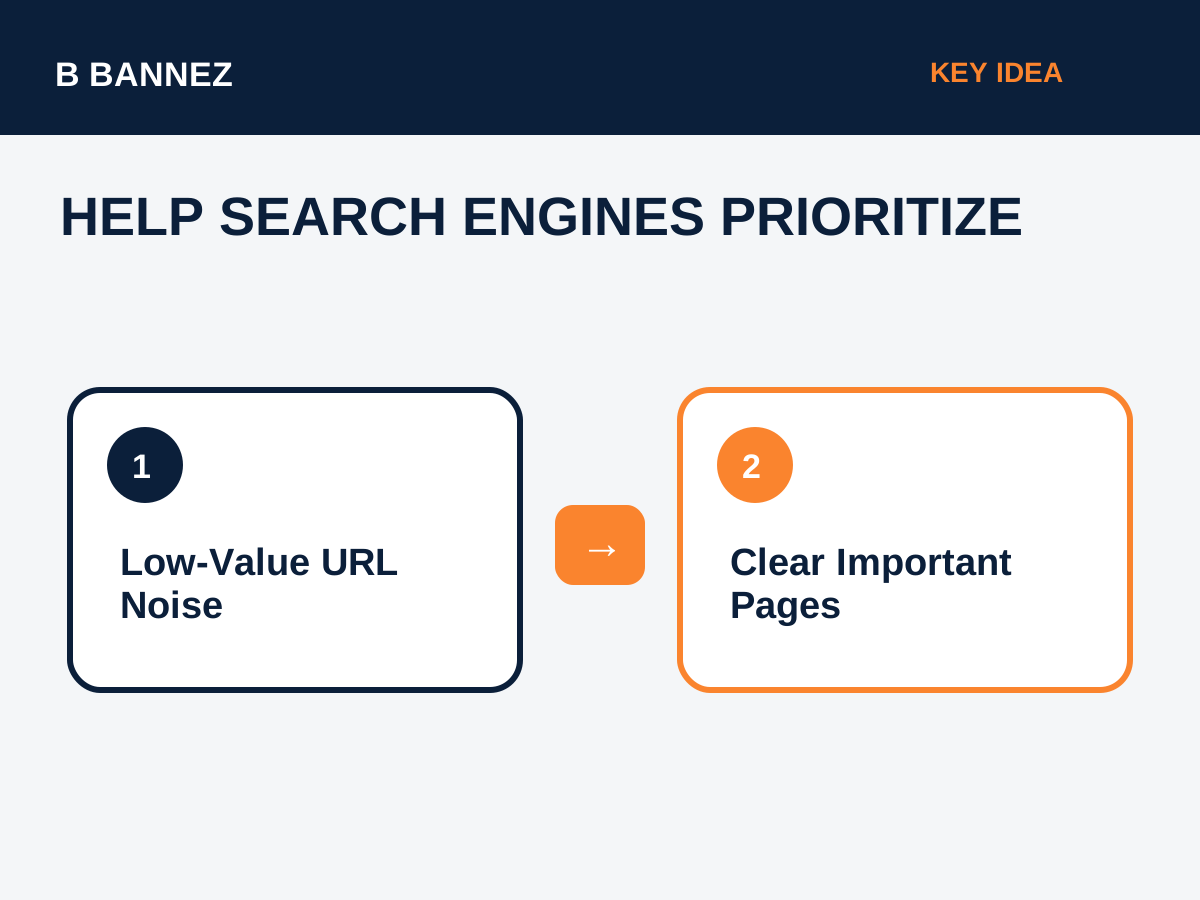
Do not try to push every thin filter, parameter, archive, or duplicate URL into the index. Focus on pages that provide clear value.
2. Check internal links
Important pages should be reachable from relevant pages using normal crawlable links. Strong site architecture helps search engines understand priority.
3. Keep the preferred URL in your sitemap
Your XML sitemap should contain canonical, indexable URLs that you want search engines to discover. See XML Sitemap Explained.
4. Check server reliability
Slow or unstable hosting can reduce crawl capacity. Monitor response times, 5xx errors, and periods when the site is unavailable.
5. Avoid unnecessary crawl waste
Large numbers of low-value URLs can make site crawling less efficient. Keep faceted navigation, duplicate parameters, and thin autogenerated pages under control.
Should You Use Robots.txt?
Robots.txt is useful when you intentionally want to prevent crawling of specific sections, but it should not be used as a random fix for indexing problems. Learn more in Robots.txt Explained.
Does Request Indexing Fix It?
For a small number of important URLs, URL Inspection can help you test the live page and request indexing. However, repeated submissions cannot force Google to crawl or index a URL.
Practical Checklist
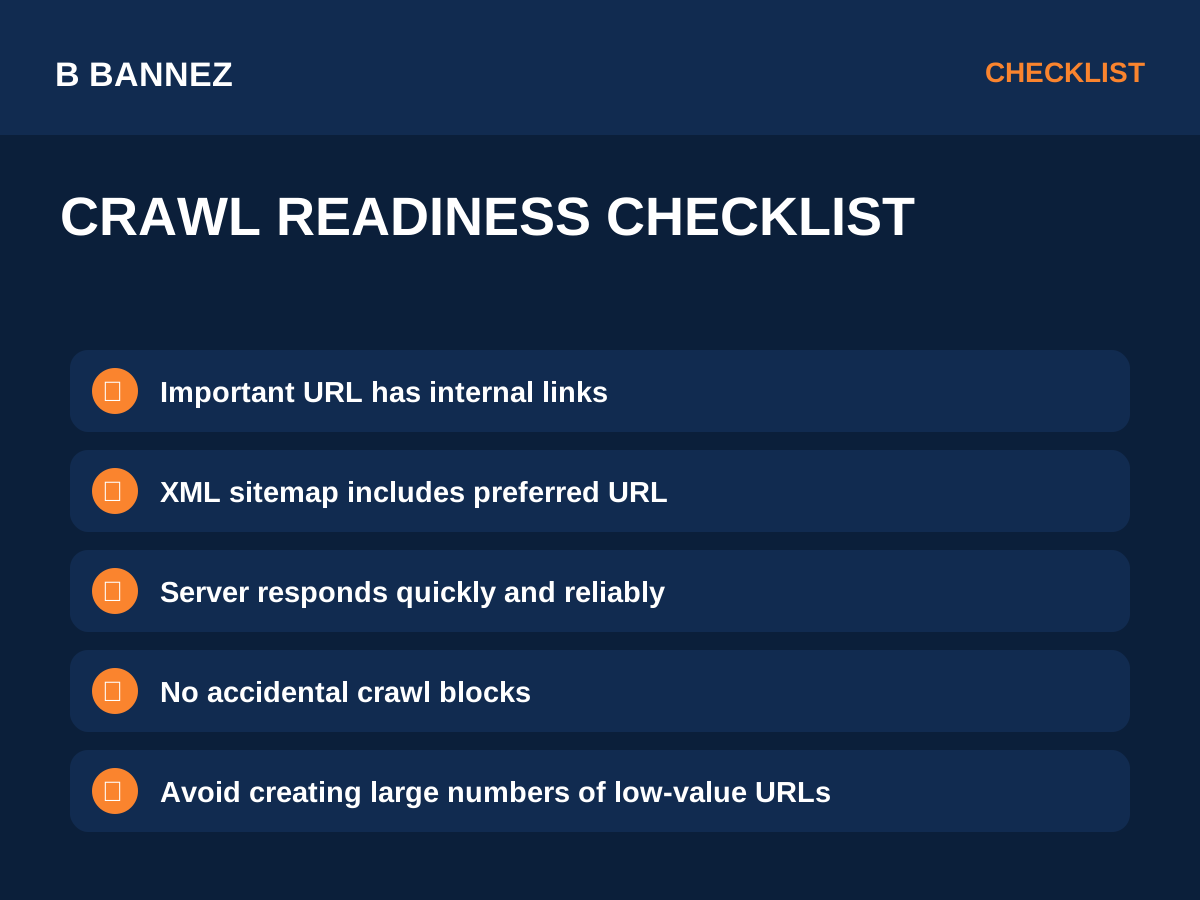
- Confirm the page should be indexed.
- Make sure it returns a normal 200 response.
- Link to it from relevant crawlable pages.
- Include the canonical URL in the sitemap.
- Check that robots.txt does not block crawling unintentionally.
- Monitor server health and crawl stats.
- Reduce low-value URL duplication.
- Use URL Inspection for genuinely important pages.
FAQs
Is this a penalty?
No. The status itself is not a manual action or penalty.
Has Google read the page content yet?
Not according to this status. Google has discovered the URL but has not crawled it yet.
Will the page definitely be indexed later?
No. Crawling and indexing are not guaranteed.
Conclusion
Discovered – currently not indexed means Google knows the URL but has not crawled it yet. Improve crawl readiness by maintaining a clear site structure, reliable server, useful pages, sensible internal links, and a clean sitemap. Focus your effort on important URLs rather than trying to force every page into the index.
