
301 vs 302 Redirects: What Is the Difference for SEO?
301 vs 302 Redirects: What Is the Difference for SEO?
Redirects are a normal part of website management. They are used when URLs change, pages move, products are replaced, domains migrate, or temporary campaigns send visitors to a different page. Two of the most common HTTP redirects are 301 and 302.
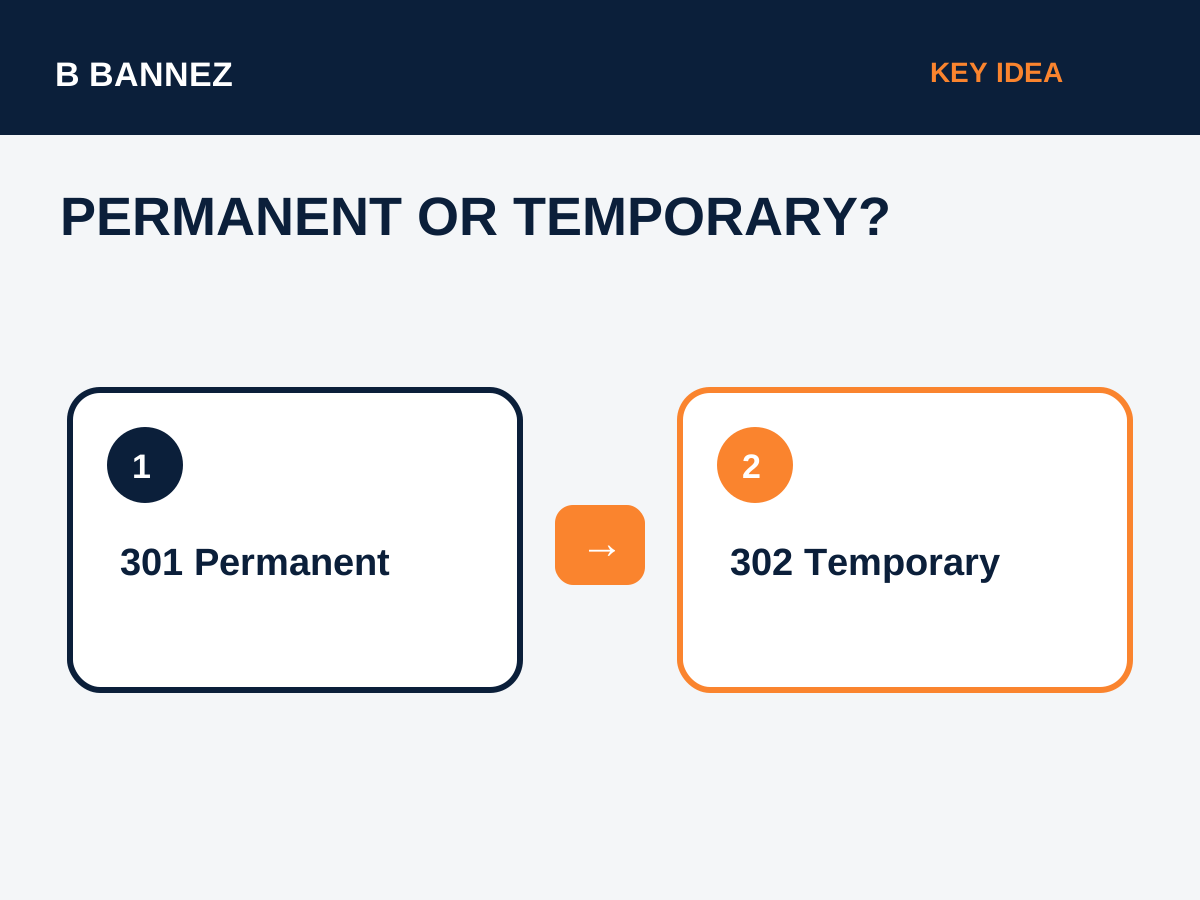
The basic difference is simple: a 301 is used for a permanent move, while a 302 is used for a temporary move. The SEO impact depends on whether the redirect accurately reflects what is happening to the URL and whether the destination is relevant.
Google’s official redirect documentation explains the supported redirect methods and how Google interprets permanent and temporary redirects.
What Is a 301 Redirect?
A 301 redirect indicates that a page or resource has moved permanently. Visitors and search engines requesting the old URL are automatically sent to the new location.
Common reasons to use a 301
- A page has been permanently moved to a new URL.
- A website changes from HTTP to HTTPS.
- A domain migration is permanent.
- Two duplicate pages are consolidated into one stronger URL.
- A product or service page is permanently replaced by a relevant successor.
A 301 is usually the right choice when you do not plan to bring the old URL back.
What Is a 302 Redirect?
A 302 redirect indicates a temporary move. The original URL is expected to return or remain the preferred URL after the temporary situation ends.
Common reasons to use a 302
- A temporary campaign or promotion.
- A short-term maintenance page.
- A/B or regional testing where the original URL should remain primary.
- A temporary product substitution.
301 vs 302: Key Differences
| Area | 301 | 302 |
|---|---|---|
| Meaning | Permanent move | Temporary move |
| Expected future | Old URL should not return as primary | Original URL may return |
| Typical use | Migrations, consolidation, permanent URL change | Testing, temporary campaigns, short-term changes |
| SEO goal | Consolidate signals to new URL | Keep original URL as the long-term reference |
How Google Treats Redirects
Google treats permanent redirects such as 301 and 308 as strong signals that the destination should become canonical. Temporary redirects such as 302 and 307 are signals that the source URL may remain canonical. However, Google uses multiple signals and can make a different canonical choice when site signals conflict.
This is why redirect type, internal links, canonical tags, and XML sitemaps should all tell the same story.
How to Choose the Correct Redirect
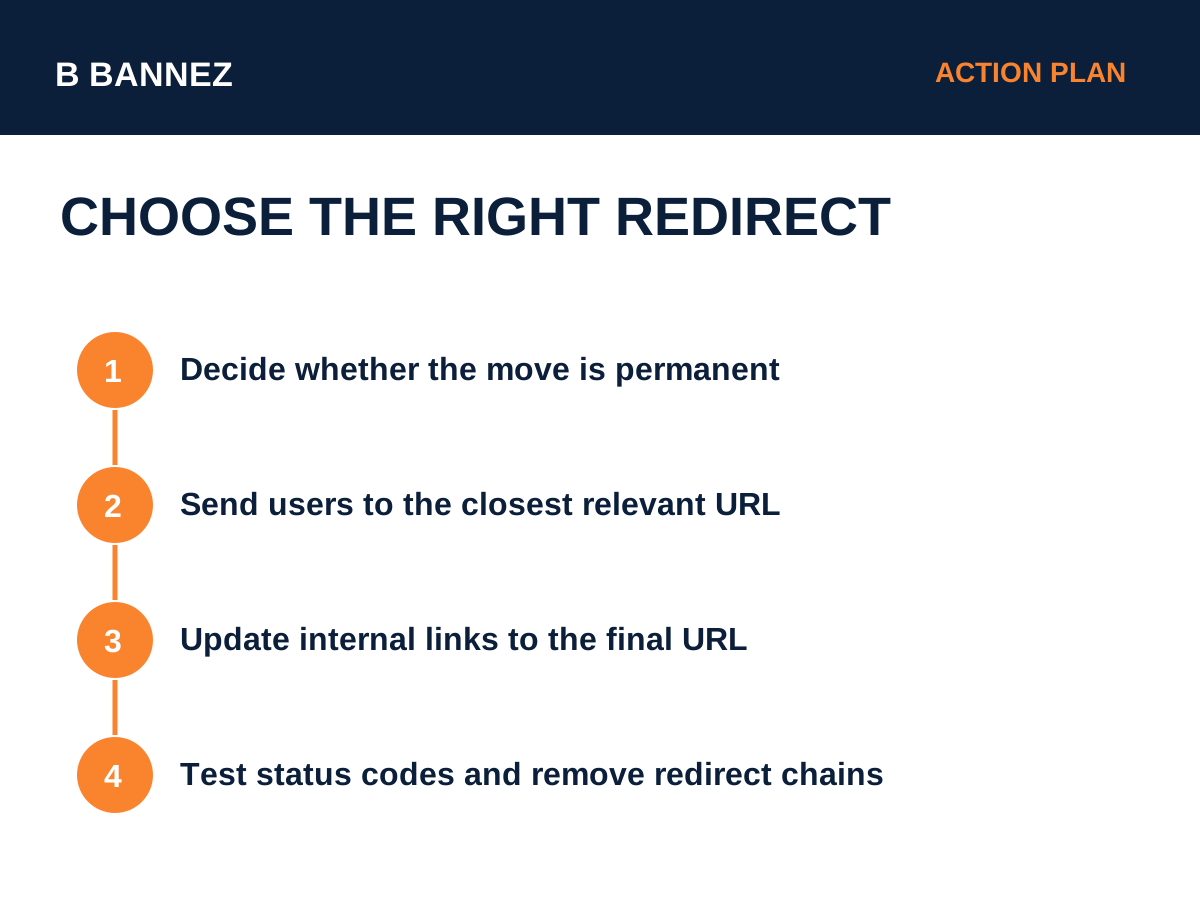
- Ask whether the move is permanent. If yes, use a permanent redirect.
- Choose the closest relevant destination. Do not send every deleted page to the homepage.
- Update internal links. Link directly to the final URL instead of relying on redirects.
- Update your sitemap. Remove old URLs and include final preferred URLs.
- Test the redirect. Confirm the status code and final destination.
Redirects and Canonical URLs
Redirects and canonical tags are related but not interchangeable. If users should no longer access the old URL, a redirect is usually the cleaner solution. If both URLs must remain accessible but one should be preferred in search, canonicalization may be more suitable.
Read our guide Canonical URLs Explained: When and Why to Use Them for a full comparison.
Common Redirect SEO Mistakes
Redirecting everything to the homepage
If a removed page has no close replacement, redirecting it to an unrelated homepage can create a poor user experience. Use the most relevant destination.
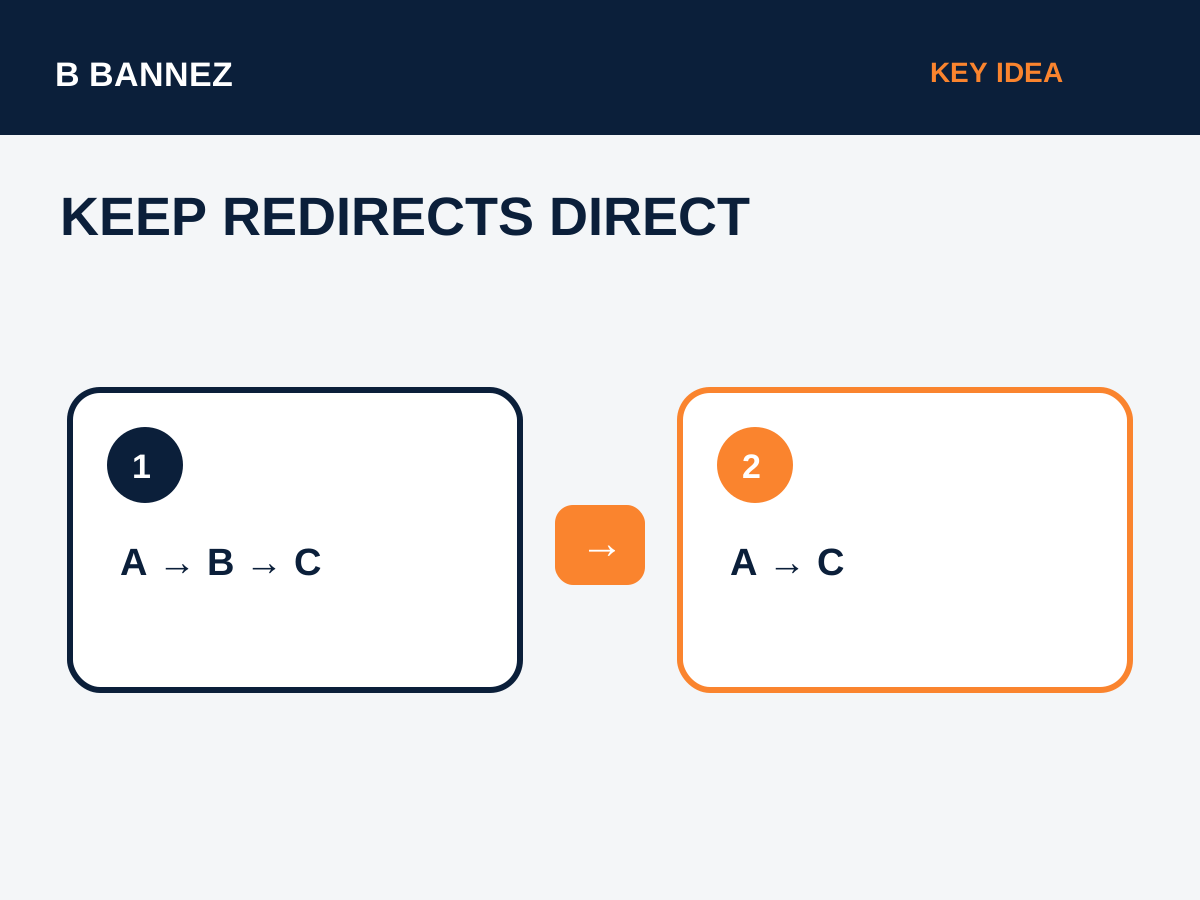
Creating redirect chains
A chain such as A → B → C adds unnecessary hops. Update the first URL to point directly to C whenever possible.
Forgetting internal links
Redirects should not become a permanent substitute for correct internal links. Update navigation, buttons, article links, and sitemaps to the final URL.
Using a temporary redirect for a permanent migration
If a move is permanent, communicate that clearly with a permanent redirect.
Redirects During a Website Redesign or Migration
URL changes are common during redesigns and migrations. Build a redirect map before launch so each important old URL has a logical new destination. This helps users avoid 404 errors and reduces the risk of losing valuable URL signals.
For WordPress redesign planning, our guide WordPress Website Redesign: When Should You Redesign Your Site? provides additional context.
Redirect SEO Checklist
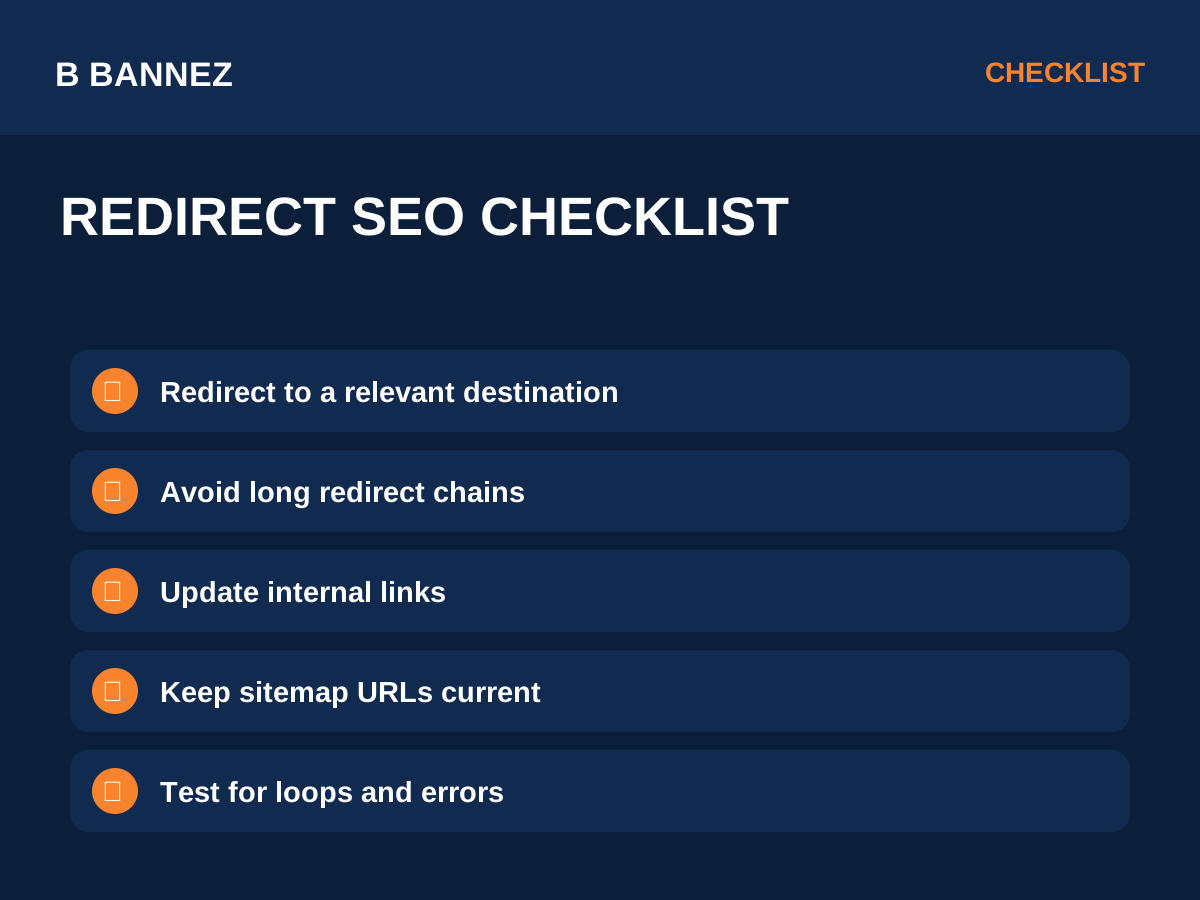
- Use 301/308 for permanent moves.
- Use 302/307 for genuinely temporary moves.
- Redirect to a closely related destination.
- Avoid loops and long chains.
- Update internal links.
- Update canonical tags if needed.
- Update XML sitemaps.
- Test important redirects after deployment.
- Monitor Search Console for crawl errors.
FAQs
Does a 302 always hurt SEO?
No. A 302 is appropriate for temporary changes. Problems arise when the redirect type does not match the actual situation.
Should I use 301 when merging two articles?
If one article is permanently retired and its useful content is merged into another relevant URL, a 301 is commonly appropriate.
Can I redirect a deleted page to the homepage?
Only when the homepage is genuinely the most relevant replacement, which is uncommon. A more specific destination is usually better.
Conclusion
The difference between 301 and 302 redirects is primarily about permanence. Use a 301 for a permanent move and a 302 for a temporary one. Keep redirects relevant, direct, and consistent with your internal links, canonicals, and sitemaps.
Before changing URLs, create a simple redirect map. That one step can prevent many broken links, unnecessary chains, and avoidable SEO problems.
