
10 Common Google Publisher Policy Issues That Can Stop Ad Monetization
Website monetization can stop even when ad code is installed correctly. Policy problems can limit ad serving, block demand, or put a publisher account at risk.
This guide covers 10 common Google Publisher Policy issues every publisher should understand before and after monetization.
Start With the Official Google Publisher Policies
Google maintains official Google Publisher Policies and separate Publisher Restrictions. Policies can change, so publishers should review the current versions instead of depending only on old blog posts.
10 Common Policy Problems
1. Invalid Clicks or Impressions
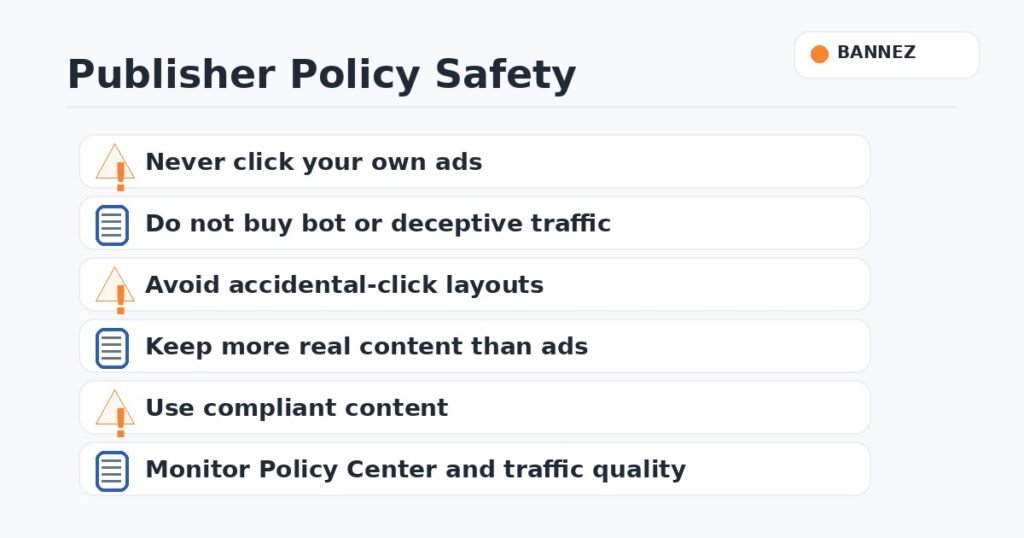
Never click your own ads or ask friends, users, employees, or visitors to click them. Avoid traffic or tools designed to create artificial impressions or ad engagement.
2. Ads Placed Where Accidental Clicks Are Likely
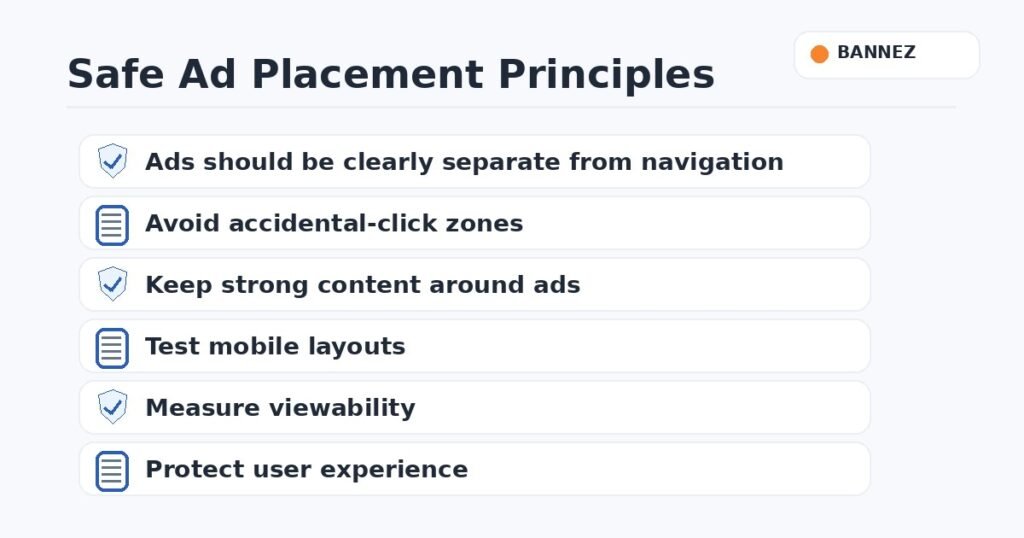
Ads should not look like navigation, download buttons, menu items, or other controls. Give ads enough space so users can tell advertising from site content.
3. Prohibited or Restricted Content
Some content cannot be monetized with Google publisher products, while other categories may receive restricted demand. Review the current policies for your topic.
4. Misleading or Deceptive Content
Pages designed to trick users, impersonate trusted services, hide important information, or make false claims can create policy problems.
5. More Ads Than Useful Content
Do not build pages mainly to display ads. Keep the real content clear and useful, and avoid layouts where advertising overwhelms the reason the visitor opened the page.
6. Ads on Pages With Little or No Publisher Content
Login screens, error pages, empty search results, or pages with almost no useful content may not be good places for ads. Review page purpose before adding monetization.
7. Poor Traffic Sources
Publishers are responsible for traffic reaching monetized pages. Avoid bot networks, forced redirects, click-exchange schemes, deceptive popups, and sources that create suspicious user behavior.
8. Privacy and Consent Problems
Your website may need disclosures, consent mechanisms, or other privacy controls depending on user location and the advertising technology used. Follow Google’s current requirements and applicable law.
9. Copyright or Unauthorized Content
Do not build monetized pages around content you do not have permission to use. This includes copied articles, images, videos, software, or other protected material.
10. Ignoring Policy Center Warnings
If Google shows a policy issue, read the affected page and policy carefully. Fix the root cause instead of hiding the warning or creating another ad unit.
Policy Safety Checklist
- Review traffic sources regularly.
- Never click your own ads.
- Keep ads separate from navigation.
- Review sensitive content before monetization.
- Protect user privacy.
- Use content you own or have permission to use.
- Keep the website useful without ads.
- Monitor Google’s Policy Center.
Want a Website Monetization Readiness Review?
If you want to check your website before applying to an ad network, Bannez offers a 100% Free Website Analysis & Recommendations for Any Ad Network. Our team can point out common content, structure, and monetization-readiness issues so you know what to review before submitting an application.
Frequently Asked Questions
Can one policy issue stop all ads?
Enforcement depends on the issue. Google may limit a page, a site, or an account depending on the policy and severity.
Are Google Publisher Restrictions the same as prohibited content?
No. Restricted content may be eligible for limited advertising demand, while prohibited content can have stronger enforcement. Check the current policy wording.
Can I fix a policy issue and request review?
For issues where Google provides a review process, follow the instructions shown in your account after fixing the underlying problem.
Conclusion
Publisher policy compliance is an ongoing responsibility, not something to check only during approval. Protect your account by using genuine traffic, clear ad placements, useful content, proper privacy practices, and regular policy reviews.
