
Common Shopify Store Design Mistakes That Hurt Sales
A Shopify store can have good products and still lose sales because the shopping experience feels confusing, slow, incomplete, or untrustworthy. Design is not only about how the store looks. It also affects how easily customers can understand products, move through the site, find important information, and complete checkout.
Below are common Shopify store design mistakes that can hurt sales, along with practical ways to fix them.
1. A Homepage That Does Not Explain the Store
A visitor should quickly understand what you sell and where to go next. Avoid a homepage filled with decorative banners that do not communicate a clear offer.
How to fix it
- Use a clear main headline.
- Show the most important product categories.
- Keep the main call to action easy to find.
- Remove sections that do not help customers shop.
2. Complicated Navigation
Too many menu items, unclear labels, and deep category structures make browsing harder.
How to fix it
Group related products into simple collections and use familiar labels. Shopify explains how online-store structure and navigation work in its official Online Store documentation.
3. Choosing a Theme Only for Appearance
A theme may look attractive in a demo but still be a poor fit for your product catalog or required features.
How to fix it
Compare mobile behavior, product layouts, filters, sections, support, and built-in features before purchase. Shopify’s theme selection guide can help you compare current theme options.
4. Inconsistent Branding
Using different fonts, button styles, icon styles, colors, and image treatments across pages makes the store feel unfinished.
How to fix it
Create a simple visual system and repeat it consistently.

5. Weak Product Images
Low-resolution, stretched, mismatched, or unclear product images make it harder for customers to evaluate what they are buying.
How to fix it
Use clear images, consistent aspect ratios where practical, and additional views when they help explain the product.
6. Copying Supplier Descriptions Without Editing
Supplier copy is often generic and may not answer customer questions.
How to fix it
Rewrite descriptions around benefits, specifications, size, materials, compatibility, delivery information, care, and realistic limitations.
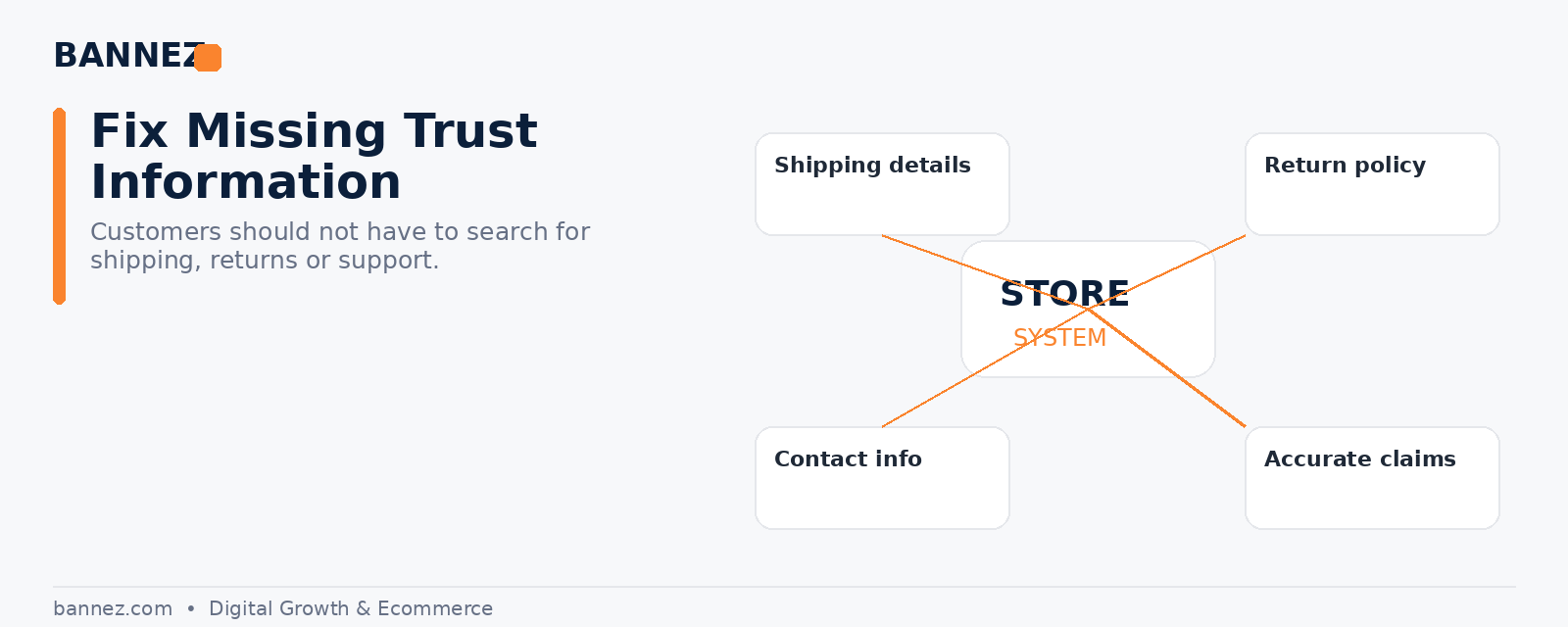
7. Hiding Shipping Information
Customers may abandon the purchase if they cannot understand delivery expectations until late in checkout.
How to fix it
Place realistic shipping information on product pages, FAQs, or a clear shipping policy.
8. Missing or Weak Policy Pages
Stores without clear refund, privacy, shipping, or terms information can create unnecessary uncertainty.
How to fix it
Shopify provides official instructions for adding store policies. Review every policy so it matches your own business.
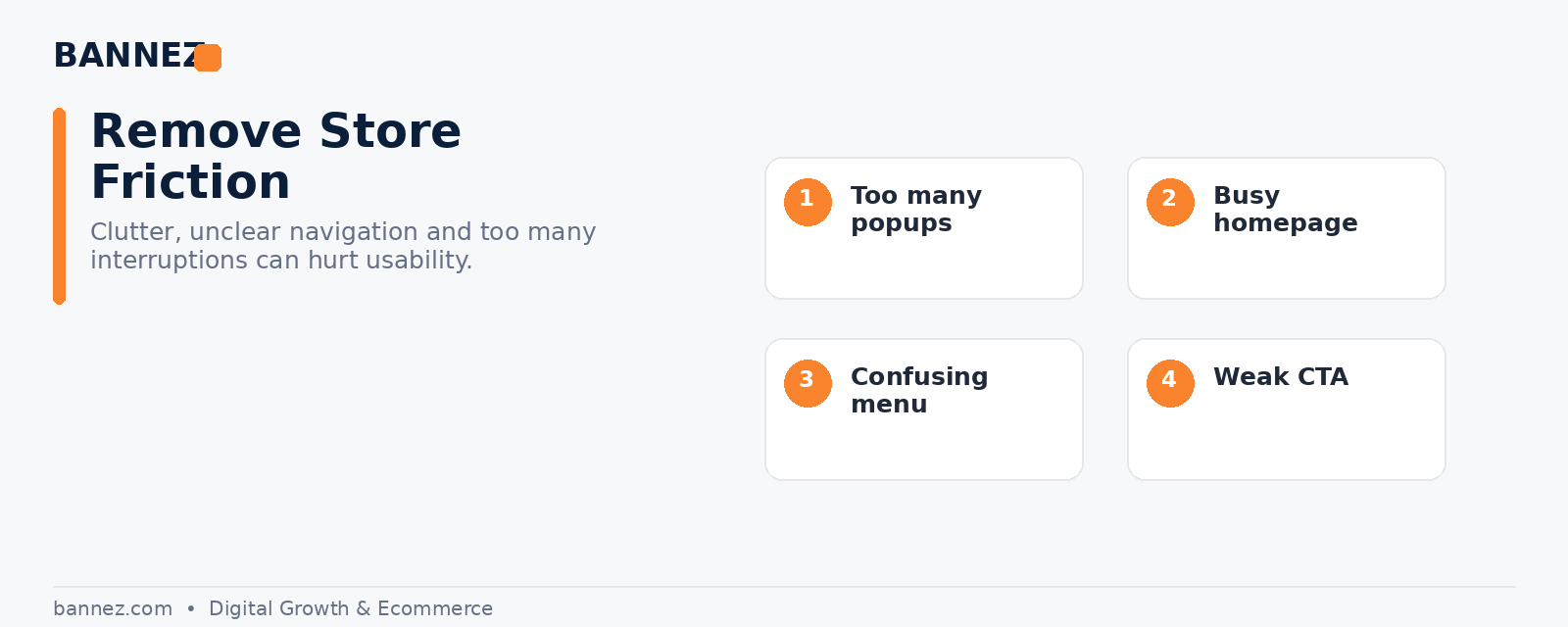
9. Too Many Popups
Newsletter prompts, spin wheels, discount boxes, chat widgets, and notifications can compete for attention and cover important content.
How to fix it
Use fewer interruptions and prioritize the main shopping journey.
10. Too Many Apps
Apps can be useful, but overlapping tools may add cost, scripts, and visual inconsistency.
How to fix it
- Remove unused apps.
- Check whether the theme already provides the feature.
- Keep only tools that solve a clear business need.
11. Poor Mobile Layout
A desktop design can look fine while buttons, menus, images, and popups fail on smaller screens.
How to fix it
Test important customer journeys on several mobile widths before launch.
12. Weak Calls to Action
Buttons should make the next step obvious. Too many competing button styles can make the page harder to scan.
How to fix it
Use one clear primary action in the most important areas and keep wording consistent.
13. Fake Urgency or Misleading Trust Signals
Fake countdowns, false stock numbers, invented reviews, or exaggerated claims may create short-term pressure but can damage credibility.
How to fix it
Use real product information, genuine reviews, and honest offers.
14. An Untested Checkout Journey
Customers can encounter shipping, payment, discount, or address problems even when the storefront looks perfect.
How to fix it
Place test orders and review the full checkout flow. Shopify’s launch preparation guide specifically recommends testing orders before launch.
15. Designing for the Owner Instead of the Customer
Store owners naturally care about branding and visual preferences, but customers care about finding products, understanding value, getting answers, and buying without unnecessary friction.
How to fix it
Review the store from a new visitor’s perspective. Ask what is unclear, what is distracting, and what information is missing at each step.
Quick Shopify Design Audit Checklist
- Can a visitor understand the store in a few seconds?
- Is navigation simple?
- Are product images clear?
- Do descriptions answer real buying questions?
- Are shipping and return details easy to find?
- Does the store work well on mobile?
- Are popups controlled?
- Are apps necessary?
- Are reviews and trust signals genuine?
- Has checkout been tested?
Professional Shopify Store Design and Setup
If your store needs a cleaner structure, professional layout, product presentation, and full Shopify dropshipping setup, you can explore our Shopify Dropshipping Store Development & Setup service.
Frequently Asked Questions
Can Shopify design mistakes really affect sales?
Yes. Confusing navigation, unclear product information, poor mobile usability, and missing trust information can create friction in the buying journey.
Should I redesign the entire store if sales are low?
Not automatically. First identify the actual problems. Review product-market fit, traffic quality, product pages, checkout, pricing, shipping, and design before making large changes.
Is a simple theme better than a complex theme?
The best theme is the one that supports your products and customer journey without unnecessary complexity.
Conclusion
Many Shopify design problems are not dramatic. They are small pieces of friction that add up: unclear menus, weak product content, inconsistent styling, hidden policies, poor mobile layouts, and an untested checkout. Fix these problems systematically and keep the store focused on what customers need to understand and do next.
