

9 Data Entry Side Hustle Ideas for 2026
Data entry can still be a useful side hustle in 2026, but the work is changing. Simple typing tasks are easier to automate than before, so the best opportunities often combine data entry with spreadsheet skills, research, checking information, customer databases, or online store management.
If you want a data entry side hustle, focus on accuracy and useful business tasks instead of looking for promises of fast money. This guide covers nine practical data entry side hustle ideas for 2026, the skills that can help, and important scam warning signs.
Is Data Entry Still a Good Side Hustle in 2026?
Data entry work still exists, but basic keying work is under pressure from automation. The U.S. Bureau of Labor Statistics projects employment for data entry keyers to decline from 2024 to 2034. That does not mean every data entry task will disappear. It means workers can improve their chances by adding skills such as spreadsheet cleanup, data checking, research, CRM work, and e-commerce support.
You can review the current numbers in the U.S. Bureau of Labor Statistics occupational projections.
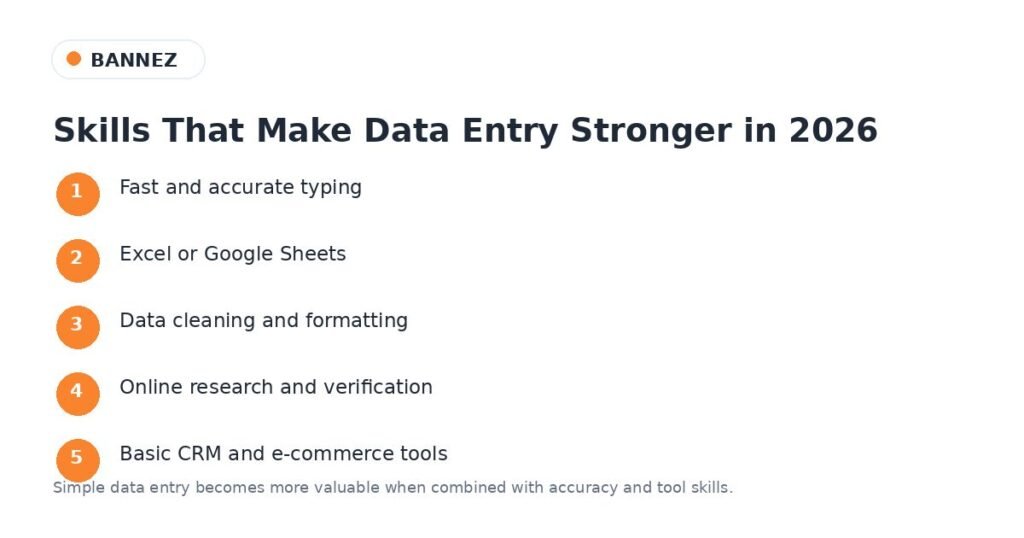
Useful Data Entry Skills to Learn in 2026
- Fast and accurate typing
- Microsoft Excel or Google Sheets
- Sorting, filtering, and basic formulas
- Data cleaning and formatting
- Online research and fact checking
- Basic CRM tools
- E-commerce product management
- File organization
- Careful attention to detail
You do not need to learn every tool at once. Start with one type of data work and build skills around it.
9 Data Entry Side Hustle Ideas for 2026
1. Spreadsheet Data Cleanup and Formatting
Many businesses have spreadsheets with duplicate rows, inconsistent dates, missing fields, extra spaces, or different naming styles. You can help organize this information so it is easier to use.
Typical tasks may include:
- Removing duplicate rows
- Fixing date and number formats
- Organizing columns
- Standardizing names and categories
- Checking for empty fields
- Combining data from several sheets
This is a stronger service than simple copy-and-paste work because you are helping improve the quality of the data.
2. E-Commerce Product Data Entry
Online stores regularly need product information added or updated. This can include titles, prices, SKUs, categories, sizes, colors, images, inventory information, and product descriptions provided by the business.
You may find work with platforms such as WordPress and WooCommerce, Shopify, or other store systems. Accuracy is important because one wrong price, SKU, or variation can create customer problems.
3. CRM Data Entry and Contact Cleanup
Businesses use customer relationship management systems, often called CRMs, to organize customer and sales information. Over time, these databases can become messy.
- Add new business contacts
- Update company names and job titles
- Remove obvious duplicate records
- Organize notes and tags
- Check missing fields
- Move approved data from spreadsheets into the CRM
When working with customer data, follow the client’s privacy and security rules. Do not copy private information for your own use.
4. PDF or Image to Spreadsheet Conversion
Some businesses still have tables, forms, invoices, or lists stored in PDFs or scanned images. Software can extract part of this information, but human checking may still be needed when the source is unclear or the formatting is complex.
A useful service can be converting approved business documents into clean Excel or Google Sheets files and then checking the final data for errors.
5. Online Research and Business List Building
Some clients need public business information collected into a structured spreadsheet. For example, they may need company names, official website URLs, public business phone numbers, locations, or industry categories.
Use public and legitimate sources, follow website rules, and avoid collecting sensitive personal information. The value of this side hustle comes from checking the data carefully, not simply copying large amounts of information without review.
6. Invoice and Receipt Data Organization
Small businesses may need help moving information from invoices or receipts into a spreadsheet or approved bookkeeping system. The task can include entering dates, vendor names, invoice numbers, categories, and amounts.
This is data organization, not professional accounting advice. If a task requires tax decisions, financial reporting, or accounting judgment, the client should use a qualified professional.
7. Survey and Form Response Cleanup
Forms and surveys can produce messy data. Responses may use different spellings, formats, or categories. A data entry assistant can organize the results before the business reviews them.
- Remove test entries
- Standardize simple formats
- Group approved categories
- Check missing responses
- Prepare clean files for review
8. Database Migration and Data Validation Support
When a business moves from one system to another, information may need to be exported, cleaned, matched, and checked before or after import.
You do not need to be a database engineer for every support task. Some projects need careful people to compare records, check required fields, find missing rows, or confirm that imported information matches the source.
9. Virtual Assistant Services With Data Entry
Instead of selling only data entry, you can combine it with simple virtual assistant tasks. This can make your service more useful to small businesses that need ongoing help.
- Spreadsheet updates
- File organization
- CRM updates
- Product uploads
- Simple online research
- Calendar or task-list updates
- Preparing basic reports from provided data
This type of service can be more flexible because you are solving several small administrative problems instead of depending on one repetitive task.
How to Start a Data Entry Side Hustle
Step 1: Choose One Service
Do not start by offering everything. Pick one service, such as spreadsheet cleanup or product data entry, and learn how to do it well.
Step 2: Create Simple Practice Samples
Create your own sample spreadsheet with fake data. Show how you can turn a messy file into a clean and organized file. Never use a client’s private data in a public portfolio without permission.
Step 3: Improve Accuracy Before Speed
Fast typing is useful, but wrong data can cost a business time and money. Build a habit of checking your work before delivery.
Step 4: Learn Basic Spreadsheet Tools
Learn sorting, filtering, find and replace, removing duplicates, basic formulas, and data validation. These skills can make you more useful than someone who only types.
Step 5: Keep Client Data Secure
Use only the files and systems you are allowed to access. Do not share customer lists, login details, financial files, or other private information. Follow the client’s instructions for storing and deleting files.
Be Careful With Data Entry Job Scams
Remote data entry is often used in fake job offers because the work sounds simple and can be done from home. The U.S. Federal Trade Commission specifically warns that scammers may advertise fake data entry and other side gigs, sometimes promising high pay for little effort or asking for money before you can start.
Read the FTC’s current guide on how to avoid a side hustle scam before responding to unexpected job offers.
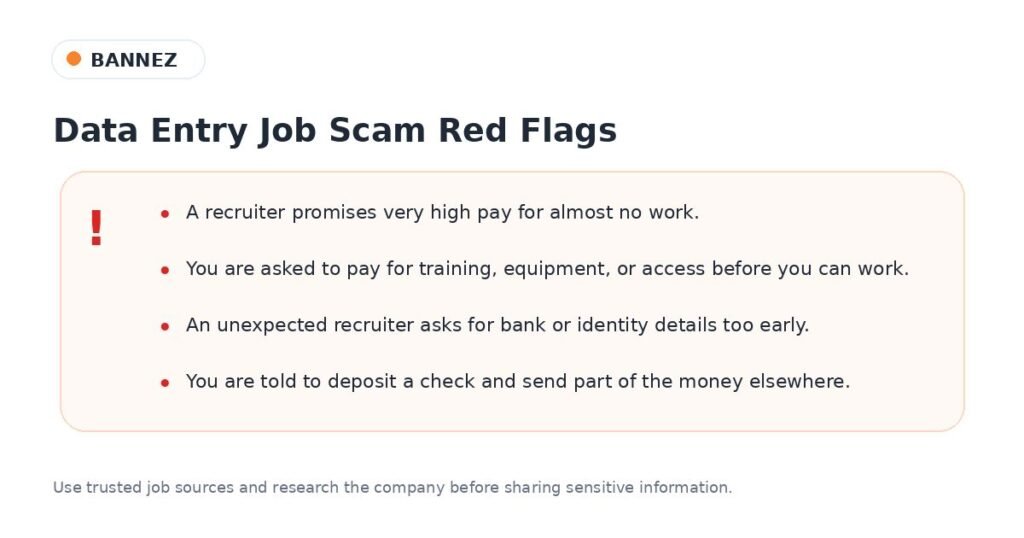
Common Red Flags
- Very high pay for almost no work
- An unexpected recruiter contacts you and pushes you to act quickly
- You must pay for training, equipment, software, or access before starting
- The company asks for bank or identity information too early
- You receive a check and are told to send part of the money elsewhere
- The company name or website cannot be verified
Do You Need to Pay Tax on Side Hustle Income?
Tax rules depend on your country. If you are in the United States, the IRS says gig economy income is taxable even when the work is part-time, temporary, or a side job. U.S. workers can use the IRS Gig Economy Tax Center for current guidance.
If you live outside the United States, check the rules from your own country’s tax authority. Keep simple records of what you earn and any allowed business expenses.
Data Entry Side Hustle Checklist for 2026
- Choose a useful data service, not only basic typing.
- Learn Excel or Google Sheets basics.
- Practice with non-sensitive sample data.
- Check every file for accuracy.
- Protect client information.
- Use clear project instructions and deadlines.
- Research companies before accepting remote jobs.
- Never pay an upfront fee to get a job.
- Keep records of your side hustle income.
Frequently Asked Questions
Can beginners do data entry as a side hustle?
Yes. Beginners can start with simple spreadsheet, product, or file-organization tasks. Accuracy, reliability, and basic spreadsheet skills are important.
Can data entry be done from home?
Many data tasks can be done remotely when a client provides secure access to the required files or systems. However, remote data entry job ads are also used by scammers, so verify the company and job before sharing personal information.
How much can a data entry side hustle make?
There is no single guaranteed amount. Pay varies by country, platform, task complexity, experience, speed, accuracy, and whether the work needs extra skills. Be careful with anyone promising unusually high income for very simple work.
Will AI replace data entry work?
Automation can reduce some repetitive data-entry work. That is one reason to build skills around checking, cleaning, organizing, researching, and managing data instead of depending only on manual typing.
Conclusion
A data entry side hustle in 2026 can still be useful if you focus on real business problems. Spreadsheet cleanup, e-commerce data, CRM updates, document conversion, research, invoice organization, survey cleanup, migration checks, and virtual assistant work can all use data-entry skills.
The strongest approach is to combine accurate data entry with modern tools and careful checking. Keep learning, protect client information, avoid offers that promise easy money, and choose work that gives a clear result to the client.
