
Essential Pages Every Squarespace Website Should Have
A professional Squarespace website does not need dozens of pages. It needs the right pages for the business, organized so visitors can quickly understand what you offer, trust the information, and take the next step.
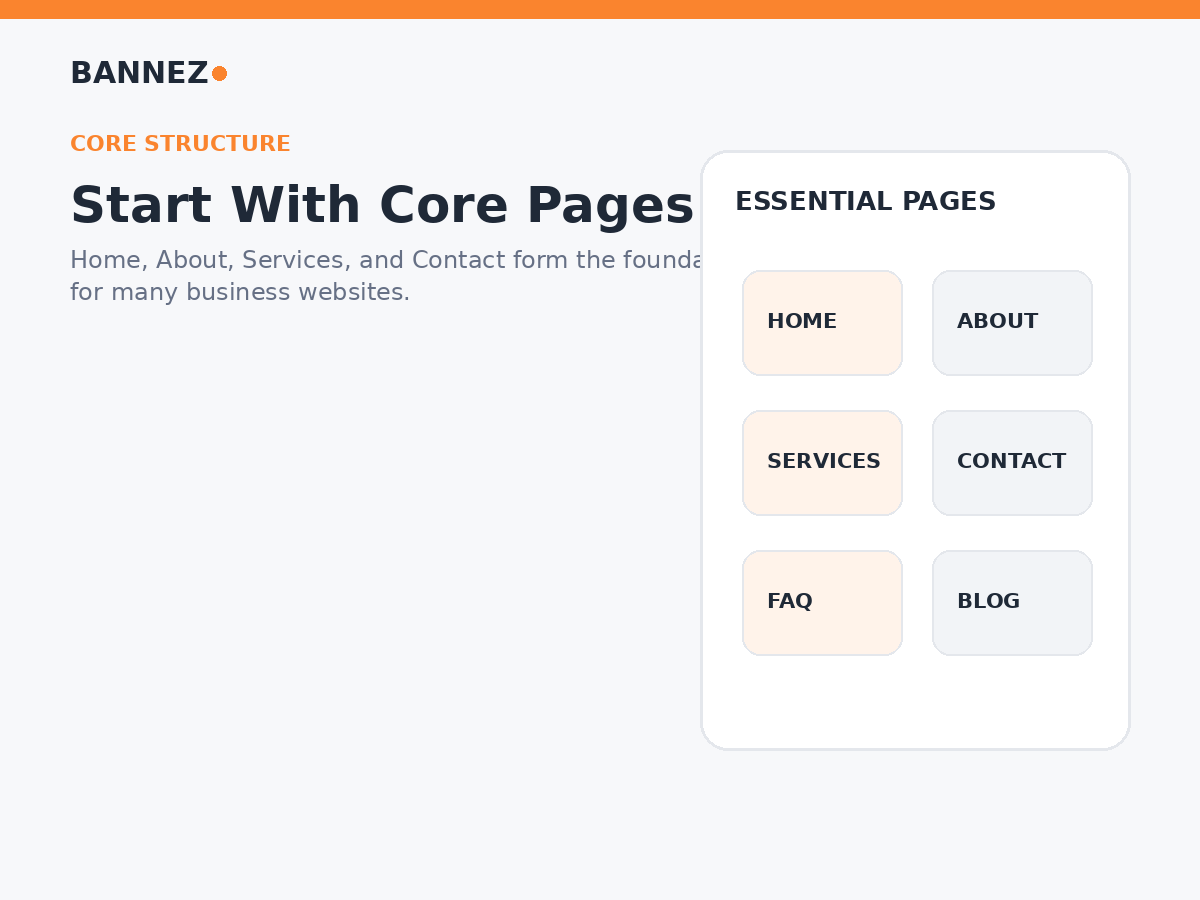
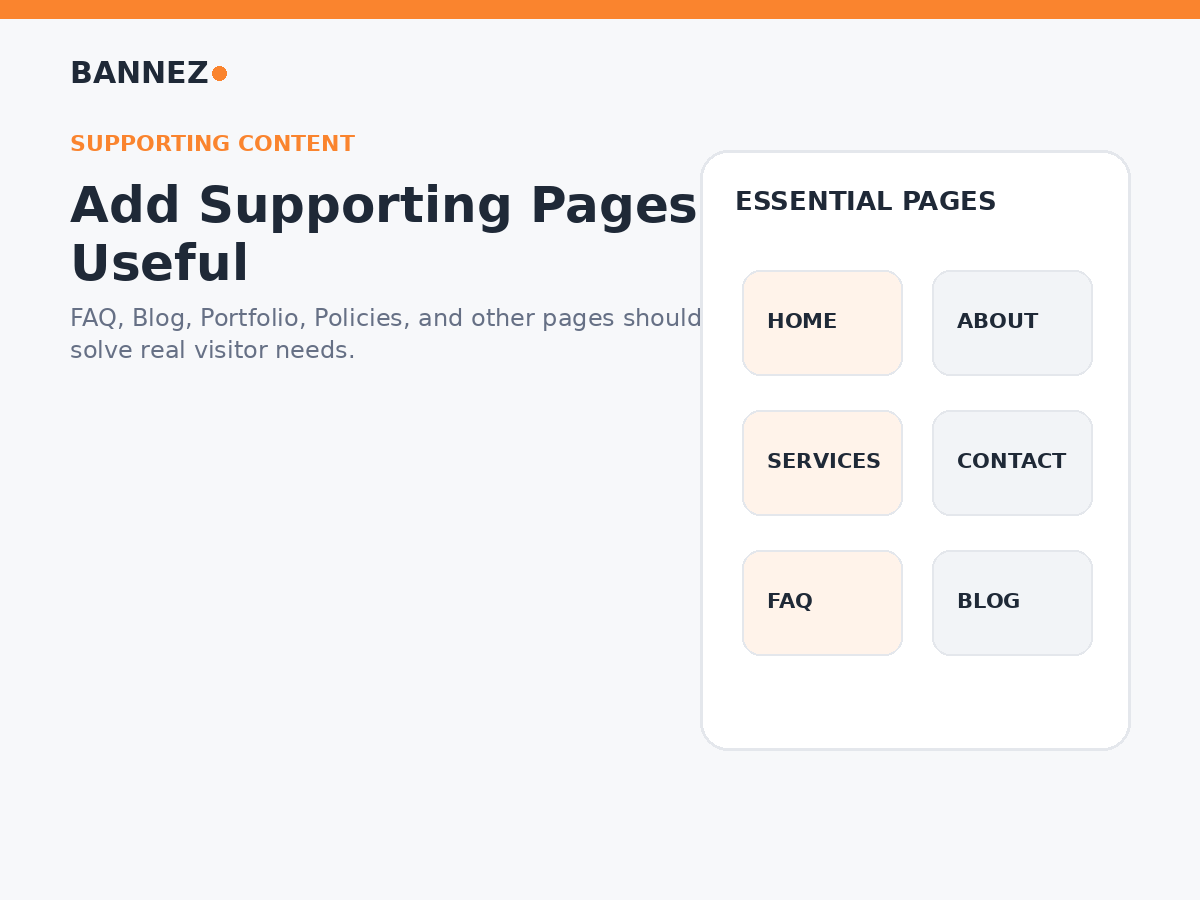
The exact page list depends on whether you run a service business, portfolio, online store, local company, blog, or another type of website. However, most professional sites share a small group of core pages, with additional supporting pages added only when they serve a clear purpose.
This guide explains the essential pages every Squarespace website should consider, what each page should include, and how to organize them without making the navigation unnecessarily complicated.
Quick List: Essential Squarespace Website Pages
| Page | Main purpose | Usually needed? |
|---|---|---|
| Home | Explain the website and guide visitors | Yes |
| About | Build trust and explain the business | Usually |
| Services or Products | Explain what you offer | Yes for most businesses |
| Contact | Make the next step easy | Usually |
| FAQ | Answer repeated customer questions | When useful |
| Blog or Resources | Publish useful ongoing content | When you have a content plan |
| Portfolio or Case Studies | Show real work or results | When proof matters |
| Policies | Provide required business or legal information | Depends on business and jurisdiction |
1. Home Page
The homepage is often the first page visitors see, so it should explain the website quickly. Avoid treating it as a place to put every detail from every other page.
A strong Squarespace homepage should usually include
- A clear headline explaining what you do
- A short supporting message
- One primary call to action
- An overview of important services or products
- Relevant trust information
- A simple explanation of the next step
- Links to deeper pages for more detail
The homepage should work like a useful overview. Visitors who need more information can then move to the appropriate service, About, FAQ, portfolio, or contact page.
2. About Page
An About page helps visitors understand who is behind the website and why the business exists. It should support trust rather than becoming a long personal biography that does not help the customer.
Useful About page information may include
- Who you are
- What the business does
- Who you help
- Relevant experience
- Your working approach or values
- Team information when relevant
- Real business or team photos when available
- A clear next step
Keep the information accurate and specific. Real details are more useful than broad claims such as “we are the best” without supporting evidence.
3. Services or Products Page
Visitors should not have to guess what you sell. A main Services or Products page can provide an overview, while separate pages can explain important offers in more detail.
When separate service pages are useful
- Each service solves a different problem
- Services have different audiences
- You need space to explain deliverables or process
- Customers commonly search for each service separately
- You want stronger internal linking between related content and services
A useful service page should explain what the service is, who it is for, what is included, how the process works, and what the visitor should do next.
If you need professional setup, design, or customization for your site, you can explore our Squarespace website design and customization service.
4. Contact Page
The Contact page should make reaching the business simple. Use only contact methods that you actually monitor.
Depending on the business, include
- A contact form
- Email address
- Phone number
- Booking link
- Physical address
- Opening hours
- Service area
- Directions or map when relevant
Keep forms focused. Asking for too much information before the first conversation can create unnecessary friction.
5. FAQ Page
A Frequently Asked Questions page is useful when customers repeatedly ask the same questions before they buy, book, or contact you.
Good FAQ topics can include
- How the process works
- What is included
- What customers need to provide
- Typical timelines when you can state them accurately
- Payment or booking process
- Shipping or returns for stores
- Service area or availability
Do not create an FAQ page just to add more keywords. Every answer should solve a real customer question.
6. Blog or Resources Page
A blog can be valuable when your business has useful information to publish regularly. It can support search visibility, customer education, internal linking, and long-term content marketing.
Create a blog when you can publish useful content such as
- How-to guides
- Industry explanations
- Product or service education
- Common customer problems
- Original research or insights
- Updates that remain useful to your audience
If you do not have a realistic publishing plan, a nearly empty blog may add little value. Start it when you have useful topics and the ability to maintain the content.
7. Portfolio, Projects, or Case Studies Page
Businesses that sell creative, professional, technical, or project-based services can benefit from showing real work.
A useful project or case-study entry may explain
- The client or project context when you have permission
- The problem or goal
- What work was completed
- Relevant visuals
- The outcome when it can be stated accurately
- A related service link
Real examples are generally stronger than vague statements about experience.
8. Testimonials or Reviews Page
Testimonials can support trust, but a dedicated page is not always necessary. Many businesses place selected reviews naturally on the homepage and relevant service pages instead.
If you use testimonials
- Use genuine customer feedback
- Do not invent names, ratings, or results
- Keep context where useful
- Place relevant testimonials near the service they support
9. Pricing Page
A pricing page can be useful when your prices or starting costs can be communicated clearly. It is not essential for every business.
A pricing page works best when
- The offer is standardized enough to price publicly
- Visitors need pricing before contacting you
- You can keep the information current
- Any limitations or inclusions can be explained clearly
If every project requires a custom quote, a clear “Request a Quote” process may be more appropriate than publishing misleading fixed prices.
10. Booking or Appointment Page
Appointment-based businesses may need a dedicated booking page so visitors can choose a service, time, staff member, or consultation without navigating through several unrelated pages.
Keep the booking journey clear
- Explain what the appointment is for
- Show any important preparation information
- Keep the booking action visible
- Explain payment or cancellation rules when applicable
11. Shop and Ecommerce Pages
A Squarespace ecommerce site may need more than a single Shop page. The complete structure depends on the catalog and business model.
Common ecommerce pages and information include
- Shop or product collection pages
- Individual product pages
- Cart and checkout flow
- Shipping information
- Returns or refund information
- FAQ
- Contact or support
Review the complete purchase journey on both desktop and mobile before launch.
12. Privacy Policy Page
Many websites collect information through forms, analytics, accounts, ecommerce, cookies, or third-party services. Privacy requirements depend on what your website does and which laws apply to your business and visitors.
Do not copy a random privacy policy from another website. Use a policy that accurately describes your own practices and obtain appropriate professional guidance when needed.
13. Terms and Other Business Policy Pages
Depending on the website, you may need terms of service, refund or cancellation rules, shipping information, cookie information, accessibility information, disclaimers, or other policies.
These requirements vary by business type and jurisdiction. Treat website templates as formatting tools, not legal advice.
14. A Helpful 404 Page
A 404 page appears when someone reaches a URL that does not exist. A useful error page can help visitors recover instead of leaving immediately.
A simple 404 page can offer
- A clear message that the page was not found
- A link to the homepage
- A link to important services or products
- Search or contact options when useful
How to Organize Squarespace Pages and Navigation
Not every useful page belongs in the main navigation. Keep the primary menu focused on the pages most visitors need, and use the footer for supporting or policy pages.
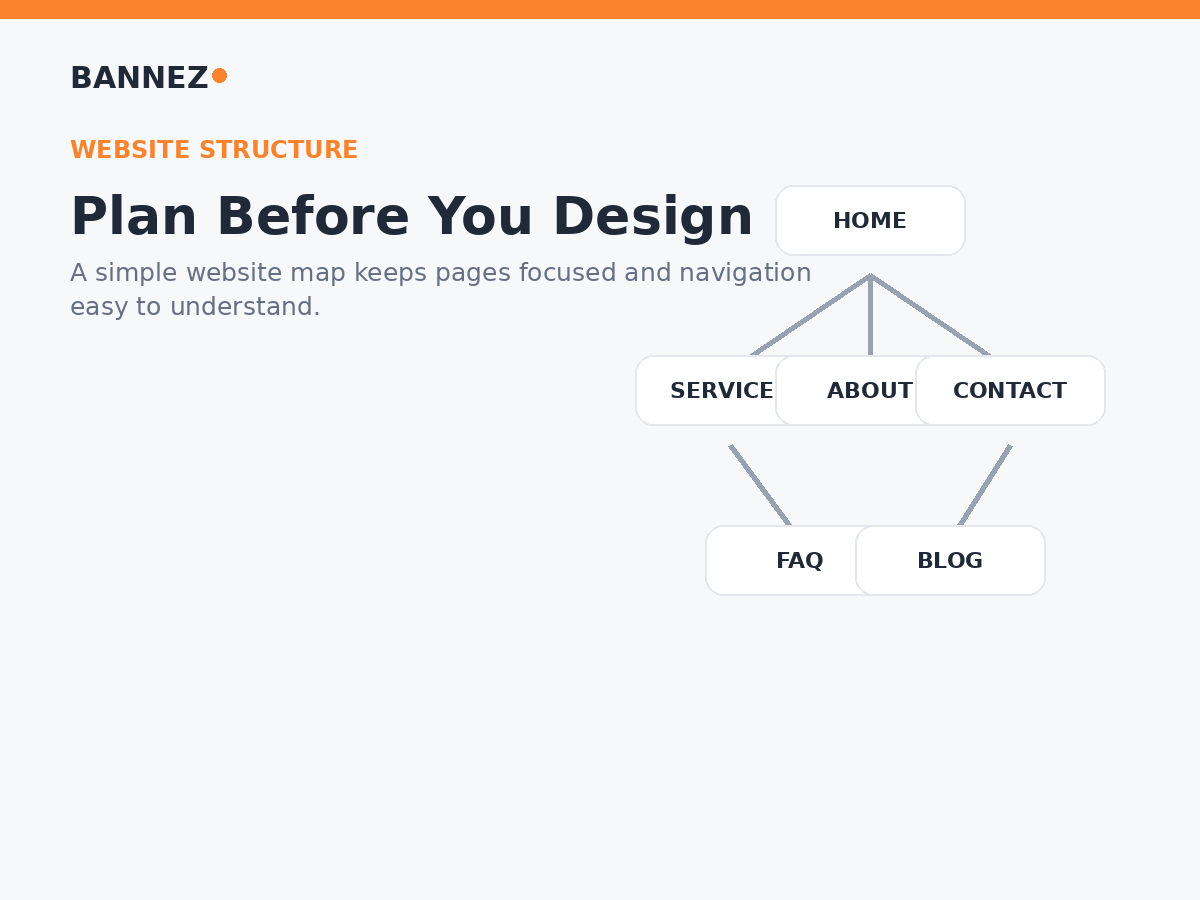
A simple primary navigation may include
- Home
- Services or Shop
- About
- Portfolio or Blog when important
- Contact or Book
The footer can hold supporting links such as
- FAQ
- Privacy Policy
- Terms
- Refund or shipping information
- Secondary resources
Squarespace explains how pages can be added and arranged in its official guide to adding pages to navigation. You can also review the current Pages panel documentation for managing page structure.
Pages by Website Type
| Website type | Useful starting pages |
|---|---|
| Service business | Home, About, Services, Contact, FAQ, reviews or case studies |
| Portfolio | Home, About, Portfolio, Services, Contact |
| Ecommerce | Home, Shop, About, Contact, FAQ, shipping and policy pages |
| Content-focused site | Home, About, Blog or Resources, Contact, topic or category pages as needed |
| Appointment business | Home, Services, About, Booking, Contact, FAQ |
How to Decide Whether a Page Deserves Its Own URL
Not every piece of information needs a separate page. Sometimes a section on an existing page is clearer.
Create a separate page when
- The topic needs substantial explanation
- Visitors may look for it directly
- It has a clear search or customer intent
- You need to link to it from several places
- It represents a distinct service, product, policy, or resource
Keep it as a section when
- The information is short
- It only supports another page
- A separate page would contain very little useful content
- Splitting it would make the visitor journey harder
Squarespace offers layout pages for building flexible page structures. The official layout pages guide explains current options.
SEO Checklist for Every Important Squarespace Page
Once the page structure is clear, optimize each important page around its own purpose instead of targeting the same keyword everywhere.
For each page, review
- One clear page topic
- A useful page title
- A short, readable URL slug
- One clear H1 provided by the page structure
- Logical H2 and H3 headings
- A helpful meta description
- Natural internal links
- Relevant calls to action
- Descriptive image alt text where appropriate
Squarespace page settings include controls for URLs and SEO descriptions. See the official page settings documentation for current options.
Essential Squarespace Pages Checklist
- Home clearly explains the business
- About supports trust with accurate information
- Services or Products explain the offer
- Contact provides an easy next step
- FAQ answers real repeated questions when needed
- Blog exists only when you can maintain useful content
- Portfolio or case studies show genuine work when relevant
- Booking, pricing, or ecommerce pages match the business model
- Required policy information is available
- Main navigation remains simple
- Footer contains useful secondary links
- Every important page is reviewed on mobile
Frequently Asked Questions
How many pages should a Squarespace website have?
There is no ideal number for every site. Use enough pages to explain the business and support visitor tasks without creating thin or unnecessary pages.
Does every Squarespace website need an FAQ page?
No. Add an FAQ page when you have repeated questions that genuinely help customers make a decision or complete an action.
Should every service have its own page?
Important services often benefit from individual pages when they need detailed explanations or serve different search and customer intents. Closely related small services may be clearer on one well-organized page.
Should policy pages appear in the main menu?
Usually they can live in the footer unless a policy is especially important to the visitor journey. The correct placement depends on the business and applicable requirements.
Can I add more Squarespace pages later?
Yes. Start with the pages you need now and add useful pages as the business, content, or customer needs grow. Keep navigation organized as the site expands.
Conclusion
The essential pages on a Squarespace website are the pages that help visitors understand the business, evaluate the offer, find important information, and take action. For most professional sites, that starts with Home, About, Services or Products, and Contact, followed by useful supporting pages such as FAQ, Blog, Portfolio, Booking, and policies when they fit the business.
Do not add pages simply to make the website look bigger. Build each page around a clear purpose, organize important pages in simple navigation, place secondary information in the footer, and review the complete structure on mobile. A smaller website with useful, well-connected pages is often easier to understand and maintain than a large site filled with unnecessary content.
