
Essential Pages Every Wix Business Website Needs
A Wix business website needs more than a homepage and a contact form. Visitors often want to understand your services, learn who is behind the business, check common questions, find policies, and know how to contact you before they take action.
The right page structure makes this information easy to find without creating a complicated menu. This guide explains the essential pages every Wix business website needs, what each page should include, and where supporting pages can fit.
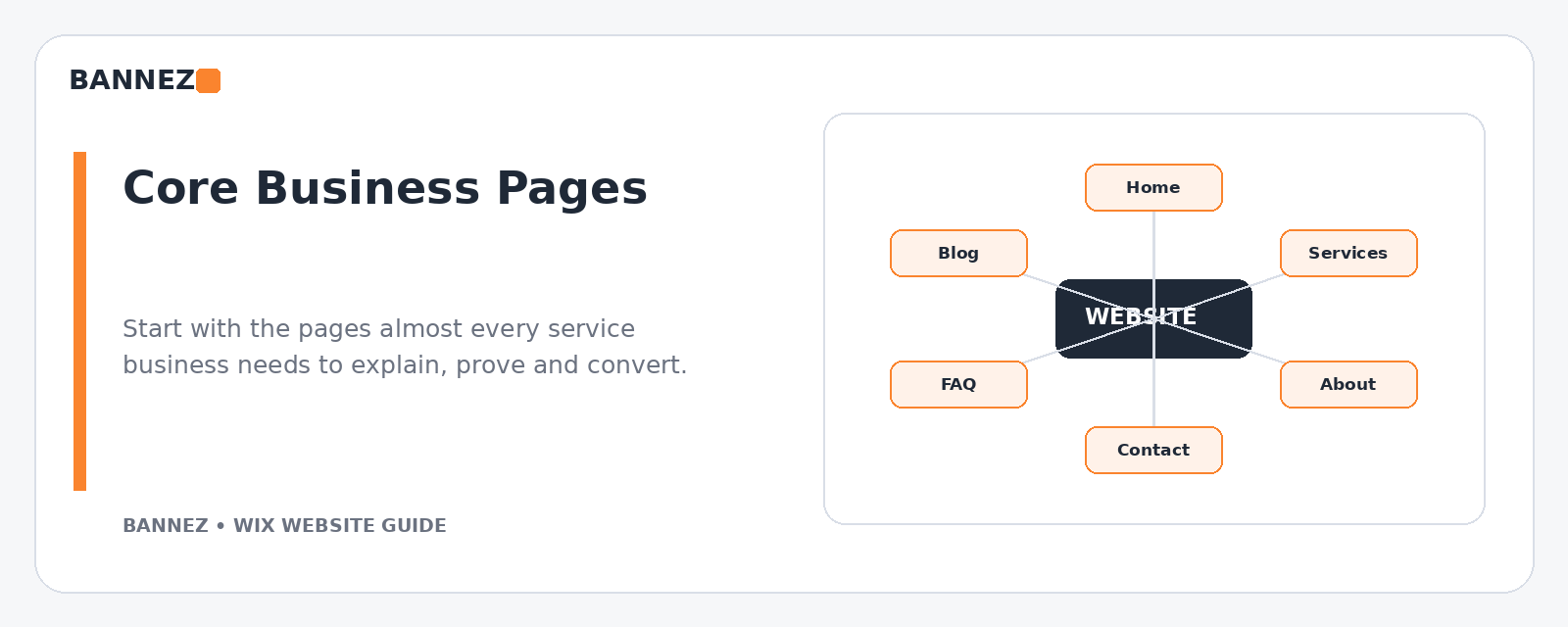
1. Home Page
The homepage should help a new visitor understand the business quickly. It does not need to explain every detail, but it should guide people toward the most important pages and actions.
A strong homepage usually includes
- A clear headline explaining the main offer
- A short supporting statement
- Primary call to action
- Main services or product categories
- Useful trust information
- Short business introduction
- Links to important internal pages
- A final contact, booking, or enquiry action
2. Services Page
If your business offers several related services, a main Services page can give visitors an overview and direct them to the right option.
Keep descriptions short enough to scan, then link to dedicated service pages when a service needs more explanation.
3. Individual Service Pages
Important services often deserve their own page. A dedicated page can answer customer questions more clearly and gives search engines a more focused topic to understand.
A useful service page can explain
- What the service is
- Who it is for
- What problem it helps solve
- What is included
- How the process works
- Important limitations or requirements
- What the visitor should do next
Link related services naturally so visitors can compare options without returning to the main menu each time.
4. About Page
The About page gives context to the business. It should help visitors understand who you are, what your company does, and why your experience is relevant.
Useful About page content
- Business background
- Team information where relevant
- Experience or qualifications you can verify
- Business values or approach
- Service area or market
- Links to contact or important services
Avoid filling the page with generic statements that could apply to any company.
5. Contact Page
A business website should make contact easy. Include only methods your team actually monitors.
Contact page options
- Contact form
- Email address
- Phone number
- Physical address where relevant
- Business hours
- Service areas
- Appointment or booking link
Test the form regularly. A contact page that looks complete but does not deliver messages is a serious business problem.
6. FAQ Page
An FAQ page is useful when customers repeatedly ask the same questions. It can reduce uncertainty and save support time.
Possible FAQ topics
- Service process
- Booking or availability
- Delivery or turnaround expectations
- Locations served
- Payment process
- Cancellations or changes
- Product or service requirements
Do not use the FAQ page to hide information that belongs directly on a service or product page.
7. Testimonials or Case Studies Page
If your business has genuine client feedback or project examples, a dedicated page can organize that proof. For many websites, it is also useful to show selected proof on relevant service pages.
Keep testimonials authentic. Do not invent client names, ratings, statistics, or results.
8. Portfolio or Work Page
Designers, contractors, agencies, photographers, consultants, and many service businesses benefit from showing real examples of completed work.
Make portfolio content useful
- Explain what the project involved.
- Show relevant images rather than a huge gallery.
- Add context about the service provided.
- Protect confidential client information.
- Link to the related service where appropriate.
9. Blog or Resources Page
A blog can answer customer questions, support SEO, and create useful internal links to services. It is most valuable when articles are based on topics your audience genuinely searches for or needs help understanding.
Do not create a blog only to publish short, repetitive posts. A smaller set of useful articles is better than a large archive of weak content.
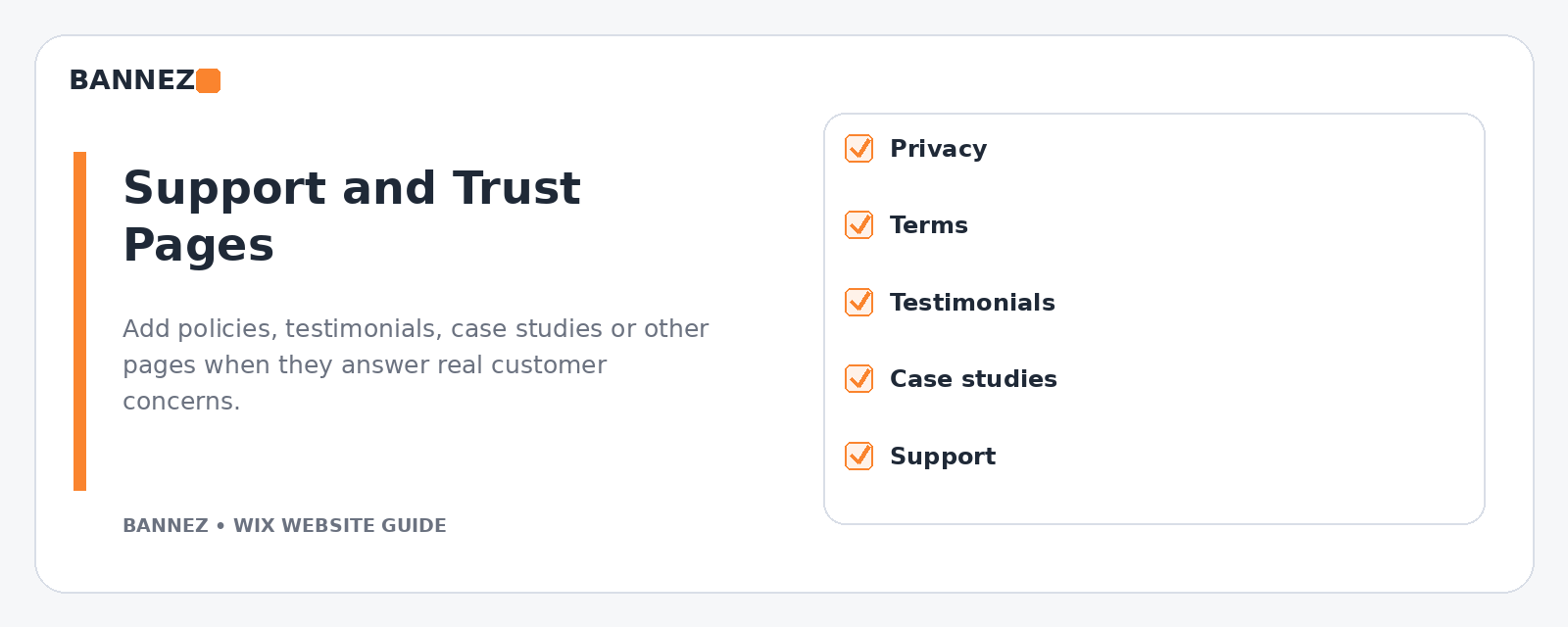
10. Privacy Policy
A privacy policy explains how a website and business handle personal information. The exact requirements depend on your business activities, tools, and the locations of your company and visitors.
Use appropriate legal guidance when necessary. A website builder template should not replace advice specific to your situation.
11. Terms, Refund, Shipping, or Other Policy Pages
The policies you need depend on what the business does. An ecommerce website may need shipping and return information, while a service business may need cancellation, booking, or service terms.
Place policies where customers can find them before they make a commitment.
12. Booking or Appointment Page
If appointments are central to your business, a dedicated booking page can make the next step clear. Keep supporting information close to the booking flow so customers understand what they are scheduling.
13. Location Page for Local Businesses
A business with a physical office, store, clinic, restaurant, or multiple locations may benefit from a dedicated location page.
Useful location information
- Correct address
- Opening hours
- Phone number
- Directions or map
- Parking or access information where useful
- Services available at that location
14. Team Page When People Matter to the Service
For professional services, clinics, agencies, salons, and similar businesses, visitors may want to know who will work with them. A Team page can include real names, roles, relevant qualifications, and short professional biographies.
How to Add and Organize Wix Pages
Wix provides controls for adding and managing site pages through the editor. Its official Adding a Page guide and Managing Your Site Pages guide explain the current workflow.
Which Pages Belong in the Main Menu?
Not every page should appear in the main navigation. The menu should prioritize pages that help people understand and use the business.
Main navigation may include
- Home
- Services or Products
- About
- Portfolio or Work where important
- Blog or Resources where useful
- Contact or Book
Footer navigation may include
- Privacy Policy
- Terms
- Shipping and returns
- FAQ
- Accessibility information where applicable
- Contact information
Wix explains how to create and manage menus in its official site menu guide.
Use Contextual Internal Links
Menus are not the only way to connect pages. Add internal links inside content when they help visitors continue naturally.
Internal-linking examples
- Homepage service card → detailed service page
- Service page → related FAQ answer
- Blog article → relevant service
- Case study → service used in the project
- About page → Contact page
- Location page → Book appointment
Use descriptive anchor text instead of repeating vague phrases such as “click here” everywhere.
Give Each Page a Clear SEO Purpose
Important pages should have a clear subject. Use unique page titles, logical headings, useful metadata, descriptive URLs, and original page content.
Wix provides an official SEO Setup Checklist to guide initial SEO tasks.
Do Not Create Pages Only to Increase Page Count
More pages do not automatically make a website better. Create a page when it has a distinct purpose for the customer or search strategy.
If two pages say almost the same thing, consider combining them into one stronger page. This can make navigation clearer and reduce duplicate information.
Wix Business Website Page Checklist
| Page | Main purpose | Typical location |
|---|---|---|
| Home | Explain and guide | Main menu |
| Services | Overview of offers | Main menu |
| Individual service | Detailed decision support | Services and contextual links |
| About | Business context and trust | Main menu or footer |
| Contact | Provide a direct support path | Main menu or prominent CTA |
| FAQ | Answer recurring questions | Footer and contextual links |
| Portfolio / Cases | Show genuine work | Main menu when important |
| Blog | Education and search content | Main menu or footer |
| Policies | Set expectations and provide required information | Footer and relevant customer journey |
Professional Wix Website Setup
If you want your Wix business website built or redesigned with a clear page structure, responsive layout, and the features your project requires, you can explore our Wix Website Design, Redesign & E-commerce Development service.
Frequently Asked Questions
Does every Wix business website need all these pages?
No. The right pages depend on the business. Start with the pages customers need to understand the offer, trust the business, and take action, then add supporting pages when they serve a clear purpose.
Should every service have a separate page?
Not always. Create a separate page when the service has enough unique information, customer questions, or search demand to justify it. Closely related small services can sometimes be explained together.
Where should policy pages be linked?
The footer is a common location, but important policies should also be linked near the customer action they affect, such as ecommerce checkout, booking, or returns information.
How many items should be in a Wix menu?
There is no universal number. Keep the menu short enough that people can scan it easily. Group related pages logically and move supporting links to the footer when appropriate.
Conclusion
The essential pages on a Wix business website should reduce customer uncertainty. Start with a clear Home page, useful Services pages, About and Contact information, then add FAQs, portfolio content, resources, policies, locations, or booking pages when the business needs them.
Organize the pages with simple navigation and contextual internal links. A clear website structure helps visitors find answers faster and gives every page a stronger purpose.
