
How to Choose a Shopify Theme for a Dropshipping Store
A Shopify theme controls much more than colors and fonts. It affects navigation, product presentation, collection browsing, mobile usability, page sections, and how easily you can build a consistent shopping experience.
For a dropshipping store, the right theme should make products easy to understand and buy without forcing you to install many extra apps. This guide explains what to check before choosing a Shopify theme.
1. Start With Your Store Requirements
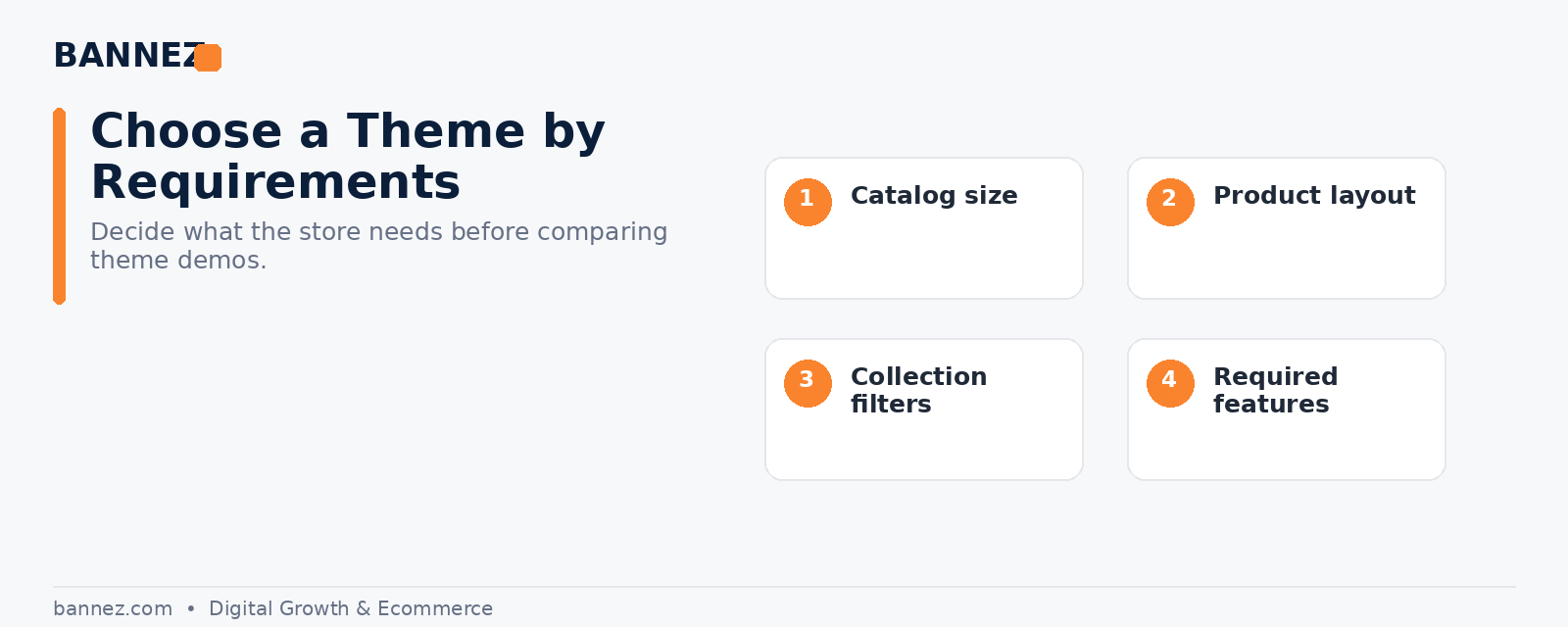
Do not choose a theme only because the demo looks attractive. Write down the features your store actually needs.
- Number and type of products
- Collection filters
- Variant selectors
- Size guides
- FAQ sections
- Product recommendations
- Sticky add-to-cart options
- Video support
- Announcement bars
- Search requirements
Shopify’s official theme selection guide explains how merchants can search and filter themes by features and industry.
2. Check Mobile Usability First
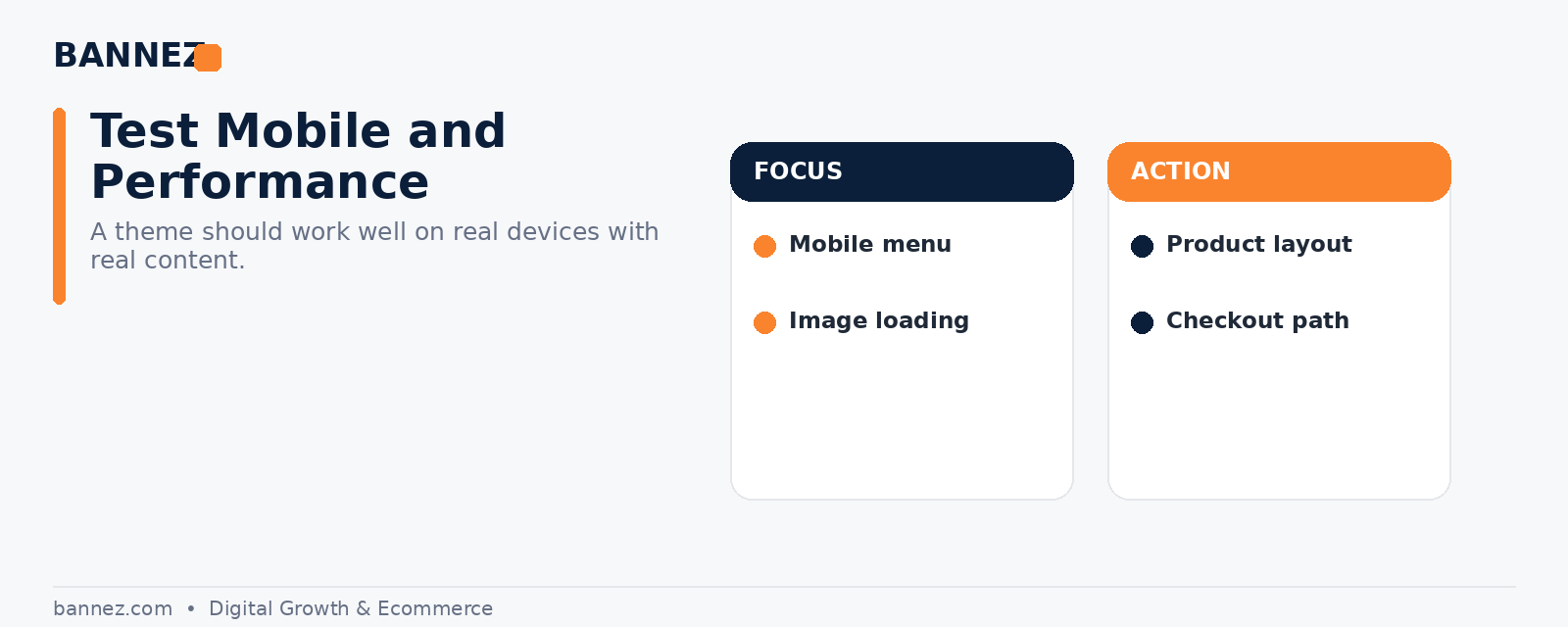
Many customers will visit from a phone. Test the theme demo on mobile before making a decision.
Review these areas
- Menu opening and closing
- Product image size
- Variant selection
- Add-to-cart button placement
- Collection filters
- Text readability
- Popup behavior
- Footer navigation
3. Review Product Page Layouts
Dropshipping product pages often need more than a title, price, and short description. The theme should let you explain the product clearly.
Look for flexible product sections for benefits, specifications, delivery details, FAQs, reviews, care instructions, or size information where relevant.
4. Check Collection and Navigation Features
A store with many products needs stronger collection browsing than a single-product store. Check filters, sorting, search, product cards, quick actions, and menu options.
5. Prefer Built-In Features When They Fit
A theme that includes the functions you need may reduce dependence on extra apps. This can simplify design consistency and recurring costs.
However, do not pay for a feature-heavy theme if most of those features will never be used.
6. Look at Theme Support and Documentation
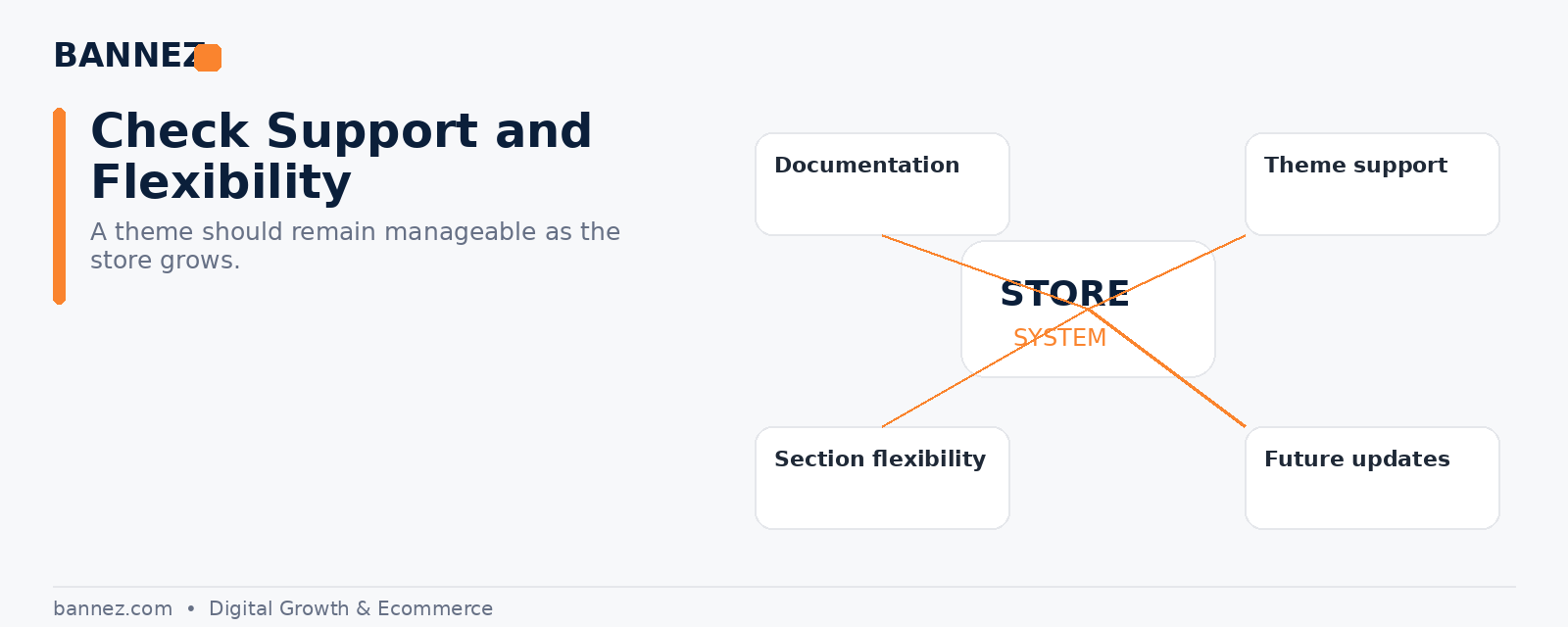
Paid themes may be developed by third parties, so support quality matters. Shopify advises merchants to understand the support available before purchasing a paid theme. You can also review Shopify’s official theme documentation guidance.
7. Check Customization Flexibility
The theme editor should let you build the main pages you need without forcing every page into the same layout. Review available sections, templates, typography controls, spacing, colors, product cards, headers, and footers.
8. Avoid Choosing Based on Demo Content
Theme demos use professional images and carefully prepared sample content. Your own store may look very different once real products are added.
Instead, evaluate:
- Layout structure
- Section flexibility
- Mobile behavior
- Product information hierarchy
- Navigation
- Required features
9. Test Before Publishing
Shopify allows merchants to add and preview themes before publishing. The official theme preview and purchase documentation explains the available options.
Preview key pages with your real product content whenever possible.
10. Think About Long-Term Store Maintenance
A theme should still be manageable when you add products, collections, apps, or new content later. Over-customizing a theme can make future updates more difficult, so keep the structure clean.
Shopify Theme Selection Checklist
- Fits your product catalog
- Works well on mobile
- Product pages support required information
- Collections are easy to browse
- Navigation is clear
- Important features are built in
- Theme documentation is available
- Support terms are understood
- Branding can be customized consistently
- Demo has been tested with realistic content
- Unnecessary features are not driving the decision
Free vs Paid Shopify Theme
| Area | Free theme | Paid theme |
|---|---|---|
| Initial theme cost | No paid theme purchase | Purchase required |
| Features | Strong core features | May include more specialized features |
| Design options | Depends on theme | Depends on theme |
| Support | Shopify support for Shopify themes | Depends on theme developer/support policy |
Need Help Setting Up the Theme and Store?
If you have chosen Shopify but want the theme, store structure, navigation, products, and core setup prepared professionally, you can explore our Shopify Dropshipping Store Development & Setup service.
Frequently Asked Questions
Is a paid theme always better for dropshipping?
No. A free theme can be a strong choice if it includes the features and layouts your store needs.
Can I change my Shopify theme later?
Yes, but design settings and customizations may need to be rebuilt or adjusted. Choosing carefully at the start can reduce unnecessary work.
Should I install a theme with the most features?
Not necessarily. More features are useful only when they support your actual customer journey and business needs.
Conclusion
Choose a Shopify theme by function first and appearance second. Check mobile usability, product pages, navigation, collection tools, built-in features, support, and customization flexibility. A theme that fits your store can reduce extra work and make the customer experience more consistent from launch onward.
