
How to Make a Shopify Store Look Professional
A professional Shopify store does not need expensive animations, dozens of apps, or a complicated layout. What makes a store feel professional is consistency: clear branding, organized pages, strong product information, easy navigation, realistic policies, and a buying journey that works smoothly on both desktop and mobile.
If your store looks unfinished or generic, the goal is not to add more. The goal is to make every important part clearer and more consistent.
1. Use a Consistent Brand Style
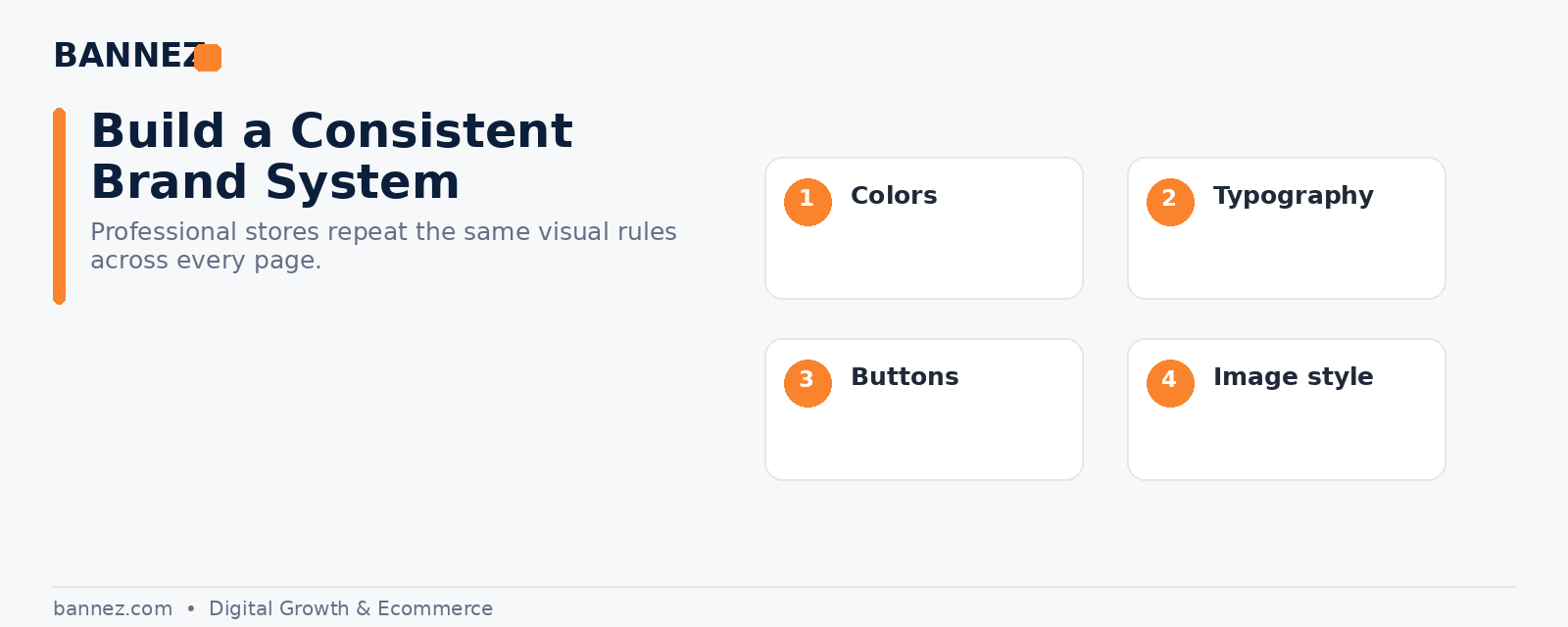
Choose a small set of brand colors, one or two readable font families, a consistent button style, and a clear image style. Repeat these choices across the homepage, collections, product pages, policies, and footer.
Keep the visual system simple
- One primary brand color
- One accent color where needed
- Consistent headings and body text
- Consistent button shapes
- Repeatable spacing between sections
2. Choose the Right Shopify Theme
A theme should support your products and store structure rather than forcing you to work around its limitations. Shopify’s official theme selection guide explains how merchants can search by features and industry.
Before publishing a theme, test product pages, collections, menus, mobile layouts, and the footer with your real content.
3. Clean Up the Homepage
Your homepage should answer three basic questions quickly: what do you sell, why should the visitor care, and where should they go next?
A strong homepage may include
- Clear hero message
- Important collections
- Featured or best-selling products
- Useful trust information
- Short brand explanation
- Customer proof where genuine
- Simple final call to action
Remove sections that exist only because the theme included them.
4. Improve Product Pages
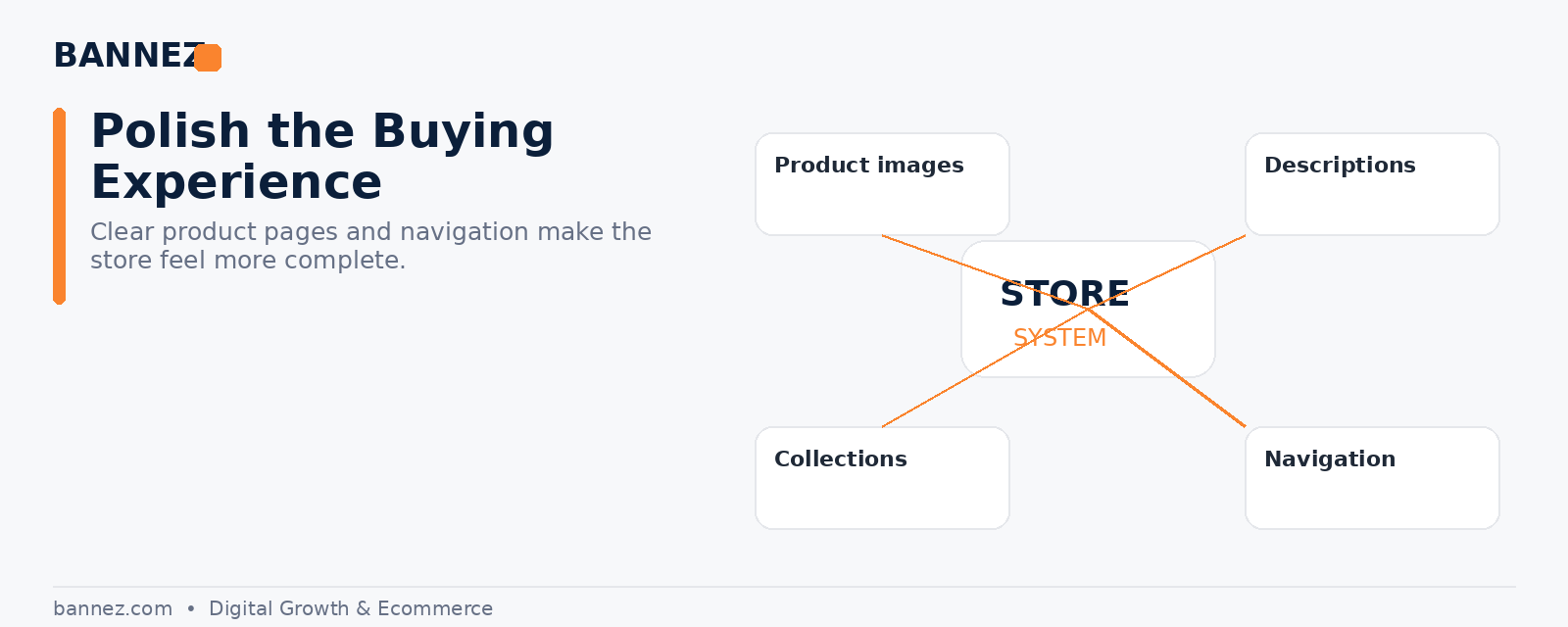
A professional product page helps customers understand the product without searching for basic information elsewhere.
- Use clear product names.
- Show high-quality images.
- Explain benefits and features.
- Add specifications, size, materials, or compatibility.
- Make variants easy to select.
- Show realistic shipping information.
- Link return information where appropriate.
5. Rewrite Generic Supplier Content
Dropshipping stores often import product descriptions directly from suppliers. This can create inconsistent language and make the store feel generic.
Rewrite important content in one clear brand voice. Keep claims accurate and explain what customers actually need to know.
6. Organize Collections Properly
Collections should help customers browse, not create extra confusion. Group related products logically and avoid creating many nearly identical categories.
7. Make Navigation Easy to Understand
Use simple menu labels. Keep important shopping categories in the main navigation and move support pages such as policies, FAQ, and contact to the footer where appropriate.
8. Build Complete Store Pages
An unfinished store often has missing About, Contact, FAQ, or policy pages. Shopify explains how to create and manage store pages.
Useful pages include
- About
- Contact
- FAQ
- Shipping policy
- Return or refund policy
- Privacy policy
- Terms of service
9. Use Clear Shipping and Return Information
Professional stores set realistic expectations. Do not hide long delivery times or use policy text that does not match your real process. Shopify provides official guidance for adding store policies.
10. Use Genuine Trust Signals
Real customer reviews, clear contact details, accurate product information, transparent pricing, and visible policies are stronger than fake badges or exaggerated claims.
11. Keep Pricing Easy to Understand
Avoid confusing discount structures. If you show sale pricing or compare-at pricing, make sure it is accurate and appropriate for your market.
12. Reduce Unnecessary Apps and Popups
Too many widgets can make a store feel noisy. Remove unused apps, overlapping features, aggressive popups, and unnecessary notification bars.
13. Make Mobile Design a Priority
Check the store on a real phone. Review the header, menu, product gallery, variant selectors, buttons, cart, popups, forms, and footer. A professional desktop layout is not enough if the mobile experience is difficult.
14. Test Checkout and Order Emails
Shopify recommends test orders before launch in its official launch preparation guide. Check checkout, shipping rates, payment settings, order processing, and customer notifications.
15. Review the Store as a Customer
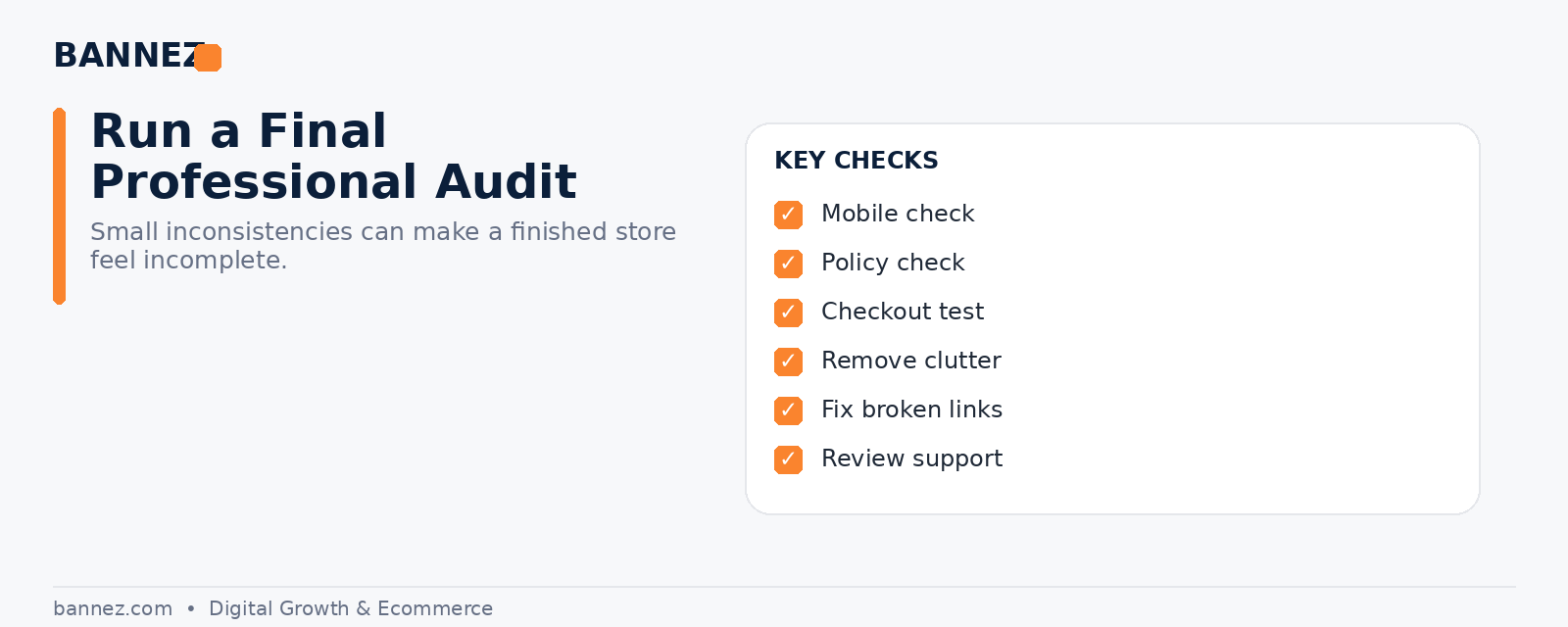
When you have spent hours building a store, it becomes difficult to notice small problems. Review the site as if you have never seen it before.
Ask yourself
- Can I understand the store quickly?
- Can I find products easily?
- Do product pages answer my questions?
- Can I find shipping and return information?
- Does the store feel consistent?
- Does checkout work?
- Can I contact the business if I need help?
Professional Shopify Store Checklist
- Consistent branding
- Professional custom domain
- Suitable theme
- Clean homepage
- Strong product pages
- Organized collections
- Simple navigation
- Complete support and policy pages
- Genuine trust signals
- Clear prices
- Controlled apps and popups
- Mobile-friendly design
- Tested checkout
- Working customer emails
Need a Professional Shopify Dropshipping Store?
If you want your Shopify store built with a consistent design, structured pages, product setup, navigation, and core ecommerce configuration, you can explore our Shopify Dropshipping Store Development & Setup service.
Frequently Asked Questions
Do I need a premium Shopify theme to look professional?
No. A free theme can look professional when the branding, content, images, spacing, navigation, and product pages are handled carefully.
What makes a Shopify store look cheap?
Common causes include inconsistent fonts and colors, blurry images, copied descriptions, missing pages, fake urgency, too many popups, and broken mobile layouts.
Should I add more apps to improve the design?
Only when an app solves a clear need. More apps do not automatically create a better store.
Conclusion
To make a Shopify store look professional, focus on consistency and clarity. Build a clean brand system, use a suitable theme, improve product pages, organize navigation, complete your policies, remove unnecessary distractions, and test the full customer journey. Professional ecommerce design is usually the result of many small details being handled well.
