
How to Start a Shopify Dropshipping Store Step by Step
Starting a Shopify dropshipping store can look simple from the outside: choose products, build a website, and start selling. In practice, the stores that are easier to manage and more trustworthy for customers usually have a clear plan before launch. You need reliable suppliers, useful product information, sensible shipping rules, clear policies, a mobile-friendly design, and a checkout that has been tested properly.
This guide explains how to start a Shopify dropshipping store step by step. It is designed for beginners who want a practical process rather than a rushed launch.
What Is Shopify Dropshipping?
Dropshipping is a fulfillment model where you sell products without keeping the inventory yourself. After a customer orders, a supplier fulfills and ships the product. Shopify explains the model, its benefits, limitations, and fulfillment flow in its official dropshipping guide.
The low inventory requirement can make dropshipping easier to start, but it does not remove your responsibility for product quality, customer communication, refunds, shipping expectations, or legal compliance.
How to Start a Shopify Dropshipping Store Step by Step
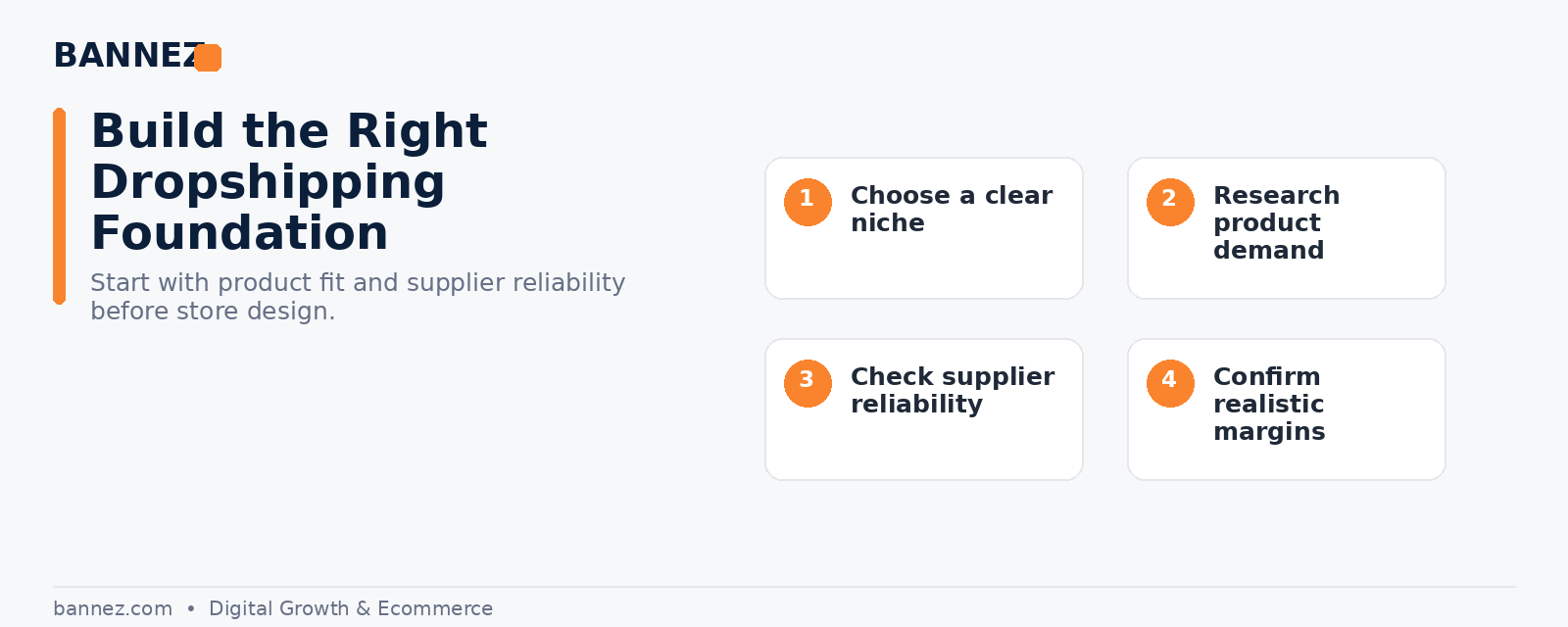
Step 1: Choose a Clear Niche and Customer
A store is easier to position when you know who it is for. Instead of adding unrelated trending products, choose a product category that solves a clear problem or serves a recognizable audience.
- Define the type of customer you want to reach.
- Research common problems, needs, and buying concerns.
- Check whether products have enough margin after product, shipping, app, payment, and marketing costs.
- Avoid products that are difficult to explain, highly regulated, fragile, or likely to create frequent returns unless you understand the risks.
Step 2: Research Suppliers Before Importing Products
Your customer buys from your store, so supplier problems become your customer-service problems. Review delivery regions, processing times, tracking quality, return rules, product consistency, and communication before building your catalog.
Shopify maintains guidance on dropshipping and print-on-demand apps. Use official information as a starting point, then evaluate suppliers for your own market.
Step 3: Create Your Shopify Store and Set the Basics
Create the store, choose the correct business details, configure your market and currency, and connect a professional domain. Keep the store name easy to remember and make sure the branding can work across the website, email, and social channels.
Step 4: Choose a Theme That Fits the Store
A good theme should support the shopping experience you actually need. Look for mobile responsiveness, clear navigation, strong product layouts, collection filtering where useful, and sections that let you explain benefits without clutter.
Shopify’s official guide to choosing themes explains how merchants can filter themes by features and industry.
Step 5: Build the Essential Store Pages
Do not build only a homepage and product page. Customers often check who you are, how shipping works, how returns work, and how they can contact you before they place an order.
- Home page
- Collection pages
- Product pages
- About page
- Contact page
- FAQ page where useful
- Shipping policy
- Return or refund policy
- Privacy policy
- Terms of service
Shopify provides official instructions for creating store pages and adding store policies.
Step 6: Create Product Pages That Answer Buying Questions
Supplier descriptions are often generic. Rewrite product content so customers can understand the product quickly. Use clear titles, useful images, benefits, specifications, dimensions, materials, expected delivery information, care instructions, and any important limitations.
Keep claims accurate. Do not add fake scarcity, fake reviews, or promises that the supplier cannot support.
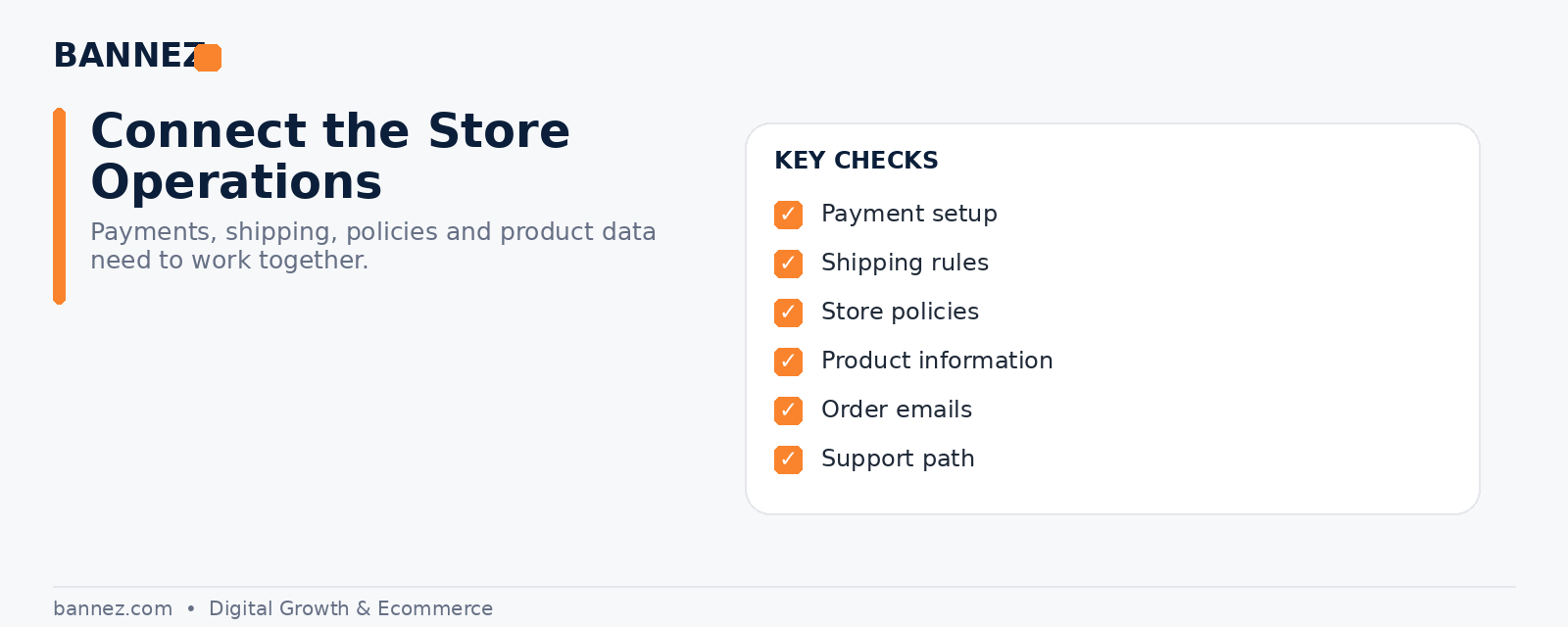
Step 7: Configure Payments, Shipping, Taxes, and Policies
Before launch, configure the operational settings that directly affect an order. Shopify’s payments documentation explains available payment methods. Shipping, taxes, duties, and legal requirements vary by business and customer location, so verify the rules that apply to you.
Your shipping and return information should match what can actually happen after an order is placed. Avoid displaying unrealistic delivery promises simply to improve conversion.
Step 8: Add Only the Apps You Really Need
Apps can add useful functions, but installing too many can make a store harder to manage and may add unnecessary scripts or cost. Start with the functions required for your workflow, such as supplier integration, reviews, email, tracking, analytics, or customer support. Add more only when there is a clear reason.
Step 9: Test the Full Customer Journey
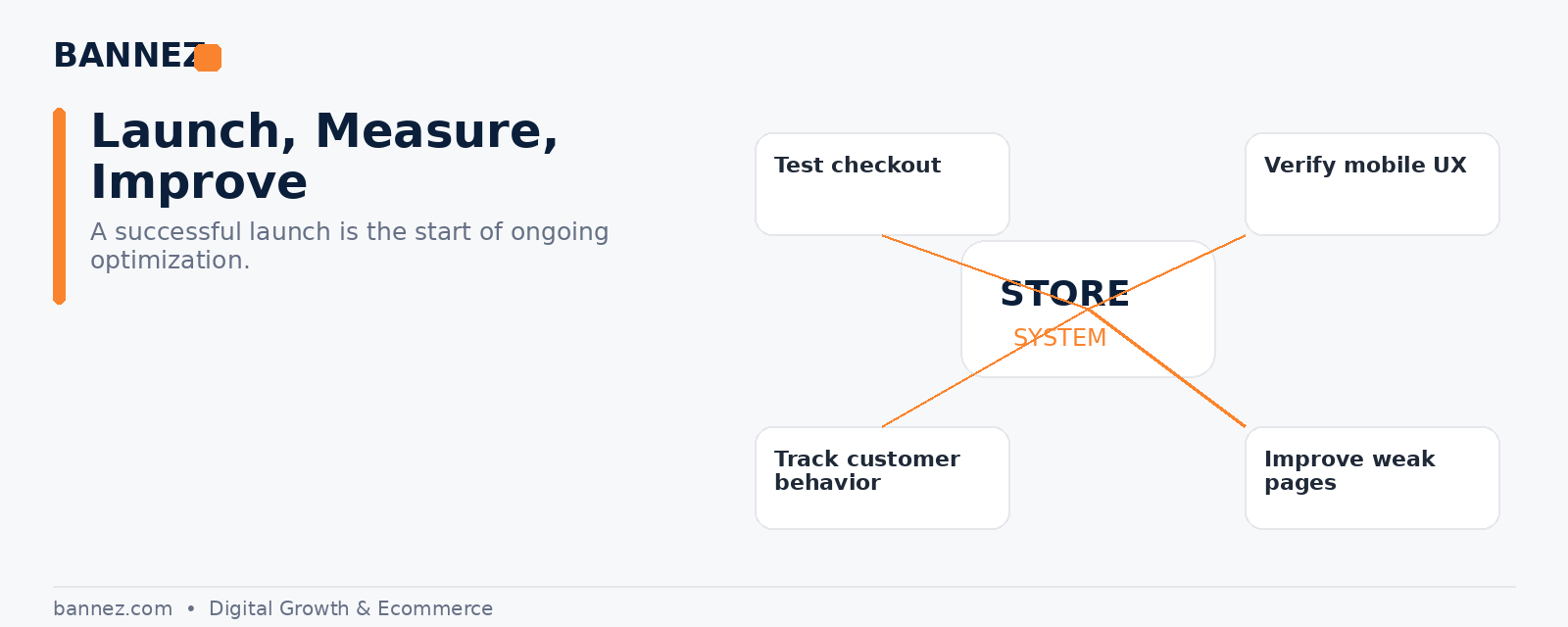
Use your store like a customer. Browse on desktop and mobile, search for a product, open collections, add products to the cart, enter checkout, test discount logic, verify shipping information, and place a test order.
Shopify recommends test orders before launch in its official store launch preparation guide.
Step 10: Launch, Measure, and Improve
Launching is the start of the learning process, not the end of store development. Watch where visitors leave, which products receive attention, which questions customers ask, and which support issues repeat. Use that information to improve product pages, navigation, offers, policies, and store speed.
Shopify Dropshipping Store Setup Checklist
- Clear niche and target customer defined
- Suppliers researched and tested
- Products selected with realistic margins
- Professional domain connected
- Mobile-friendly theme configured
- Essential pages created
- Product content rewritten and checked
- Payments configured
- Shipping rules and delivery expectations confirmed
- Policies reviewed
- Only necessary apps installed
- Analytics and tracking configured
- Test order completed
- Mobile and desktop customer journeys reviewed
When Professional Shopify Setup Can Help
If you have the product idea but do not want to build every store section yourself, professional setup can save time and help keep the design and customer journey consistent. If you need this service, you can explore our Shopify Dropshipping Store Development & Setup service here.
Frequently Asked Questions
Do I need to buy inventory before starting Shopify dropshipping?
In a standard dropshipping model, you normally do not hold the products yourself. However, ordering samples before selling can help you evaluate product quality, packaging, and delivery experience.
Can I start with a free Shopify theme?
Yes. A free theme can be enough for many new stores if its layout and features fit your products. Choose the theme based on usability and required features, not only appearance.
How many products should a new dropshipping store have?
There is no universal number. A smaller, focused catalog that is organized well can be easier to understand than a large store filled with unrelated products.
Should I launch before every detail is perfect?
You do not need endless design changes, but the essential buying journey must work. Payments, shipping information, policies, product details, mobile usability, and checkout should be tested before real traffic arrives.
Conclusion
To start a Shopify dropshipping store successfully, focus on the foundation before focusing on promotion. Choose a clear niche, work with suppliers you have researched, create useful product pages, configure shipping and policies carefully, and test the complete order journey. Once the store is live, use real customer behavior and feedback to improve it step by step.
