
15 Things Every Professional WordPress Business Website Should Have
15 Things Every Professional WordPress Business Website Should Have
A professional WordPress business website should do more than look attractive. It must explain the business clearly, build trust, work on mobile, guide visitors toward action, and remain secure and maintainable.
Use these 15 essentials to plan a new website or review an existing one. The right combination depends on your business, but each item supports clarity, credibility, or usability.
Professional Business Website Checklist
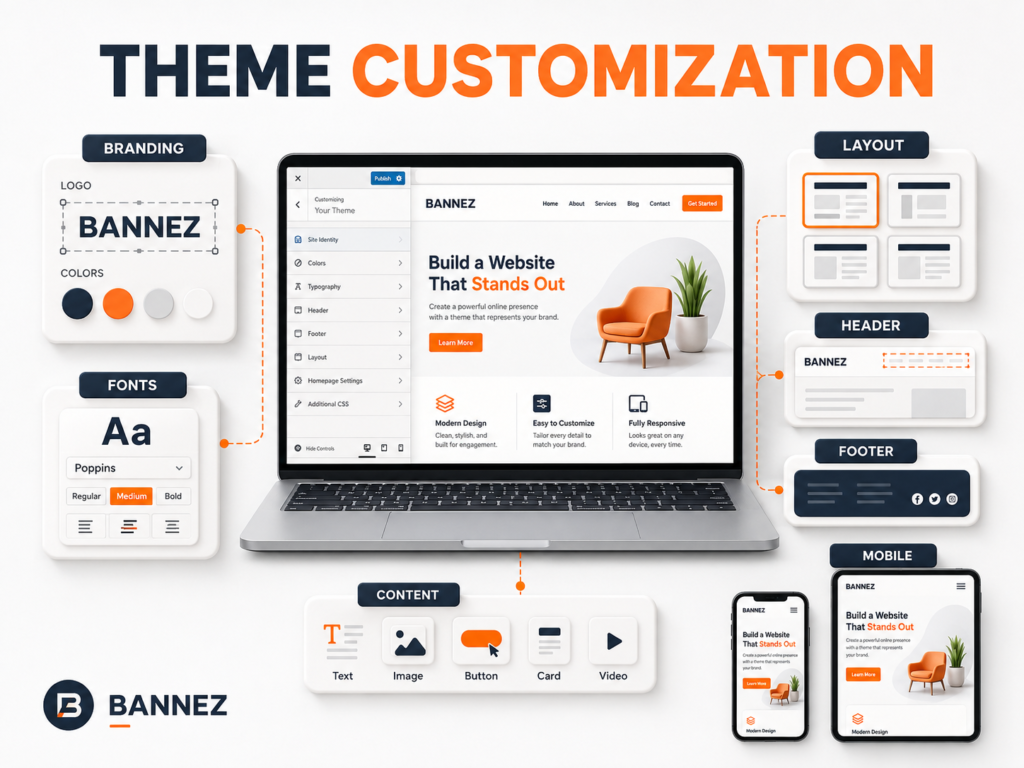
1. Clear Brand Identity
Use a consistent logo, color palette, typography, image style, and tone. Visitors should quickly recognize that every page belongs to the same business.
2. Simple Navigation
Keep the main menu focused on important pages. Use familiar labels, a logical order, and a mobile menu that is easy to tap. Do not make visitors guess where services or contact information are located.
3. Strong Homepage Message
The first screen should explain who you help, what you provide, and what action visitors can take. Avoid a vague slogan without supporting context.
A Useful Homepage Opening
- A clear main heading
- One or two short supporting sentences
- A relevant visual
- A primary call-to-action button
4. Dedicated Service or Product Pages
Each important service should have enough information for visitors to understand its purpose, scope, process, and next step. Separate pages also create better internal-linking opportunities.
5. About Page That Builds Trust
Explain the company, experience, values, approach, and the people behind the work where appropriate. Use real, verifiable information instead of generic claims.
6. Visible Contact Options
Provide a contact page and place suitable contact paths in the header, footer, or calls to action. Include the methods you actively monitor, such as email, phone, form, booking, or location details.
7. Clear Calls to Action
Guide visitors with specific actions such as Request a Quote, View Services, Book a Consultation, or Contact Our Team. Use one main action per section instead of several competing buttons.
8. Trust Signals
- Authentic testimonials or reviews
- Relevant case studies or portfolio examples
- Business details and professional contact information
- Real certifications, memberships, or partner status
- Clear policies and terms
Never use fake reviews, invented numbers, or logos without permission.
9. Mobile-Responsive Design
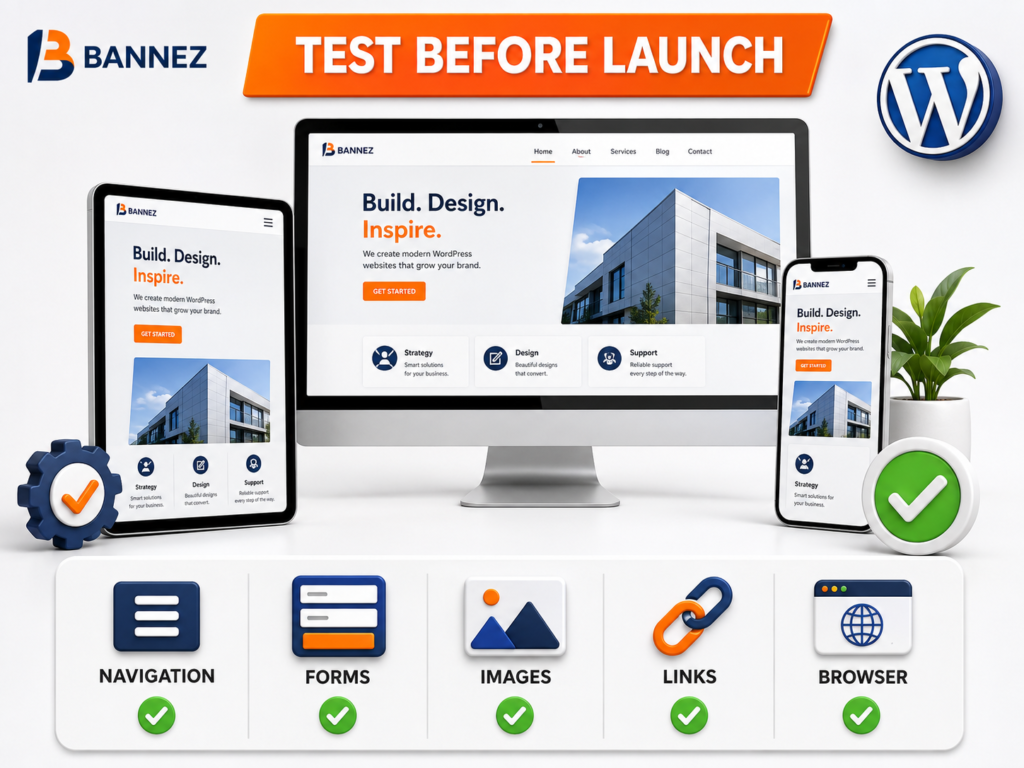
The website must remain readable and usable across desktops, tablets, and phones. Check menus, buttons, forms, tables, images, popups, and multi-column sections at several widths.
10. Fast and Stable Pages
Use appropriate hosting, optimized images, necessary plugins only, caching where suitable, and a theme that does not load excessive features. Test real pages rather than judging speed only by appearance.
11. Secure HTTPS and Sensible Protection
Use HTTPS, strong unique passwords, limited administrator access, current software, reliable backups, and security appropriate to the site. A business website should never depend on one untested protection plugin.
12. Useful Forms
Keep forms short and ask only for information required to respond. Add clear labels, validation, spam protection, privacy information, a success message, and tested email delivery.
13. Basic SEO Foundation
Each important page should have a descriptive URL, clear title, logical headings, helpful copy, relevant internal links, image alt text, and a useful meta description. WordPress provides information about site structure and editing through its official documentation.
14. Legal and Privacy Information
Add the policies required for your business, location, data collection, cookies, payments, or services. Use qualified legal advice for requirements that apply to you; do not copy another website’s policies blindly.
15. Analytics, Backups, and Maintenance
Measure useful events such as form submissions and key page visits. Maintain a reliable backup schedule, update WordPress and its components, review security, test important functions, and remove unused software.
Essential Pages for a WordPress Business Website
| Page | Main purpose |
|---|---|
| Home | Summarize the business and guide visitors |
| About | Explain the company and build trust |
| Services | Describe offers and intended customers |
| Contact | Provide clear ways to get in touch |
| Privacy Policy | Explain relevant data practices |
| Blog or Resources | Publish useful information when part of the strategy |
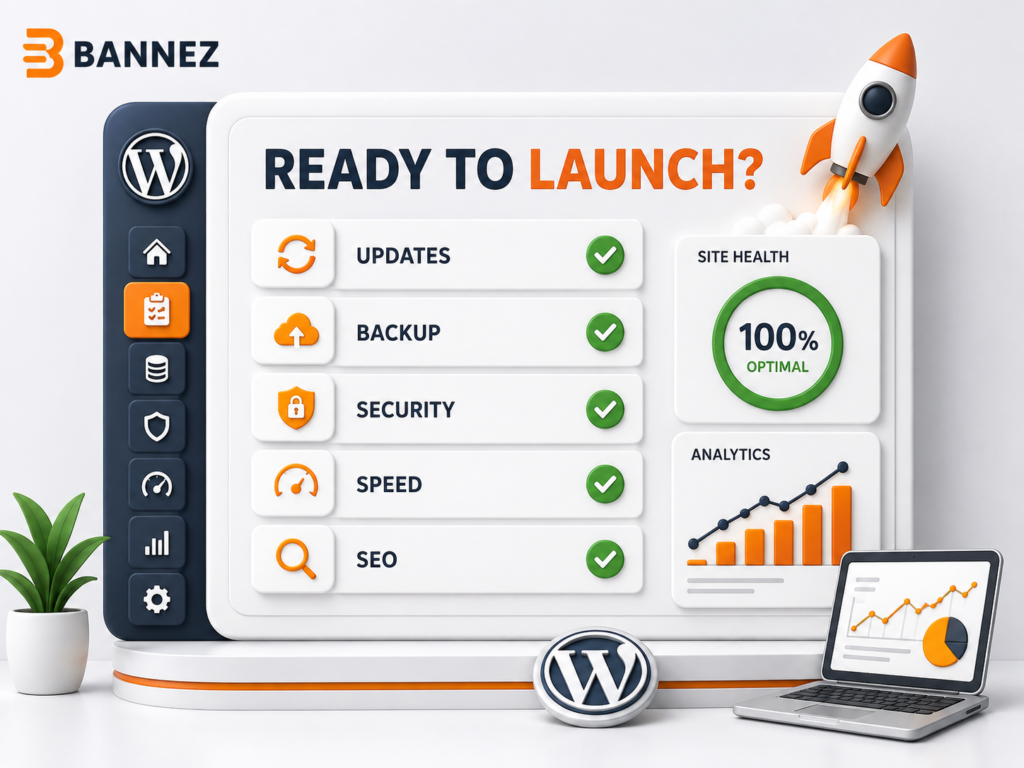
Pre-Launch Checklist
- ☐ Brand and contact details are consistent
- ☐ Navigation and mobile menu work
- ☐ All service pages have a clear next step
- ☐ Forms are tested from submission to delivery
- ☐ Images are optimized and legally usable
- ☐ Important pages load correctly on mobile
- ☐ Placeholder content and broken links are removed
- ☐ HTTPS, updates, security, and backups are checked
- ☐ SEO titles and search visibility are reviewed
- ☐ Analytics measures useful business actions
When Professional WordPress Development Helps
If you need these essentials planned and built into a new website, you can explore our Build a Professional WordPress Business Website service. Our team develops the website according to the agreed pages, supplied content, and service scope.
Frequently Asked Questions
How many pages does a small business website need?
There is no universal number. Build enough pages to explain the business, its important services, trust information, contact options, and required policies without creating empty pages.
Does every business website need a blog?
No. A blog is useful when the business can publish genuinely helpful content consistently. It should support visitors and business goals, not exist only because the theme includes it.
What is the most important website feature?
Clarity is the foundation. Visitors must understand the offer and next step; design, trust, speed, and functionality then support that goal.
Conclusion
A professional WordPress business website combines clear messaging, useful pages, consistent branding, trust, mobile usability, performance, security, and maintenance. Review all 15 items as connected parts rather than isolated features.
Start with the visitor’s questions, remove anything that creates confusion, and test the complete journey from landing on the site to contacting or buying from the business.
