
Shopify Dropshipping Store Setup Checklist
A Shopify dropshipping store can be built quickly, but a fast build is not always a complete build. Missing policies, unclear shipping information, weak product pages, broken mobile layouts, or an untested checkout can create problems as soon as real visitors arrive.
This Shopify dropshipping store setup checklist gives you a practical way to review the store before launch. Use it during development and again before you remove the storefront password.
1. Business and Product Planning Checklist
Define the store focus
- Choose a clear niche or customer group.
- Write down the main problem your products solve.
- Make sure the catalog feels connected instead of random.
- Check whether product margins can cover supplier, shipping, payment, app, and marketing costs.
Review suppliers
- Confirm processing time and delivery regions.
- Check tracking availability.
- Review returns, damaged-item handling, and replacement rules.
- Order samples where practical.
- Keep a backup plan for important products.
Shopify explains the fulfillment model and supplier considerations in its official dropshipping documentation.
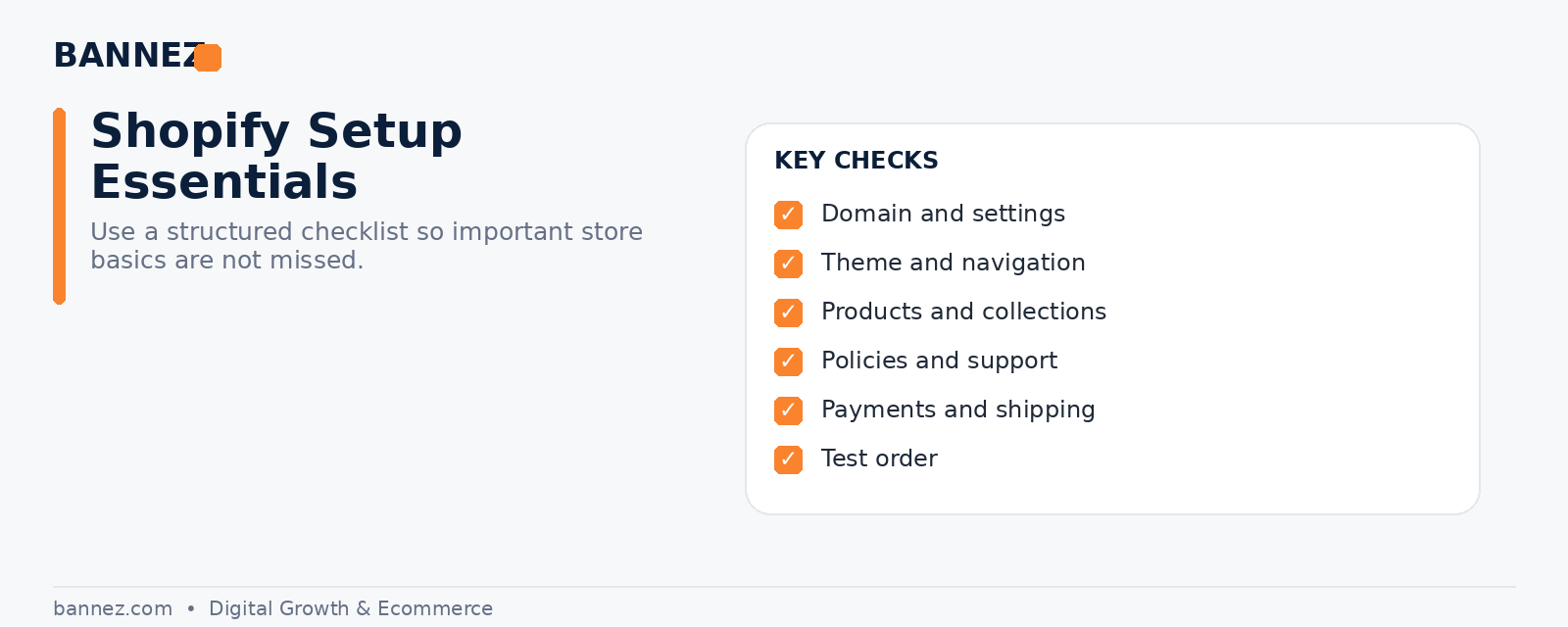
2. Shopify Account and Store Settings Checklist
- Store name and legal business details are correct.
- Currency and market settings match your target audience.
- Professional domain is connected.
- Business email is configured.
- Sender email and notification details are reviewed.
- Staff access is limited to people who need it.
3. Theme and Store Design Checklist
Check the theme before heavy customization
- Responsive on common mobile widths.
- Navigation is clear.
- Product pages support the information you need.
- Collections are easy to browse.
- Buttons and text have enough contrast.
- Typography and spacing are consistent.
Use Shopify’s official theme selection guide to compare features before committing to a theme.
4. Essential Page Checklist
- Home page
- Collection pages
- Product pages
- About page
- Contact page
- FAQ page if customers need extra guidance
- Shipping policy
- Return or refund policy
- Privacy policy
- Terms of service
Shopify provides instructions for creating pages and adding store policies. Review generated policy templates carefully because your business remains responsible for the policies it publishes.
5. Product Page Checklist
Every important product page should answer:
- What is the product?
- Who is it for?
- What problem or need does it address?
- What is included?
- What are the dimensions, materials, or specifications?
- How long can delivery take?
- What happens if the customer wants to return it?
Replace generic supplier descriptions with useful customer-facing copy. Use high-quality images and keep claims accurate.
6. Pricing and Offer Checklist
- Product cost and shipping cost are included in your margin calculation.
- Payment processing and app fees are considered.
- Discounts do not reduce margins below a sustainable level.
- Compare-at prices are used only when they are accurate and appropriate.
- Currency display is clear for the target market.
7. Payments, Shipping, Taxes, and Policies Checklist
Payments
- Activate suitable payment methods.
- Confirm payout information.
- Test payment settings before launch.
See Shopify’s official payments documentation for current platform guidance.
Shipping
- Shipping zones match where suppliers can deliver.
- Rates are easy to understand.
- Processing and delivery expectations are realistic.
- Tracking communication is planned.
Taxes and compliance
Tax and legal requirements depend on where the business and customers are located. Verify the rules that apply to you and seek professional advice where needed.
8. Apps and Integrations Checklist
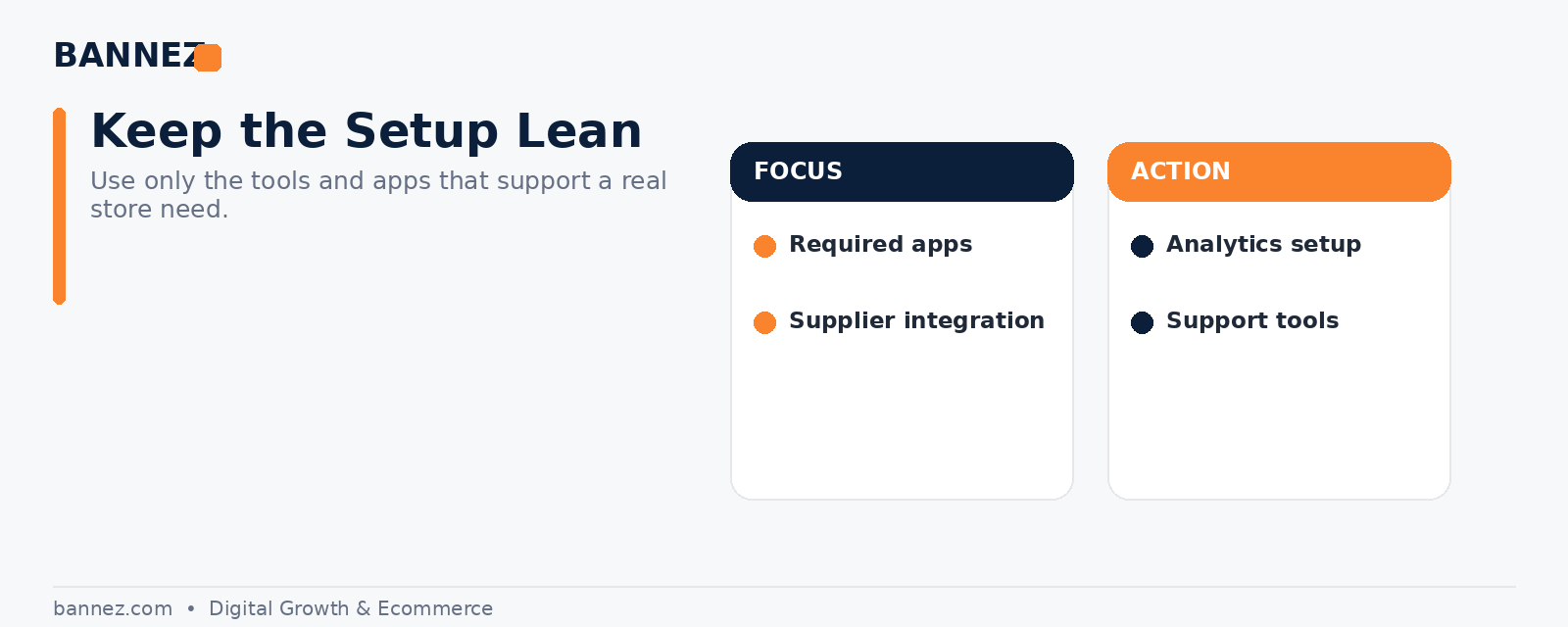
- Supplier or fulfillment integration works.
- Analytics is connected.
- Email notifications are reviewed.
- Review, support, or tracking apps are configured if required.
- Unused apps are removed.
- App subscriptions and recurring costs are documented.
Do not install an app just because it is popular. Every app should solve a clear store need.
9. Mobile and Performance Checklist
- Homepage loads correctly on mobile.
- Menu opens and closes properly.
- Product images fit the screen.
- Add-to-cart buttons are easy to use.
- Popups do not cover important content.
- Text is readable without zooming.
- Large unnecessary images or scripts are reduced where possible.
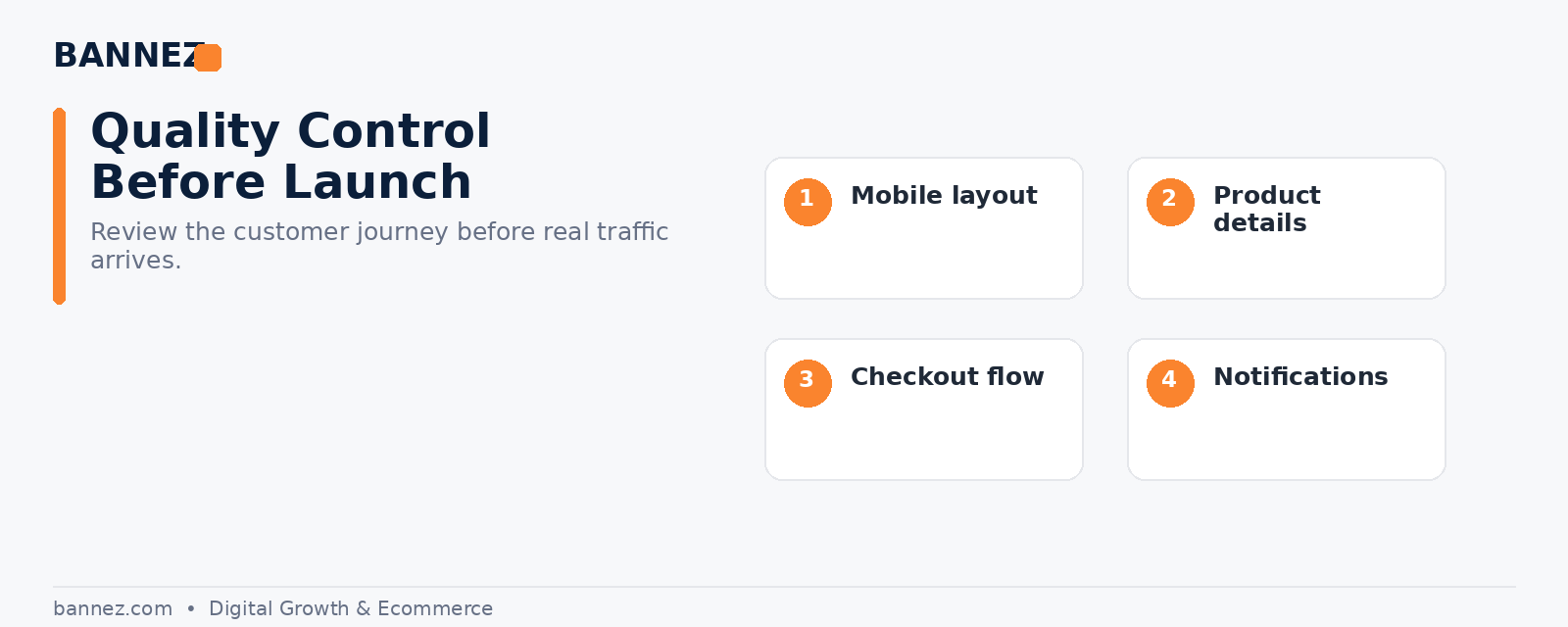
10. Pre-Launch Testing Checklist
- Browse the store as a new visitor.
- Search and filter products.
- Add and remove cart items.
- Test discount codes.
- Check shipping rates.
- Place at least one test order.
- Review order emails.
- Check policy links from the footer and checkout.
- Test contact forms.
- Review the store on desktop and mobile.
Shopify recommends test orders before launch and explains the process in its launch preparation documentation.
When You Want the Store Built for You
If you want the full Shopify dropshipping store configured with a consistent design and core setup, you can explore our Shopify Dropshipping Store Development & Setup service.
Frequently Asked Questions
Should I complete every checklist item before launch?
Complete every item that affects ordering, customer expectations, legal information, payments, or basic usability. Optional marketing features can be added later.
How many apps should a new Shopify store use?
There is no ideal number. Use the minimum set needed for your store workflow and customer experience.
Do I need to test checkout if Shopify handles checkout?
Yes. Your own shipping, payment, product, discount, and tax settings affect the checkout experience, so test the complete flow.
Conclusion
A good Shopify dropshipping setup is not only about appearance. Use this checklist to verify suppliers, products, pages, policies, payments, shipping, mobile usability, apps, and checkout. Fixing these basics before launch gives customers a clearer experience and gives you a stronger foundation for future marketing.
