
Shopify Store Design: 15 Things That Build Customer Trust
Customers decide very quickly whether an online store feels trustworthy. They notice design consistency, product information, navigation, policies, contact details, and checkout clarity before they ever speak to the business.
Trust is not created by adding one badge or one review widget. It comes from many small signals working together. Here are 15 Shopify store design improvements that can help customers feel more confident while browsing and buying.
15 Shopify Store Design Elements That Build Trust
1. Clear Branding
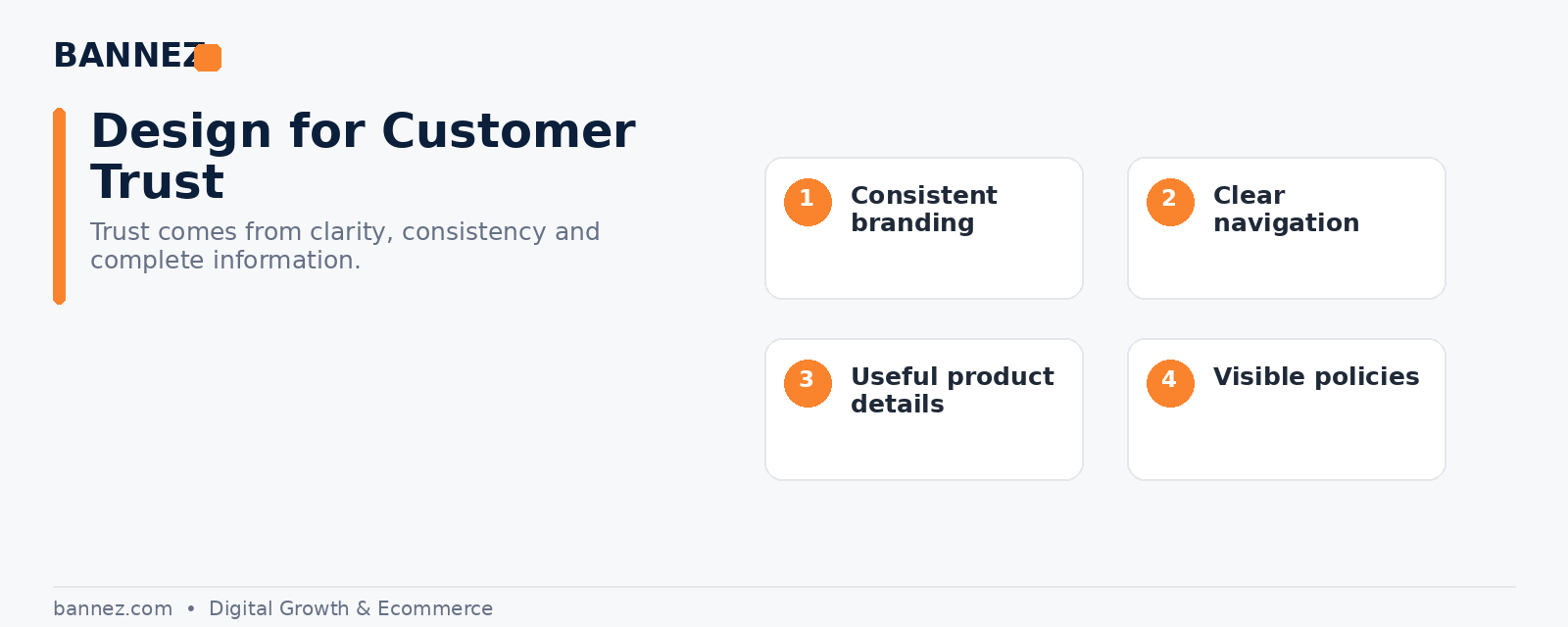
Use a consistent logo, color palette, typography, and visual style. A store that looks different on every page can feel unfinished.
2. A Professional Domain
A custom domain is easier to remember and generally feels more established than relying on a temporary store URL.
3. Simple Navigation
Customers should be able to understand the main menu without guessing. Use clear labels for collections, categories, contact, and support information.
4. High-Quality Product Images
Use clear images that help customers understand what they are buying. Avoid blurry, inconsistent, or obviously stretched product photos.
5. Useful Product Descriptions
Explain benefits, specifications, dimensions, materials, compatibility, care, and other practical details. Generic supplier copy often leaves important questions unanswered.
6. Transparent Shipping Information
Do not hide realistic delivery expectations. Customers should know processing time, estimated delivery range, and whether tracking is available.
7. Easy-to-Find Return Information
A clear return or refund policy can reduce uncertainty before purchase. Shopify provides official guidance for adding store policies.
8. Real Contact Information
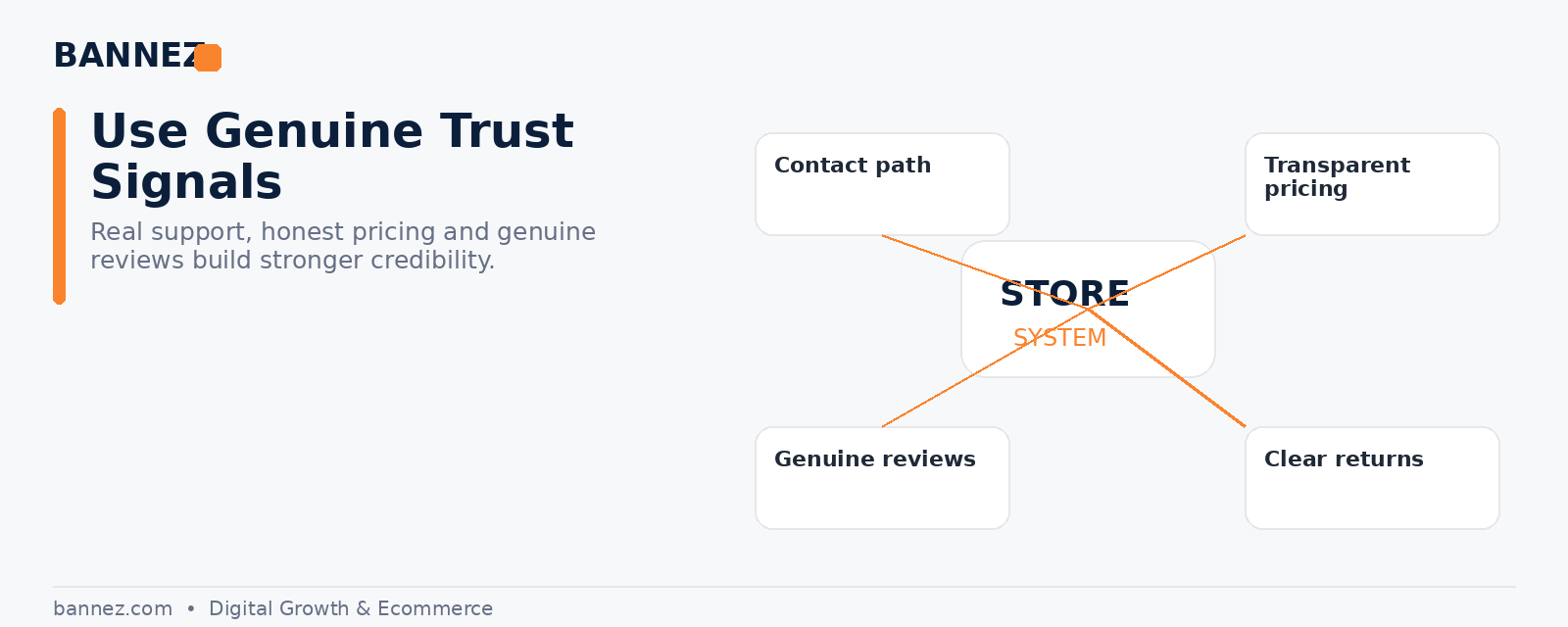
Give customers a reliable support path. A contact page, support email, or other monitored channel makes the business easier to trust.
9. Consistent Button Design
Primary actions such as Add to Cart should be easy to recognize. Avoid using too many button styles, colors, or competing calls to action.
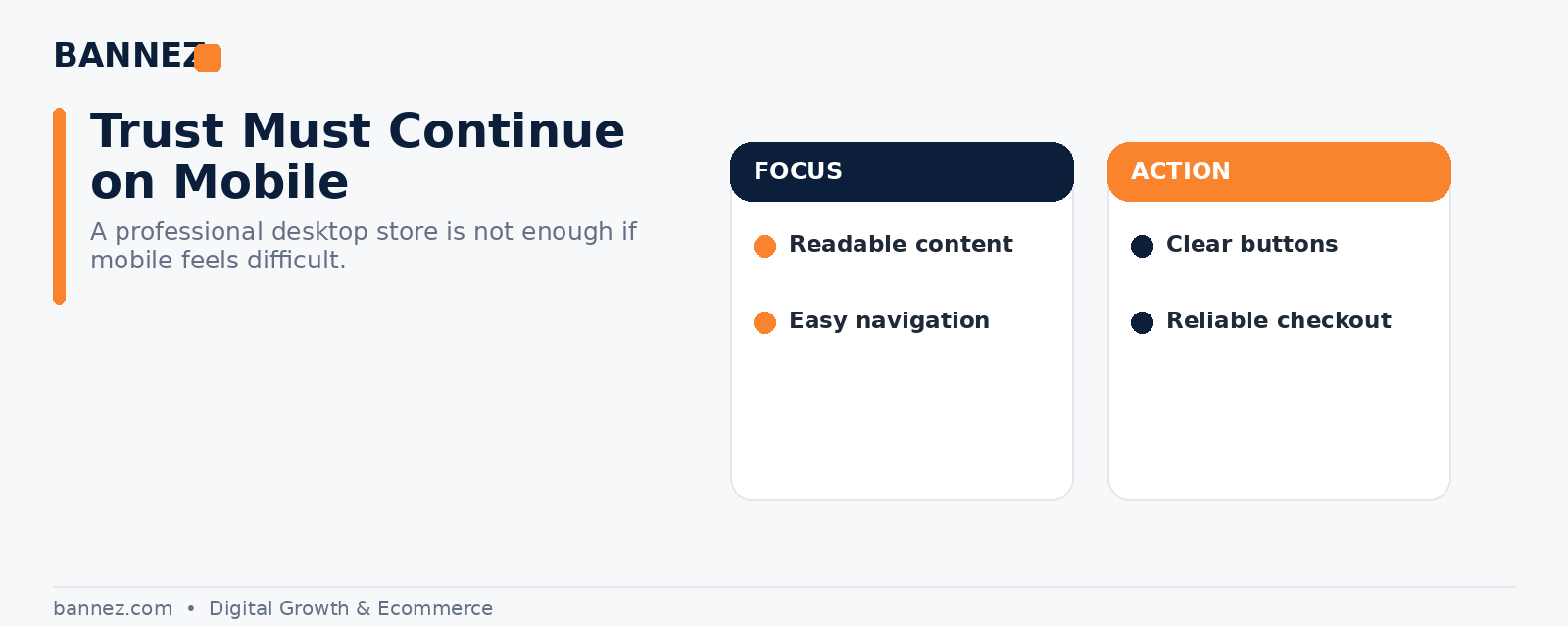
10. Clean Mobile Design
A large share of ecommerce browsing happens on mobile devices. Check menus, product images, buttons, forms, popups, and spacing on smaller screens.
11. Genuine Reviews and Social Proof
Customer reviews can reduce uncertainty when they are real and relevant. Avoid fake ratings, invented testimonials, or misleading review counts.
12. Clear Pricing
Customers should understand the product price, discounts, shipping expectations, and any important extra charges. Avoid confusing price presentation or fake urgency.
13. Secure and Familiar Checkout
Shopify uses its own checkout system and provides current documentation on Shopify Checkout. Make sure your store settings, payment methods, shipping options, and policy links are configured correctly.
14. Fast, Focused Pages
Heavy animations, oversized images, unnecessary apps, and multiple popups can make the store feel difficult to use. Keep pages focused on the buying journey.
15. Complete Store Pages
About, Contact, FAQ, shipping, returns, privacy, and terms pages help answer questions customers may have before ordering. Shopify’s page creation documentation explains how merchants can create and manage pages.
Trust-Building Design Checklist
- Brand style is consistent
- Navigation is easy to understand
- Product images are clear
- Descriptions answer common questions
- Shipping and return information is visible
- Contact details are easy to find
- Reviews are genuine
- Prices and discounts are clear
- Mobile layout works correctly
- Checkout has been tested
- Unnecessary popups and apps are removed
- Policy pages are complete
Design Mistakes That Can Reduce Trust
- Different fonts and colors on every page
- Low-quality product images
- Fake countdown timers or fake scarcity
- Broken links
- Placeholder theme text
- Missing contact information
- Hidden shipping details
- Unrealistic delivery promises
- Too many popups
- Copied content that does not match the product
Professional Shopify Store Design Support
If you want your Shopify dropshipping store built with a consistent layout, clear navigation, product presentation, and core setup, you can explore our Shopify Dropshipping Store Development & Setup service.
Frequently Asked Questions
Do trust badges automatically increase sales?
No single element guarantees better sales. Trust comes from the complete experience, including clear information, consistent design, policies, real reviews, and reliable checkout.
Should every Shopify store use the same trust elements?
No. The most useful trust signals depend on the product, audience, price, market, and customer questions.
Can a simple Shopify design look professional?
Yes. Simple design often works well when typography, spacing, imagery, navigation, and content are consistent.
Conclusion
A trustworthy Shopify store does not need to look complicated. It needs to feel clear, complete, and consistent. Focus on real customer questions, transparent policies, strong product information, mobile usability, and a clean checkout journey. Small design improvements across the entire store can create a much stronger professional impression.
