
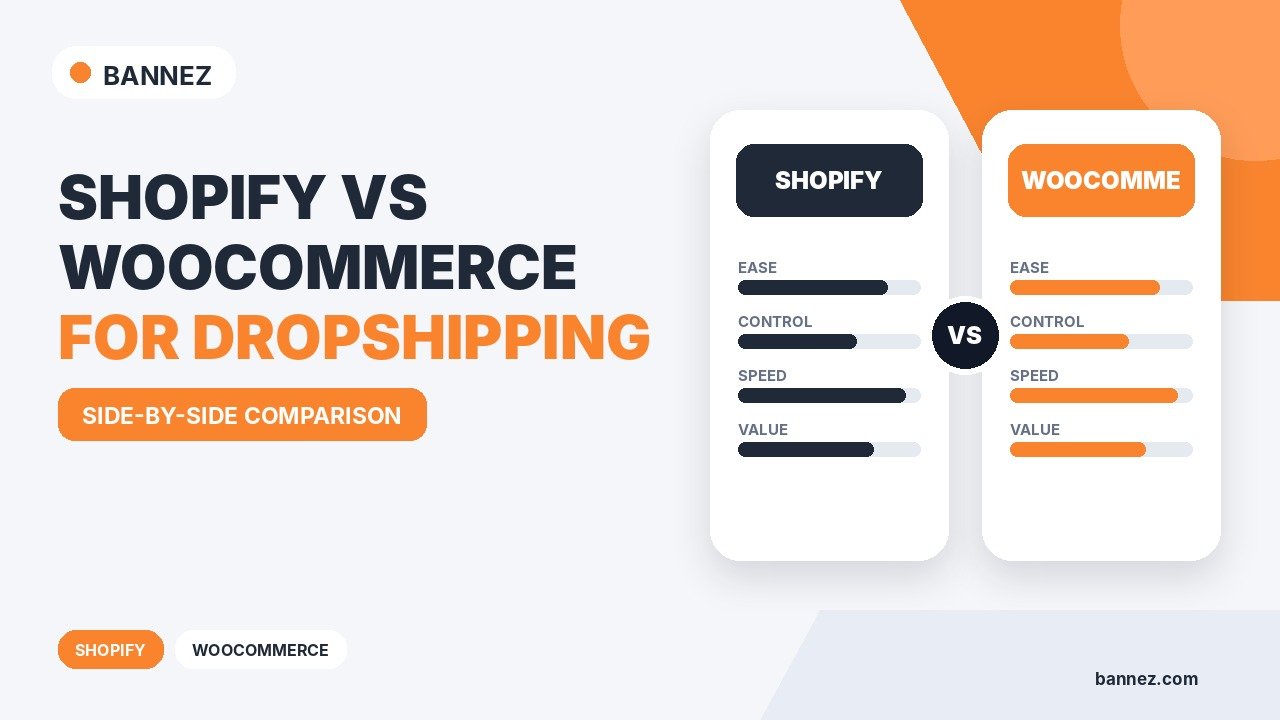
Shopify vs WooCommerce for Dropshipping
Shopify and WooCommerce can both be used to build a dropshipping store, but they take very different approaches. Shopify is a hosted ecommerce platform designed to keep much of the technical infrastructure in one system. WooCommerce is an open-source ecommerce platform built on WordPress, giving store owners more control over hosting, plugins, themes, and technical configuration.
The better choice depends on how much control you want, how comfortable you are with WordPress, how you want to manage costs, and how much technical maintenance you want to handle.
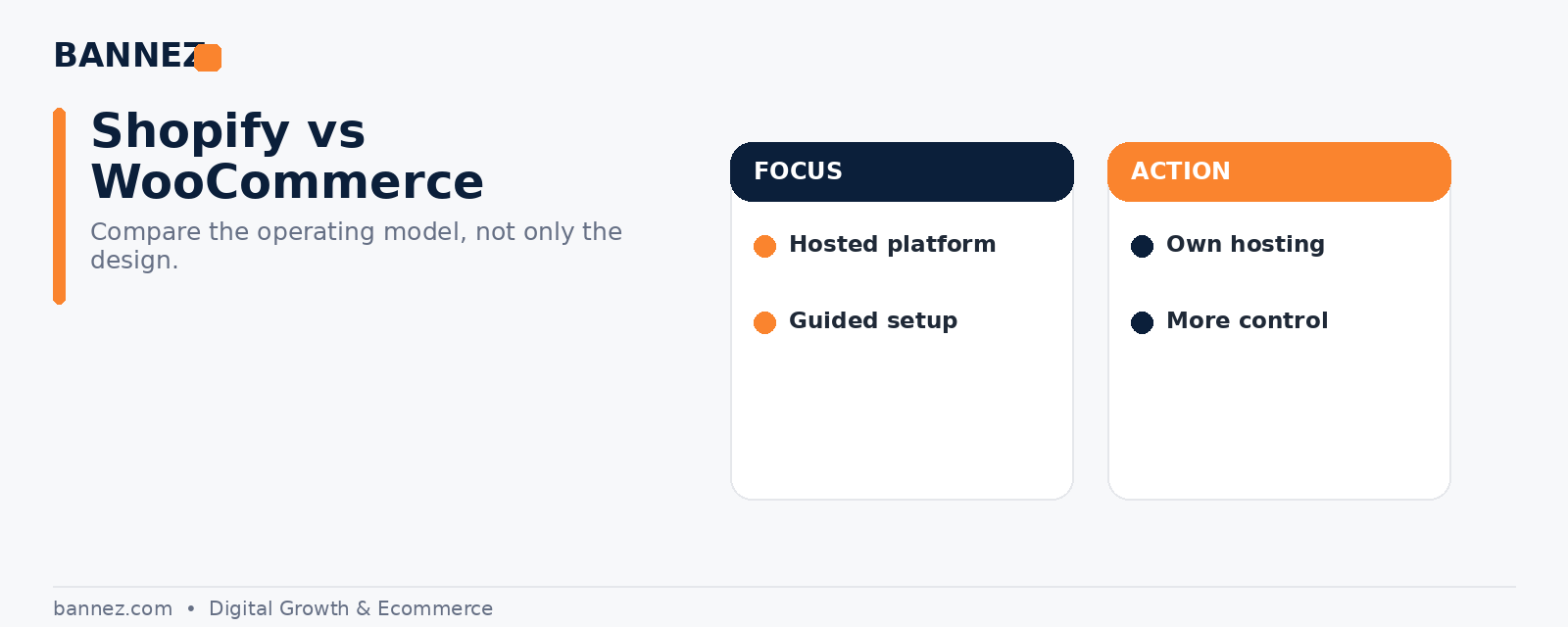
Shopify vs WooCommerce: Quick Comparison
| Area | Shopify | WooCommerce |
|---|---|---|
| Hosting | Hosted platform | You choose hosting |
| Setup | More guided | More configuration |
| Technical maintenance | Lower platform-level workload | Owner manages WordPress environment |
| Customization | Theme and app ecosystem | Very flexible through WordPress |
| Costs | Platform plan plus apps/theme | Hosting, domain, extensions, theme and maintenance |
| Dropshipping tools | Apps and integrations | Plugins and extensions |
1. Ease of Setup
Shopify
Shopify provides the hosting, store admin, checkout, theme system, and app marketplace within one platform. This can make the initial setup easier for users who do not want to manage hosting or WordPress maintenance.
WooCommerce
WooCommerce runs on WordPress, so you need a suitable hosting environment, WordPress installation, WooCommerce, a theme, security, backups, and other site-level configuration. The trade-off is greater control over the environment.
WooCommerce describes itself as a customizable open-source ecommerce platform built on WordPress in its official developer documentation.
2. Dropshipping Workflow
Both platforms rely on extensions or apps to connect products, suppliers, inventory, and fulfillment workflows. Shopify maintains official dropshipping guidance, while WooCommerce provides its own WooCommerce Dropshipping documentation.
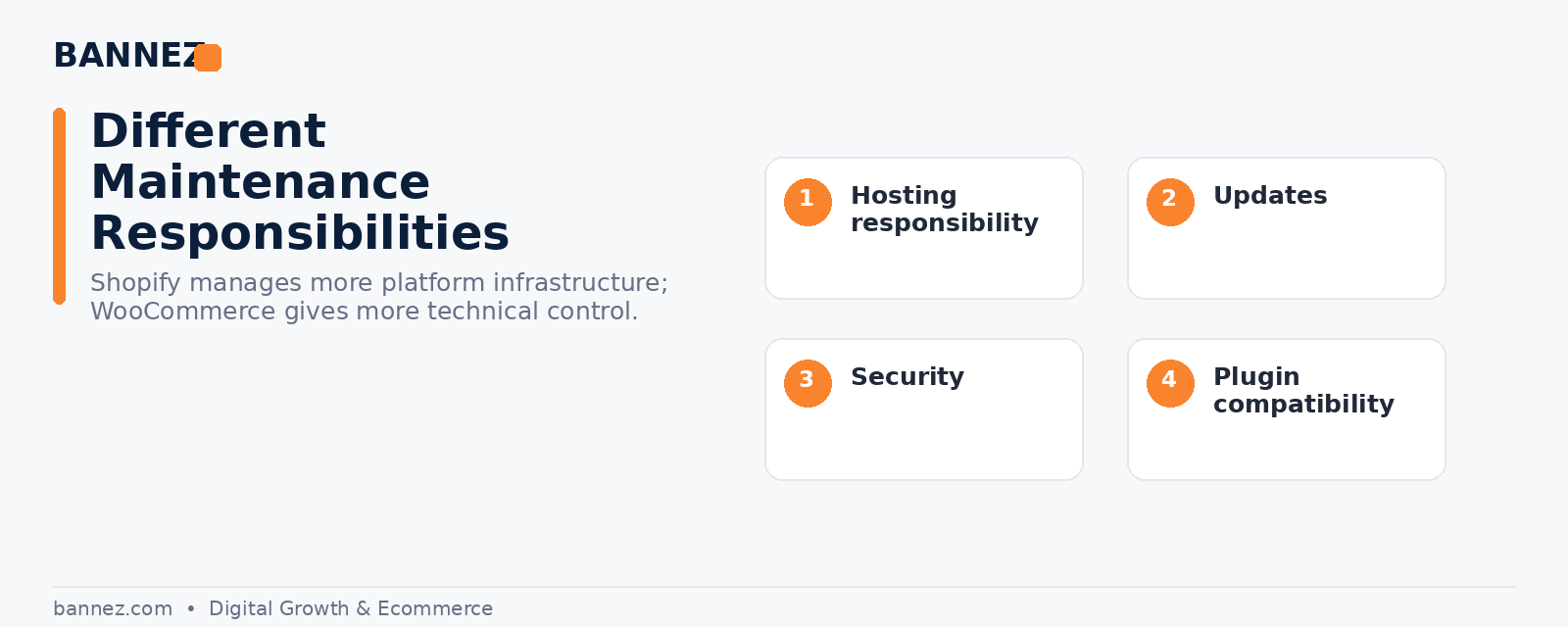
3. Hosting and Technical Maintenance
Shopify
Hosting is part of the Shopify platform. You do not separately manage the web server, WordPress core, or WooCommerce plugin updates.
WooCommerce
You choose the hosting provider and are responsible for the WordPress environment. That creates more flexibility, but it also means updates, backups, security, plugin compatibility, and performance need attention.
4. Design and Themes
Shopify has its own theme ecosystem. You can start with free or paid themes and customize them through the theme editor. Shopify’s theme guide explains how to choose themes by features and industry.
WooCommerce can use WordPress themes built for ecommerce. Because WordPress is highly flexible, there are many design approaches, page builders, block themes, and custom development options.
5. Apps, Plugins, and Extensions
Shopify apps are usually installed from the Shopify App Store. WooCommerce functionality is commonly extended through WordPress plugins and WooCommerce extensions.
With either platform, too many extensions can increase cost and complexity. Choose tools based on a real business need instead of installing features without a plan.
6. Cost Structure
Shopify costs
Expect a Shopify plan, domain, optional paid theme, apps, payment-related costs, and any professional setup or marketing expenses. Check the current Shopify pricing page because plan prices vary by region and can change.
WooCommerce costs
WooCommerce core is open source, but running a store still involves costs such as hosting, domain, premium extensions, themes, backups, security tools, maintenance, and development where required.
7. Control and Customization
WooCommerce generally gives more control over hosting, WordPress files, database access, plugins, and custom development. Shopify gives strong ecommerce functionality in a more managed environment, but some platform-level behavior is controlled by Shopify.
8. Checkout and Payments
Shopify uses Shopify Checkout and supports a range of payment providers depending on region. Its official checkout documentation covers current checkout settings.
WooCommerce checkout is part of the WordPress/WooCommerce installation and can be extended through plugins and custom development. This flexibility also means you need to manage compatibility carefully.
9. Which Is Better for Beginners?
Shopify may be easier for beginners who want a more guided, hosted system with less server-level management. WooCommerce can be a strong choice for users who already know WordPress or who want more ownership over hosting and customization.
10. Which Is Better for Dropshipping?
There is no universal winner. Choose based on the operating model:
- Choose Shopify if you prefer a hosted platform, simpler technical maintenance, and a focused ecommerce admin.
- Choose WooCommerce if you want deep WordPress control, flexible hosting choices, and broader custom development freedom.
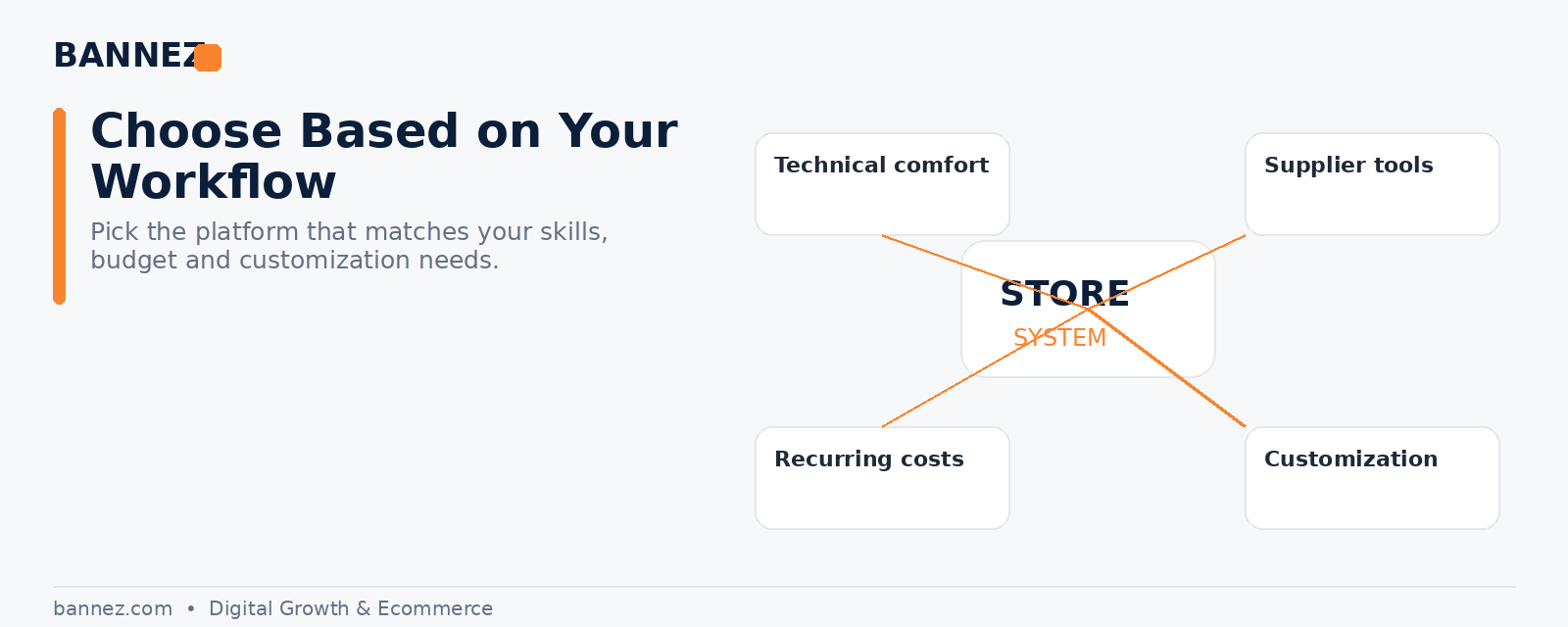
Decision Checklist
- Do you want managed hosting or your own hosting?
- Are you comfortable maintaining WordPress?
- How much custom functionality do you expect?
- Which supplier integrations do you need?
- What recurring apps or plugins will be required?
- How important is direct server and database control?
- Who will maintain the store after launch?
Need a Shopify Dropshipping Store Built?
If Shopify is the better fit for your business and you want help with the store setup, design, and core structure, you can explore our Shopify Dropshipping Store Development & Setup service.
Frequently Asked Questions
Is WooCommerce free while Shopify is paid?
WooCommerce core is open source, but a production store still has hosting, domain, extensions, maintenance, and other costs. Shopify uses a platform subscription model with optional additional costs.
Can both platforms handle dropshipping?
Yes. Both support dropshipping workflows through apps, plugins, extensions, and supplier integrations.
Is Shopify easier to maintain?
For many non-technical users, Shopify reduces server and WordPress maintenance tasks because it is hosted. You still need to maintain products, apps, design, settings, policies, and business operations.
Conclusion
Shopify is a strong option when you value a managed ecommerce environment and simpler technical operations. WooCommerce is attractive when you want WordPress flexibility and more control over the technical stack. Compare the tools your suppliers require, total recurring costs, maintenance responsibilities, and customization needs before choosing.
