
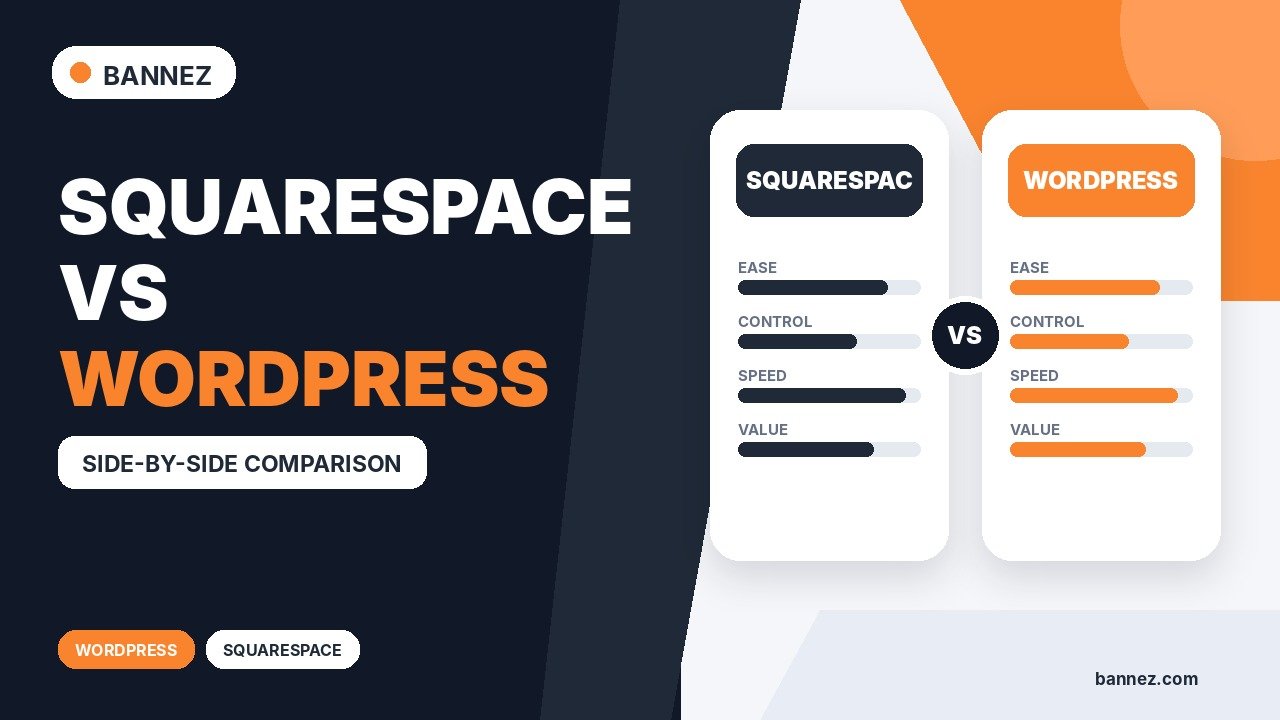
Squarespace vs WordPress: Which Is Better?
Squarespace and WordPress can both power professional websites, but they are built around different ways of working. Squarespace is a managed website platform that keeps design tools, hosting, and many core features together. WordPress is an open-source content management system that gives you a much wider choice of hosting, themes, plugins, and custom development.
That means the better option is not the same for every business. A small company that wants a simple website with less technical management may value Squarespace, while a growing content site or custom project may benefit from the flexibility of WordPress.
This comparison explains the practical differences so you can choose based on your real website needs rather than a generic “best platform” claim.
Squarespace vs WordPress: Quick Comparison
| Area | Squarespace | WordPress |
|---|---|---|
| Setup | Integrated, guided setup | Depends on host, theme, and configuration |
| Ease of use | Consistent visual editing experience | Can be simple or advanced depending on setup |
| Design flexibility | Strong built-in design controls | Very broad theme, block, plugin, and code options |
| Maintenance | Platform handles core hosting environment | Site owner manages hosting, updates, backups, and extensions |
| Extensions | Built-in features and supported integrations | Large plugin ecosystem |
| SEO basics | Built-in page and SEO settings | Core tools plus optional SEO plugins |
| Control | Managed platform environment | Open-source software with hosting choice |
| Best fit | Users wanting a streamlined managed workflow | Projects needing broader customization or extensibility |
What Is Squarespace?
Squarespace combines website building, hosting, templates, page sections, design controls, and many business features inside one platform. This can reduce the number of separate services a beginner needs to configure.
Its official first-site guide walks users through site structure, content, and design, while its page system uses sections and blocks for building layouts.
What Is WordPress?
WordPress is open-source publishing software used to build many types of websites. You choose a hosting provider, install or configure WordPress, select a theme, and add features through core blocks, plugins, custom code, or other tools as needed.
The official WordPress features page highlights publishing, media, user management, extensibility, and developer tools. The Site Editor documentation explains how compatible block themes can be edited across templates, styles, navigation, and pages.
1. Ease of Setup and Daily Editing
Squarespace
Squarespace keeps most website-building tasks inside a consistent interface. Hosting, page creation, site styles, and many common business features are managed from the same account. This can make the learning path easier for someone who does not want to assemble a technical stack.
WordPress
WordPress itself is straightforward, but the editing experience can vary because the hosting provider, theme, page builder, and plugins can all affect the workflow. A clean block-theme setup can be simple, while a heavily customized site may need more technical knowledge.
Which is easier?
Squarespace usually offers the more predictable beginner workflow. WordPress can also be easy to use, but its flexibility means the exact experience depends more heavily on how the site is built.
2. Design and Customization
Squarespace offers site-wide style controls, page sections, layout options, and visual editing. Its design system is useful when you want consistency without managing many separate design tools.
WordPress gives you a much wider range of themes and customization paths. The official WordPress themes documentation explains how themes control presentation, while block themes can also expose site-wide editing through the Site Editor.
Choose based on the level of control you need
- Choose Squarespace when built-in layout and style controls cover your needs.
- Choose WordPress when you expect unusual layouts, custom post types, specialized integrations, or deep code-level changes.
3. Plugins, Extensions, and Extra Features
WordPress has a large plugin ecosystem. Plugins can add forms, ecommerce, memberships, SEO tools, analytics integrations, custom fields, caching, and many other capabilities. The official introduction to plugins explains how plugins extend WordPress functionality.
Squarespace takes a more integrated approach. Many common website features are available directly through the platform, with additional supported integrations and extensions for specific needs.
The trade-off
WordPress gives you more choices, but every additional plugin becomes another component to evaluate and maintain. Squarespace provides fewer ways to change the underlying system, but that can also make the setup easier to manage.
4. Website Maintenance
Squarespace maintenance
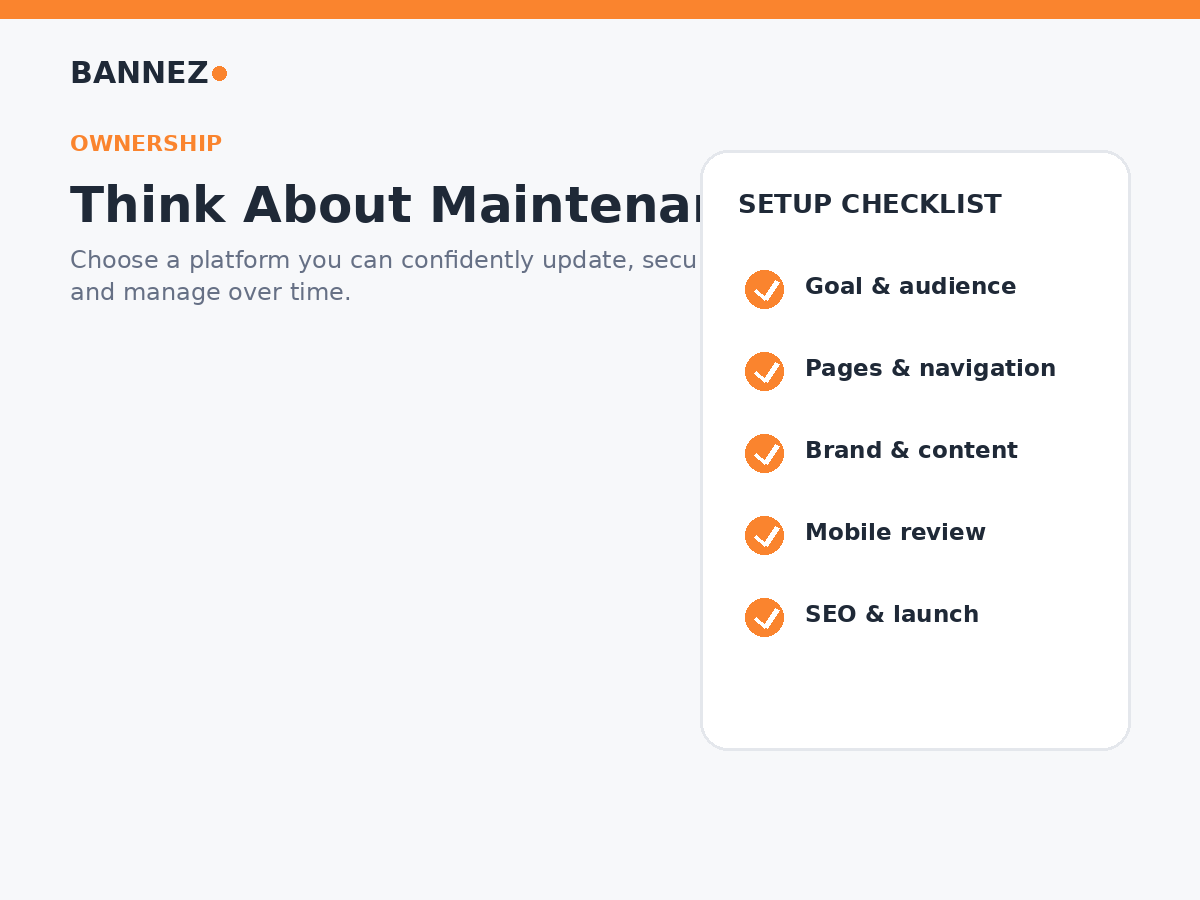
Because Squarespace is a managed platform, users do not normally manage the core hosting environment, platform software updates, or a collection of third-party themes and plugins in the same way a self-hosted WordPress owner does.
WordPress maintenance
A self-hosted WordPress website requires ongoing attention to WordPress core, themes, plugins, backups, hosting, and site security. WordPress provides update tools, but the site owner or maintenance provider remains responsible for the complete setup.
The official Manage Plugins documentation covers installing, updating, activating, and removing plugins.
5. Blogging and Content Publishing
Both platforms can handle blogs and regular publishing. Squarespace is convenient for a business site that wants an integrated blog without a complicated content setup.
WordPress started as a publishing platform and remains especially flexible for content-heavy websites. Categories, tags, authors, custom post types, editorial plugins, and custom data structures can support more complex publishing workflows.
6. SEO Capabilities
Neither platform automatically guarantees better rankings. Search performance depends on content quality, search intent, site structure, crawlability, performance, links, and many other factors.
Squarespace SEO
Squarespace includes page titles, URLs, SEO descriptions, image alt text, structured site features, and other built-in controls. Its page settings guide documents current page-level options.
WordPress SEO
WordPress supports SEO fundamentals through its core publishing structure, themes, and extensibility. Many site owners add an SEO plugin for additional metadata, schema, sitemap, and content-analysis controls.
7. Mobile-Friendly Design
Squarespace uses responsive design so site content adapts to different screens. You should still review real pages on phones because image cropping, text length, and content order can affect the experience. The official responsive design documentation explains the platform approach.
WordPress can also be fully responsive, but the result depends on the theme and any custom layouts or plugins used. A modern responsive theme is important.
8. Ecommerce and Business Features
Both platforms can support online selling, but the right choice depends on the business model. Squarespace can be attractive when you want ecommerce integrated into the same managed website environment.
WordPress commonly uses WooCommerce and additional extensions for ecommerce. This can provide greater flexibility for specialized catalogs, checkout flows, subscriptions, integrations, and custom business logic, but it can also require more setup and maintenance.
9. Cost Structure
Do not compare only the advertised starting price. Pricing changes over time, and the real cost depends on the website requirements.
Squarespace cost may include
- Platform subscription
- Domain or email services where applicable
- Optional extensions or business tools
WordPress cost may include
- Hosting
- Domain
- Premium theme or builder
- Premium plugins
- Development or maintenance
- Backup, security, or performance services depending on hosting
For a fair comparison, estimate the complete first-year and ongoing cost for the features you actually need.
10. Ownership, Hosting, and Technical Control
WordPress is open-source software and can be hosted with many providers. This gives site owners broad control over hosting, files, databases, code, and migration options.
Squarespace is a hosted platform. The managed environment reduces infrastructure work, but you work within the platform’s supported system and feature set.
Who Should Choose Squarespace?
- Small businesses wanting a managed all-in-one workflow
- Portfolios and service sites with standard feature needs
- Users who prefer visual editing and fewer technical decisions
- Teams that do not want to manage plugin and theme updates
- Projects that fit comfortably within Squarespace’s built-in tools
If Squarespace fits your project and you need professional setup or customization, you can explore our responsive Squarespace website design and customization service.
Who Should Choose WordPress?
- Content-heavy websites with complex publishing needs
- Projects requiring specialized plugins or integrations
- Businesses that need custom data structures or functionality
- Teams that want more control over hosting and code
- Websites expected to grow into highly customized systems
How to Make the Final Decision
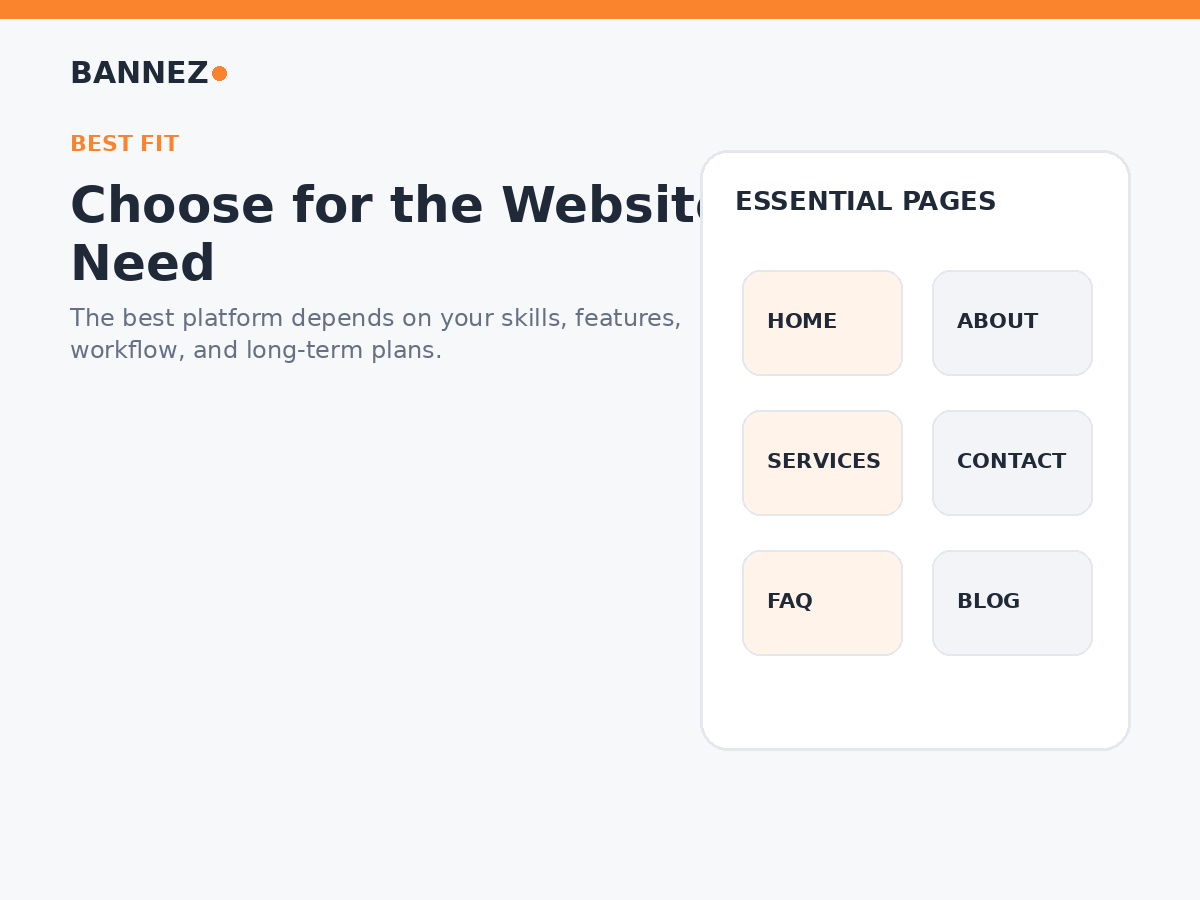
Ask these questions before choosing
- What features does the website need today?
- What features may be needed in two or three years?
- Who will update the website?
- How much technical maintenance can the team handle?
- Do you need custom integrations or unusual functionality?
- How important is control over hosting and code?
- What is the realistic total cost, including maintenance?
Frequently Asked Questions
Is Squarespace better than WordPress for beginners?
Squarespace often has a simpler and more consistent setup for beginners because the platform manages more of the website environment. WordPress can also be beginner-friendly when it is configured with a simple theme and limited plugins.
Is WordPress more customizable than Squarespace?
Generally, yes. WordPress offers broader theme, plugin, hosting, and code-level customization. Squarespace focuses on customization within its managed design and feature system.
Can Squarespace handle a professional business website?
Yes. It can work well for many service businesses, portfolios, local companies, and smaller ecommerce projects when its built-in features match the requirements.
Which is better for SEO, Squarespace or WordPress?
Both can support strong SEO fundamentals. Platform choice alone does not determine rankings. Content, technical quality, site structure, authority, user experience, and ongoing optimization matter more.
Can I move from Squarespace to WordPress later?
Migration is possible, but the process depends on the content and features used. Some content may export more easily than custom layouts or platform-specific features, so plan a migration carefully before changing platforms.
Conclusion
Choose Squarespace when you value a streamlined managed website builder and your project fits its built-in tools. Choose WordPress when you need broader customization, hosting control, a large extension ecosystem, or a website that may develop into a more complex system.
The best decision comes from matching the platform to your content, features, maintenance capacity, budget, and long-term growth plans. Start with requirements first and platform second.
