
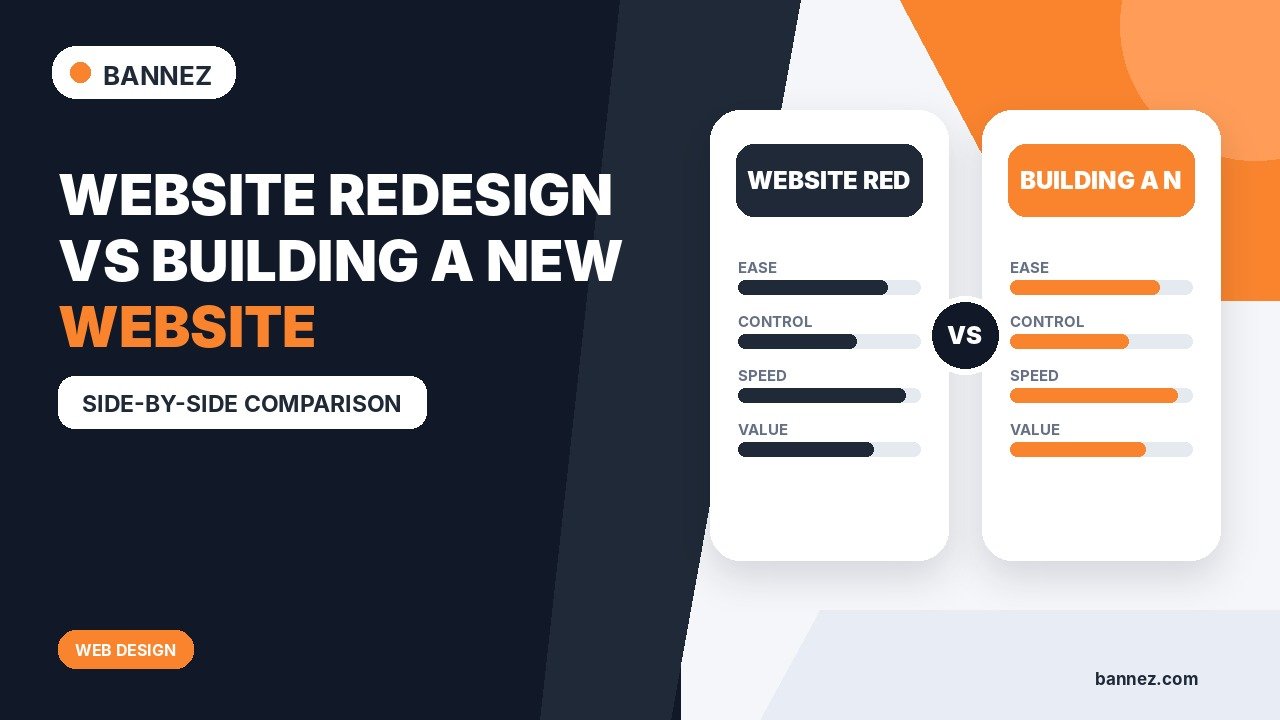
Website Redesign vs Building a New Website
When a website feels outdated or stops supporting the business, the next step is not always obvious. Should you redesign the existing website, or should you build a new website from the ground up?
The answer depends on more than appearance. You need to evaluate the current platform, page structure, content, performance, integrations, technical debt, business goals, and how much of the existing site is still useful.
What Is a Website Redesign?
A website redesign improves an existing website while keeping some or most of its underlying structure, platform, content, or functionality.
A redesign may include
- New visual style
- Improved page layouts
- Better navigation
- Updated typography and colors
- Responsive design fixes
- Improved calls to action
- Content restructuring
- Performance improvements
What Does Building a New Website Mean?
A new website or full rebuild usually involves replacing major parts of the existing implementation. This may include a new platform, theme, information architecture, templates, codebase, integrations, database structure, or content system.
A rebuild can preserve valuable content and URLs while replacing the technical foundation.
Redesign vs New Website: Quick Comparison
| Area | Redesign | New website / rebuild |
|---|---|---|
| Existing platform | Often retained | May be replaced |
| Content | Often revised and reused | Can be migrated, rewritten or restructured |
| Technical foundation | Mostly retained | Major parts replaced |
| Project risk | Lower when foundation is healthy | Higher migration and launch complexity |
| Best when | Core system still works | Current system blocks future needs |
Choose a Redesign When the Foundation Is Still Good
1. The platform still meets your needs
If the CMS, ecommerce system, hosting setup, and integrations work well, replacing them may add unnecessary cost and migration risk.
2. The main problem is visual or structural
An outdated layout, weak hierarchy, confusing navigation, or poor mobile design can often be fixed without rebuilding everything.
3. Existing content and URLs are valuable
If the website already has useful pages, backlinks, search visibility, and customer bookmarks, a careful redesign can preserve that value.
Consider a Rebuild When the Current Website Creates Structural Limits
1. The platform cannot support required functionality
If important features require fragile workarounds or cannot be implemented safely, a new technical foundation may be more practical.
2. The site has serious technical debt
Unsupported software, abandoned plugins, repeated patches, broken templates, and difficult deployment processes can make ongoing maintenance expensive.
3. The information architecture no longer matches the business
A company that has changed its services, audience, markets, or product model may need a different site structure rather than a cosmetic redesign.
4. Performance problems are deeply structural
Some speed problems can be optimized, while others come from architecture, bloated themes, old page builders, excessive dependencies, or unsuitable hosting choices.
Google’s Core Web Vitals guidance can help identify real-user loading, responsiveness, and layout-stability problems.
Do Not Rebuild Only Because the Site Looks Old
A dated visual style can often be redesigned. Rebuilding the entire technical system may be unnecessary if the current platform is stable, secure, maintainable, and capable of supporting the new design.
Do Not Redesign Around a Broken Foundation
The opposite mistake is applying a new visual layer over major technical problems. If the site is difficult to update, insecure, unsupported, or unable to support business requirements, a visual redesign alone may only hide the problem temporarily.
SEO Considerations During Redesign or Rebuild
Both redesigns and rebuilds can affect search performance when URLs, content, internal links, page titles, structured data, or indexability settings change.
Before launch
- Inventory important existing URLs
- Keep useful URLs where practical
- Map changed URLs to relevant destinations
- Preserve valuable content
- Check internal links
- Review titles, headings, canonicals, and indexability
- Test redirects
Google’s SEO technical guidance provides a useful foundation for crawlability and user experience.
Content Should Be Reviewed, Not Automatically Migrated
A rebuild is a good opportunity to remove outdated, duplicate, or unnecessary pages. However, do not delete useful content simply because it is old.
Evaluate each page based on business value, customer usefulness, search performance, backlinks, and whether the information is still accurate.
Mobile and Accessibility Should Be Part of the Decision
If the existing site is fundamentally difficult to make responsive or accessible, that can support the case for a rebuild.
W3C’s page structure guidance and current menu/form tutorials provide practical accessibility considerations for new designs.
How to Choose: A Step-by-Step Decision Process
- Define the new business requirements.
- Audit the current platform and technical health.
- Review existing content and URLs.
- Measure performance and mobile usability.
- List integrations and workflows.
- Identify what can be safely reused.
- Estimate redesign versus rebuild scope.
- Choose the smallest approach that solves the real problems.
Redesign Decision Checklist
- Current platform is supported
- Security and maintenance are manageable
- Existing URLs and content are valuable
- Required functionality can be supported
- Mobile experience can be improved
- Performance can be improved without major architecture changes
- Navigation can be restructured
- Migration risk has been considered
Where Bannez Can Help
If your existing WordPress site mainly needs theme-based design and layout customization, you can explore our Complete WordPress Website Customization service. If the project requires a new WordPress business website and the listed scope fits, explore our Professional WordPress Business Website service.
For Wix projects, Bannez also offers Wix Website Design & Redesign within its stated service scope.
Frequently Asked Questions
Is a website redesign cheaper than a new website?
It can be, but not always. A difficult redesign on a broken foundation may require more work than a clean rebuild. Compare scope rather than assuming one is automatically cheaper.
Will a redesign hurt SEO?
It can if important URLs, content, internal links, metadata, or indexability are mishandled. A carefully planned redesign can preserve valuable search signals.
How often should a website be redesigned?
There is no fixed schedule. Redesign when user needs, business requirements, technology, performance, or brand changes create a real reason.
Should I change platforms during a redesign?
Only when the current platform creates meaningful limitations or maintenance problems. Platform migration adds complexity and should solve a real requirement.
Conclusion
Choose a redesign when the current foundation is healthy and the main problems are visual, structural, or usability-related. Choose a rebuild when the technology, architecture, or maintenance model prevents the website from meeting current requirements.
Audit before deciding. The best project is not the one with the biggest change—it is the one that fixes the real problems while preserving what already works.
