
What Pages Does a Shopify Store Need?
A Shopify store needs more than product pages and a checkout. Customers often want to know who is behind the business, how shipping works, what happens if they need a return, and how they can get help. The right page structure makes these answers easy to find.
This guide explains the essential Shopify store pages, what each page should do, and which optional pages may be useful depending on your products and audience.
Essential Pages Every Shopify Store Should Have
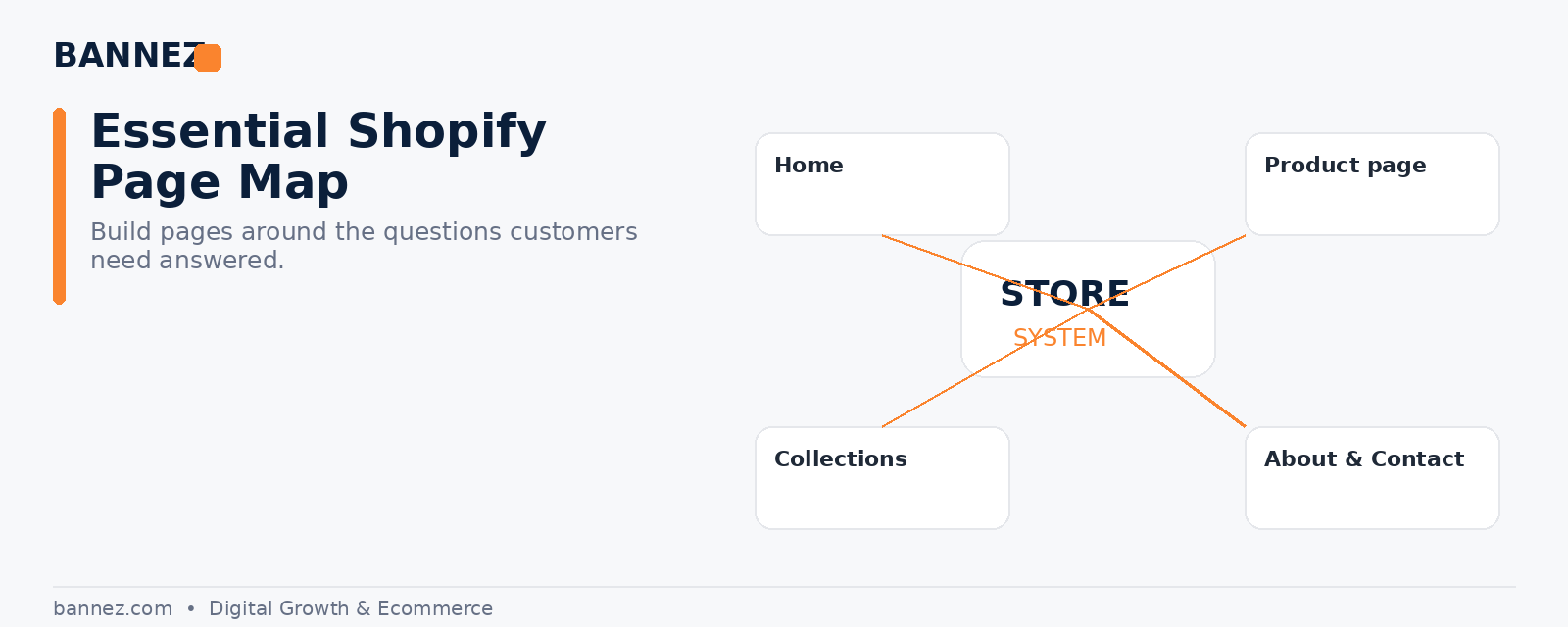
1. Home Page
Your home page should help a new visitor understand the store quickly. It should communicate what you sell, who the products are for, and where the visitor should go next.
- Clear headline or value statement
- Important collections or products
- Simple navigation
- Trust information where relevant
- Strong but natural calls to action
2. Collection Pages
Collection pages organize products into useful groups. Good collections reduce the work customers must do to find suitable products. Keep naming simple and use filters only when the catalog needs them.
3. Product Pages
Product pages are where many buying decisions happen. They should answer practical questions instead of relying on generic supplier descriptions.
- Clear product title
- Useful images
- Benefits and key features
- Specifications, size, materials, or compatibility
- Price and variant information
- Shipping expectations
- Return information or a visible policy link
4. About Page
An About page gives context to the business. Explain what the store does, why it exists, and what customers can expect. Avoid turning the page into a long company biography if it does not help the customer.
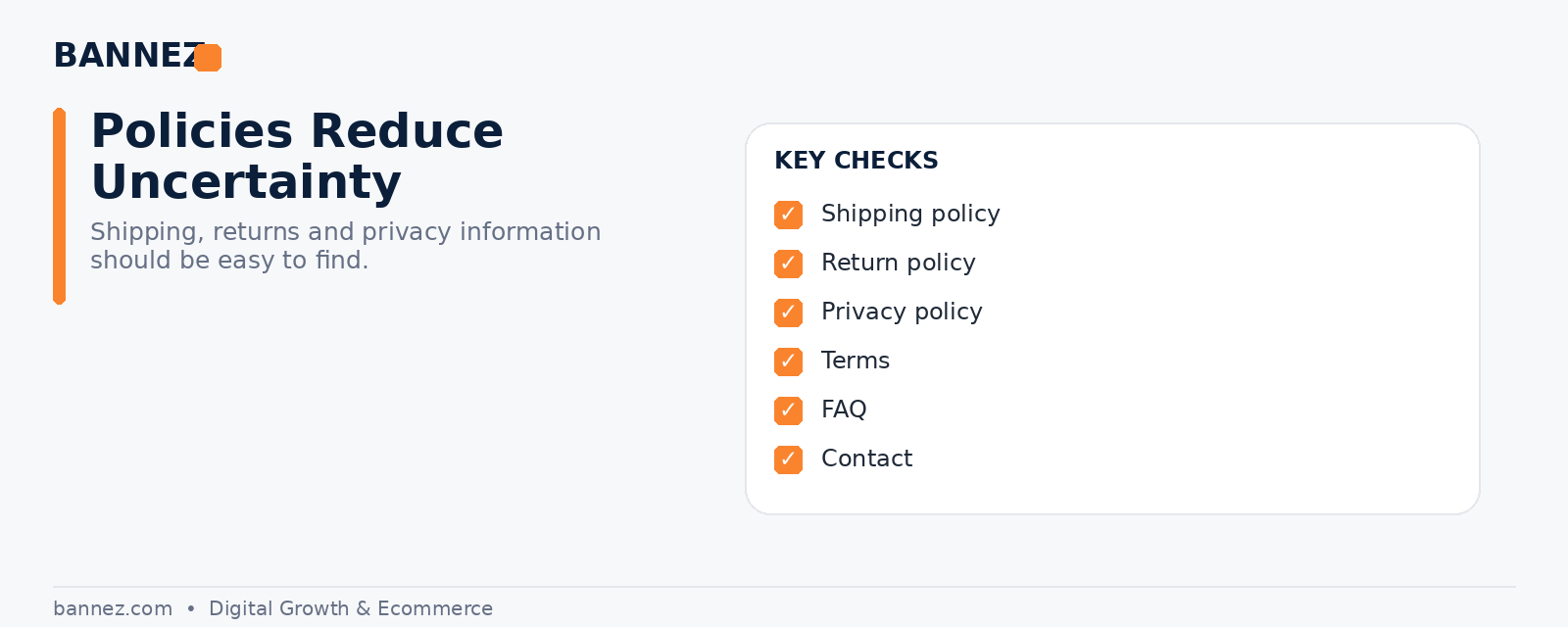
5. Contact Page
A contact page shows customers that there is a real support path if they need help. Include the contact methods you actually monitor. Shopify provides official guidance for creating and editing store pages.
Policy Pages a Shopify Store Commonly Needs
6. Shipping Policy
Explain processing times, estimated delivery ranges, shipping regions, tracking, and any important limitations. The policy should match how your fulfillment actually works.
7. Return or Refund Policy
Customers should know the return window, eligibility rules, exclusions, return process, refund method, and who pays return shipping where applicable.
8. Privacy Policy
A privacy policy explains how customer information is collected, used, and handled. Requirements vary by location and business activity, so review the rules that apply to you.
9. Terms of Service
Terms of service define important conditions for using the store and buying from it. Shopify provides tools and official instructions for adding store policies, but merchants should review any generated templates before publishing them.
Useful Optional Shopify Pages
10. FAQ Page
An FAQ page works well when the same questions appear repeatedly. Cover topics such as delivery, sizing, order changes, tracking, product care, or returns. Do not use an FAQ page to hide important information that belongs on product or policy pages.
11. Track Order Page
If your fulfillment or tracking system supports it, a clear order tracking page can reduce repetitive support questions.
12. Size Guide
Stores selling clothing, accessories, or products where fit matters may benefit from a dedicated size guide. Add links from the relevant product pages.
13. Warranty or Product Care Page
Use a dedicated page when products require detailed care instructions, warranty terms, or setup guidance.
14. Reviews or Customer Stories Page
A separate reviews page can be useful for some brands, but customer proof often works better when it is also placed close to relevant products or offers. Keep reviews genuine and clearly represented.
Where Should These Pages Be Linked?
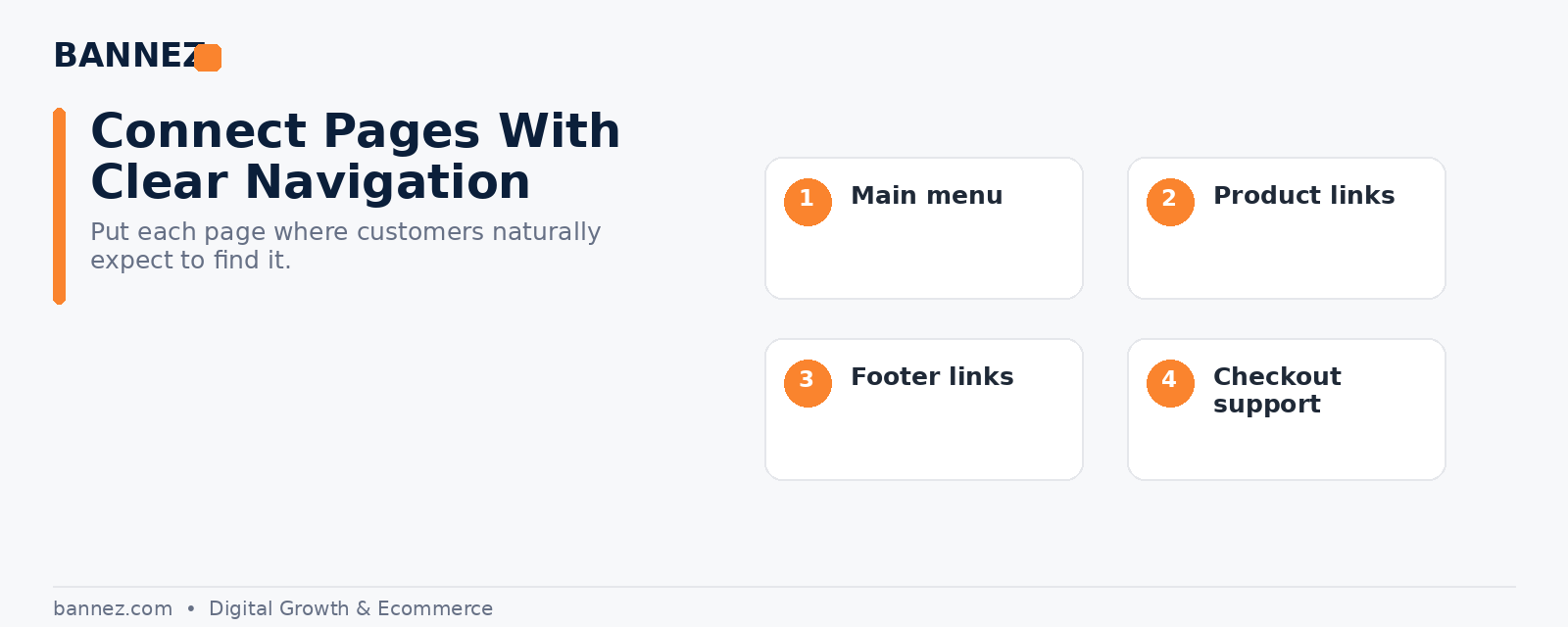
Main navigation
Use the main menu for pages that help customers shop: important collections, key categories, and sometimes About or Contact.
Footer navigation
The footer is a natural place for policy pages, contact details, FAQ, About, and other support links. Important customer information should not be difficult to find.
Product pages and checkout journey
Link information close to the point where it matters. For example, a size guide belongs near size selection, while shipping and returns should be easy to access before purchase.
Simple Shopify Page Structure Example
| Page | Main purpose | Recommended location |
|---|---|---|
| Home | Explain and guide | Main navigation |
| Collections | Organize products | Main navigation |
| Product | Support purchase decision | Collections/search |
| About | Build context and trust | Main menu or footer |
| Contact | Provide support path | Footer or main menu |
| FAQ | Answer common questions | Footer and contextual links |
| Policies | Set customer expectations | Footer and checkout |
Common Page Mistakes to Avoid
- Publishing empty or unfinished pages
- Copying supplier text without adapting it
- Using different contact information across pages
- Hiding shipping or return details
- Creating too many pages that repeat the same content
- Leaving placeholder theme content visible
- Using unclear menu labels
Need Help Building the Full Shopify Store?
If you want your store pages, layout, navigation, and core setup prepared as part of a complete build, you can explore our Shopify Dropshipping Store Development & Setup service.
Frequently Asked Questions
Does every Shopify store need an About page?
It is strongly useful for many stores because customers often want context about the business. Keep it relevant and customer-focused.
Do policy pages appear automatically in Shopify?
Shopify can help merchants create and add policy content, but you must review and publish the policies that apply to your store.
Should FAQ be a separate page?
Use a separate FAQ when there are enough recurring questions. Important answers should still appear on the product or policy page where customers need them.
Conclusion
The best Shopify page structure makes shopping easier and reduces uncertainty. Start with the home, collection, product, About, Contact, and essential policy pages. Add FAQ, tracking, sizing, or care pages only when they solve a real customer need. Then connect everything with clear navigation and contextual links.
