
What to Do Before Launching Your Shopify Store
Launching a Shopify store is exciting, but opening the site before the basics are tested can create avoidable problems. A broken shipping rule, missing policy, incorrect product variant, or poor mobile layout can affect the first customers who visit.
Before you remove the store password and start sending traffic, review the complete customer journey from the first page view to the order confirmation. This checklist covers the most important areas.
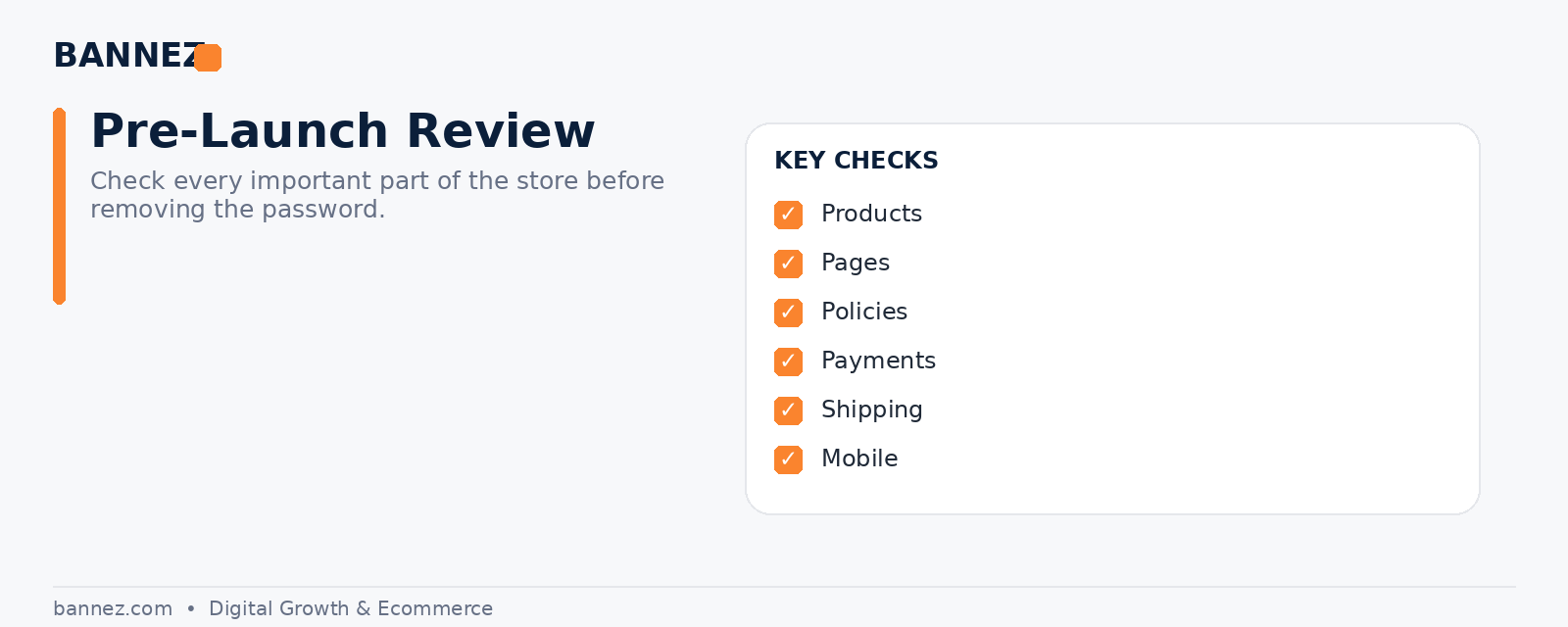
1. Review Every Product
Check product information
- Product titles are clear.
- Descriptions match the actual product.
- Prices are correct.
- Variants and options work.
- Images are clear and assigned correctly.
- Inventory settings match your fulfillment process.
- Shipping weight and relevant product data are accurate.
For dropshipping, confirm that supplier availability and delivery expectations are realistic before launch.
2. Check Your Store Navigation
Use the store like a first-time visitor. Make sure the main menu, collections, search, footer links, and product paths are easy to understand. Remove placeholder menu items and dead links.
3. Review Essential Pages
Shopify stores commonly need a home page, product and collection pages, About, Contact, and policy pages. Shopify provides official instructions for creating and editing pages.
Check these pages before launch
- About
- Contact
- FAQ where useful
- Shipping policy
- Return or refund policy
- Privacy policy
- Terms of service
4. Review Store Policies Carefully
Your policies should match how the business will actually operate. Shopify explains how to add policies in its official store policy documentation. Generated templates still need to be reviewed for your business and legal situation.
5. Configure Payments
Activate the payment methods you plan to accept and confirm payout information. Shopify’s official payments guide explains current payment options and setup areas.
Before launch
- Verify payment provider status.
- Check business and payout details.
- Understand any test mode settings.
- Confirm accelerated payment options if you plan to use them.
6. Check Shipping Settings
Shipping errors can quickly create support issues. Review shipping zones, rates, free-shipping conditions, delivery estimates, and any supplier-specific limitations.
If you sell internationally, check duties, taxes, and import considerations that may affect the customer experience.
7. Review Tax Settings
Tax responsibilities depend on your business and customer locations. Shopify can provide tax calculation tools in supported regions, but merchants are responsible for understanding the rules that apply to them. Seek professional tax advice where needed.
8. Test the Store on Mobile
Do not assume a responsive theme works perfectly without testing. Check:
- Header and mobile menu
- Homepage sections
- Product image galleries
- Variant selectors
- Add-to-cart buttons
- Cart drawer or cart page
- Popups
- Forms
- Footer links
9. Place Test Orders
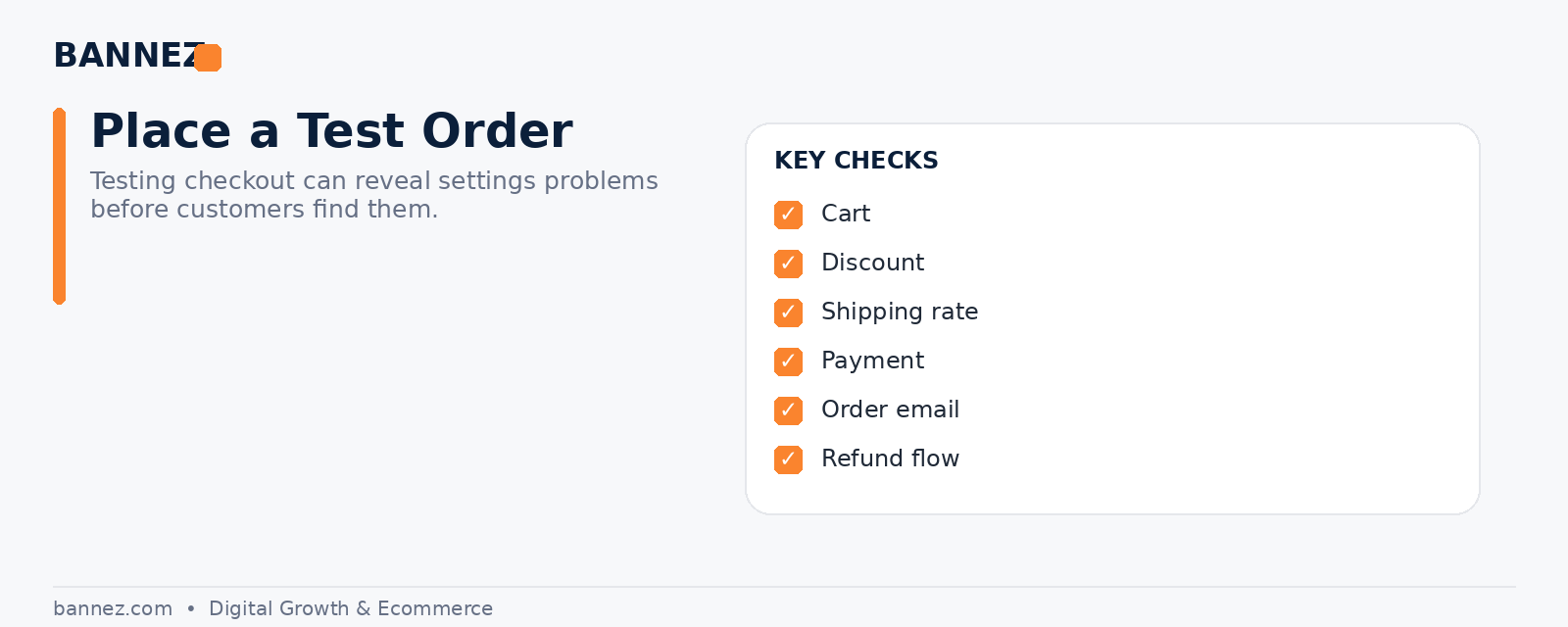
This is one of the most important launch steps. Shopify’s official preparing your store for launch guide recommends placing test orders to check checkout, order processing, inventory, shipping, and taxes.
Test different situations
- Successful order
- Discount code
- Different shipping location
- Different product variants
- Order email notifications
- Cancellation or refund workflow where practical
10. Check Customer Emails
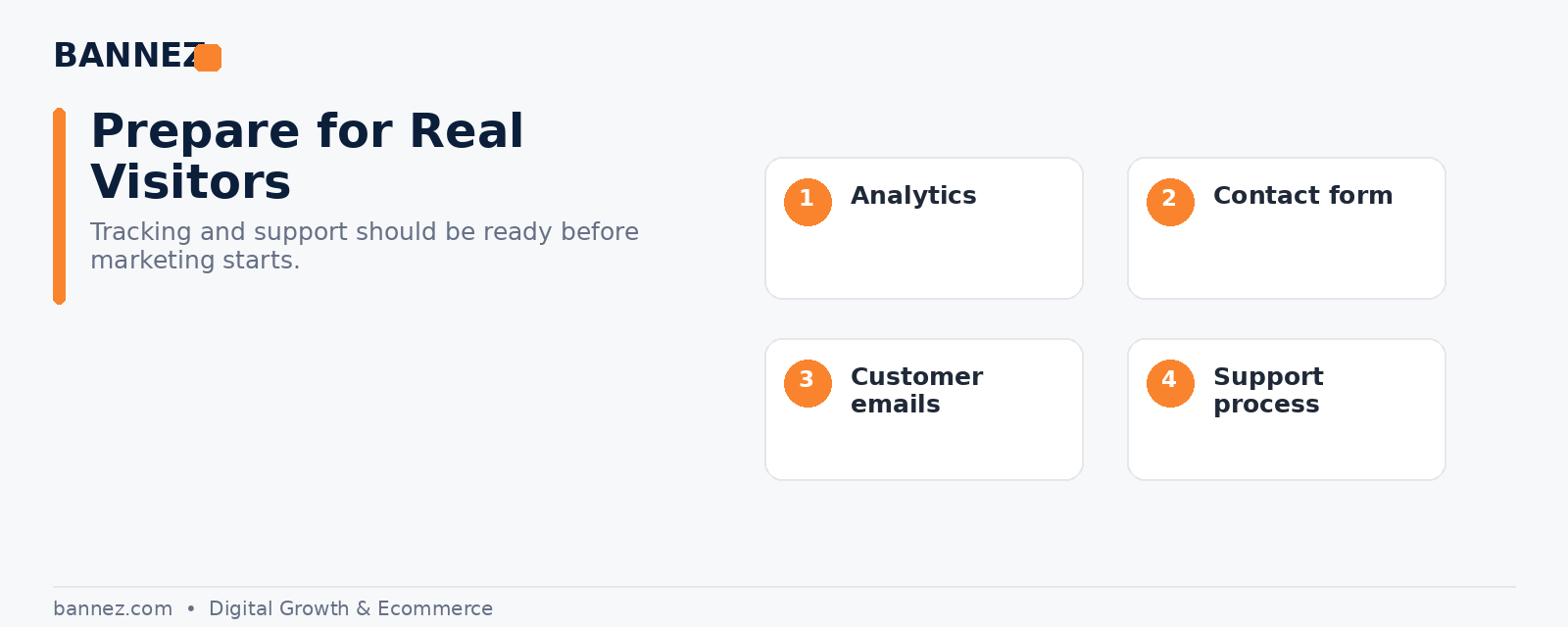
Review order confirmations, shipping notifications, contact-form messages, and branded sender details. Make sure customers receive clear information and know how to contact support.
11. Review Apps and Integrations
Remove apps you tested but no longer need. Confirm that essential supplier, analytics, review, email, and tracking integrations are connected to the correct account.
12. Connect Analytics and Marketing Tools
Set up the analytics tools you plan to use before sending traffic so the initial visits are measured properly. Also check consent and privacy requirements for the regions where you operate.
13. Check SEO Basics
- Homepage title and description are useful.
- Important pages have clear titles.
- Product URLs are readable.
- Images have useful alt text.
- Broken links are fixed.
- Placeholder content is removed.
14. Check Contact and Support Information
Make sure support email addresses, contact forms, FAQs, and expected response paths work. Customers should know how to reach you if something goes wrong.
15. Preview the Store One Final Time
Ask someone who did not build the store to browse it. Fresh eyes can find unclear wording, broken links, or confusing navigation that the store owner may no longer notice.
Final Shopify Launch Checklist
- Products reviewed
- Navigation tested
- Policies complete
- Payments active
- Shipping configured
- Taxes reviewed
- Mobile layout checked
- Test orders completed
- Emails reviewed
- Apps verified
- Analytics connected
- SEO basics checked
- Support details working
- Store preview completed
Need Help Preparing a Shopify Dropshipping Store?
If you want your store design, structure, products, pages, and core setup prepared before launch, you can explore our Shopify Dropshipping Store Development & Setup service.
Frequently Asked Questions
Should I place a real order before launching?
You should at least use Shopify’s available testing methods to verify the checkout flow and store settings. The exact method depends on your payment setup.
When should I remove the Shopify store password?
Remove it when the store is ready for public visitors and the essential buying journey has been tested.
Do I need every marketing app before launch?
No. Launch with the tools you need and add more only when there is a clear use case.
Conclusion
Before launching your Shopify store, test the complete experience rather than checking only the design. Products, policies, payments, shipping, mobile usability, checkout, notifications, analytics, and support all need attention. A careful pre-launch review helps you catch problems before customers do.
