
Wix vs Squarespace: Which Website Builder Should You Choose?
Wix and Squarespace are both hosted website builders that can be used for business websites, portfolios, ecommerce, services, and content. They remove much of the server-level work that comes with a self-hosted platform, but their editing styles, design workflows, and business tools feel different.
The right choice depends on the type of website you want to build and how you prefer to manage it after launch. This Wix vs Squarespace comparison looks at practical areas such as design, editing, business tools, ecommerce, SEO, maintenance, and long-term fit.
Wix vs Squarespace: Quick Comparison
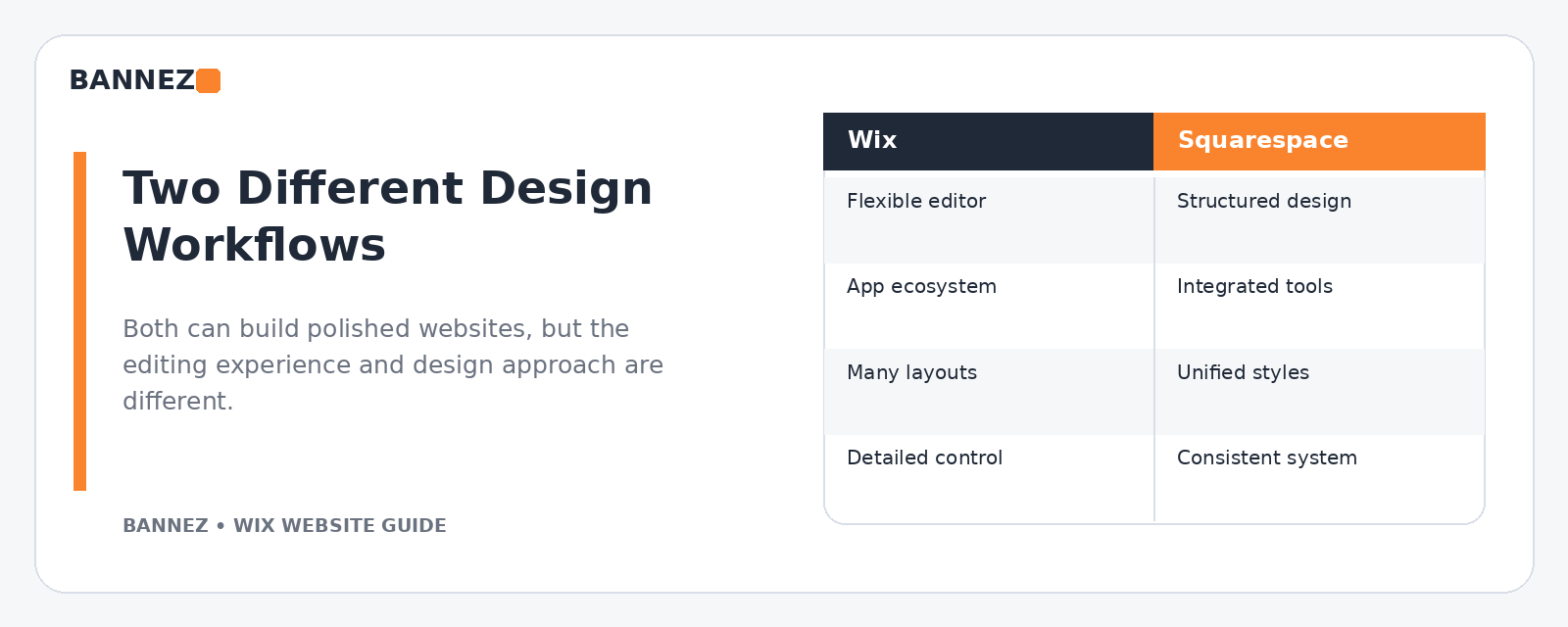
| Area | Wix | Squarespace |
|---|---|---|
| Website type | Hosted website builder | Hosted website builder |
| Design approach | Flexible visual editing with Wix tools | Structured visual design system and page sections |
| Hosting | Included | Included |
| Business tools | Wide set of Wix business products and apps | Integrated website, commerce, scheduling, and marketing tools depending on plan/features |
| Maintenance | Platform infrastructure managed by Wix | Platform infrastructure managed by Squarespace |
| Best fit | Depends on required flexibility and tools | Depends on design workflow and required tools |
1. Website Setup Experience
Wix
Wix gives you a visual website environment with page management, sections, menus, mobile editing, and integrated business features. You can start from a template or build around your own structure, then manage the site within Wix.
Squarespace
Squarespace also provides templates and a visual website-building environment. Its official template guidance explains how templates relate to the current Squarespace editing system and design options.
2. Design Freedom and Structure
Wix can be attractive when you want more direct visual control over the placement and structure of elements. That flexibility is useful, but it also means you need consistent design rules so pages do not become visually uneven.
Squarespace generally encourages a more structured section-based design workflow. This can make it easier to maintain visual consistency, especially when a business wants a clean editorial or portfolio-style presentation.
Choose based on the way your team works
- Choose more flexible visual control if your layout needs are highly specific.
- Choose a more structured design system if consistent content presentation is the priority.
- Test the actual editor before committing if your team will update the site internally.
3. Templates
Do not choose either platform only because one demo looks better. Demo sites use carefully selected photography, copy, and spacing. Your real products and content may look very different.
When evaluating a template, check the navigation, page sections, typography controls, mobile behavior, galleries, service layouts, ecommerce pages, and footer—not only the homepage hero.
4. Mobile Design
Mobile usability should be tested on both platforms before launch. On Wix Editor sites, Wix creates a mobile-friendly version and provides a mobile editor for layout adjustments. Its mobile version guide explains the workflow.
With Squarespace, responsive behavior is built into the platform’s design system, but you should still preview important pages on different screen sizes and check text, images, buttons, forms, and menus.
5. Business Features
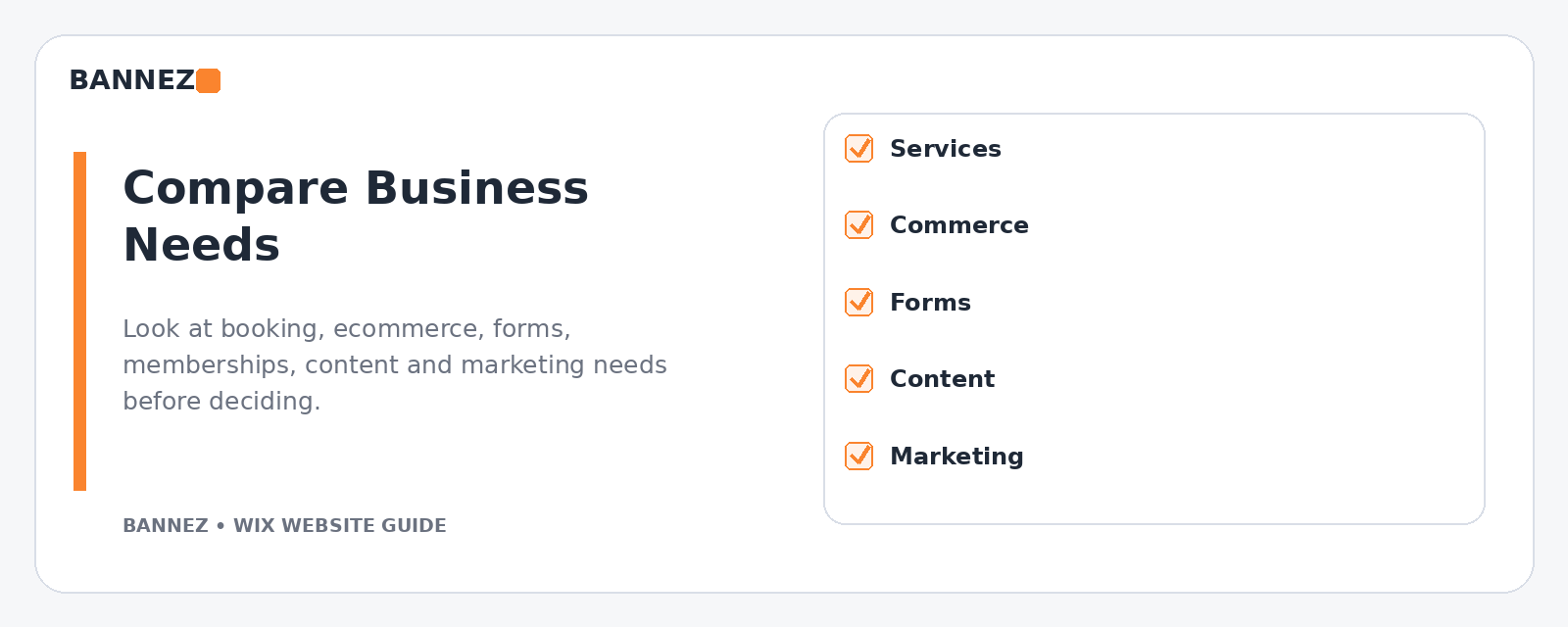
Before choosing a builder, list the business functions you actually need. Examples may include:
- Contact and lead forms
- Appointments or scheduling
- Ecommerce
- Membership or gated content
- Email marketing
- Blogging
- Events
- Restaurant or hospitality tools
- Analytics and marketing integrations
Compare those requirements against the current feature set and plan limitations of each platform instead of assuming every feature works the same way.
6. Ecommerce
Both Wix and Squarespace support ecommerce, but the better fit depends on your catalog, fulfillment model, payment requirements, subscriptions, product options, shipping rules, and integrations.
If ecommerce is central to the business, build a feature checklist before choosing. Test product management, checkout, shipping, tax settings, discounts, inventory, order emails, and the customer experience—not just the storefront design.
7. Service Businesses and Bookings
Service businesses often care more about booking, lead capture, service pages, staff schedules, and follow-up than traditional ecommerce. Review how each platform handles the exact booking or enquiry workflow you need.
If your website mainly generates leads, simplicity can be more valuable than having a large number of unused features.
8. Navigation and Page Management
Wix lets users manage site pages and menus from its editor. Wix documents page organization in its official Managing Your Site Pages guide.
Squarespace also separates pages into navigation areas and provides controls for organizing links and page visibility. Its navigation documentation explains how pages can be added and arranged.
9. SEO Controls
Both builders provide SEO-related controls, but good SEO still depends on website structure and content quality. Wix provides an official SEO Setup Checklist to guide basic setup.
Whichever platform you choose, make sure important pages have clear search intent, useful titles, logical headings, descriptive URLs, internal links, image alt text, and original content.
10. Performance and Media
A builder can optimize platform-level delivery, but page design still affects the experience. Large images, background video, unnecessary animations, third-party scripts, and overloaded pages can create friction.
Wix publishes site performance best practices covering media, above-the-fold content, animations, and third-party code. Similar discipline is useful on any platform.
11. Pricing and Total Cost
Plans and pricing change, so compare the current official plan pages before making a decision. Squarespace explains its plan choices in its official plan-selection guide.
Look beyond the monthly website fee
- Domain renewal
- Ecommerce or transaction requirements
- Business feature availability
- Paid extensions or apps
- Email or marketing tools
- Professional setup or redesign
- Ongoing content and maintenance
12. Long-Term Maintenance
Both Wix and Squarespace reduce server-level maintenance because they are hosted platforms. Your team still needs a process for content updates, product or service changes, forms, SEO, analytics, images, and account access.
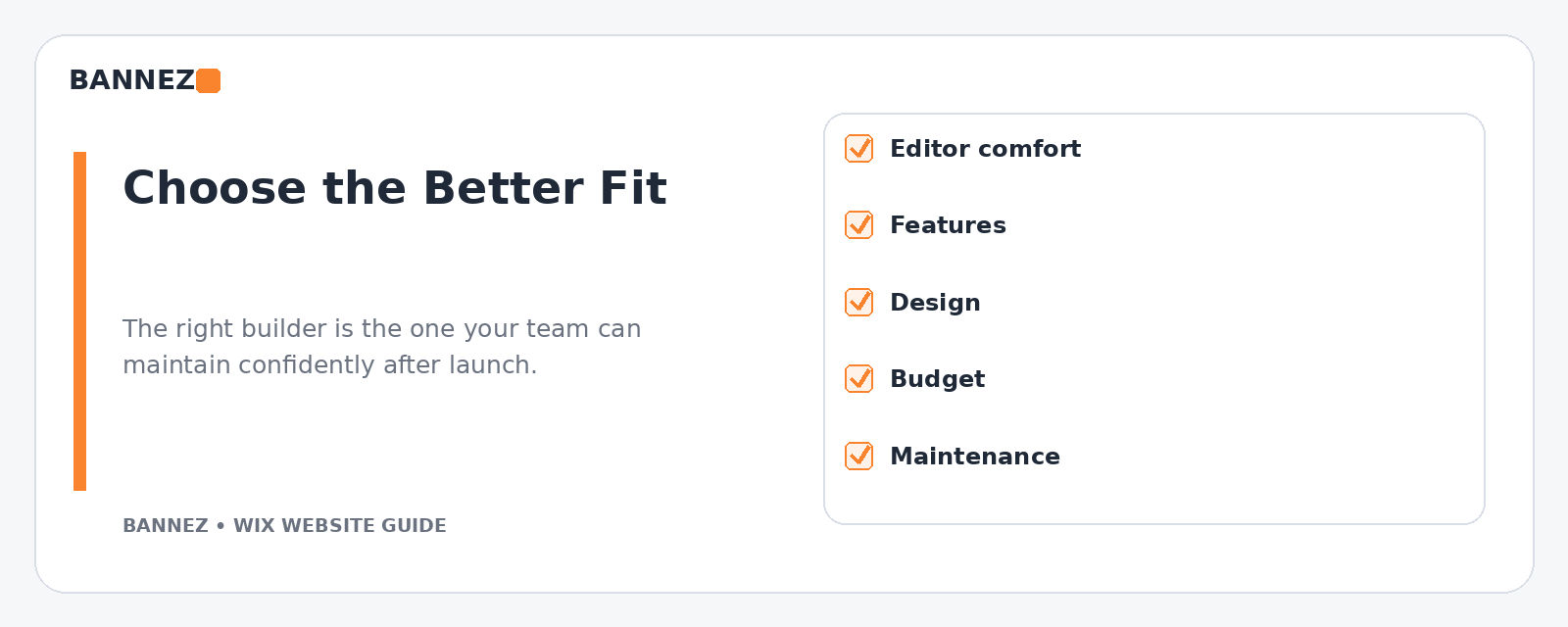
The easiest platform to maintain is often the one your team understands and can update consistently.
Which Website Builder Should You Choose?
Wix may be a better fit when
- You prefer the Wix editing workflow and design flexibility.
- You need specific Wix business products or apps.
- Your team wants direct control over page layout.
- You want to keep hosting and site management inside Wix.
Squarespace may be a better fit when
- You prefer its structured design system.
- Your content, portfolio, or brand presentation fits its workflow well.
- The required commerce, scheduling, or marketing features match your needs.
- Your team finds the Squarespace editor easier to maintain.
Decision Checklist
- Which editor does your team prefer?
- Which platform supports every essential business feature?
- How important is free-form layout control?
- Will you sell products or appointments?
- Which integrations are required?
- What is the real annual cost?
- Who will maintain the site?
- Can you build the mobile experience you need?
Professional Website Setup Options at Bannez
If Wix is the better match, you can explore our Wix Website Design, Redesign & E-commerce Development service. If Squarespace fits your project better, you can also explore our Create or Customize a Responsive Squarespace Website service.
Frequently Asked Questions
Is Wix more customizable than Squarespace?
Wix offers a flexible visual editing approach, while Squarespace uses its own structured design system. The practical difference depends on the exact layout and features you want to build.
Which is better for a small business?
Either can work well. Choose based on your required business features, editor preference, design needs, budget, and who will maintain the website.
Which is better for ecommerce?
Compare your actual product and operational requirements. The best platform depends on catalog size, product types, payments, shipping, discounts, subscriptions, and integrations.
Should I choose a platform based on templates?
Templates matter, but they should not be the only factor. Evaluate editing, mobile behavior, required features, navigation, SEO controls, and long-term maintenance as well.
Conclusion
Wix and Squarespace can both produce professional business websites. Wix may suit businesses that value its flexible editing approach and Wix business ecosystem, while Squarespace may suit teams that prefer its structured design workflow and feature set.
Test both editors, list your must-have features, calculate the complete cost, and think about who will maintain the website. Making that decision before design starts can prevent expensive platform changes later.
