
Wix vs WordPress: Which Is Better for a Business Website?
Wix and WordPress can both power a professional business website, but they are built around different ways of working. Wix combines hosting, visual editing, site management, and many business tools in one managed platform. WordPress is open-source software with a much broader hosting, theme, and plugin ecosystem.
The better choice depends on how much technical control you want, who will maintain the website, which features you need, and how much flexibility you expect in the future. This comparison focuses on practical business needs rather than declaring one platform best for everyone.
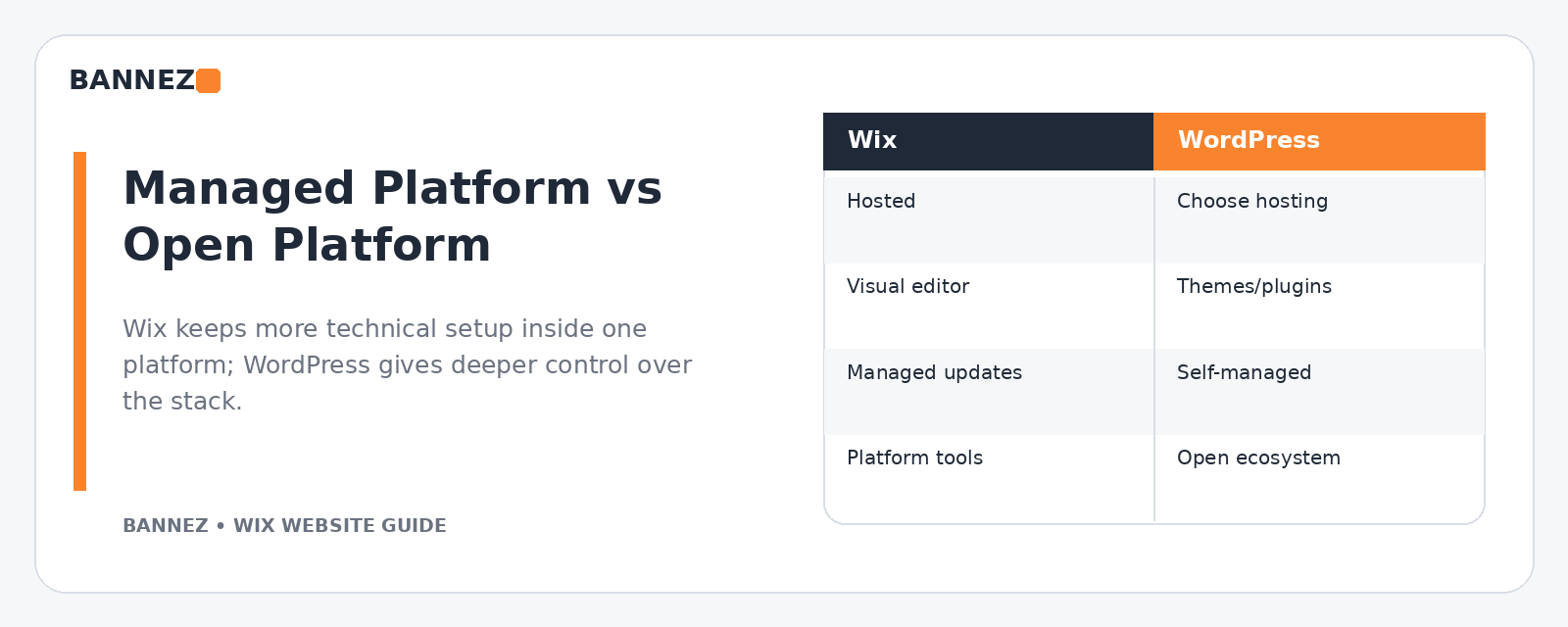
Wix vs WordPress: Quick Business Comparison
| Area | Wix | WordPress |
|---|---|---|
| Hosting | Included in the Wix platform | Chosen separately with WordPress.org |
| Setup | More guided and integrated | Depends on host, theme, plugins, and setup |
| Design | Visual editing within Wix tools | Large theme, block, builder, and custom-development ecosystem |
| Maintenance | Platform infrastructure managed by Wix | Site owner or provider manages hosting, updates, backups, and compatibility |
| Extensions | Wix apps and built-in business tools | Large plugin ecosystem |
| Technical control | More managed environment | Greater control over hosting and code when configured that way |
1. Ease of Setup
Wix
Wix is designed to keep the website editor, hosting, domain connection, site management, and many business tools in one environment. This can be useful for a small team that wants to update normal website content without managing a separate hosting stack.
WordPress
WordPress.org describes WordPress as open-source publishing software with themes, plugins, media management, user management, and extensibility. You normally choose a hosting provider and then configure the WordPress site around your requirements. You can review the platform’s core capabilities on the official WordPress features page.
2. Hosting and Technical Management
Hosting is one of the biggest differences. Wix runs as a managed website platform, so server infrastructure is not something a normal site owner selects and configures separately.
With self-hosted WordPress, the hosting provider matters. Performance, backups, security tools, server resources, staging options, and support can vary significantly between hosts.
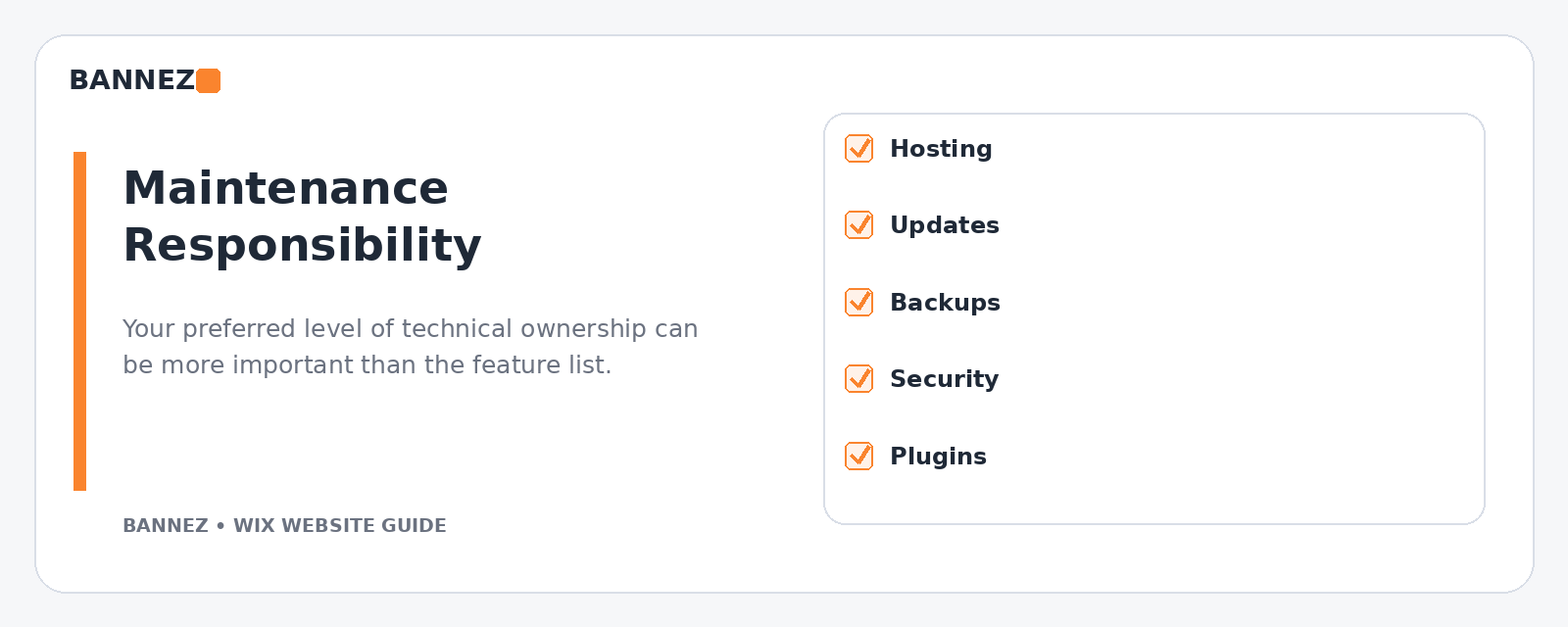
3. Design Flexibility
Wix design workflow
Wix provides visual editing tools and lets you manage pages, menus, sections, mobile layouts, and business content from the Wix environment. Its official page management guide shows how site pages can be added and organized.
WordPress design workflow
WordPress design can range from a simple block theme to a commercial theme, page builder, custom child theme, or fully custom development. That flexibility is valuable, but it also means the quality and maintenance requirements depend heavily on the chosen theme and plugins.
4. Plugins, Apps, and Business Features
Both platforms can be extended, but the ecosystems work differently. Wix combines native business products with apps available in its ecosystem. WordPress can be extended through thousands of plugins and custom code.
More extensions are not automatically better. On either platform, choose functions based on a real need and avoid adding overlapping tools that make the website harder to maintain.
5. Maintenance Responsibility
With Wix
Wix handles the underlying hosted platform. Your ongoing work is more focused on website content, design, apps, marketing tools, business settings, and the customer experience.
With WordPress
A WordPress business website normally requires a maintenance plan for WordPress core, theme and plugin updates, backups, security, compatibility checks, and hosting performance. Managed WordPress hosting can reduce some of that work, but the responsibility model is still different from an all-in-one builder.
6. SEO Tools
Both platforms can support a serious SEO strategy. Wix provides page-level SEO settings and an official SEO Setup Checklist. WordPress SEO depends more on the theme, site structure, content, and optional SEO plugins you choose.
The platform alone does not create rankings. Clear site architecture, useful content, crawlable pages, relevant internal links, good performance, and accurate metadata still matter.
7. Mobile Website Management
Wix Editor creates a mobile-friendly version and provides a mobile editor for reviewing layouts on smaller screens. Wix explains this workflow in its mobile version documentation.
WordPress mobile behavior depends on the selected theme, blocks or builder, and custom CSS. A responsive theme can work very well, but the site still needs real mobile testing.
8. Performance
Wix manages platform-level delivery and provides performance guidance for media, animations, above-the-fold content, and third-party code. Its performance best-practices guide is a useful reference.
With WordPress, performance can be highly optimized, but results depend on hosting, theme quality, plugins, media, caching, CDN configuration, database health, and development choices.
9. Content Ownership and Portability
WordPress is open-source software that can be installed on different compatible hosting environments, which gives businesses broad control over the technical stack. Wix is a managed platform with its own editor and infrastructure.
If long-term platform portability is a major business requirement, include migration and data-export considerations in your decision before building a large website.
10. Cost Structure
Do not compare only the advertised starting price. Compare the total cost of running the website.
Wix costs may include
- Website plan
- Domain renewal
- Paid apps or business tools where needed
- Professional design or redesign
- Marketing tools
WordPress costs may include
- Hosting
- Domain
- Paid theme or builder
- Premium plugins
- Backups or security services
- Development and maintenance
Prices and plan features can change, so use each platform’s current official pricing information when preparing a budget.
11. Which Platform Is Easier for a Small Team?
Wix can be attractive when a small team wants a more integrated environment and does not want to manage hosting or a large plugin stack. WordPress can be attractive when the business has technical support or values deep flexibility and control.
12. Which Is Better for Custom Functionality?
WordPress generally offers a wider range of ways to extend the website through plugins, APIs, custom themes, and custom development. Wix also supports many business features and developer tools, but the development environment remains within the Wix platform.
The right answer depends on the specific function. Before choosing a platform, list the integrations, member features, ecommerce needs, forms, booking flows, databases, and automation you expect to use.
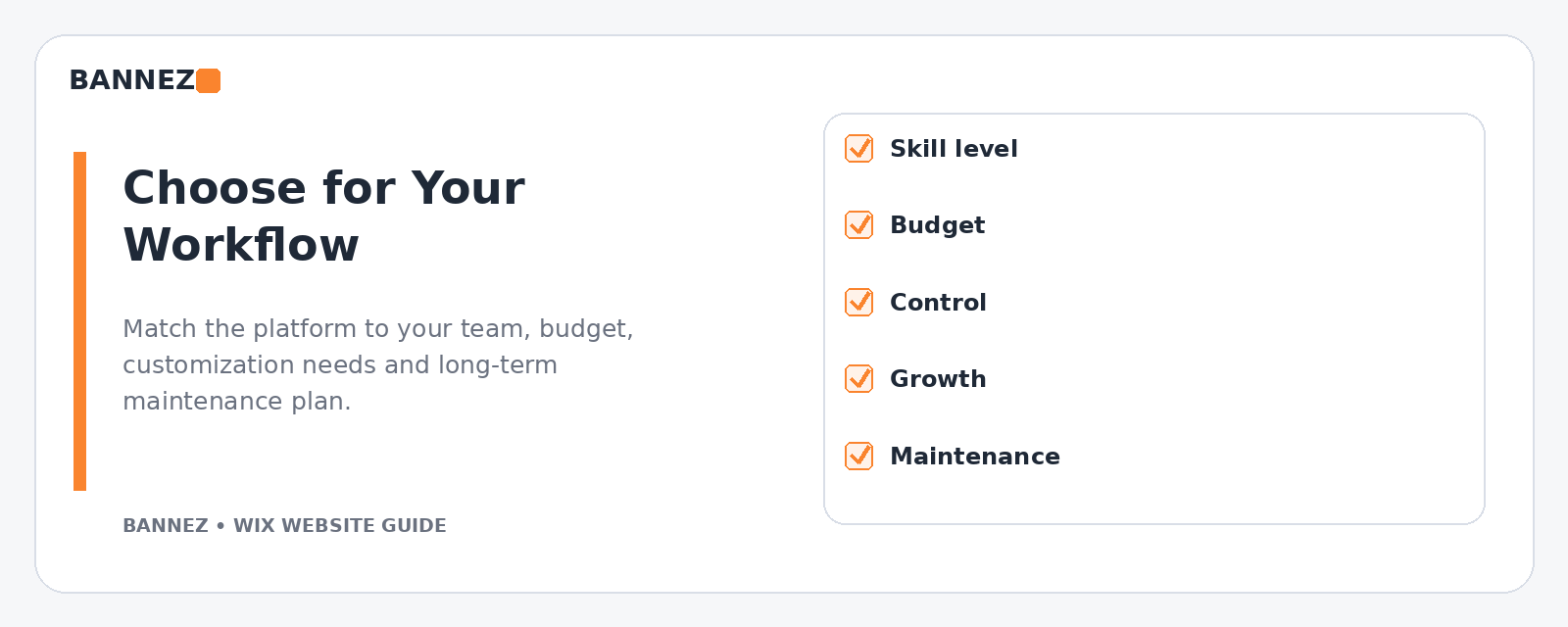
Wix vs WordPress Decision Checklist
- Who will update the website every month?
- Do you want to manage hosting separately?
- How much custom functionality will you need?
- Which integrations are essential?
- How important is direct technical control?
- What is your maintenance budget?
- Will you need ecommerce, booking, membership, or multilingual features?
- Do you expect the website structure to become significantly more complex?
When Wix Is a Strong Choice
Wix may suit a business that wants a managed website environment, visual editing, integrated tools, and a simpler ongoing maintenance model. It can be particularly practical for service businesses, portfolios, local companies, and teams that want to manage content internally.
When WordPress Is a Strong Choice
WordPress may suit a business that values open-source flexibility, wants control over hosting and the technical environment, or expects custom development and a broad plugin ecosystem to be central to the project.
Professional Wix Website Support
If Wix is the better fit for your business and you want the website professionally designed, redesigned, or configured for ecommerce, you can explore our Wix Website Design, Redesign & E-commerce Development service.
Frequently Asked Questions
Is Wix easier than WordPress?
For many non-technical users, Wix can feel easier because hosting and the editor are integrated. WordPress can also be easy to manage after a good setup, but the initial environment has more choices and variables.
Is WordPress better for SEO than Wix?
Neither platform guarantees SEO results. Both can support optimized pages. WordPress offers extensive SEO plugin choices, while Wix provides built-in SEO controls and setup tools. Content quality and technical execution matter more than a simple platform label.
Can a large business use Wix?
Wix supports a wide range of business websites, but suitability depends on your exact requirements. Compare the features, integrations, governance, development needs, and future scale before committing.
Can I move from Wix to WordPress later?
A migration is possible as a website project, but layouts and platform-specific functions usually need to be rebuilt rather than transferred exactly. Plan migration carefully if portability is important.
Conclusion
Choose Wix when a managed platform, visual editing, and simpler technical maintenance match your business. Choose WordPress when open-source flexibility, hosting control, and a broad development ecosystem are more important.
Before deciding, write down your required features, who will maintain the site, your realistic budget, and the level of technical control you need. The best platform is the one that fits those operating requirements for the next several years.
