
Wix Website Redesign: Signs Your Website Needs an Update
A website can keep working technically while becoming less effective for the business. The design may look old, the mobile version may be difficult to use, important service information may be outdated, or visitors may struggle to understand what to do next.
A Wix website redesign should not be treated as a cosmetic project only. The best reason to redesign is to remove problems that affect clarity, trust, usability, performance, or the customer journey.
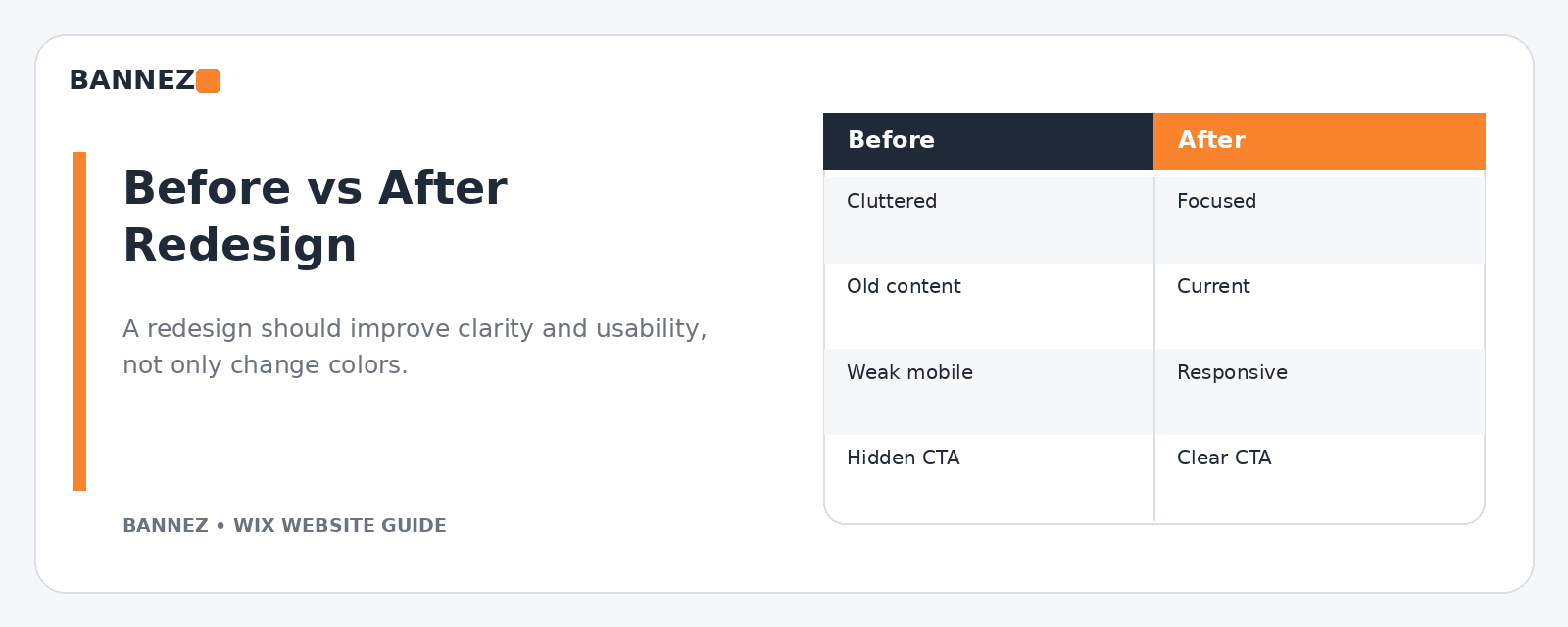
1. Your Website No Longer Matches the Business
Businesses change. You may add new services, stop offering old ones, enter a new market, change your pricing approach, or improve your positioning. If the website still represents the business from two or three years ago, visitors receive the wrong message.
Check whether these details are still accurate
- Services and products
- Business description
- Team information
- Locations or service areas
- Contact details
- Calls to action
- Images and project examples
2. The Homepage Is Visually Busy but Unclear
A homepage can contain many sections and still fail to explain the business. If visitors see sliders, animations, banners, icons, and promotional boxes before they understand your offer, the design may be creating unnecessary friction.
A redesign is a good opportunity to reduce the page to the information people need first: what you offer, who it is for, why they should trust you, and what they should do next.
3. The Mobile Experience Feels Difficult
Wix creates a mobile-friendly version for Wix Editor sites, but layouts still need review. Wix recommends using the mobile editor to organize content and keep the mobile-friendly view enabled in its official mobile site guidance.
Signs the mobile design needs work
- Text is too small or wraps badly
- Buttons are difficult to tap
- Images are oversized
- Sections have large empty gaps
- Popups cover important content
- The menu is confusing
- Forms are uncomfortable to complete
4. Navigation Has Become Too Complicated
As a website grows, the menu often becomes crowded. Old pages remain visible, new services are added without a clear structure, and visitors have to work harder to find important information.
Wix lets you rename, duplicate, hide, and organize pages from the Pages & Menu panel. Its page management documentation explains the available controls.
5. Your Calls to Action Are Weak or Inconsistent
If one page says “Contact Us,” another says “Learn More,” another has no button, and the homepage sends visitors in several different directions, the site may not have a clear conversion path.
A redesign should define the main action for each important page and make that action easy to recognize.
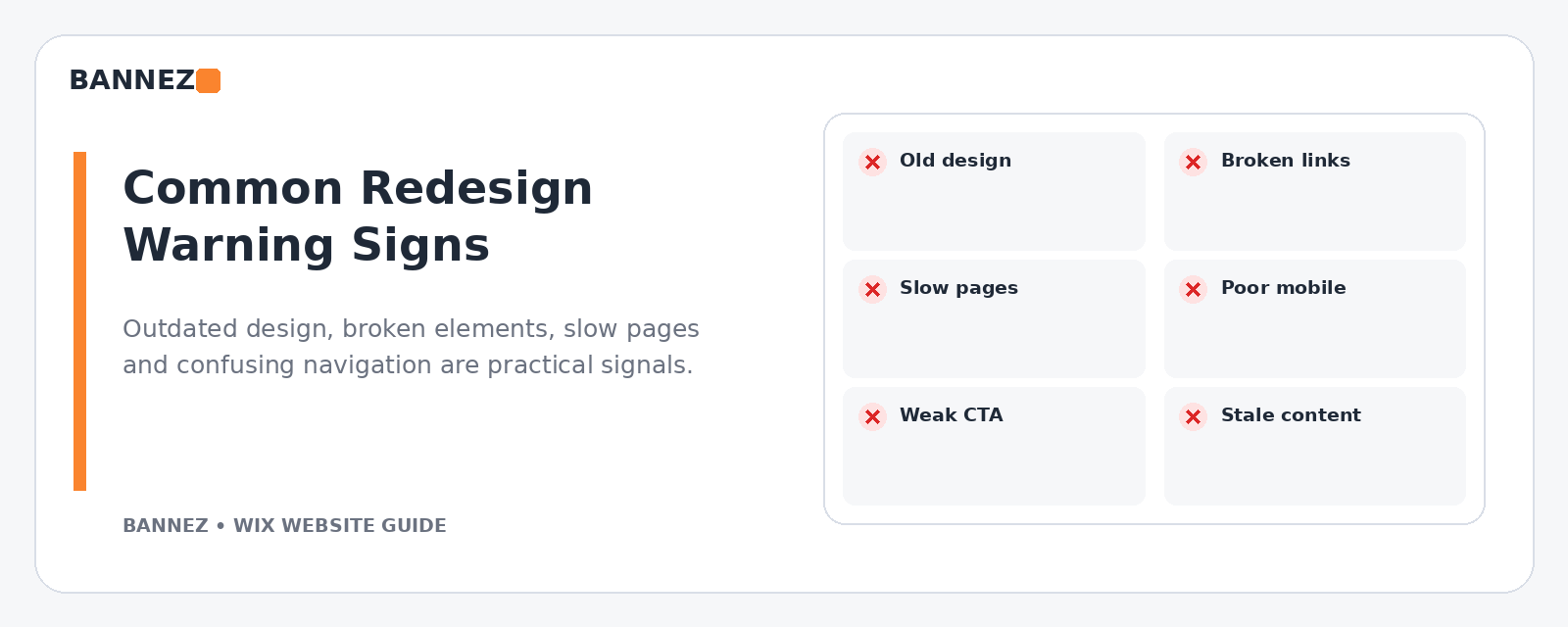
6. The Website Looks Outdated Compared With Your Current Brand
An old visual style does not automatically mean a full redesign is required, but inconsistent colors, outdated logos, low-quality images, old typography, and mismatched buttons can make a business look less established than it really is.
Update the visual system only after the content structure and customer journey are clear.
7. Important Content Is Stale
Outdated offers, old team members, expired promotions, old statistics, inactive social links, and obsolete contact details can reduce trust. If stale content appears across many pages, a redesign project can be the right time for a complete content audit.
8. The Site Contains Broken Links or Unfinished Sections
Broken buttons, empty pages, placeholder text, missing images, and forms that no longer send correctly are strong signs that the website needs attention.
Run a simple manual audit
- Click every main menu link
- Test all major buttons
- Submit every important form
- Check phone and email links
- Review the footer
- Open the site on desktop and mobile
9. Pages Feel Slow or Heavy
A redesign is also a chance to remove unnecessary media and effects. Wix recommends limiting heavy content above the fold, reducing unnecessary galleries and repeaters, and being careful with animations and third-party code in its site performance best practices.
Do not assume that replacing the template alone will solve speed problems. Review the content, media, animations, custom code, and apps that each page loads.
10. The Website Does Not Support Your Current SEO Strategy
If pages target several unrelated topics, headings are unclear, important services have no dedicated page, or page titles and descriptions are missing, the site structure may need to be reorganized.
Wix’s SEO Setup Checklist can help with basic keyword, page, and Google connection tasks, but the overall content architecture still needs a clear plan.
11. Visitors Ask Questions the Website Should Answer
Customer questions are useful redesign data. If people repeatedly ask about service scope, pricing approach, location, booking, delivery, process, or contact methods, the site may not be explaining those topics clearly enough.
Add answers in the page where the question naturally appears rather than hiding every answer inside one large FAQ page.
12. You Have Added Too Many Apps or Widgets
Over time, websites collect chat widgets, popups, social feeds, booking tools, tracking scripts, and other additions. Some are useful; others stay active long after the original reason is gone.
During a redesign, list every app and third-party tool. Keep the ones that solve a current business need and remove the rest where practical.
13. Your Website Is Difficult for Your Team to Maintain
A good business website should also be manageable after the redesign. If every text update requires moving multiple elements or if page layouts are inconsistent, simplify the design system.
Create repeatable rules for
- Heading sizes
- Section spacing
- Button styles
- Image ratios
- Service page layouts
- Calls to action
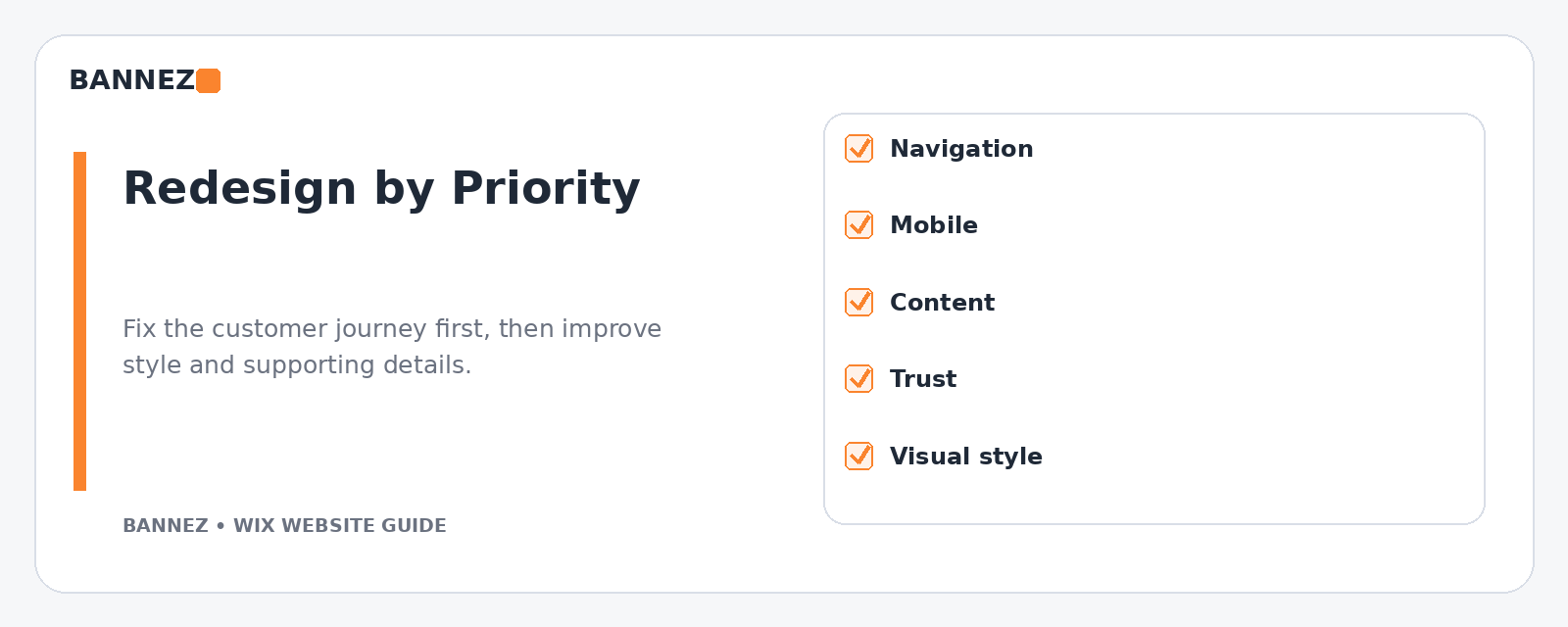
What to Fix First in a Wix Redesign
| Priority | What to review | Why it matters |
|---|---|---|
| 1 | Broken forms, links, contact paths | Stops direct customer friction |
| 2 | Mobile layout and navigation | Improves usability on smaller screens |
| 3 | Core content and service structure | Makes the offer easier to understand |
| 4 | Trust information and policies | Reduces uncertainty |
| 5 | Brand styling and visual polish | Creates a consistent final experience |
When a Partial Update May Be Enough
You do not always need a complete redesign. A partial update may be enough when the site structure is good but a few pages, images, mobile sections, or calls to action are outdated.
A full redesign is more useful when problems appear across the whole customer journey or when the business has changed significantly.
Professional Wix Redesign Support
If your existing Wix website needs a cleaner structure, updated design, responsive improvements, or a broader rebuild, you can explore our Wix Website Design, Redesign & E-commerce Development service.
Frequently Asked Questions
How often should a Wix website be redesigned?
There is no fixed schedule. Redesign when the current site no longer supports the business, customer journey, brand, content, mobile experience, or technical needs.
Should I redesign because a competitor has a newer website?
Use competitors as research, not as the only reason. Your redesign should solve problems on your own website and support your own customers and business goals.
Can I redesign a Wix website without changing the domain?
In many redesign situations, the same business domain can continue to be used. Plan URL changes carefully if you change page slugs or remove pages so you do not create unnecessary broken links.
Should SEO be considered during a redesign?
Yes. Review page topics, URLs, titles, headings, internal links, content, and redirects before major structural changes. A redesign should improve the site without losing useful search signals unnecessarily.
Conclusion
A Wix website needs a redesign when the site no longer helps people understand, trust, or use the business effectively. Look for repeated problems: outdated content, poor mobile usability, confusing navigation, weak calls to action, slow pages, unfinished elements, and a structure that no longer matches your services.
Fix the highest-impact problems first. Start with the customer journey and functionality, then improve content, trust, and visual style. That approach creates a redesign that is useful, not just different.
