
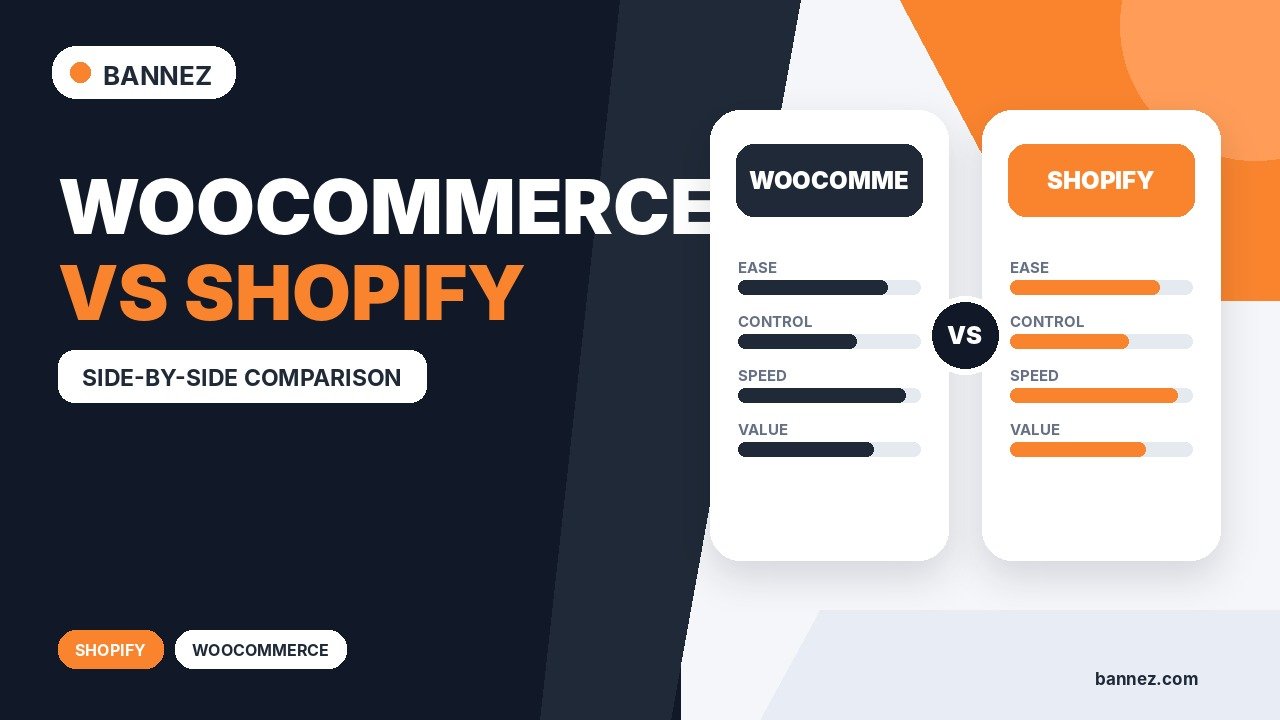
WooCommerce vs Shopify: Which Is Better for Your Online Store?
WooCommerce vs Shopify: Which Is Better for Your Online Store?
WooCommerce and Shopify can both support a professional online store, but they assign responsibility differently. WooCommerce gives you an open-source ecommerce system inside WordPress; Shopify provides a hosted commerce platform with infrastructure managed as part of the service.
The best choice depends on your team, content needs, technical ownership, catalogue, operations, integrations, budget, and growth plan—not on a universal winner.
WooCommerce and Shopify at a Glance
| Factor | WooCommerce | Shopify |
|---|---|---|
| Model | Open-source ecommerce for WordPress | Hosted subscription commerce platform |
| Hosting | Chosen and managed by the store owner | Included within the hosted platform |
| Content system | Deep WordPress integration | Built-in store and content tools |
| Customization | Broad code, theme, plugin, and hosting control | Customization within platform, theme, and app capabilities |
| Maintenance | Owner manages updates, backups, compatibility, and security | Core infrastructure managed by Shopify; store configuration and apps remain owner responsibilities |
| Costs | Hosting, extensions, development, payment fees, maintenance | Plan, apps, themes, payment-related and service costs |
How WooCommerce Works
WooCommerce is installed on a WordPress website. You select hosting, configure the software, choose a compatible theme, install necessary extensions, and manage maintenance. This model offers flexibility and close integration between commerce and WordPress content.
Review the official WooCommerce getting-started documentation for current setup details.
How Shopify Works
Shopify provides the hosted ecommerce environment, administrator, checkout and platform services under its plans and policies. Merchants configure themes, products, settings, payments, shipping, domains, apps, and operations.
Use the current official Shopify introduction to verify platform features and setup guidance.
Ease of Setup
WooCommerce
Setup involves hosting, WordPress, WooCommerce, security, backups, email, performance, and extension compatibility. A managed host or professional can reduce the operational burden.
Shopify
Infrastructure setup is more centralized. Merchants still need to prepare products, theme design, navigation, policies, payments, shipping, taxes, apps, domains, and testing.
Practical conclusion: Shopify generally reduces infrastructure decisions; WooCommerce gives more control over them.
Design and Customization
WooCommerce can be customized through WordPress themes, blocks, plugins, custom development, APIs, and hosting choices. Shopify supports themes, sections, templates, apps, platform APIs, and approved customization paths. The right option depends on whether your requirement fits the platform or needs deeper architectural control.

Content and SEO
WooCommerce benefits from WordPress’s mature publishing and content architecture, which can suit content-led businesses with complex editorial needs. Both platforms support core SEO tasks, but implementation details, app choices, themes, templates, URL behavior, redirects, and content quality affect results.
Neither platform guarantees rankings. Compare your actual taxonomy, international, structured-data, editorial, and migration requirements.
Payments, Checkout, and Operations
Compare available payment providers in each target country, supported methods, transaction and processing fees, checkout customization, refunds, disputes, subscriptions, currencies, tax needs, shipping carriers, fulfilment, point-of-sale, and accounting integrations.
Do not base the choice on one feature list; map a real order from checkout through settlement, fulfilment, return, and reporting.
Performance, Security, and Maintenance
WooCommerce Responsibility
The owner chooses hosting and is responsible for updates, backups, caching, security, monitoring, compatibility, and recovery. This provides control but requires capability.
Shopify Responsibility
Shopify manages the hosted core platform and infrastructure. Merchants remain responsible for accounts, permissions, app selection, storefront configuration, customer data practices, content, and operations.
Cost Comparison
| Cost area | Questions to ask |
|---|---|
| Platform and hosting | Monthly plan or hosting tier; capacity and support |
| Payments | Processing, transaction, currency, dispute, and payout costs |
| Design | Theme, customization, accessibility, and mobile QA |
| Extensions or apps | Recurring licences, limits, support, and overlap |
| Development | Setup, integrations, migration, custom features, and testing |
| Operations | Maintenance, support, email, backups, monitoring, and staff time |
Calculate a realistic 12–36 month total cost of ownership using current vendor pricing and your required tools. Prices and plan terms can change.
Choose WooCommerce When
- WordPress content is central to the business.
- You need control over hosting, data architecture, code, or extensions.
- Your team can manage or outsource maintenance.
- The required workflow fits the WooCommerce ecosystem.
- You want to integrate commerce deeply into an existing WordPress site.
Choose Shopify When
- You prefer a hosted platform with centralized infrastructure.
- Your requirements fit Shopify’s plans, themes, apps, and customization model.
- You want fewer hosting and core-update decisions.
- Supported sales-channel or operational features match your needs.
- Your team accepts the platform’s recurring costs, policies, and constraints.
Migration and Lock-In Questions

- Can products, customers, orders, and content be exported usefully?
- Which app or extension stores critical data?
- What happens to subscriptions, accounts, URLs, and SEO?
- Who owns the theme and custom code?
- How long would migration and validation take?
Decision Checklist
- ☐ Requirements and customer journey documented
- ☐ Countries, currencies, payments, shipping, and tax mapped
- ☐ Content, SEO, multilingual, and migration needs reviewed
- ☐ Integrations tested for both platforms
- ☐ Security, maintenance, and ownership assigned
- ☐ Three-year total cost estimated
- ☐ Prototype tested by store administrators and customers
Professional WooCommerce Development
If WooCommerce is the better fit and you need a professionally designed WordPress store, explore our Premium WooCommerce Store Development service. Share your catalogue, content, integrations, payment and shipping needs, and migration requirements.
Frequently Asked Questions
Is WooCommerce cheaper than Shopify?
Not always. Compare total costs for hosting or plans, extensions or apps, payments, development, maintenance, and staff time.
Which is better for SEO?
Both can support SEO. WordPress offers extensive content flexibility, but results depend on technical implementation, content, site structure, performance, and competition.
Can I move between WooCommerce and Shopify?
Yes, but migration may involve products, customers, orders, URLs, content, reviews, subscriptions, apps, payments, and integrations. Plan and test carefully.
Which platform is easier for beginners?
Shopify generally centralizes more infrastructure. WooCommerce can be approachable with good hosting and guidance, but requires more technical ownership.
Conclusion
Choose WooCommerce for WordPress integration, architectural control, and extensibility when you can manage the technical responsibility. Choose Shopify when a hosted platform fits the business and reducing infrastructure decisions is more valuable than deeper control.
Before deciding, build a requirements matrix, verify current vendor terms, calculate total ownership costs, and test the workflows that actually generate and fulfil orders.
