
WordPress Blog Setup Checklist for Beginners
WordPress Blog Setup Checklist for Beginners
Starting a WordPress blog is easier when you follow a clear order. Choosing a theme and publishing one post is not enough; you also need a focused topic, useful categories, readable design, essential pages, basic SEO, email delivery, analytics, backups, and a realistic content plan.
Use this beginner WordPress blog setup checklist to build a solid foundation before promoting your blog.
1. Define the Blog Topic and Audience
Write one sentence explaining who the blog helps and what it helps them understand or achieve. A clear focus makes categories, article ideas, navigation, and internal links easier to plan.
Ask These Questions
- Who is the intended reader?
- What problems or questions will the blog address?
- What experience or sources support the content?
- How often can useful articles be published?
- What business or community goal will the blog support?
2. Choose the Domain and Hosting
Select a domain that is easy to type, remember, and associate with the topic or brand. Check normal renewal pricing and ownership details.
Choose hosting based on expected traffic, support, backups, security, staging, storage, and performance. WordPress lists general provider information on its official hosting page.
3. Install WordPress Securely
- Use HTTPS.
- Create a strong, unique administrator password.
- Use an administrator email you control.
- Set the correct site title, URL, language, and timezone.
- Remove unused sample content.
- Set up reliable backups early.
4. Choose a Suitable WordPress Theme
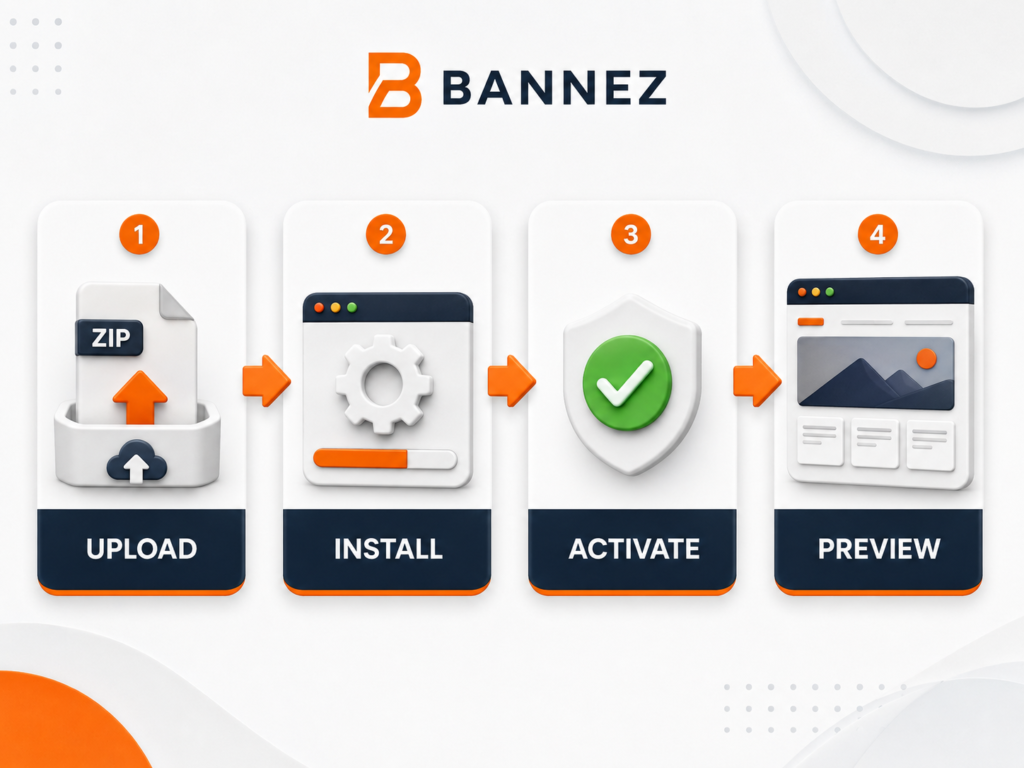
A good blog theme should be readable, responsive, maintained, compatible with current WordPress, and suitable for your content. Avoid choosing a theme only because its demo includes many effects.
Check These Theme Areas
- Single-post layout
- Category and archive pages
- Search and 404 pages
- Mobile menu and typography
- Featured-image presentation
- Author, date, category, and reading metadata
5. Configure Basic WordPress Settings
| Setting | What to decide |
|---|---|
| General | Title, tagline, language, timezone, email |
| Reading | Homepage, posts page, number of posts shown |
| Discussion | Comment rules and moderation |
| Permalinks | Readable post URL structure |
| Privacy | Relevant privacy page and data practices |
6. Create Essential Pages
- About: Explain the blog, its purpose, and who creates it.
- Contact: Provide a suitable method to get in touch.
- Privacy Policy: Explain relevant data collection and tools.
- Terms or Disclaimer: Add when appropriate to the content and business.
- Start Here: Optional page that guides new readers to useful content.
Use qualified advice for legal requirements that apply to your location and activity.
7. Plan Categories and Tags
Categories represent the blog’s main content groups. Keep them broad enough to contain several future articles. Tags describe narrower relationships and should not be created for every small wording variation.
Simple Category Test
If you cannot plan several useful posts for a category, it may be too narrow. Avoid creating empty category archives.
8. Design Clear Blog Navigation
Keep the menu focused. Include Home, Blog, important categories where useful, About, and Contact. Add search when the blog has enough content to make it valuable.
9. Create a Repeatable Article Structure
- Clear H1 title
- Strong introduction that explains the value
- Logical H2 and H3 sections
- Short paragraphs and useful lists
- Relevant images with descriptive alt text
- Natural internal and external links
- Practical conclusion or next step
- FAQ section when it answers real related questions
10. Prepare the First Articles Before Launch
A blog with several connected articles gives readers more value than a site with one isolated post. Prepare a small group around the main topic and link them where the relationship is useful.
Create a Content Brief for Each Post
- Primary reader question
- Main keyword and related terms
- Unique angle
- Required headings
- Reliable sources
- Internal links
- Images or examples
- Call to action
11. Apply Basic On-Page SEO
Use a descriptive SEO title, readable slug, useful meta description, one clear H1, structured headings, natural keyword language, internal links, and accurate image alt text. Do not repeat keywords unnaturally.
WordPress offers official learning material through Learn WordPress.
12. Optimize Images
Use licensed images, resize them before upload, compress files, choose suitable formats, and avoid filling every section with decorative media. Write alt text for meaningful images, not for keyword stuffing.
13. Set Up Email and Forms
Test the Contact form from submission to inbox. If you collect subscribers, explain what they will receive, use proper consent, provide unsubscribe options, and follow applicable email and privacy rules.
14. Add Analytics Carefully
Track useful information such as article visits, search usage, important links, and subscriptions. Configure privacy and consent where required. Avoid collecting data without a clear purpose.
15. Improve Speed, Security, and Backups
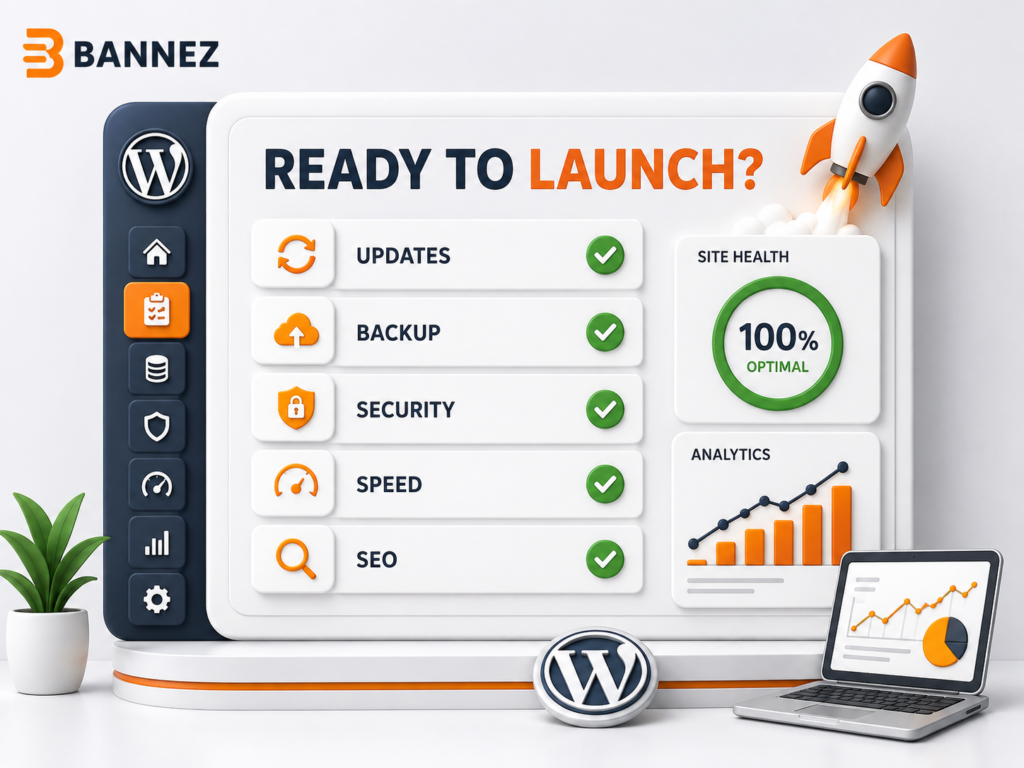
- Use necessary plugins only.
- Keep WordPress, the theme, and plugins updated.
- Optimize images and caching appropriately.
- Use strong access controls.
- Store complete backups away from the main server.
- Test the restoration process.
16. Test the Blog Before Launch
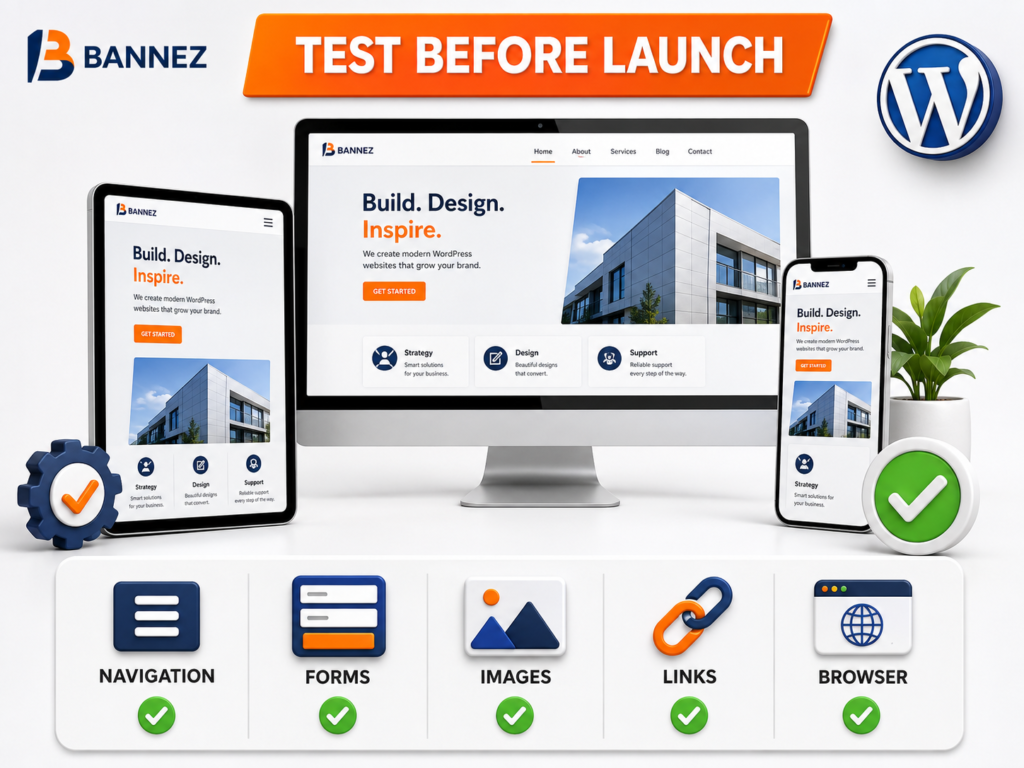
- Homepage, blog, category, post, search, and 404 pages
- Desktop, tablet, and mobile layouts
- Menu, search, forms, and comments
- Internal and external links
- Featured images and social sharing previews
- Author, date, category, and related content
- Search visibility setting
17. Create a Realistic Publishing Schedule
Choose a frequency you can maintain without reducing quality. A useful, accurate article is more valuable than frequent thin content. Review old posts and update them when facts, links, or instructions change.
Complete Beginner Blog Checklist
- ☐ Topic and audience defined
- ☐ Domain, hosting, HTTPS, and WordPress configured
- ☐ Responsive blog theme selected
- ☐ Essential pages created
- ☐ Categories and navigation planned
- ☐ First connected articles prepared
- ☐ SEO fields and internal links added
- ☐ Images optimized and licensed
- ☐ Forms, email, analytics, and privacy reviewed
- ☐ Speed, updates, backups, and security checked
- ☐ Mobile and functional testing completed
- ☐ Publishing and maintenance schedule created
Professional WordPress Blog Development
If you need help building the technical blog foundation, explore our Create a Fast & Responsive WordPress Blog Website service. Review the listed scope and provide your branding, content, and page requirements.
Frequently Asked Questions
How many posts should a new blog have?
There is no fixed requirement. Launch when you have enough useful content to explain the topic and give visitors meaningful next reading options.
How many categories should I create?
Start with a small set of broad, useful groups. Add a category only when it will contain multiple relevant articles.
Do I need many WordPress plugins?
No. Use plugins only for clear needs, review their quality, and avoid overlapping features.
Should beginners focus on SEO immediately?
Start with helpful content, clear structure, readable URLs, accurate metadata, and internal linking. Avoid shortcuts and keyword stuffing.
Conclusion
A successful WordPress blog begins with a focused audience, clear information structure, readable design, useful content, and reliable technical setup. Complete the essentials before spending heavily on promotion.
Publish consistently at a sustainable pace, maintain old content, and use reader needs—not only keywords—to guide future articles.
