
WordPress Plugin vs Custom Function: Which One Should You Use?
WordPress Plugin vs Custom Function: Which One Should You Use?
When you need new WordPress functionality, the choice is often framed as “install a plugin or add a custom function.” The better question is which solution meets the requirement with the lowest long-term risk, complexity, and maintenance cost.
This guide compares WordPress plugins, custom functions, code snippets, and custom plugins so you can make a practical decision without tying essential functionality to the wrong place.
What Is a WordPress Plugin?
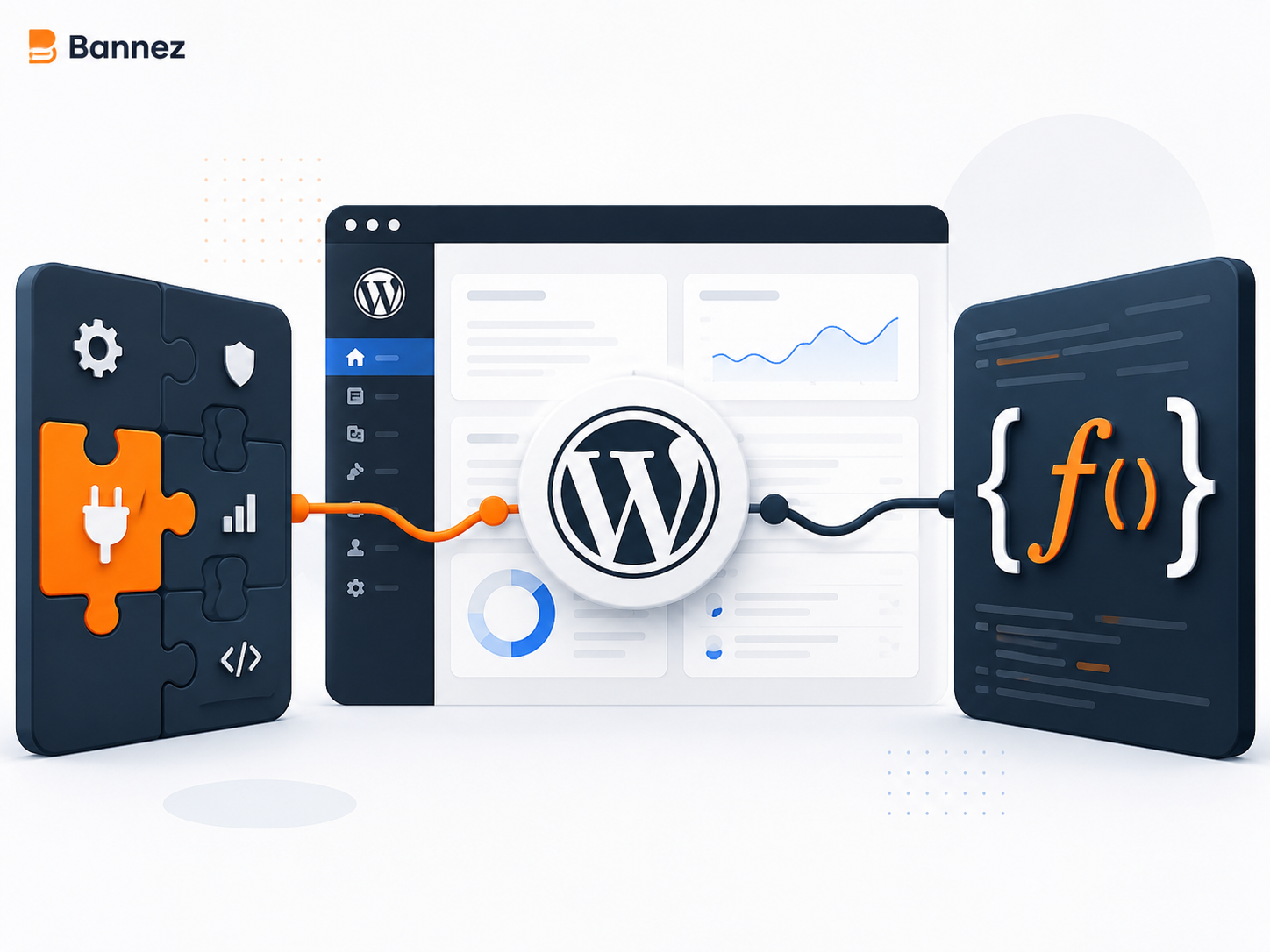
A plugin is a packaged extension that adds or changes WordPress functionality. It can be installed, activated, updated, deactivated, and removed independently of the active theme. Plugins range from small single-purpose tools to large systems for e-commerce, forms, memberships, SEO, or bookings.
See the official WordPress plugin management guide for the standard workflow.
What Is a Custom Function?
A custom function is code written for a specific behavior. Developers may place theme-related functions in a child theme, use a managed snippet tool, or package functionality as a site-specific custom plugin. The function itself is not an alternative architecture; where it lives determines portability and maintenance.
Plugin vs Custom Function Comparison
| Factor | Existing plugin | Custom function or plugin |
|---|---|---|
| Setup | Usually faster | Requires development and testing |
| Fit | Designed for common needs | Can match an exact workflow |
| Updates | Vendor supplies updates | Site owner must arrange maintenance |
| Extra features | May include unused options | Can remain narrowly scoped |
| Support | Depends on vendor and licence | Depends on developer documentation and availability |
| Portability | Independent of theme | Depends on where code is stored |
| Cost | Free or recurring licence | Development plus ongoing maintenance |
Use an Existing Plugin When
- The requirement is common and well defined.
- A reputable plugin already solves it accurately.
- The feature needs a maintained integration with payments or external APIs.
- You want documented settings and a user interface.
- Updates and support from an established vendor add value.
- The total plugin footprint is reasonable for the site.
Plugin Evaluation Checklist
- Recent updates and current compatibility
- Clear developer identity and documentation
- Support quality and sustainable business model
- Data collection, permissions, and privacy
- Performance and database behavior
- No harmful overlap with installed plugins
- Migration or data export options
Use Custom Development When
- The workflow is genuinely unique.
- Existing plugins create excessive complexity.
- The site needs a precise connection to an internal system.
- You can fund testing, documentation, security review, and updates.
- The business benefit justifies ownership of custom code.
The official WordPress Plugin Handbook explains plugin architecture and development standards.
Do Not Put Essential Features in a Parent Theme
Direct edits to a parent theme can disappear during an update. Business functionality—such as custom post types, checkout rules, integrations, or operational workflows—should generally remain independent of presentation. Theme-specific display adjustments may belong in a child theme.
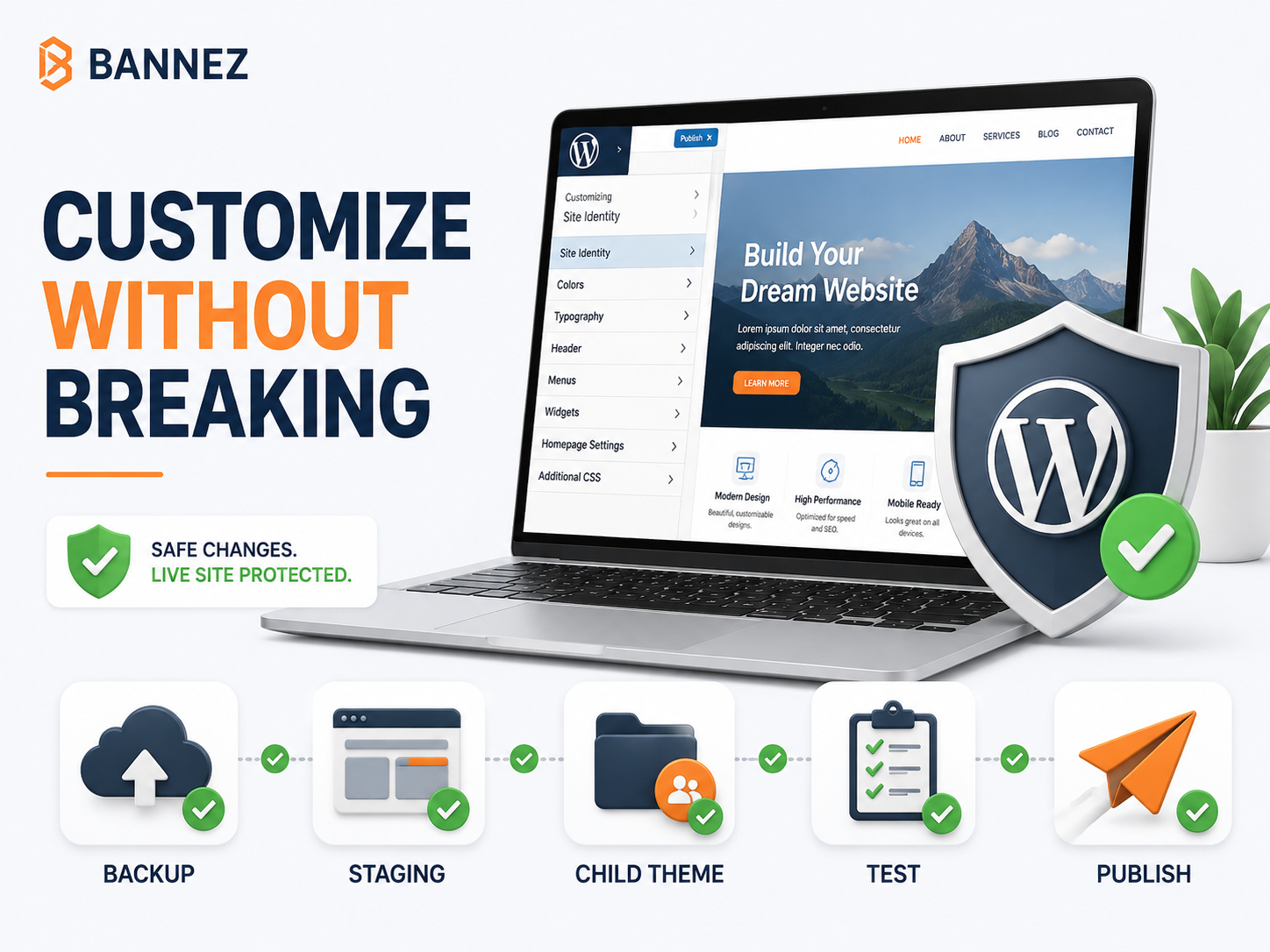
Review the official child theme documentation before theme-level code changes.
Risks of Copy-and-Paste Code Snippets
- The source may be outdated or unsafe.
- The snippet may conflict with another hook or plugin.
- Input may not be validated or escaped.
- Errors can make the site inaccessible.
- No one may know why the code exists later.
- A theme update or switch may remove the behavior.
Never paste unknown PHP into a production website. Have the code reviewed, use version control where possible, document its purpose, and prepare a rollback path.
A Practical Decision Process
- Define the exact user and business outcome.
- Audit existing theme, plugins, integrations, and hosting.
- Compare reputable existing solutions.
- Estimate licence, setup, customization, and maintenance costs.
- Decide where data and functionality should live.
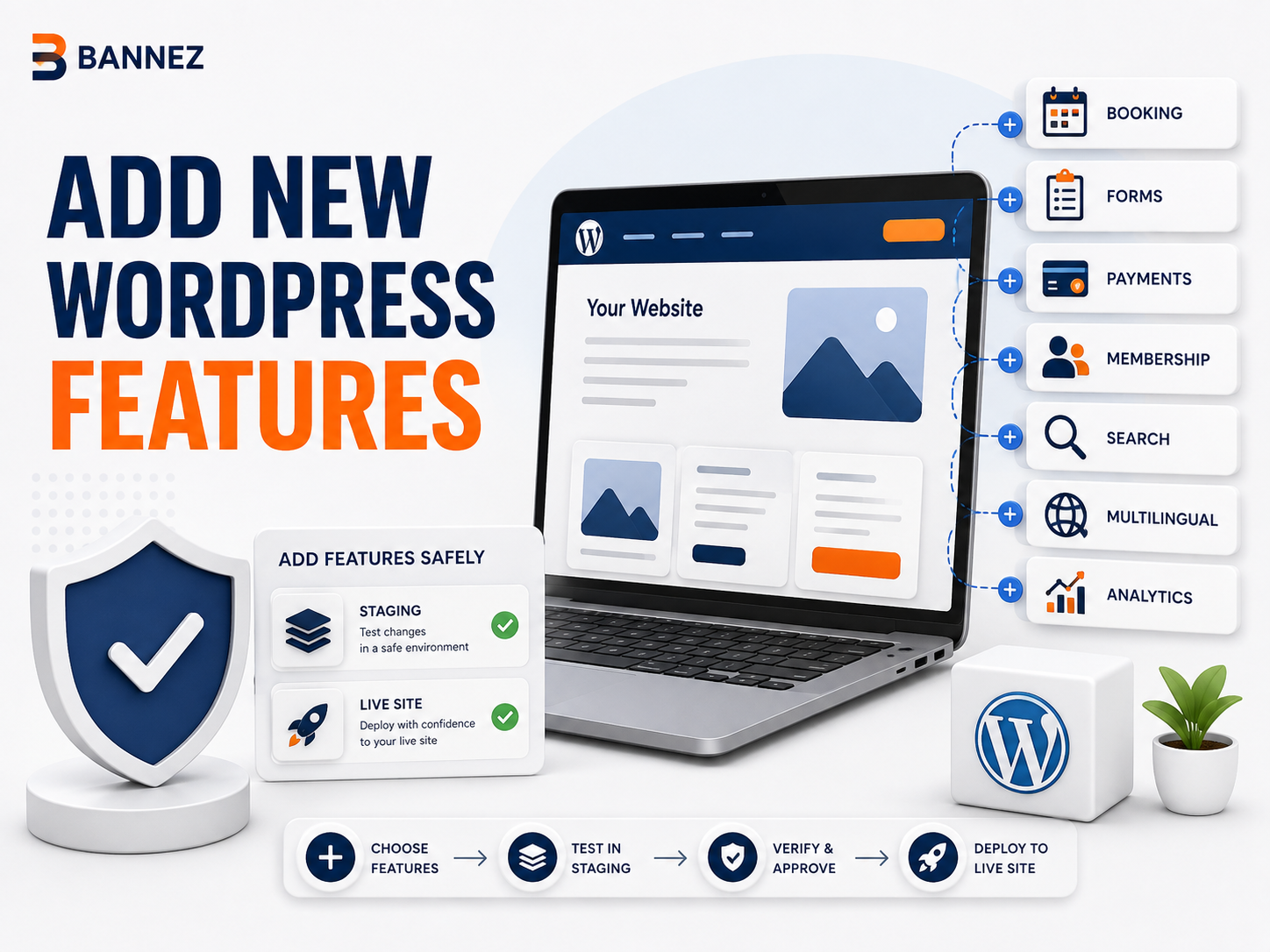
- Test the selected approach on staging.
- Document ownership, updates, and rollback.
Testing Checklist
- ☐ Successful and failed workflows tested
- ☐ User roles and permissions checked
- ☐ Existing pages and features retested
- ☐ Mobile, keyboard, and browser behavior checked
- ☐ Performance measured before and after
- ☐ Security and privacy reviewed
- ☐ Backup and rollback verified
- ☐ Documentation stored
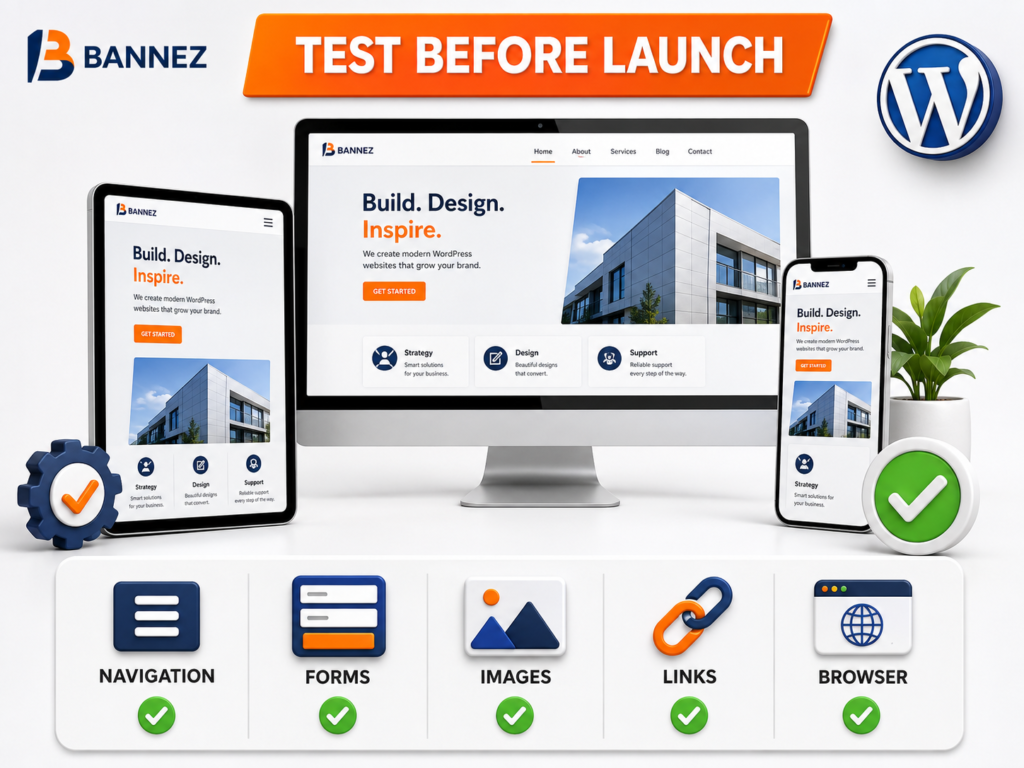
Professional WordPress Customization Help
If you need help evaluating a plugin, integrating it into your design, or implementing a focused custom solution, explore our Complete WordPress Website Customization service. Provide the required workflow, current plugins, theme details, and expected result for accurate scoping.
Frequently Asked Questions
Are custom functions faster than plugins?
Not automatically. Performance depends on what the code does, when it runs, database queries, loaded assets, and implementation quality.
Is a plugin safer than custom code?
Neither is inherently safe. Evaluate authorship, updates, permissions, code quality, testing, and maintenance.
Should custom code go in functions.php?
Only theme-specific behavior may be appropriate there, preferably in a child theme. Site functionality should usually be placed in a custom plugin.
Can I replace a plugin with a snippet?
Sometimes, for a narrow requirement. First examine data migration, dependencies, security, edge cases, and update responsibilities.
Conclusion
Use a reputable plugin when it solves a common need without unnecessary complexity and provides valuable updates or integrations. Choose custom development when the requirement is specific, strategically important, and supported by a realistic maintenance plan.
Whatever you choose, separate critical functionality from the theme, test on staging, document ownership, and measure the effect on the complete website.
