
WordPress Website Design Checklist for Small Businesses
WordPress Website Design Checklist for Small Businesses
A small business website must help visitors understand the offer, trust the company, and take the next step. Good design is not only colors and images; it includes page structure, content, navigation, mobile usability, performance, forms, security, and maintenance.
Use this WordPress website design checklist before development, during review, and before launch.
1. Define the Website Goal
- Generate enquiries or calls
- Explain services
- Book appointments
- Sell products
- Build local trust
- Publish useful content
Choose one primary goal and make secondary goals support it.
2. Understand the Target Customer
Write down who the website serves, their main problem, what they need to know, and what may stop them from contacting the business. Design decisions should make their journey easier.
3. Plan the Pages
| Page | Purpose |
|---|---|
| Home | Explain the business and guide visitors |
| About | Build trust with real company information |
| Services | Describe the main offers |
| Contact | Provide clear contact methods |
| Blog or Resources | Publish helpful information when useful |
| Policies | Cover relevant privacy, terms, and business requirements |
Create individual pages for important services when visitors need detailed information.
4. Prepare Branding Before Design
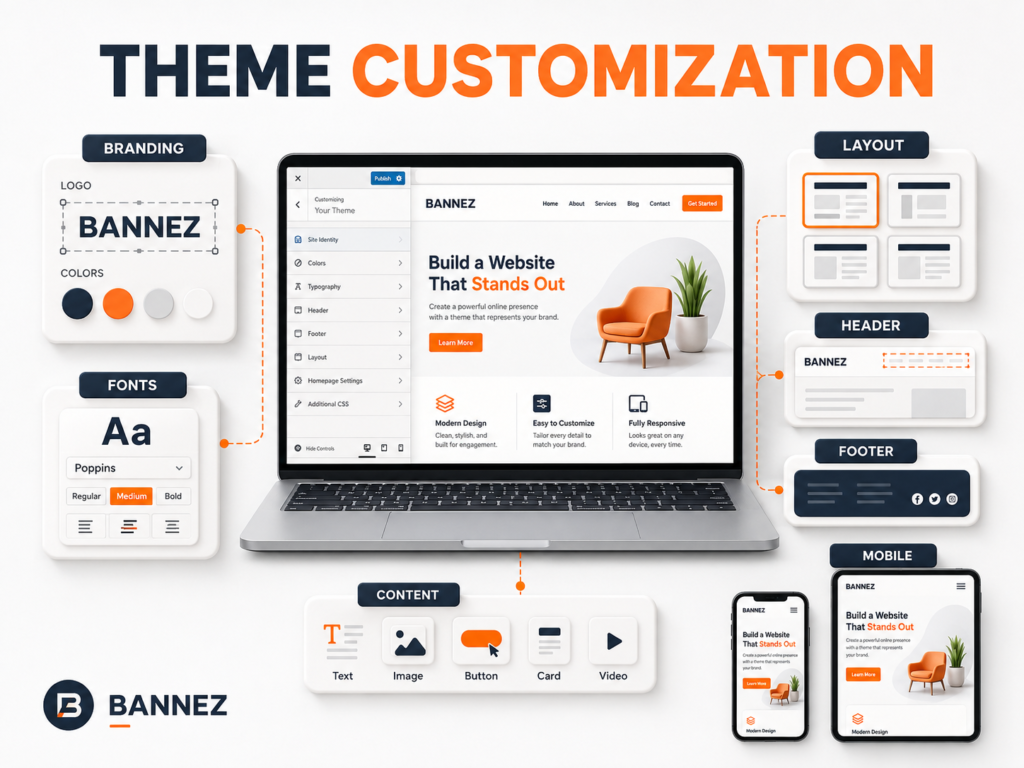
- High-quality logo files
- Main and supporting colors
- One or two readable font families
- Consistent image style
- Clear tone of voice
5. Write Clear Homepage Content
Above the Fold
The first screen should state what the business provides, who it helps, and what action to take. Use a clear heading, short supporting text, relevant visual, and one main call to action.
Supporting Sections
- Main services or benefits
- Why customers should trust the business
- Simple process
- Testimonials or work examples when authentic
- Final call to action
6. Keep Navigation Simple
Use familiar labels and a logical order. Avoid large menus filled with unnecessary pages. Confirm that mobile visitors can open, use, and close the menu easily.
7. Design Strong Service Pages
Each important service page should explain:
- What the service is
- Who it is for
- The problem it addresses
- What is included
- Important limits or exclusions
- The next step
8. Add Trust Without Exaggeration
Use real testimonials, business details, team information, certifications, case studies, policies, and contact information. Do not add fake counters, reviews, awards, or partner logos.
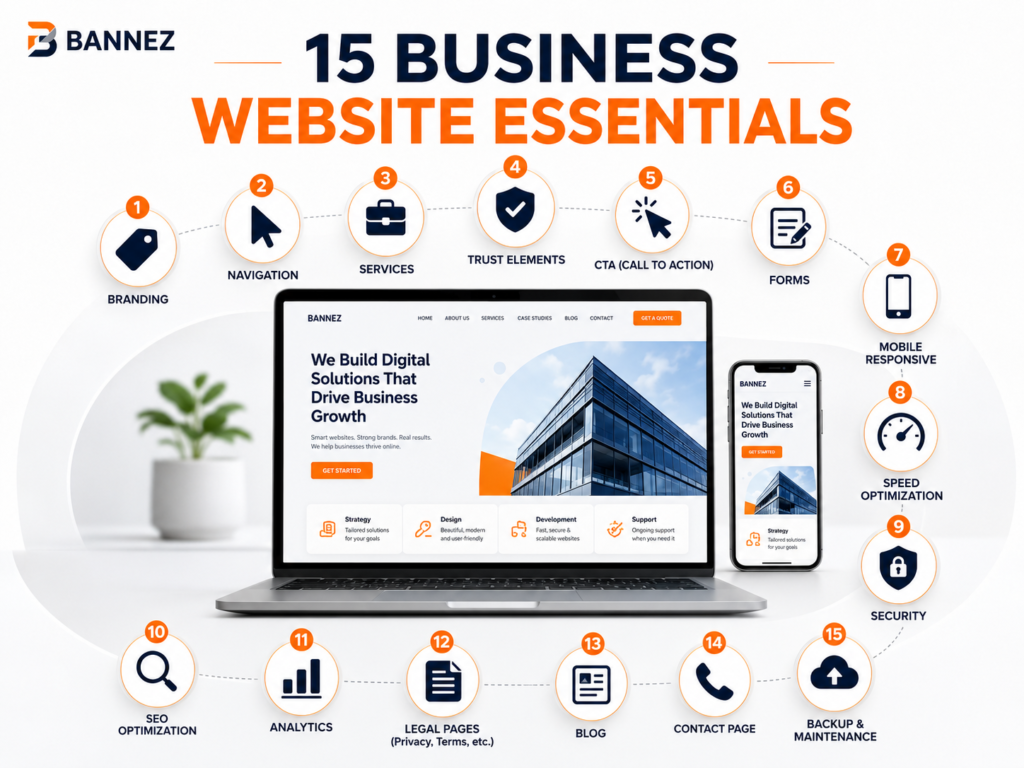
9. Use Clear Calls to Action
Buttons should describe the action: Request a Quote, Book an Appointment, View Services, Call Now, or Send a Message. Keep the main action consistent across related pages.
10. Make Contact Easy
- Dedicated Contact page
- Working form with confirmation
- Email or phone when actively monitored
- Business hours where relevant
- Map and address for physical locations
- Privacy notice for collected information
11. Design for Mobile First
Check text size, spacing, buttons, menus, forms, images, tables, popups, and sticky elements on real mobile screens. Remove sections that create long, repetitive scrolling without adding value.
12. Prepare Images Correctly
Use legally licensed, relevant images. Resize and compress them before upload, choose appropriate formats, and add descriptive alt text when the image communicates information.
13. Build Basic SEO Structure
- One clear main topic per page
- Logical H1, H2, and H3 headings
- Readable URLs
- Useful title and meta description
- Natural internal links
- Descriptive image filenames and alt text
- No thin placeholder pages
WordPress provides official guidance for site management and content editing in its documentation.
14. Check Speed and Technical Quality
Choose suitable hosting, keep plugins focused, optimize images, use caching where appropriate, and avoid excessive fonts, animations, and scripts. Test important real pages.
15. Add Security and Backups
- HTTPS
- Strong unique passwords
- Limited administrator access
- Current WordPress, theme, and plugins
- Reliable off-site backups
- Tested restoration process
16. Test Before Launch
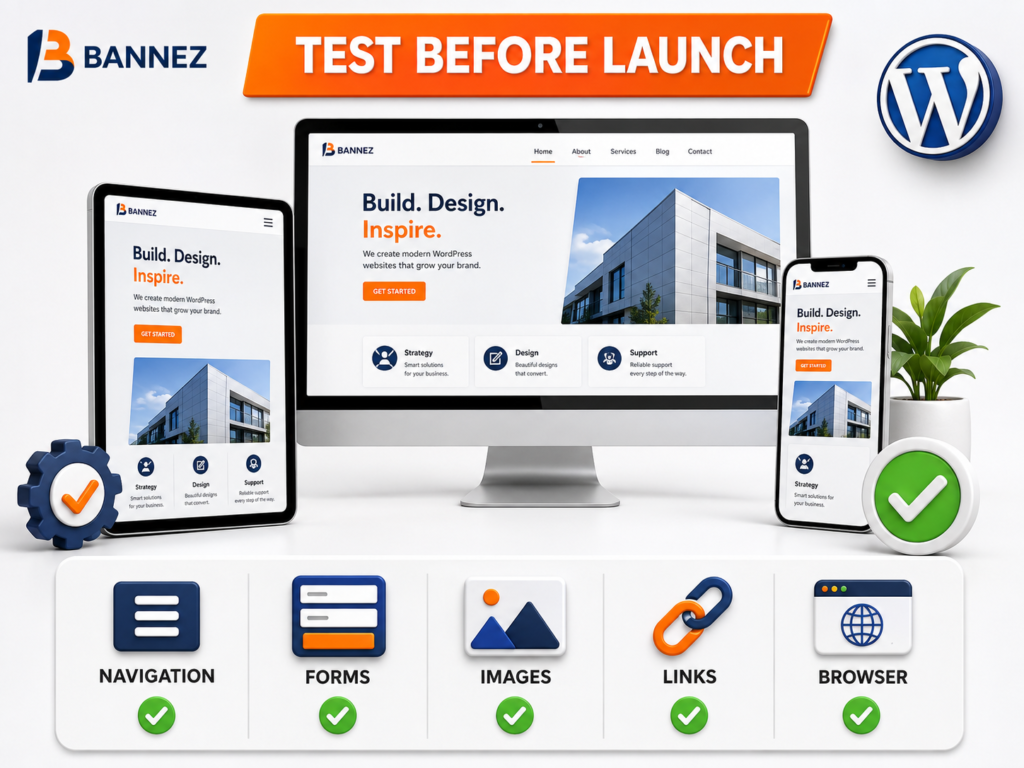
- All menus and buttons
- Every contact and signup form
- Desktop, tablet, and mobile layouts
- Major browsers
- Broken links and missing images
- 404, search, and blog pages
- Checkout or booking flow where applicable
- Email delivery and confirmation messages
17. Plan Ongoing Maintenance
Decide who handles updates, backups, security reviews, uptime, content changes, plugin renewals, analytics, and form testing after launch.
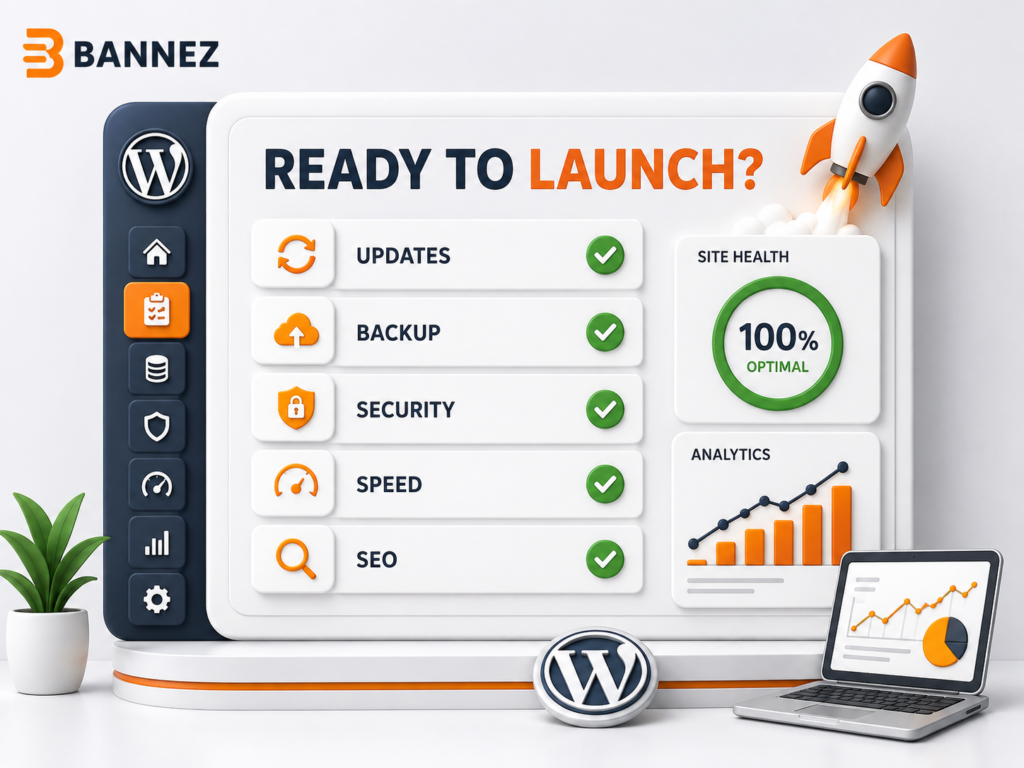
Complete Small Business Website Checklist
- ☐ Main goal and audience defined
- ☐ Required pages listed
- ☐ Branding and content prepared
- ☐ Homepage message is clear
- ☐ Navigation is simple
- ☐ Service pages explain scope and next steps
- ☐ Trust information is authentic
- ☐ Calls to action are consistent
- ☐ Mobile layouts and forms work
- ☐ Images are optimized and licensed
- ☐ Basic SEO structure is complete
- ☐ Speed, HTTPS, security, and backups are checked
- ☐ Maintenance responsibility is clear
Professional WordPress Website Development
If you need a new company website planned and developed, explore our Build a Professional WordPress Business Website service. The final work follows the agreed pages, customer-supplied materials, and service scope.
Frequently Asked Questions
What should a small business homepage include?
A clear offer, target customer, primary call to action, main services or benefits, authentic trust information, and simple contact path.
How many calls to action should a page have?
A page can repeat one primary action in suitable places. Avoid several unrelated buttons competing in the same section.
Should a small business use a ready-made WordPress theme?
It can be a practical foundation when the theme supports the required pages and functions. It still needs branding, content, configuration, testing, and maintenance.
Conclusion
Small business website design works best when every decision supports clarity, trust, and action. Plan the content and customer journey before focusing on decoration.
Use this checklist throughout the project, test the complete website before launch, and maintain it afterward so it continues to represent the business professionally.
