
WordPress Website Redesign: When Should You Redesign Your Site?
WordPress Website Redesign: When Should You Redesign Your Site?
A WordPress website redesign should solve real problems, not follow design trends without a purpose. The right time is when the current site no longer supports visitors, content, technology, branding, or business goals.
This guide explains the main redesign warning signs, what to review before starting, and how to redesign without creating avoidable content, SEO, or functionality problems.
Redesign vs Refresh vs Rebuild
| Approach | Typical scope |
|---|---|
| Visual refresh | Colors, fonts, imagery, spacing, and smaller style changes |
| Redesign | Page structure, navigation, templates, content presentation, and brand experience |
| Rebuild | New theme, architecture, platform components, data model, or major functions |
Choose the smallest approach that solves the actual problem.
1. The Website Does Not Work Well on Mobile
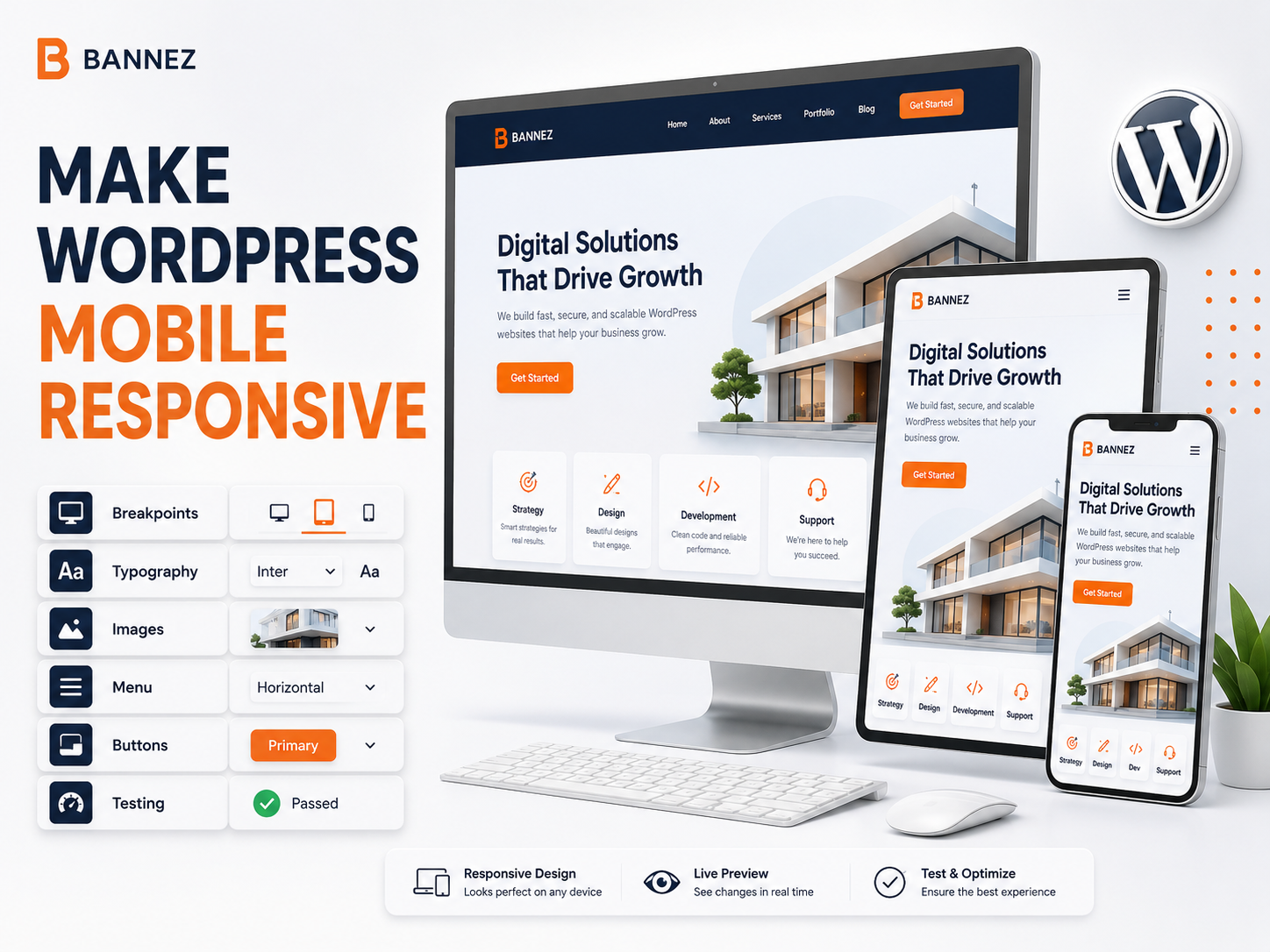
Redesign when visitors must zoom, scroll sideways, struggle with navigation, or use forms and buttons that do not fit smaller screens. Mobile problems affect usability and may require template-level changes.
2. Visitors Cannot Understand the Offer
If the homepage is vague, services are difficult to find, or important details are spread across unrelated pages, redesign the information hierarchy and messaging.
Clarity Warning Signs
- Visitors ask questions already answered somewhere on the site.
- Important services are hidden in dropdowns.
- Several buttons compete for attention.
- Headings do not explain page purpose.
- Old and new offers are mixed together.
3. Navigation Has Become Confusing
Years of adding pages can create large menus and duplicate paths. A redesign can reorganize content around visitor tasks, simplify labels, and improve mobile navigation.
4. Branding Has Changed
Redesign when the business has a new name, logo, positioning, audience, services, or brand system. Replace old colors, messages, imagery, contact details, and documents consistently.
5. The Design Looks Outdated and Reduces Trust
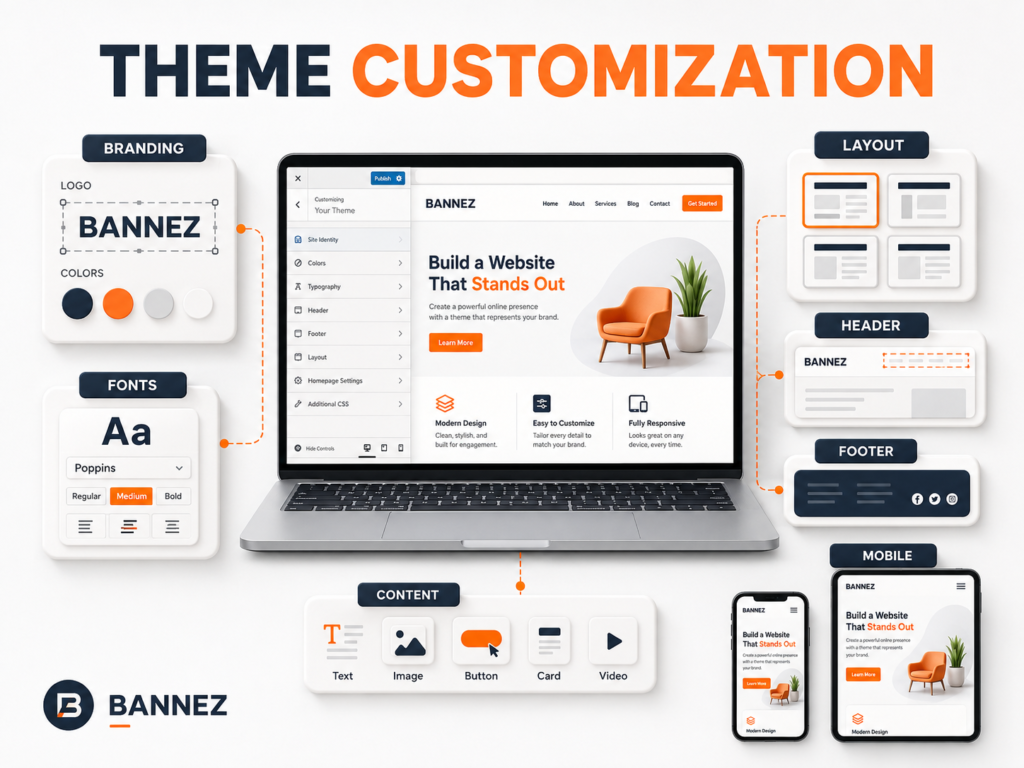
Age alone is not a reason to redesign. However, cluttered layouts, poor typography, low-quality images, broken sections, or inconsistent styles can reduce credibility.
6. The Website Is Slow or Technically Heavy
A redesign may help when the theme or builder loads excessive assets, outdated plugins control critical layouts, or optimization cannot remove structural problems. Measure first; do not assume every slow site needs rebuilding.
7. Content Is Difficult to Update
Redesign when routine content changes require code, break layouts, or depend on a developer for every small update. Create reusable patterns, clear fields, and documented editing workflows.
8. Important Features No Longer Work
Broken forms, search, booking, checkout, account pages, or integrations may justify a redesign or rebuild. First confirm whether the problem can be repaired without replacing unrelated parts.
9. The Site Uses Unsupported Components
Unsupported themes, abandoned plugins, old PHP requirements, and outdated builders create maintenance and security risks. Plan a controlled replacement before they fail.
10. Business Goals Have Changed
A brochure site may need booking, e-commerce, memberships, lead qualification, multilingual content, or a new resource center. Redesign the journey around the new goal instead of attaching features randomly.
11. Data Shows Visitors Are Struggling
Use analytics, search queries, recordings where legally appropriate, support questions, and form data. High exits alone do not prove bad design; examine page purpose and user intent.
12. Accessibility Problems Are Widespread
Low contrast, missing labels, poor keyboard navigation, unclear focus, and inaccessible components may require systematic redesign rather than isolated patches.
Before Starting a WordPress Redesign
- Audit pages, templates, features, plugins, and integrations.
- Record analytics and conversion baselines.
- List URLs that must remain or redirect.
- Back up files and database.
- Create staging.
- Define goals, audience, pages, content, and features.
- Decide what to keep, improve, merge, redirect, or remove.
- Assign content and approval responsibilities.
Protect Content and SEO During Redesign
- Export and map current URLs.
- Keep strong URLs when possible.
- Create one-to-one redirects for moved pages.
- Preserve useful headings, metadata, and internal links.
- Do not remove valuable content without review.
- Update sitemap and navigation.
- Check canonical, index, and robots settings.
- Monitor crawl errors after launch.
Test the Redesigned Website
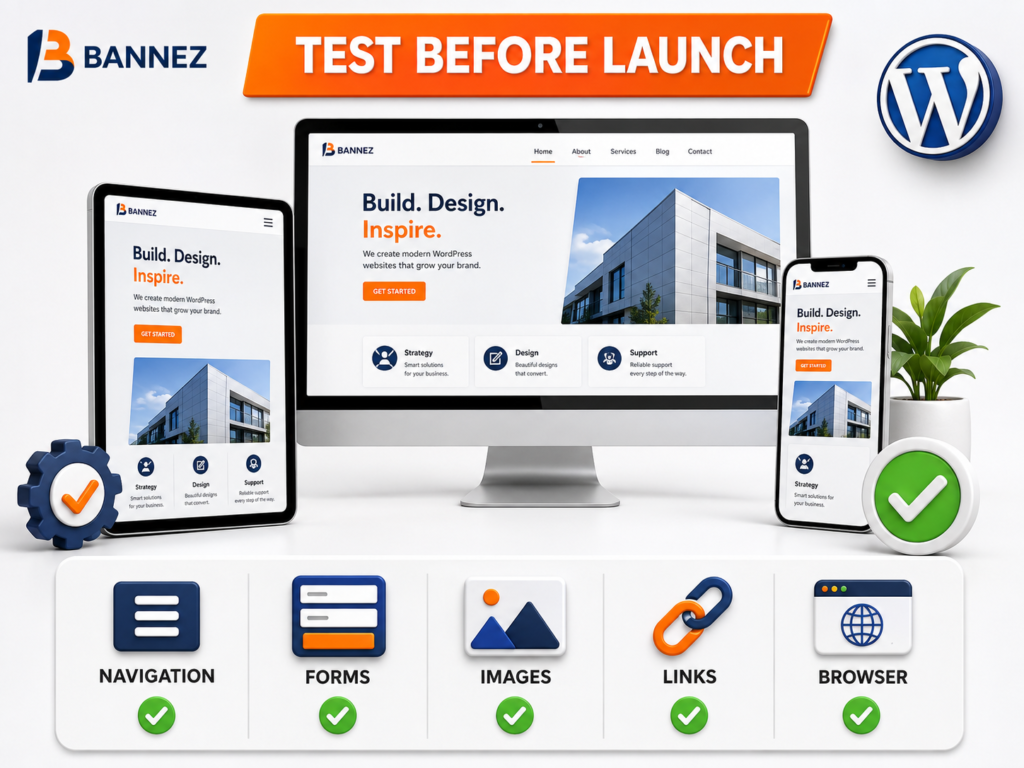
- Desktop, tablet, and mobile templates
- Menus, search, forms, and buttons
- Blog, archives, 404, and pagination
- Accounts, booking, cart, and checkout where applicable
- Redirects and broken links
- Analytics and conversion tracking
- Performance and accessibility basics
- Email delivery and third-party integrations
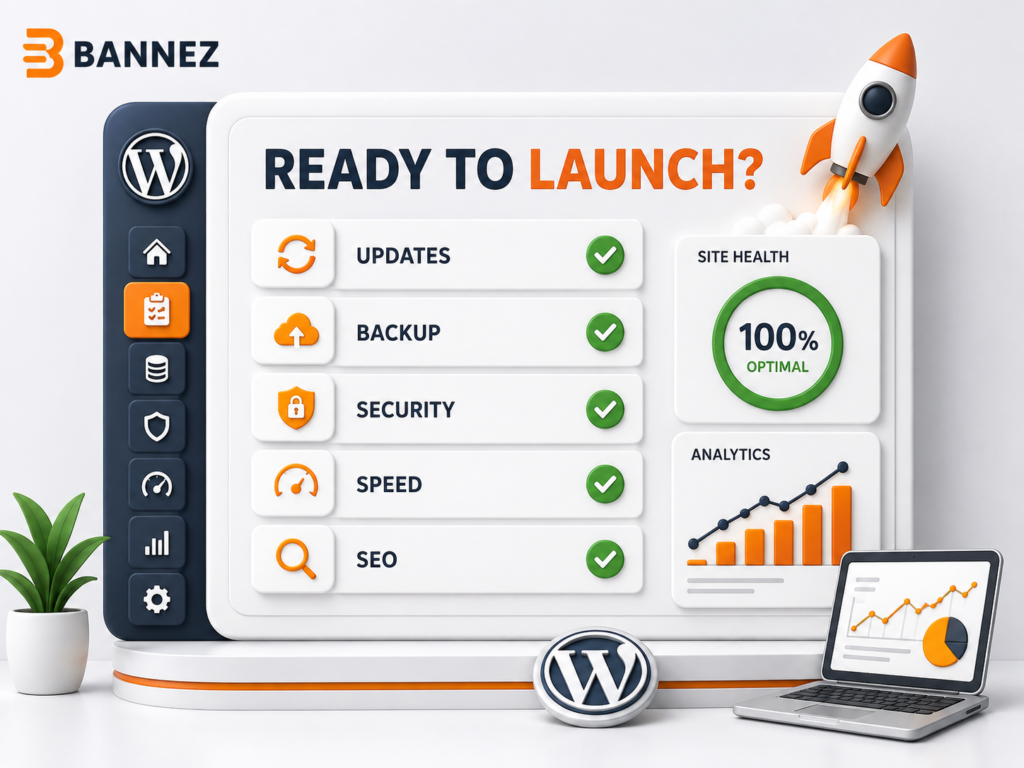
WordPress Redesign Launch Checklist
- ☐ Final backup created
- ☐ Staging and live URLs checked
- ☐ Redirects prepared
- ☐ Search visibility correct
- ☐ Forms and email tested
- ☐ Mobile layouts approved
- ☐ Analytics verified
- ☐ Security and updates reviewed
- ☐ Rollback plan available
- ☐ Post-launch monitoring assigned
Professional WordPress Redesign Help
If your existing theme needs a broader visual and structural update, explore our Complete WordPress Website Customization with Any Theme service. Review the listed scope and provide your current website, required pages, branding, content, and reference designs.
Frequently Asked Questions
How often should a website be redesigned?
There is no fixed schedule. Redesign when research shows the site no longer meets user, business, content, technical, or brand needs.
Will redesigning hurt SEO?
It can if useful content, URLs, internal links, metadata, or crawl settings are changed carelessly. A planned migration reduces risk.
Should I redesign the live website directly?
No for significant work. Use staging, backups, testing, approvals, and a rollback plan.
Conclusion
Redesign WordPress when measurable problems cannot be solved efficiently through smaller improvements. Start with an audit, define the desired outcome, protect valuable content and URLs, and test the complete visitor journey.
A successful redesign is not simply newer-looking; it is clearer, easier to use, more maintainable, and better aligned with current business goals.
