
How to Add Images to Blog Posts for Better SEO and User Experience
Images can make a blog post easier to understand, easier to scan, and more useful. They can show examples, explain a process, compare options, or give the reader a visual break between long sections. But adding random stock photos does not automatically improve SEO.
The best approach is to use relevant images, optimize them sensibly, provide accurate text alternatives, and place them near the content they support.
Why Images Matter in Blog Posts
A useful image can communicate information faster than a paragraph. Screenshots, diagrams, charts, examples, product photos, and simple branded visuals can all improve the reading experience when they have a clear purpose.
Google’s current image SEO best practices explain that image context, descriptive text, and crawlable image files help Google understand images.
1. Choose Images That Support the Content
Before adding an image, ask what it helps the reader understand. A relevant visual is more useful than an image added only because a section feels empty.
Useful blog image types
- Step-by-step screenshots
- Simple diagrams
- Comparison graphics
- Charts based on real data
- Original photos
- Product or interface examples
- Branded checklists or process visuals
2. Use a Relevant Featured Image
The featured image represents the article in many WordPress themes, archive pages, social previews, and related-post sections. It should connect clearly to the topic and remain understandable at smaller sizes.
Featured image checklist
- Topic is obvious
- Text is limited and readable
- Brand style is consistent
- Important content is not too close to edges
- Image still works when cropped
3. Use Descriptive File Names
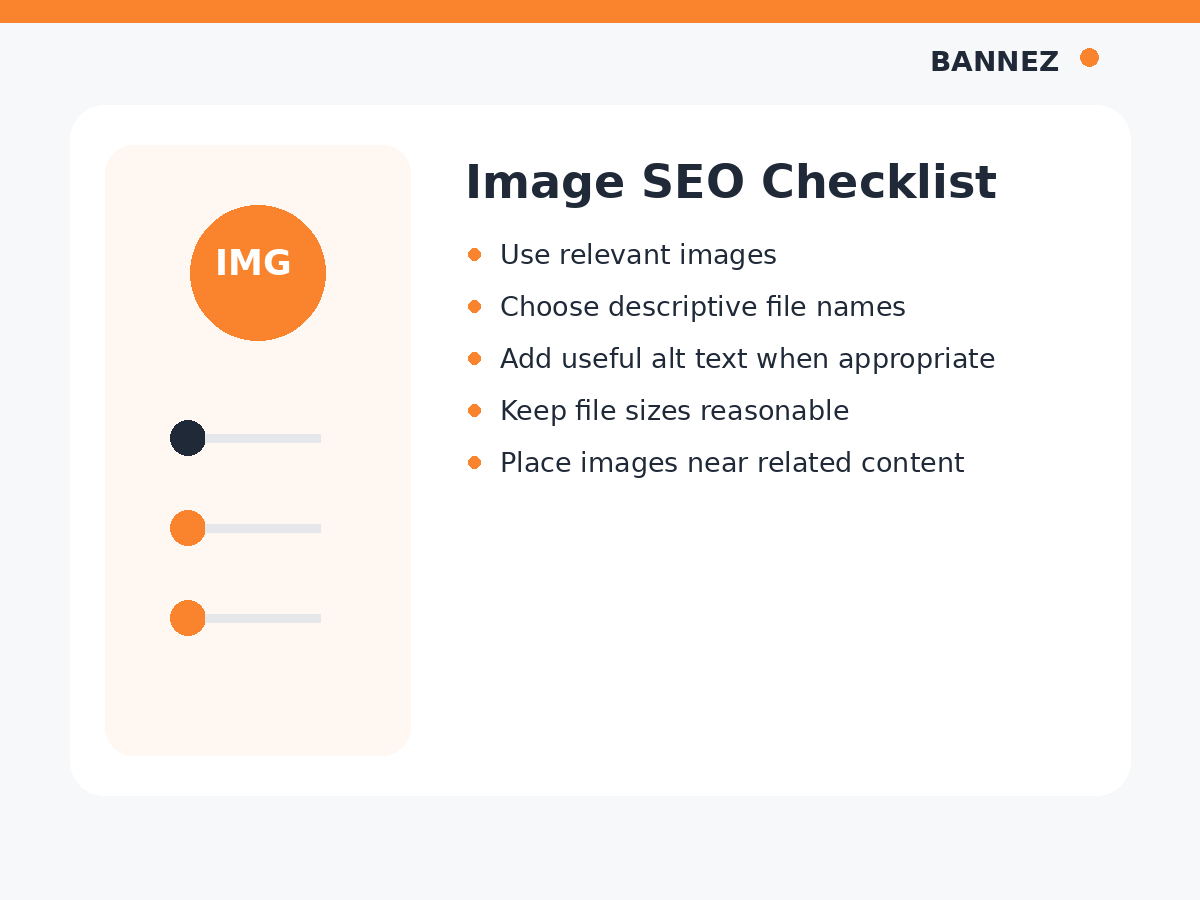
Rename a generic file such as IMG_7842.png before uploading when a descriptive name is practical. A file name such as seo-blog-image-checklist.png is easier to manage and provides useful context.
4. Resize Images Before Uploading
Do not upload an enormous image when the page only displays it at a much smaller size. Large files can increase download weight and slow the page.
Choose dimensions that fit the design, keep the image sharp, and use an appropriate format and compression level.
5. Compress Images Carefully
Compression reduces file size. The goal is to reduce unnecessary bytes without making screenshots, text, or important details blurry.
Check after compression
- Text inside the image remains readable
- Logos and icons remain sharp
- Photos do not show severe artifacts
- The file is significantly smaller when possible
6. Write Useful Alt Text
Alt text provides a text alternative when an image cannot be seen or is used with assistive technology. It should describe the useful information or purpose of the image in the context of the page.
Good alt text
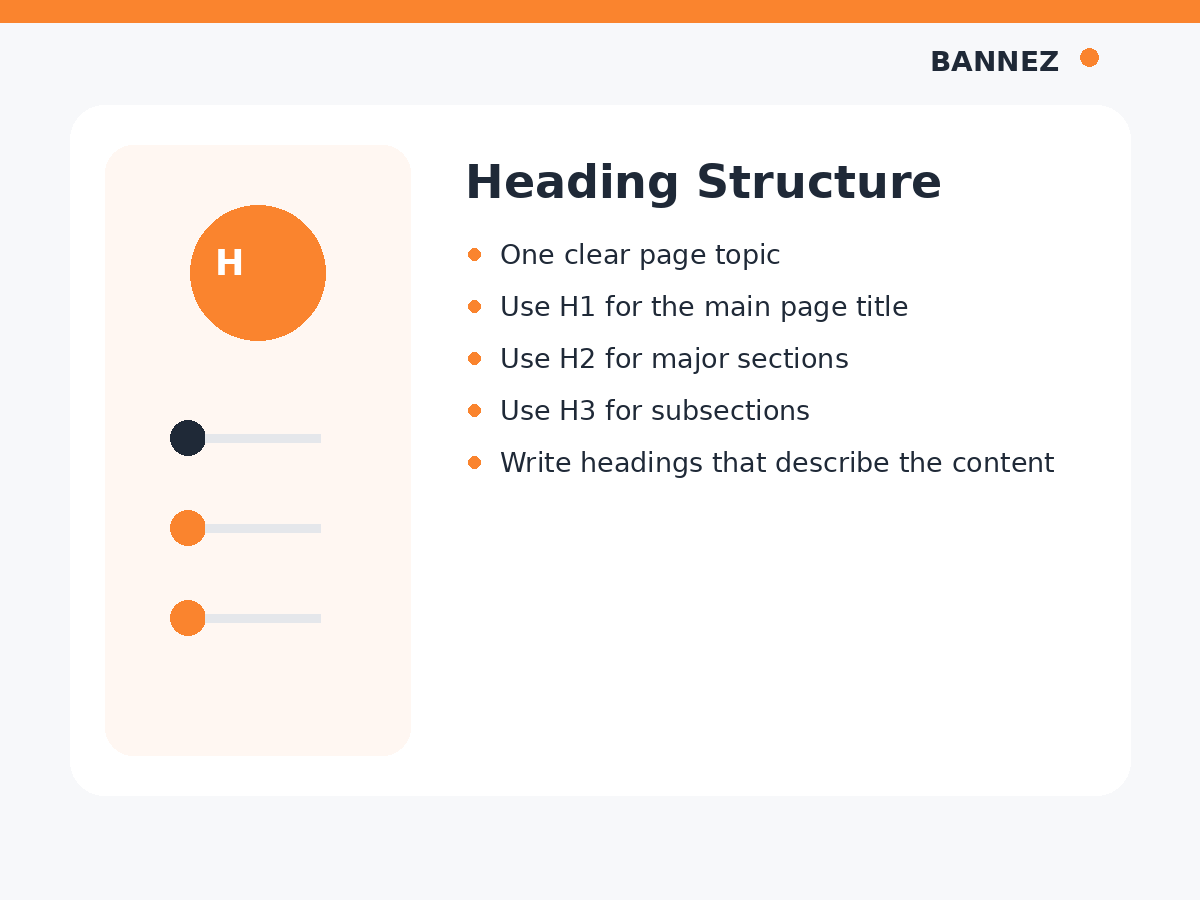
SEO content workflow showing keyword research, search intent, writing and final optimization.
Poor alt text
SEO SEO image best SEO blog image keyword SEO.
Do not turn alt text into a keyword list. Decorative images that add no information may not need descriptive alt text, depending on how they are implemented.
7. Place Images Near Relevant Text
An image should appear near the section it explains. This helps readers understand the relationship between the visual and the surrounding content.
Google also uses the page around an image as context, so placing a diagram next to unrelated text is not useful.
8. Use Captions When They Add Context
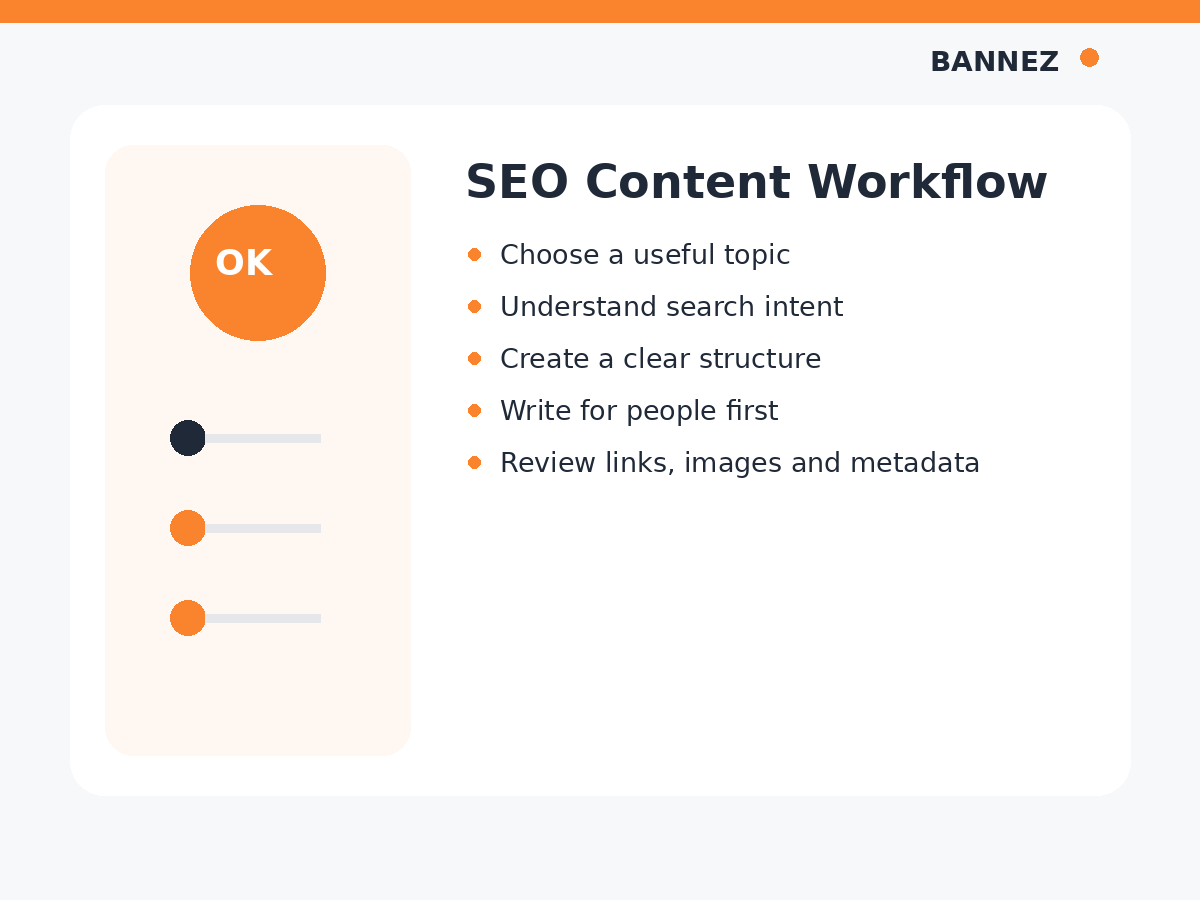
A caption can explain a chart, identify a screenshot, provide a date, or clarify what the reader should notice. Not every image needs one.
9. Avoid Putting Important Information Only Inside Images
If essential instructions, prices, or explanations exist only as text inside an image, users and search engines may have difficulty accessing that information. Put important content in normal HTML text as well.
10. Use Images to Break Up Long Content Carefully
Visuals can improve scanning, but too many images can make a page feel cluttered. Add them where they support the reading flow.
For a long educational post, one useful image every few major sections can work well, but there is no fixed SEO requirement.
11. Keep Mobile Users in Mind
Check images on a real phone. A wide chart or text-heavy infographic may become unreadable on a small screen.
Mobile image checks
- Image fits the screen
- Text remains readable
- Main subject is not cropped out
- Image does not create horizontal scrolling
- Page still loads comfortably
12. Use Original or Properly Licensed Images
Do not copy images from other websites without permission. Use your own visuals, licensed assets, public-domain resources, or media you have the legal right to publish.
13. Add Images During the Outline Stage
Plan visuals while writing the article instead of adding random images at the end. Mark sections where a screenshot, diagram, or comparison graphic would genuinely help.
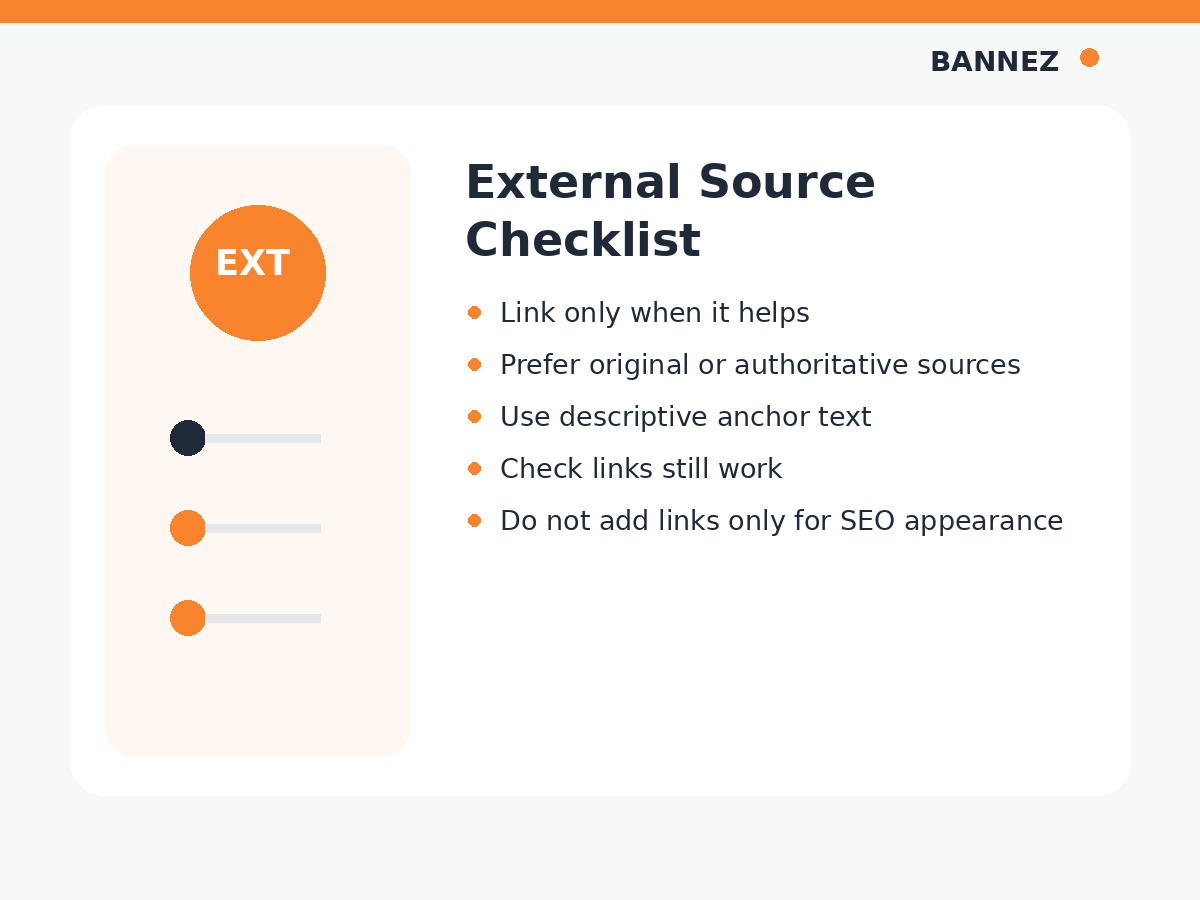
Images and SEO: What Not to Do
- Do not stuff keywords into every alt attribute
- Do not upload huge files without resizing
- Do not use irrelevant images only to increase image count
- Do not copy copyrighted images without rights
- Do not place critical text only inside graphics
- Do not use misleading image titles or captions
Blog Image SEO Checklist
| Area | What to check |
|---|---|
| Relevance | Image supports the nearby content |
| File name | Readable and descriptive |
| Dimensions | Appropriate for the display size |
| Compression | Reasonable file weight without obvious quality loss |
| Alt text | Accurate text alternative when needed |
| Context | Placed near related text |
| Mobile | Readable and responsive on small screens |
| Rights | You have permission to publish it |
For a complete pre-publish review, use our SEO article writing checklist.
Frequently Asked Questions
How many images should a blog post have?
There is no fixed number. Use enough images to improve understanding without making the page cluttered or unnecessarily heavy.
Does every image need alt text?
Meaningful images generally need an appropriate text alternative. Purely decorative images may be handled differently. The purpose and implementation of the image matter.
Should the keyword be in every image file name?
No. Use descriptive names that identify the image. Avoid repetitive keyword stuffing.
Do images automatically improve Google rankings?
No. Images can improve the page experience and may be discoverable in image search, but simply adding more images does not guarantee rankings.
Need SEO Articles With Branded Images?
If you need professionally structured SEO content with a featured image and supporting visuals, you can explore our SEO Content Writing with Images service.
Conclusion
Add images because they make the article more useful. Choose relevant visuals, resize and compress them, use descriptive file names, write accurate alt text, and place each image near the section it supports.
Before publishing, review the post on desktop and mobile. A smaller number of useful, well-optimized images is better than filling a page with visuals that add no value.
