
SEO Article Writing Checklist
An SEO article checklist helps you avoid small mistakes that can weaken an otherwise useful post. Instead of trying to remember keywords, headings, links, images, metadata, and proofreading at the end, use a repeatable process from planning to publication.
This checklist is designed for blog posts, guides, educational articles, and other search-focused content.
Before Writing
1. Define the main topic
Write one sentence that explains what the article should help the reader understand or do. If the sentence contains several unrelated goals, narrow the topic.
2. Identify the likely search intent
Decide whether the reader probably wants an explanation, tutorial, comparison, checklist, recommendation, or action. The content format should match that need.
3. Choose the primary keyword
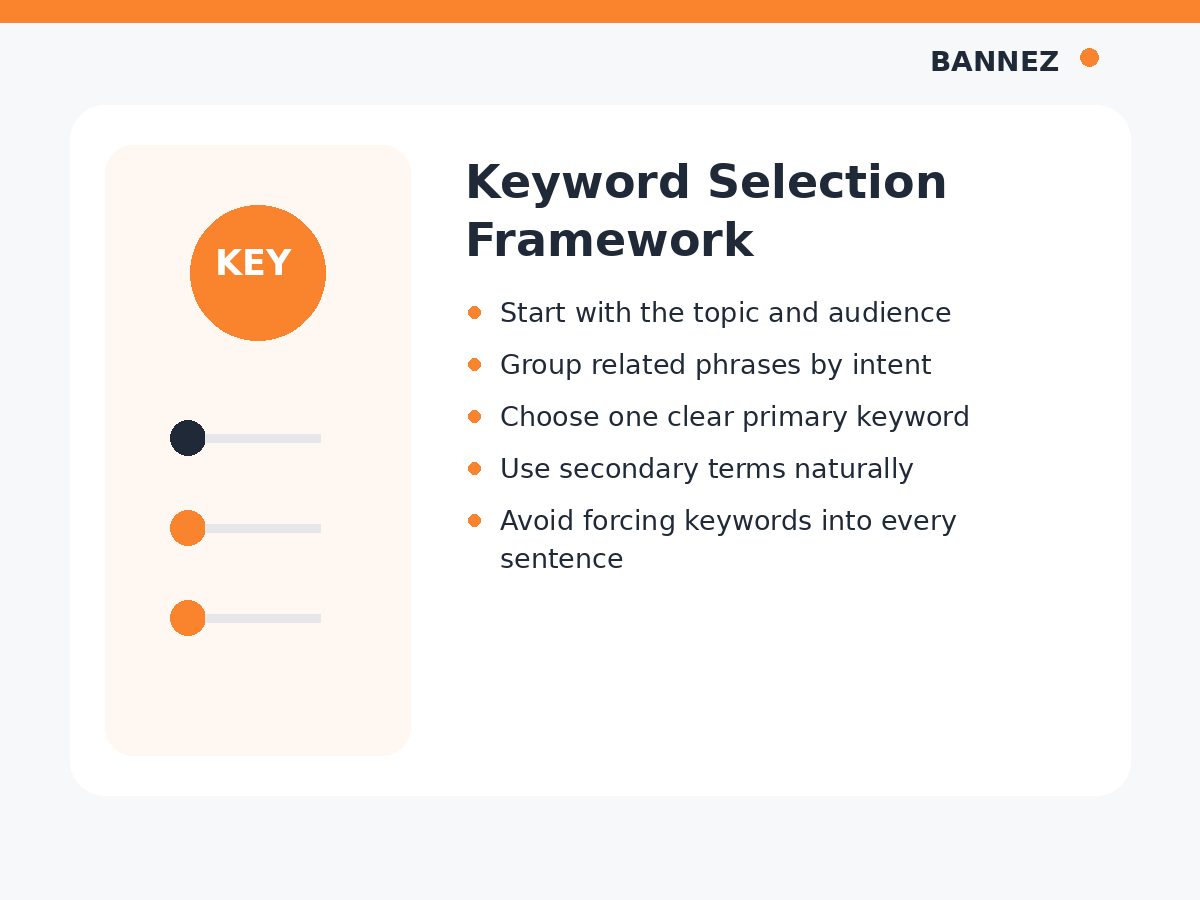
Select one phrase that accurately represents the page topic. Add secondary terms only when they are closely related.
4. Check what questions need answering
List the important questions a reader may have before they feel the topic is complete. These questions can become H2 or H3 sections.
Structure Checklist
5. Use a clear H1
The article title normally acts as the main H1. It should describe the page accurately.
6. Use H2 headings for major sections
7. Use H3 headings for subsections
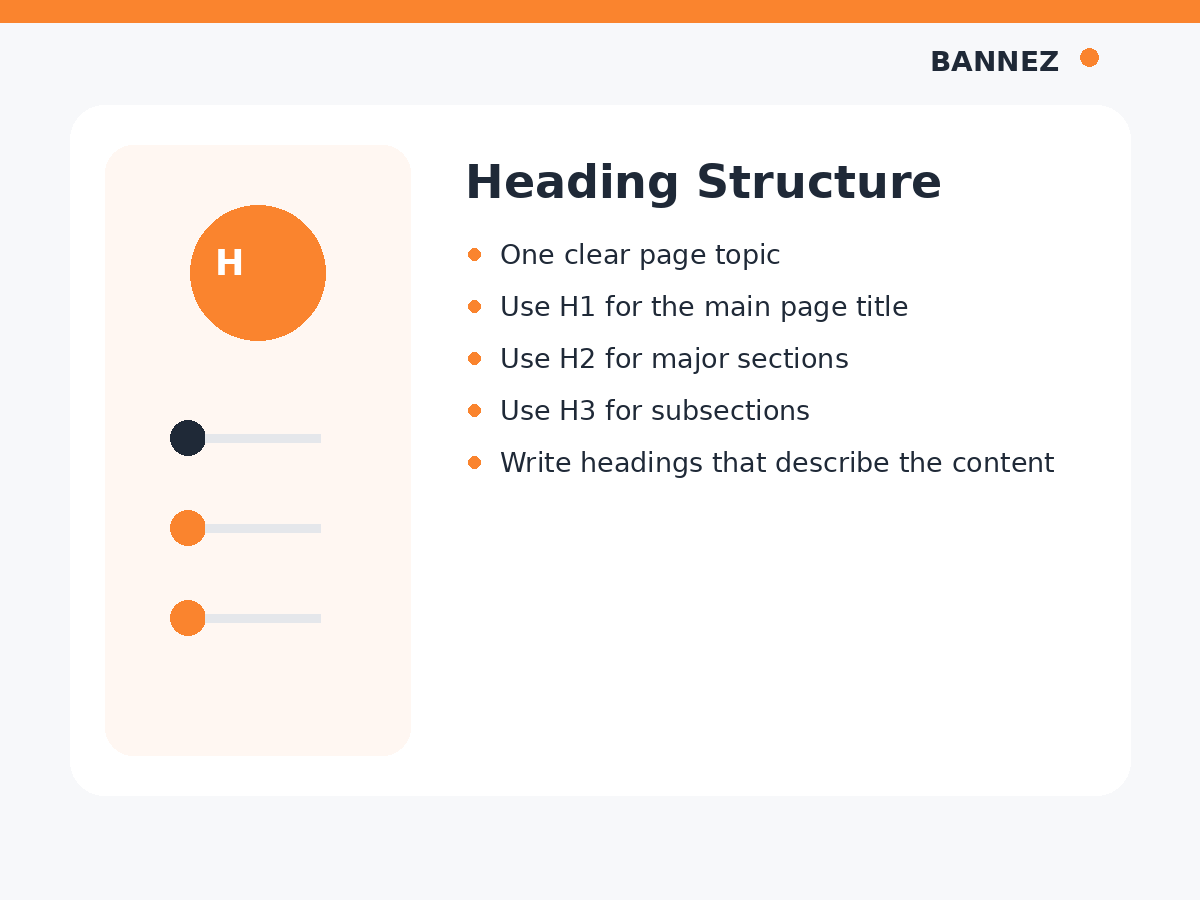
Google’s SEO Starter Guide recommends well-organized content with useful headings. There is no required number of headings, so use them to improve clarity.
Writing Checklist
8. Write a direct introduction
Tell the reader what the article covers and why it matters. Avoid long introductions that delay the answer.
9. Answer the main question early
If the title asks a question, provide a clear answer near the beginning and then expand with details.
10. Keep paragraphs readable
Use short paragraphs and break complicated information into bullets, steps, tables, or examples where useful.
11. Add original value
Do not simply rewrite what other pages already say. Add clearer explanations, practical examples, first-hand knowledge, useful comparisons, or a better structure.
Google’s helpful content guidance recommends substantial, reliable, people-first information rather than mass-produced content created mainly for rankings.
Keyword Checklist
12. Use the primary keyword naturally
Include it where it accurately describes the topic, such as the title, introduction, or a relevant heading. Do not force it into every section.
13. Use secondary keywords only when useful
Related phrases can make the article more complete, but natural language is more important than a target keyword count.
Link Checklist
14. Add relevant internal links
Connect the article to other useful pages on your website. For example, this checklist can link to our guide on writing SEO-friendly blog posts.
15. Use descriptive anchor text
Anchor text should tell the reader what the linked page is about.
16. Add trustworthy external sources
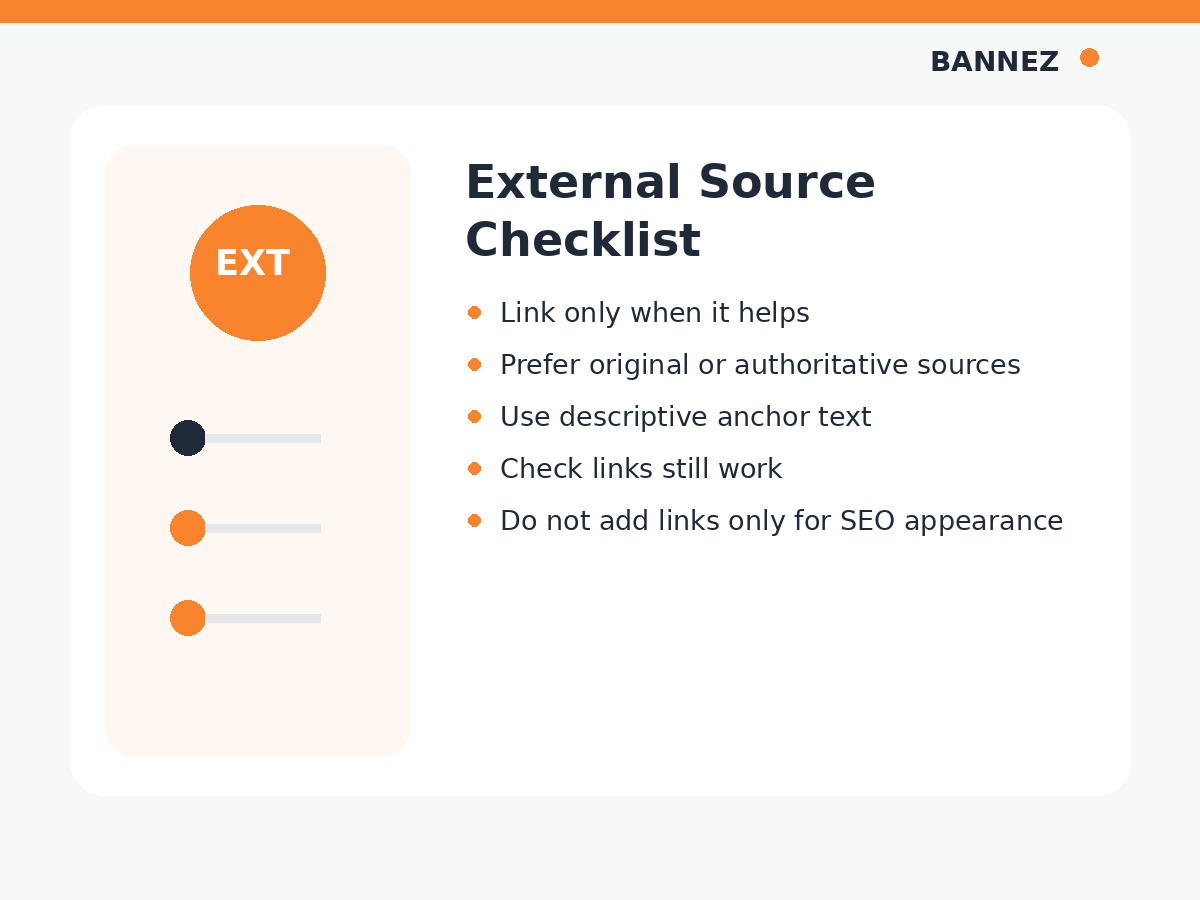
Use original or authoritative sources when they provide evidence, official rules, research, or technical documentation.
Image Checklist
17. Add relevant visuals
Images should explain, demonstrate, compare, or improve the reading experience.
18. Write accurate alt text
Alt text should describe the image’s useful meaning when a text alternative is needed. Avoid stuffing keywords into alt text.
19. Use sensible image sizes
Very large files can make pages slower. Resize and compress images appropriately while keeping them clear.
Review Google’s current image SEO best practices for image discovery and page context.
On-Page SEO Checklist
20. Write a descriptive SEO title
21. Write a useful meta description
22. Use a short, readable URL slug
23. Keep the page focused on one main intent
Quality Checklist
24. Proofread the article
25. Verify facts and statistics
26. Test every link
27. Remove repeated sections
28. Check the page on mobile
29. Confirm the call to action makes sense
After Publishing
30. Confirm the page can be discovered
Check that technical settings are not accidentally blocking indexing.
31. Review Search Console data
Use impressions, clicks, queries, and page trends to understand how the article is performing. Google’s Search Console Performance report guidance explains common analysis tasks.
32. Update the article when needed
Refresh outdated facts, broken links, old screenshots, weak sections, or examples when the topic changes.
Quick SEO Article Checklist
| Area | Check |
|---|---|
| Topic | One clear purpose |
| Intent | Format matches reader need |
| Keywords | Primary + related terms used naturally |
| Headings | Logical H1, H2 and H3 structure |
| Content | Helpful, original and complete |
| Links | Relevant internal and trusted external links |
| Images | Useful visuals with accurate alt text |
| Metadata | Title, description and slug reviewed |
| Quality | Facts, grammar, links and mobile checked |
| Maintenance | Performance monitored and content updated |
Frequently Asked Questions
Do all SEO articles need the same checklist?
The core review is similar, but different topics may need different research, examples, data, images, or page formats.
Should every article include external links?
No fixed number is required. Link externally when a trustworthy source genuinely improves the article.
Should every article include an FAQ?
No. Add FAQs when they answer useful questions that are not already handled clearly in the main content.
Need SEO Content With Images and Sources?
If you want professionally structured articles that include relevant images and authoritative links, explore our SEO Content Writing with Images & Authority Links service.
Conclusion
An SEO article checklist is useful because it turns optimization into a repeatable process. Plan the topic and intent first, write a helpful answer, then review headings, keywords, links, images, metadata, facts, and mobile usability.
After publishing, use real performance data and update the page when information or search behavior changes. Consistent quality control is more useful than chasing one SEO score.
