
How to Detect Bot and Spam Traffic in GA4
How to Detect Bot and Spam Traffic in GA4
Unusual traffic spikes in Google Analytics 4 can come from many sources: genuine campaigns, referral mistakes, internal testing, tracking problems, automated traffic, or spam. The right response is to investigate patterns before assuming every strange session is a bot.
Google states that known bot and spider traffic is automatically excluded from Google Analytics properties using Google research and the IAB International Spiders and Bots List. However, no analytics system can identify every form of automated or manipulated traffic.
What Can Suspicious Traffic Look Like?
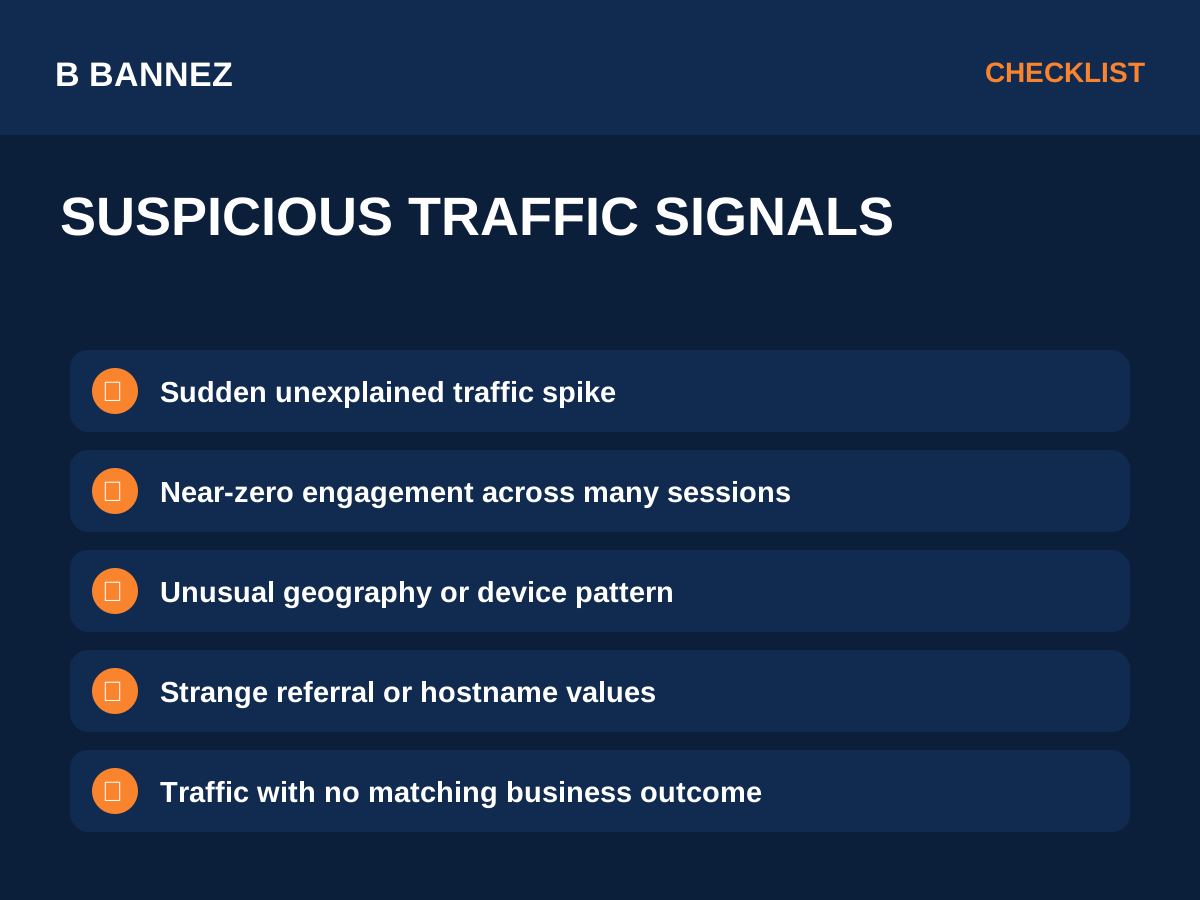
One unusual metric is not proof of bot activity. Look for combinations of signals such as:
- A sudden spike with no matching campaign or business event.
- Large volumes of sessions with extremely low engagement.
- Unexpected countries, cities, devices or browsers.
- Strange referral domains or hostnames.
- Many visits to one unusual URL.
- Traffic that produces no realistic conversions, scrolling or follow-up behavior.
Start With a Date Comparison
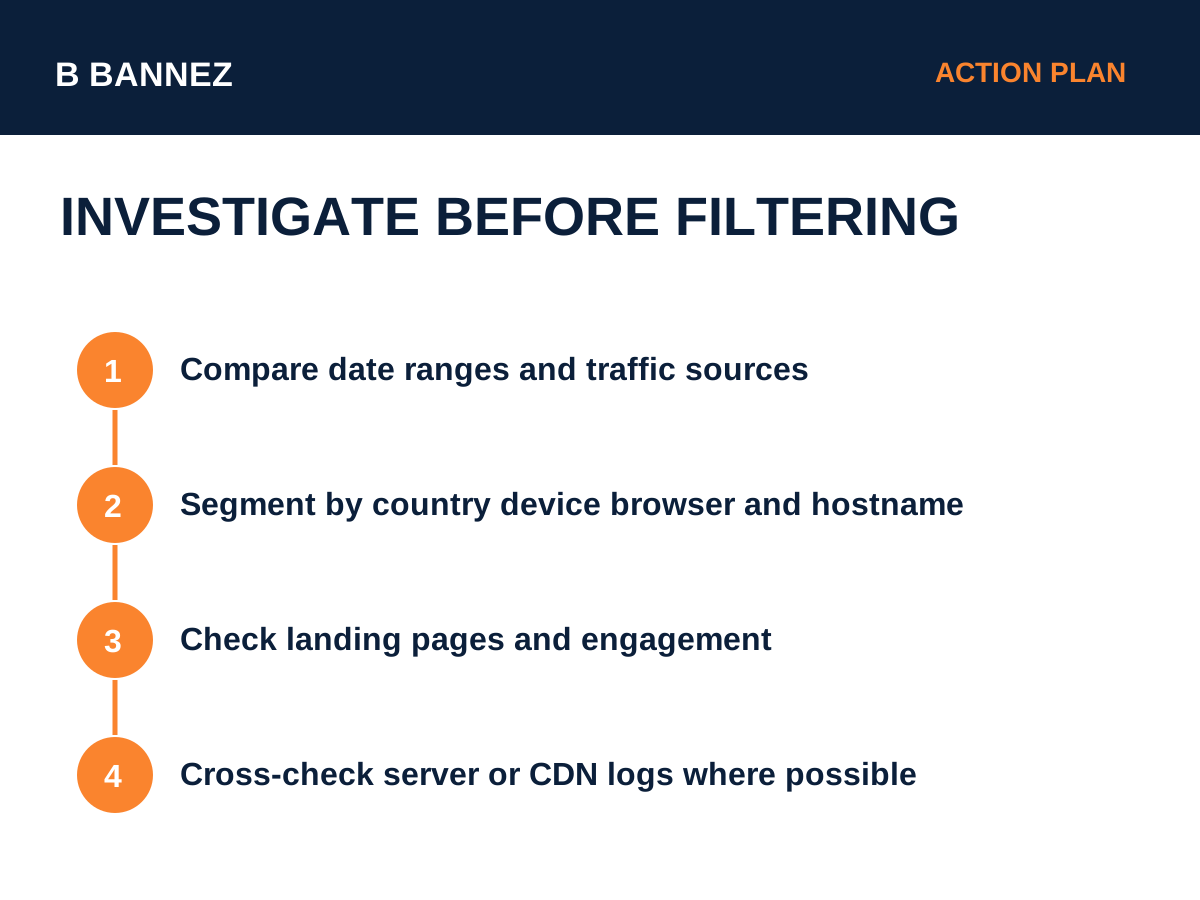
Compare the suspicious period with the previous week, previous month and the same weekday pattern. Confirm that the increase is not explained by a newsletter, ad campaign, viral post, search ranking change or tracking deployment.
Segment the Traffic
Source and medium
Check whether the spike is direct, referral, organic, paid or campaign-tagged traffic. Missing campaign information can make legitimate traffic look like direct traffic, so review your UTM setup. See How to Use UTM Parameters to Track Marketing Campaigns.
Geography
Look for a sudden concentration in regions that are unusual for your normal audience. Geography alone is not enough to label traffic as fake.
Device and browser
Automated traffic can sometimes create repetitive browser, device or operating-system patterns.
Landing page and hostname
Check which pages receive the suspicious sessions and whether the hostname is actually one of your properties.
Known Bots vs Unknown Automated Traffic
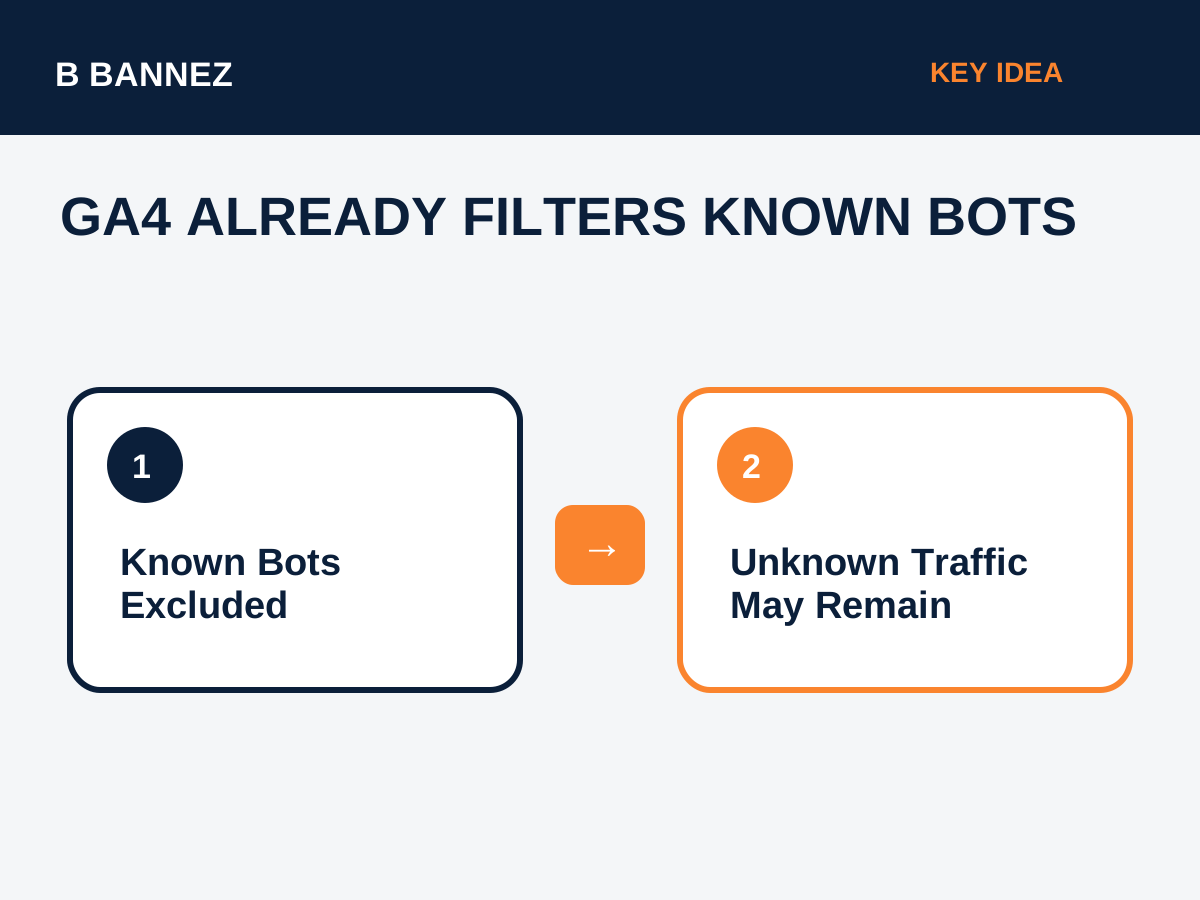
GA4 automatically excludes traffic it recognizes as known bots and spiders. You cannot turn this exclusion off or see the amount removed. This means suspicious traffic remaining in reports should be investigated rather than assumed to be a known bot that GA4 failed to remove.
Check Internal and Developer Traffic
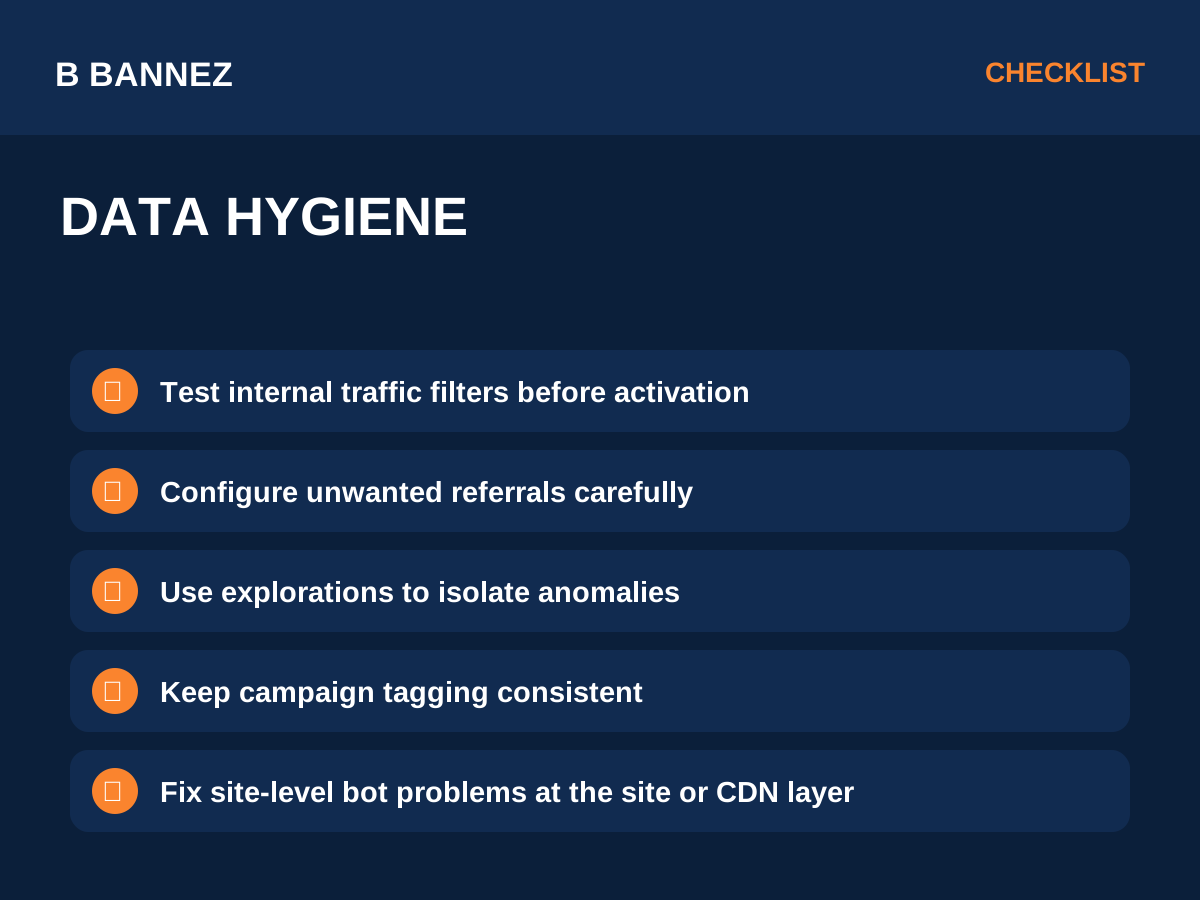
Employees, developers and agencies can distort reports when they repeatedly test pages. Google provides internal traffic filters and developer traffic filters for data hygiene.
Be careful: active data filters can permanently prevent matching data from being processed. Test them before activation.
Referral Spam and Unwanted Referrals
Not every unwanted referral is spam. Payment processors, cross-domain flows and login systems can create referral attribution problems. Google provides an unwanted referrals configuration for specific attribution cases.
This feature changes how referrals are attributed; it is not a universal bot blocker.
Cross-Check GA4 With Server or CDN Data
If suspicious activity is important enough to investigate deeply, compare GA4 with hosting logs, security logs or CDN analytics. If the server shows requests that match the spike, the traffic is reaching the site. If GA4 shows activity that does not line up with server evidence, review your tracking implementation and Measurement Protocol configuration.
What to Do if It Is Real Bot Traffic
Analytics reporting is not the best place to stop malicious automated requests. Site-level controls such as web application firewall rules, rate limiting, caching and server security are more appropriate when automated traffic is harming performance or resources.
Do not block broad countries, browsers or IP ranges based on one analytics pattern without verifying the impact on real users.
GA4 Traffic Quality Checklist
- Compare the spike with campaign activity.
- Segment by source, medium and campaign.
- Check geography and device patterns.
- Review landing pages and hostnames.
- Compare engagement and key events.
- Exclude internal traffic carefully.
- Fix unwanted referral attribution where appropriate.
- Cross-check server or CDN logs.
- Use site-level controls for harmful automated requests.
- Document what changed before and after the anomaly.
FAQs
Does GA4 automatically filter bots?
GA4 automatically excludes known bots and spiders identified through Google research and the IAB bot list.
Can I see how many known bots GA4 removed?
No. Google states that the amount of known bot traffic excluded is not shown.
Can I create a general spam filter in GA4?
GA4 data filters are designed for specific use cases such as internal and developer traffic. Use report or exploration filters for analysis, and address harmful bot activity at the website or infrastructure level.
Conclusion
Detecting bot and spam traffic in GA4 is an investigation process, not a single filter. Start with source, geography, device, engagement and landing-page patterns, then cross-check the anomaly with campaign records and server-level evidence. Keep analytics data clean, but avoid aggressive filtering until you understand what the traffic actually is.
