
How to Use UTM Parameters to Track Marketing Campaigns
How to Use UTM Parameters to Track Marketing Campaigns
UTM parameters are short pieces of tracking information added to a URL so analytics tools can identify where campaign traffic came from. They are especially useful for email, social media, paid campaigns, partner links, QR codes and other marketing channels where you want consistent attribution in Google Analytics 4.
Google Analytics supports manual campaign tagging and uses campaign parameters such as source, medium and campaign to organize acquisition data. When used consistently, UTM links make campaign reporting much easier to compare.
What Does UTM Mean?
UTM parameters are query parameters added after the main page URL. A simple example looks like this:
https://example.com/service/?utm_source=newsletter&utm_medium=email&utm_campaign=summer_offerThe Main UTM Parameters
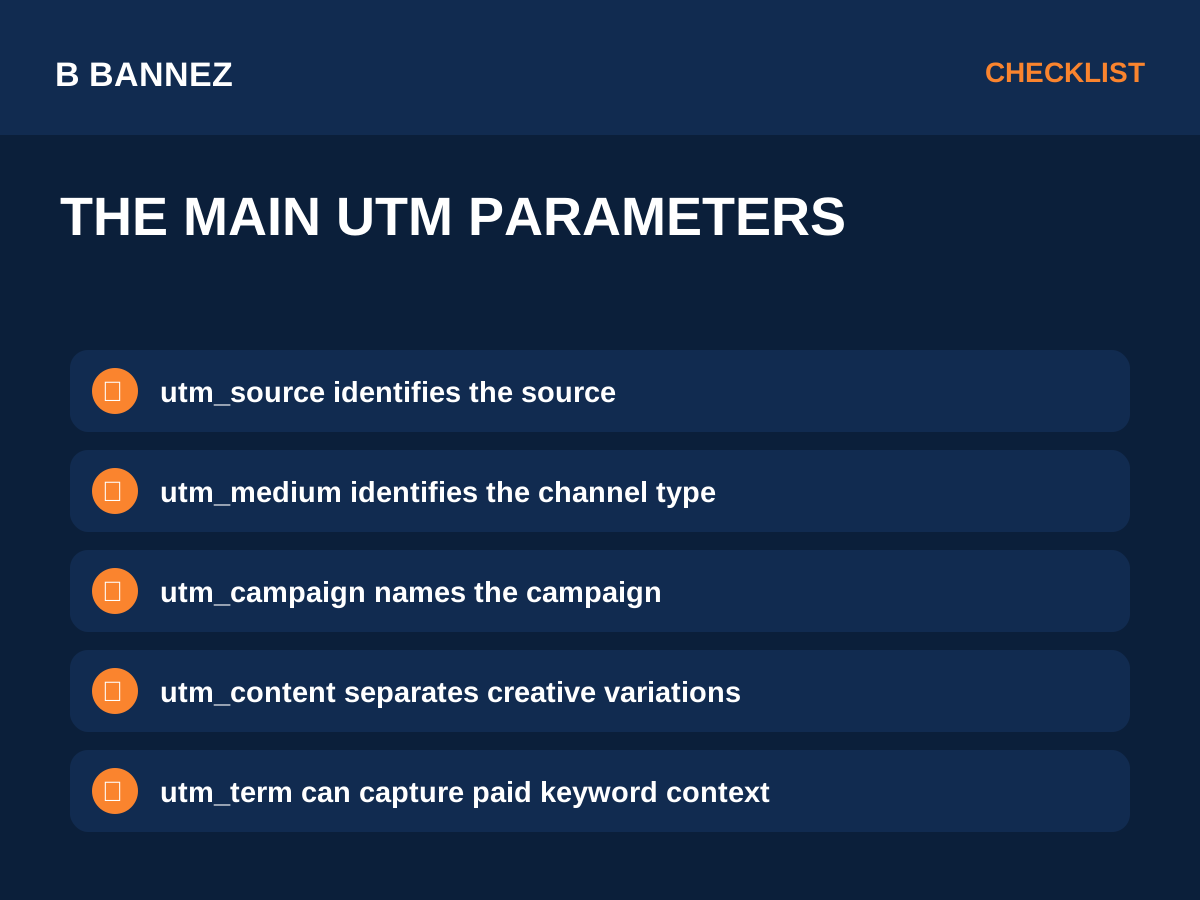
utm_source
Use this to identify the traffic source, such as google, linkedin, newsletter or a partner name.
utm_medium
Use this to describe the channel type, such as email, cpc, social or referral.
utm_campaign
Use this for the campaign name, such as august_launch or brand_awareness_q3.
utm_content
This optional parameter can distinguish creatives, buttons or ad versions within the same campaign.
utm_term
This parameter is commonly used for paid keyword context or another useful campaign-level detail.
How to Build a UTM Link
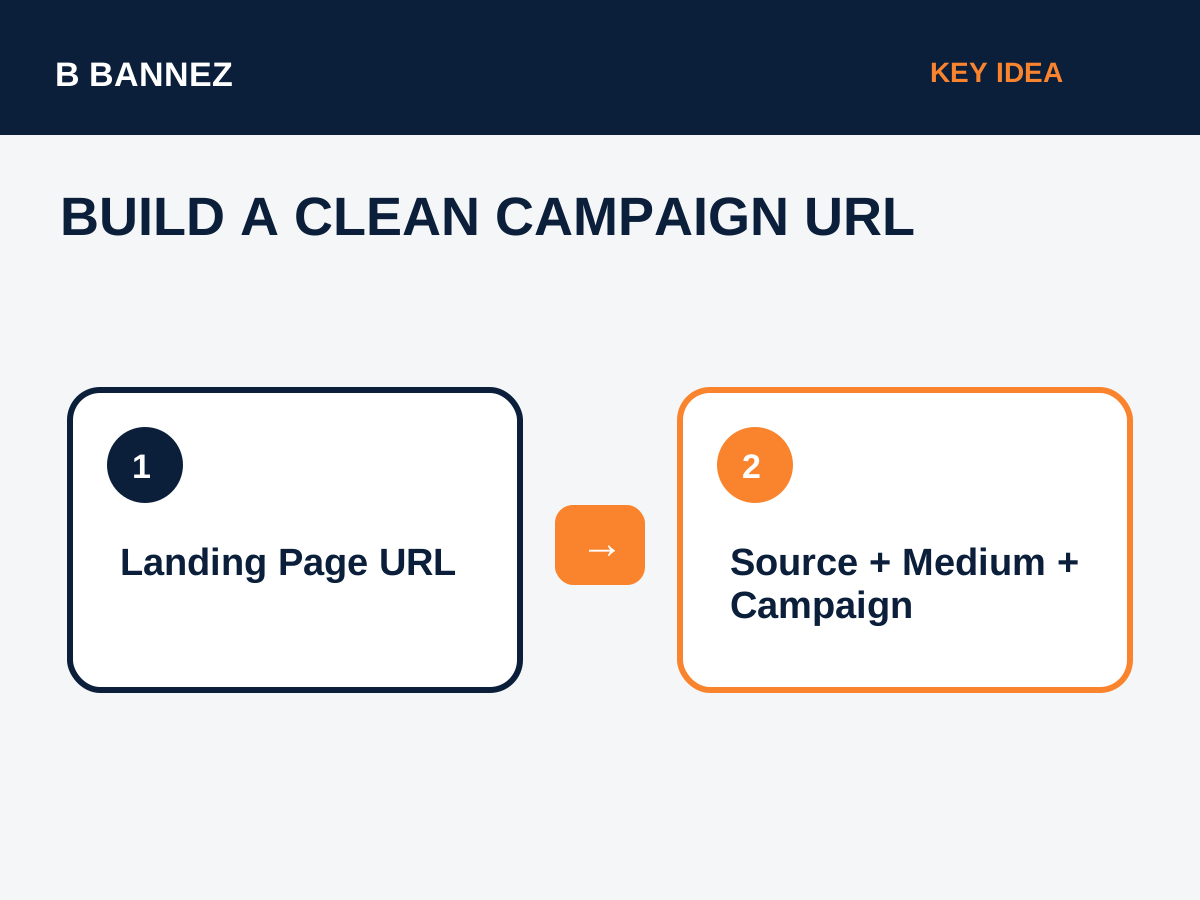
- Start with the final landing page URL.
- Add a question mark before the first UTM parameter.
- Separate additional parameters with an ampersand.
- Use simple lowercase naming where practical.
- Avoid spaces; use hyphens or underscores consistently.
Example Campaign
Imagine Bannez shares a website-development guide on LinkedIn. A clean tagged link could be:
https://bannez.com/blog/?utm_source=linkedin&utm_medium=social&utm_campaign=website_growth_contentGA4 can then use those values in acquisition reporting.
Where to See UTM Data in GA4
In Google Analytics 4, UTM-tagged visits can appear in acquisition dimensions such as session source, session medium and session campaign. Google’s official Analytics documentation explains manual campaign tagging and campaign-related dimensions.
UTM Naming Best Practices
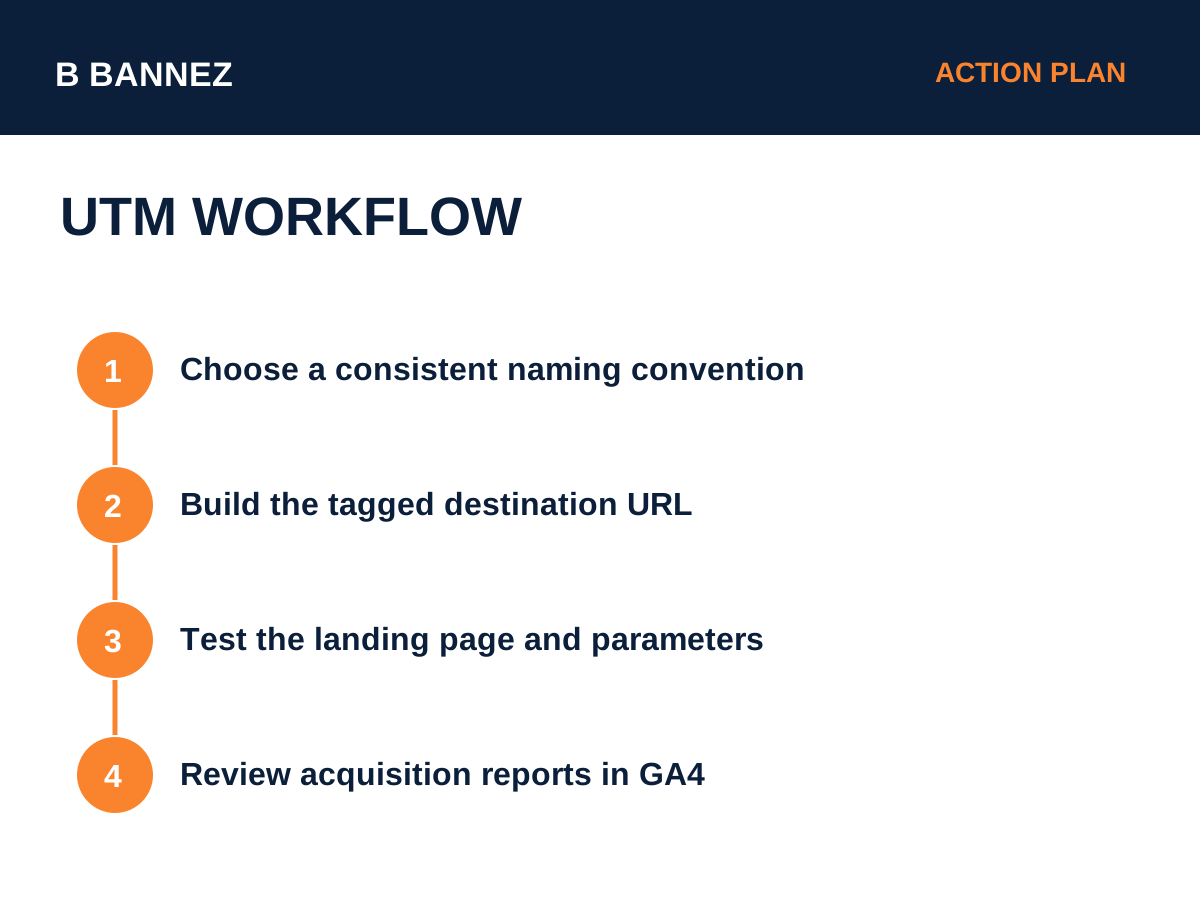
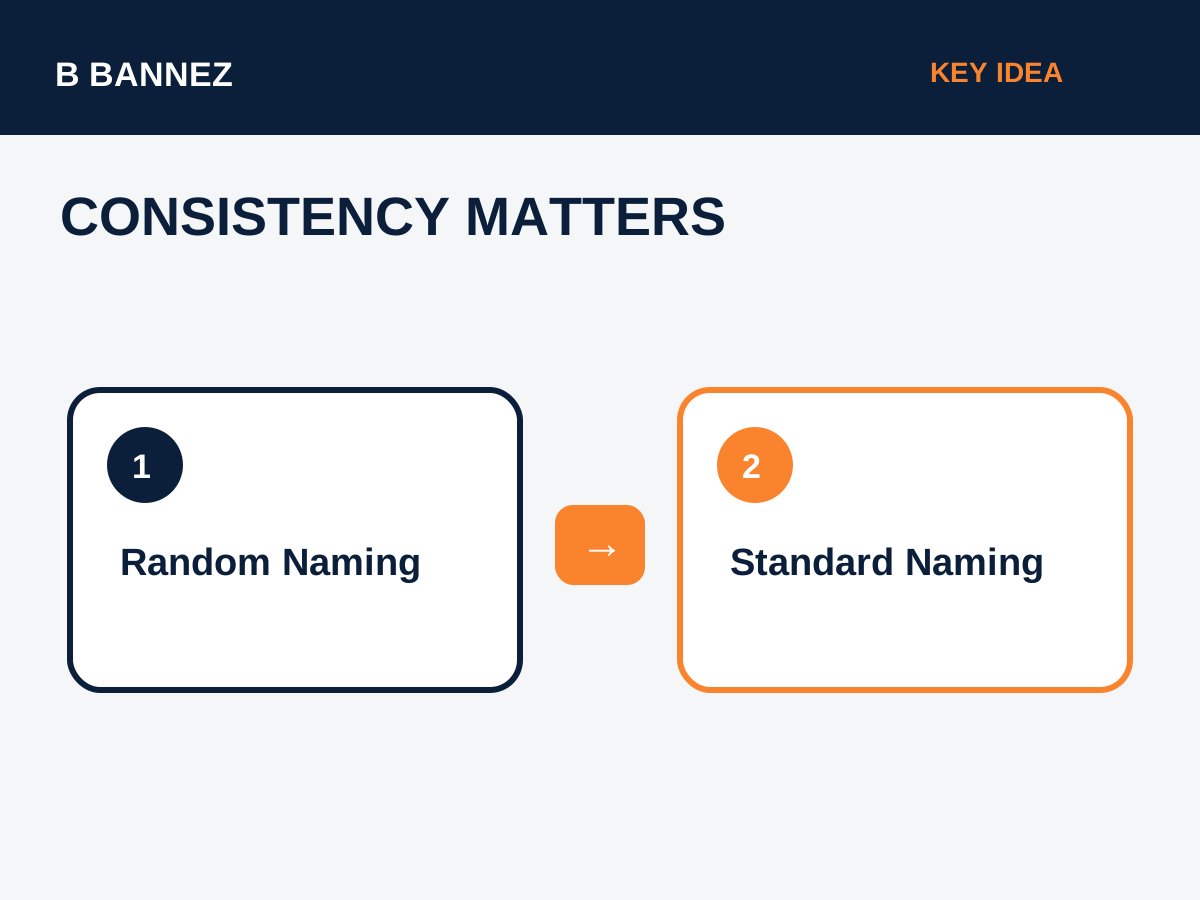
- Use one naming convention across the team.
- Keep source and medium values predictable.
- Do not randomly switch between “facebook”, “Facebook”, and “fb”.
- Use campaign names that will still make sense months later.
- Document naming rules in a simple spreadsheet or internal guide.
- Test every tagged link before publishing it.
Common UTM Mistakes
Using UTMs on internal links
Do not usually add campaign UTMs to links between pages on your own website. Doing so can overwrite or fragment attribution.
Inconsistent capitalization
Analytics may treat differently capitalized values as separate entries.
Creating too many unnecessary values
A complicated tagging system becomes difficult to maintain. Use only the detail you genuinely need.
How UTM Tracking Helps Website Traffic Analysis
UTM tagging is useful when you want to compare which campaigns send meaningful visits rather than just count clicks. You can combine campaign data with engagement, conversions and landing-page performance.
For a broader traffic view, see our guide How to Analyze Website Traffic in Google Analytics.
Campaign Tracking Checklist
- Confirm the final landing page.
- Choose source and medium.
- Name the campaign consistently.
- Add content or term only when useful.
- Test the URL.
- Click the link yourself in a test environment.
- Verify acquisition data in GA4.
- Keep a shared naming standard.
FAQs
Do UTM parameters affect SEO?
UTM parameters are mainly analytics tracking parameters. Avoid using them as the primary internal URL structure and keep canonical URLs clean.
Can UTM links be used in email?
Yes. Email campaigns are one of the most common uses.
Should every social post use UTMs?
Use them when you need campaign-level measurement and can maintain consistent naming.
Conclusion
UTM parameters turn ordinary links into structured campaign-tracking links. Use a simple naming system, tag external campaign links consistently and review the results in GA4. Clean UTM discipline makes it much easier to understand which marketing activities actually bring useful traffic.
