
GA4 Engagement Rate vs Bounce Rate
GA4 Engagement Rate vs Bounce Rate
In Google Analytics 4, engagement rate and bounce rate describe two opposite sides of session engagement. Understanding both helps website owners evaluate whether visits are meaningful instead of judging traffic only by total sessions.
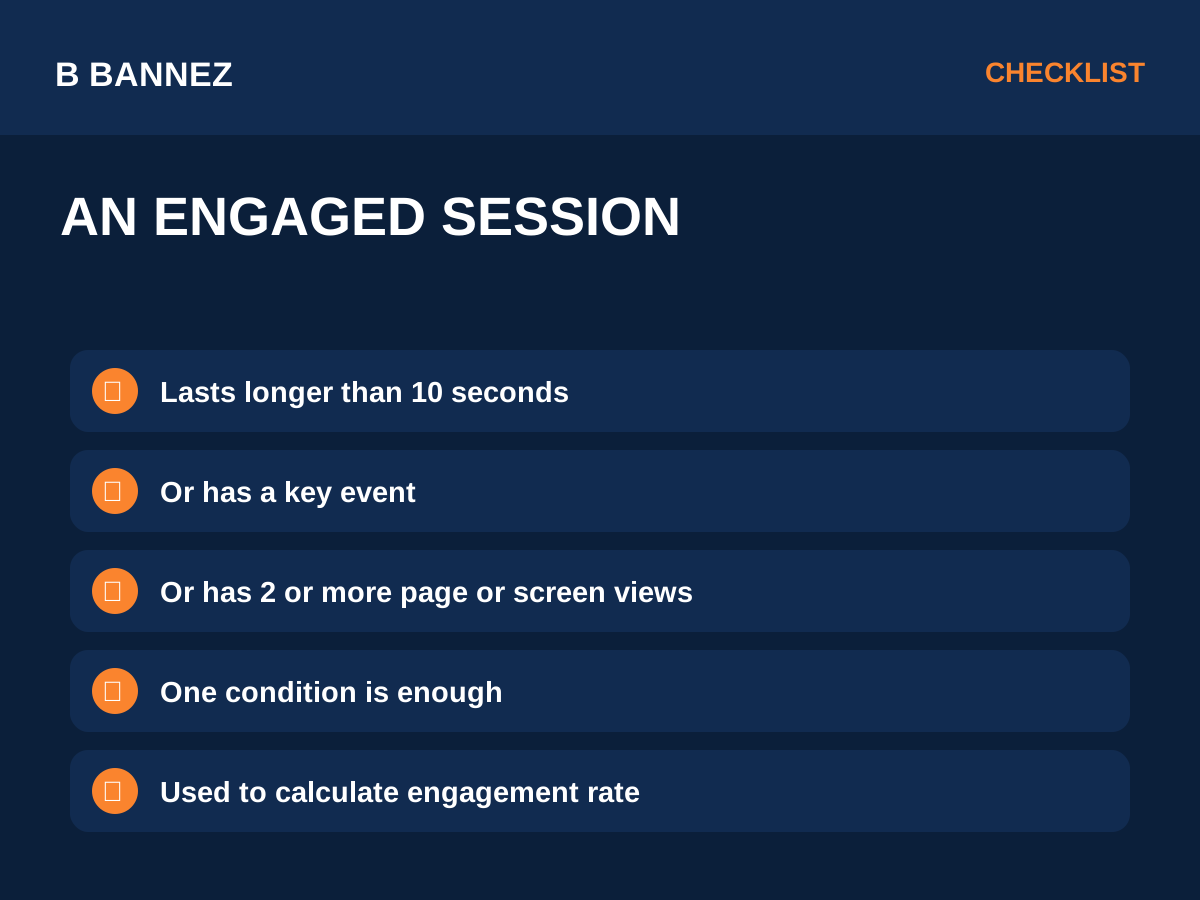
Google’s official GA4 engagement rate and bounce rate documentation defines an engaged session as a session that lasts longer than 10 seconds, has a key event, or has at least two page or screen views.
What Is Engagement Rate in GA4?
Engagement rate is the percentage of sessions that qualify as engaged sessions.
In simple terms:
Engagement Rate = Engaged Sessions ÷ Total Sessions × 100If 70 out of 100 sessions are engaged, the engagement rate is 70%.
What Is Bounce Rate in GA4?
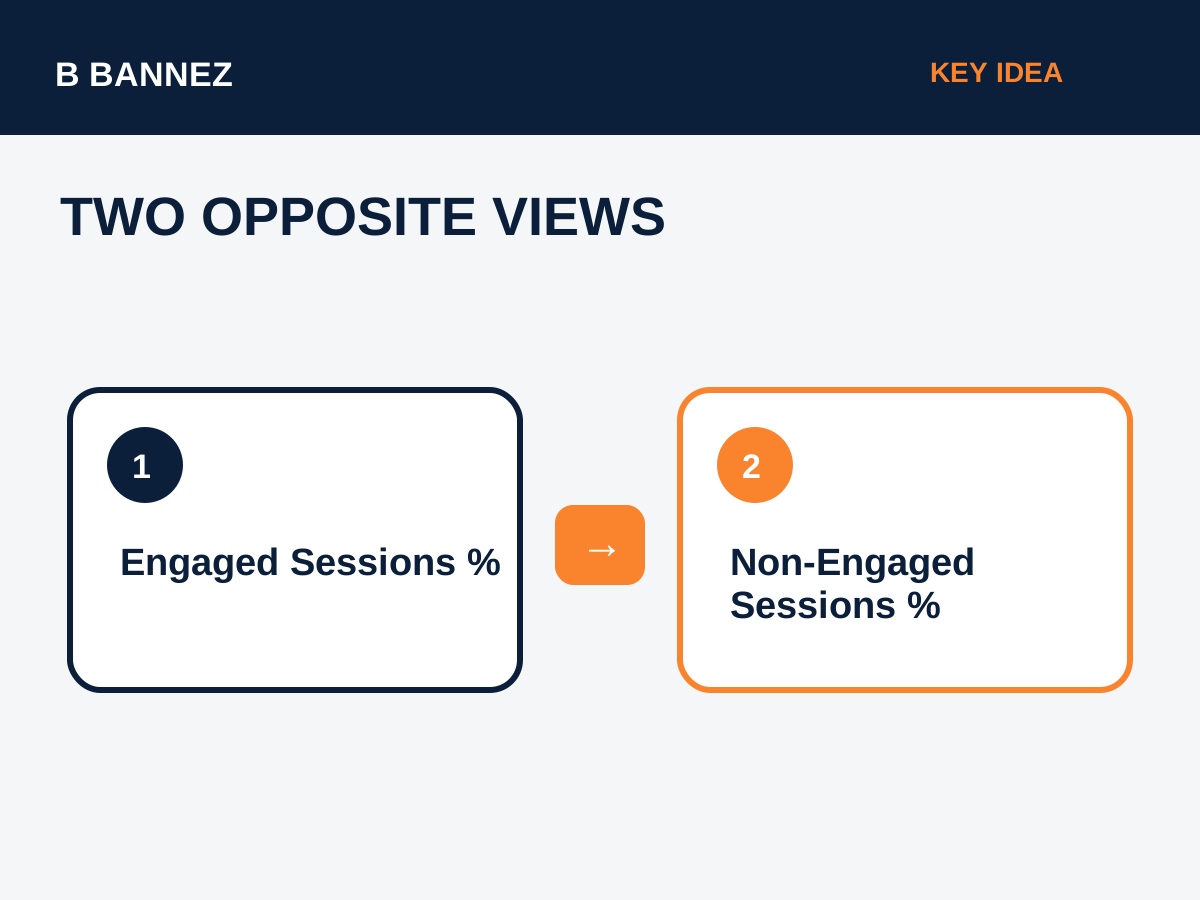
GA4 bounce rate is the percentage of sessions that were not engaged sessions. It is the inverse of engagement rate.
Bounce Rate = 100% - Engagement RateIf the engagement rate is 70%, the bounce rate is 30%.
GA4 Engagement Rate vs Bounce Rate
| Metric | What It Measures |
|---|---|
| Engagement rate | Percentage of sessions that met the engaged-session criteria |
| Bounce rate | Percentage of sessions that did not meet those criteria |
Why the Metrics Need Context
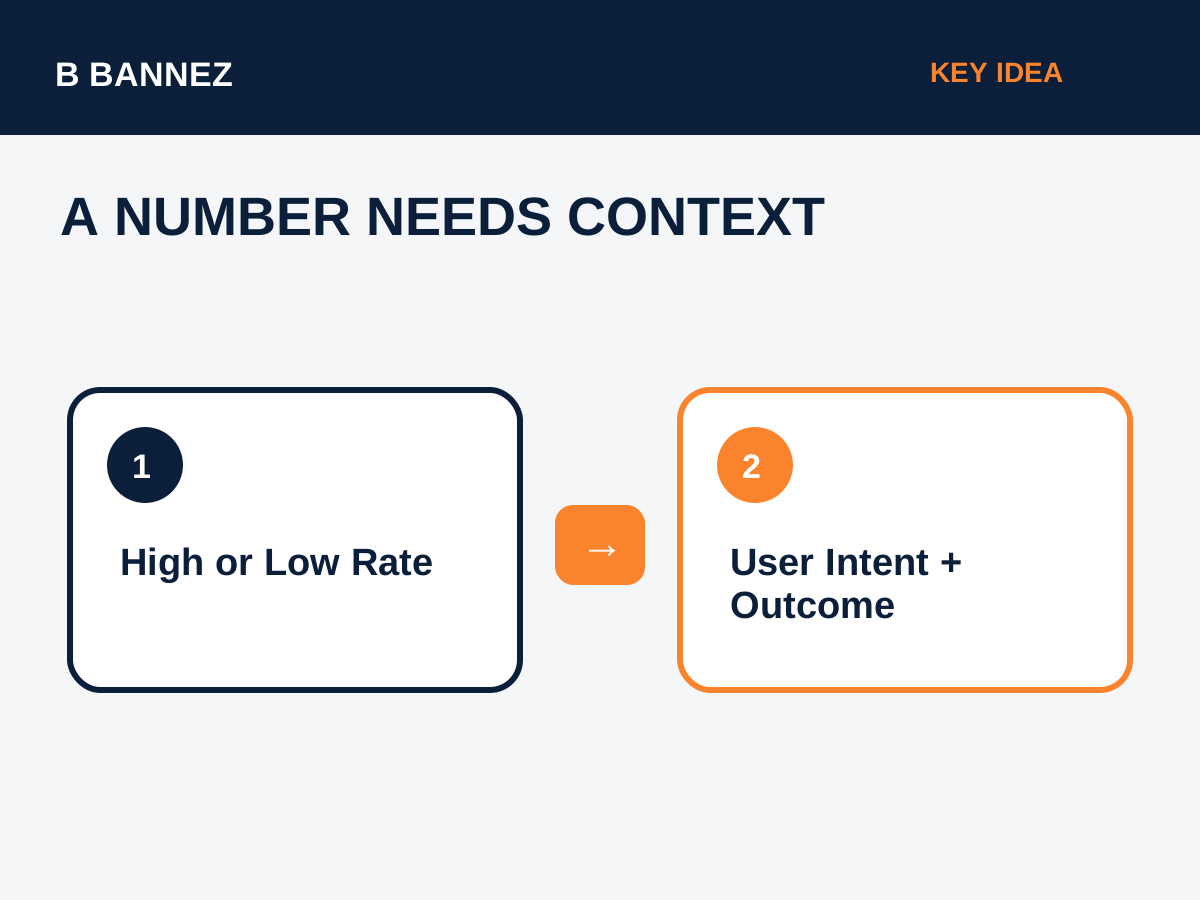
A low engagement rate does not always mean a page is bad. A visitor may quickly find a phone number, price, definition or answer and leave satisfied. Similarly, a high engagement rate does not automatically mean the page achieved the business goal.
Always compare engagement with:
- Search or campaign intent.
- Landing-page type.
- Key events and conversions.
- Traffic source.
- Device category.
- New vs returning visitor behavior.
How to Analyze Engagement Rate Properly
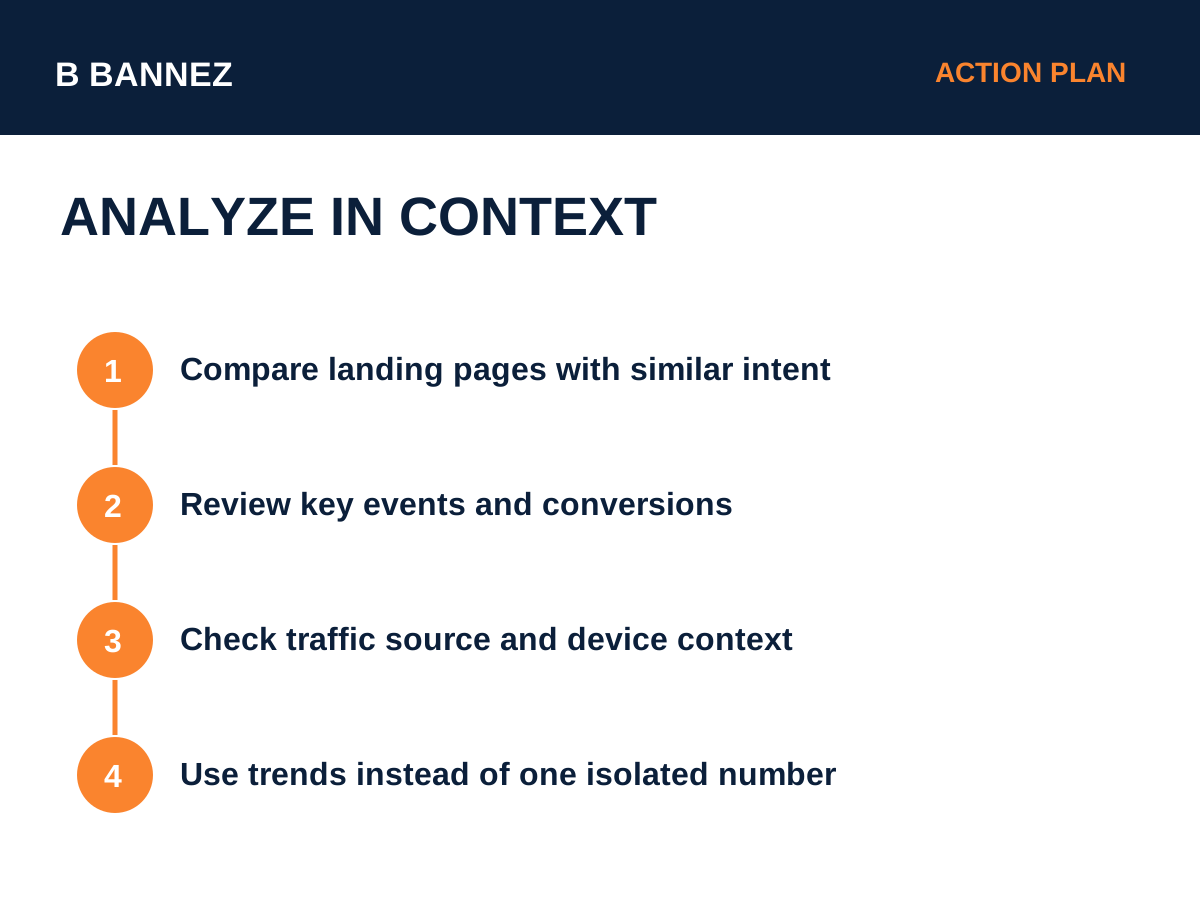
Compare similar pages
Comparing a blog article with a checkout page can be misleading. Compare pages with similar purpose and user intent.
Segment by traffic source
Email, organic search, paid campaigns and social media can have very different visitor behavior.
Look at trends
A sudden change is usually more useful than obsessing over a universal “good” benchmark.
Connect engagement with outcomes
If users engage but do not complete desired actions, review calls to action, friction and page flow. Our guide Why Your Website Gets Traffic but No Conversions can help.
Common Mistakes
- Using one benchmark for every website.
- Assuming a high bounce rate always means poor content.
- Ignoring key events and conversions.
- Comparing different page types directly.
- Making decisions from very small data samples.
FAQs
Is bounce rate still available in GA4?
Yes. GA4 includes bounce rate as the percentage of sessions that were not engaged.
Is engagement rate always 100 minus bounce rate?
Yes, based on Google’s GA4 definitions they are inverse percentages of engaged vs non-engaged sessions.
What is a good engagement rate?
There is no universal number that is good for every site. Use your own historical performance, page intent and conversion outcomes.
Conclusion
GA4 engagement rate shows the share of sessions that met engagement criteria, while bounce rate shows the opposite share. Use both as diagnostic metrics, not as goals by themselves. The strongest analysis connects engagement with user intent, traffic source and meaningful business outcomes.
