
How to Use Headings H1, H2 and H3 Correctly in Blog Posts
H1, H2 and H3 headings make a blog post easier to scan and understand. They are not just visual text sizes. Good headings organize the relationship between the main topic, major sections, and smaller subsections.
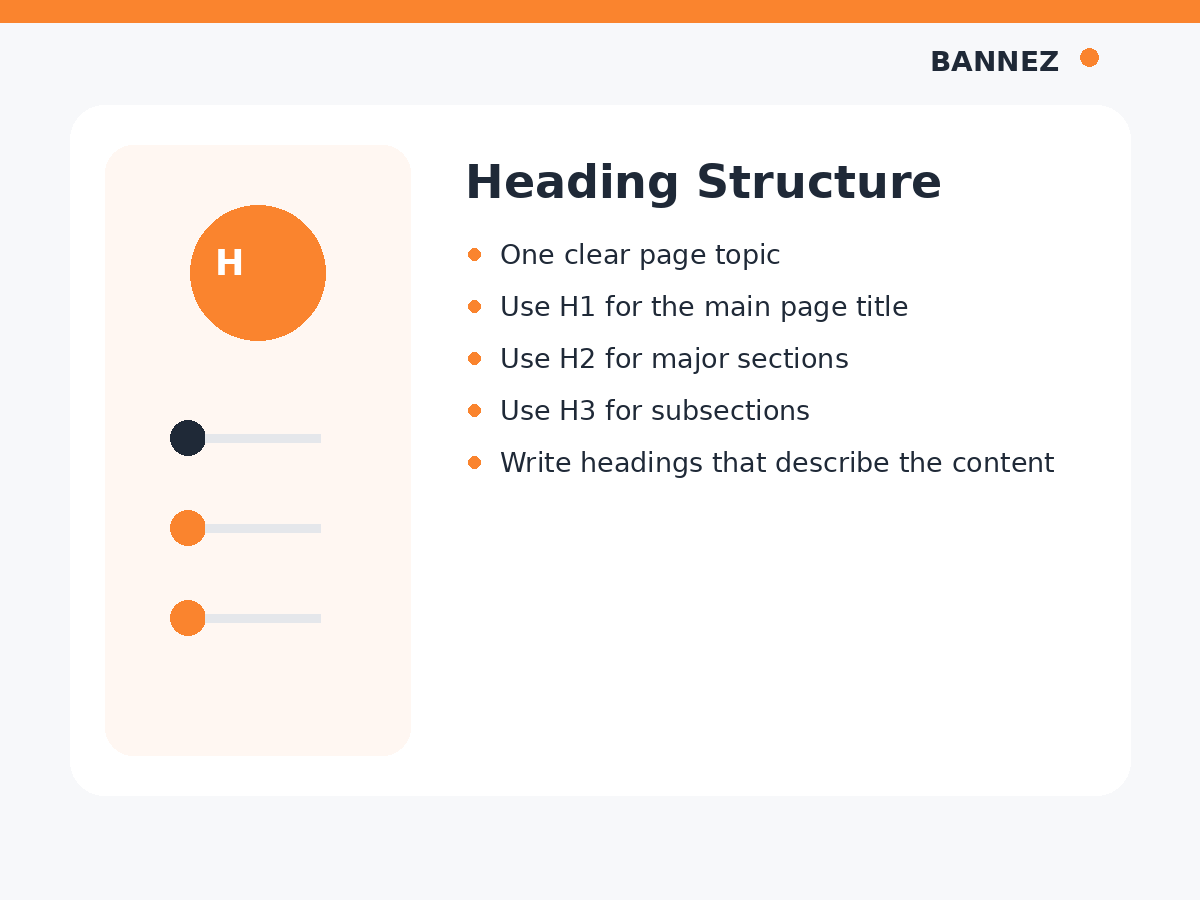
For most WordPress blog posts, the post title acts as the H1. The article body then uses H2 headings for main sections and H3 headings for subsections inside those sections.
What Is an H1 Heading?
The H1 is the main heading that describes the page. On a typical blog post, it is the article title.
Example H1
How to Choose Keywords for a Blog Post
The H1 should clearly describe the main topic. Avoid making it vague or stuffing several unrelated keywords into it.
What Is an H2 Heading?
H2 headings divide the article into major sections. Each H2 should represent an important part of the main topic.
Example H2 sections
- What Makes a Good Keyword?
- How to Understand Search Intent
- How to Choose a Primary Keyword
- Common Keyword Mistakes
What Is an H3 Heading?
An H3 is a subsection inside an H2 section. Use it when a major section contains smaller ideas that deserve their own labels.
Example
If the H2 is Types of Search Intent, H3 headings could be:
- Informational Intent
- Navigational Intent
- Commercial Intent
- Transactional Intent
Simple H1, H2 and H3 Structure
H1: Main Blog Post Title
  H2: Major Section
    H3: Subsection
    H3: Subsection
  H2: Major Section
    H3: Subsection
  H2: Conclusion
This hierarchy helps readers understand how the ideas are grouped.
Should You Use Only One H1?
For a normal blog post, using the post title as the main H1 is a simple and clear approach. Your WordPress theme may automatically output the post title as H1, so check the page before manually adding another one inside the content.
Google’s current SEO Starter Guide explains that there is no magical heading count or strict heading-order rule required for Google Search. The stronger reason to use a logical structure is readability and accessibility.
Do Headings Need to Be in Perfect Numerical Order?
A logical order is good practice because it makes the document easier to understand. The W3C Web Accessibility Initiative heading guidance explains how headings communicate page organization to users, including people who use assistive technologies.
In most blog posts, move from H2 to H3 for a subsection instead of jumping around only because a certain heading style looks better.
Do Headings Directly Improve Rankings?
Headings help organize content and make topics clearer, but there is no simple rule that adding more H2 or H3 headings automatically increases rankings.
Use headings because they make the content easier to read and navigate. Search optimization should follow the content structure, not control it.
Should Keywords Be Used in Headings?
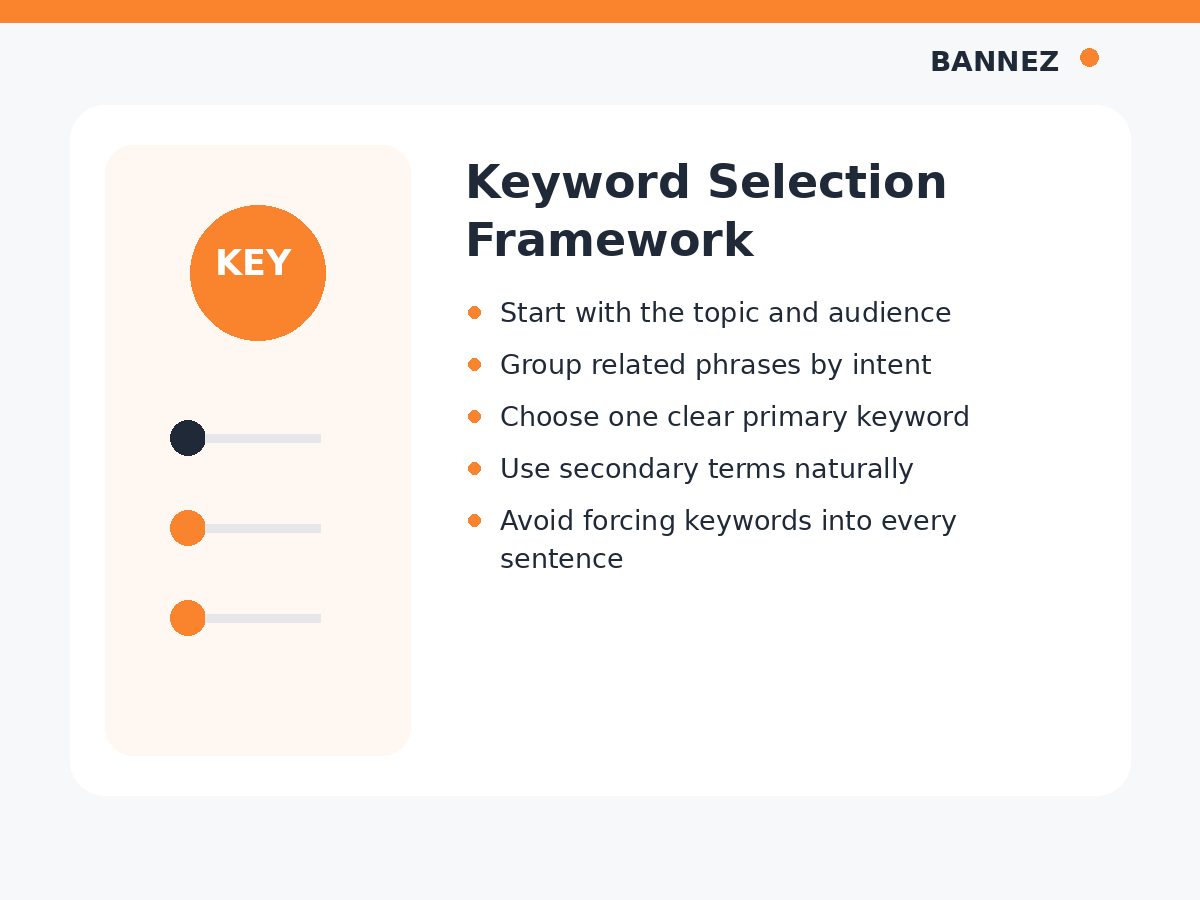
Use keywords in headings when they naturally describe the section. Do not rewrite every heading simply to insert an exact-match phrase.
Good example
How to Choose a Primary Keyword
Forced example
Best Primary Keyword SEO Primary Keyword Choosing Tips
The first version is clearer for readers.
How Many H2 Headings Should a Blog Post Have?
There is no ideal number. A short post may need only three or four H2 sections, while a detailed guide may need many more.
Use a new H2 when the article moves to a new major idea.
How Many H3 Headings Should You Use?
Use H3 headings only when an H2 section has meaningful subsections. If a section contains only one short paragraph, it may not need an H3.
Headings and Long Blog Posts
The longer the article, the more important clear section labels become. Readers may not read every word from top to bottom. Headings allow them to scan and find the information that matters to them.
This is especially useful in tutorials, comparison articles, checklists, and long-form guides.
Common Heading Mistakes
Using headings only for visual size
Do not choose H2 or H3 just because the font looks better. Use CSS or theme styles for appearance and headings for structure.
Writing vague headings
Headings such as “More Information” or “Next” provide little context. Prefer descriptive labels.
Putting the same keyword in every heading
This can make the article repetitive and unnatural.
Creating too many tiny sections
If every sentence has its own heading, the page becomes harder to scan instead of easier.
Manually adding another H1 without checking the theme
Many WordPress themes already use the post title as the H1.
Heading Structure Example for an SEO Blog Post
| Heading | Example | Purpose |
|---|---|---|
| H1 | How to Write SEO-Friendly Blog Posts | Main topic |
| H2 | Choose a Primary Keyword | Major section |
| H3 | Check Search Intent | Subsection |
| H3 | Choose Related Terms | Subsection |
| H2 | Create the Blog Outline | Next major section |
How to Review Headings Before Publishing
- Confirm the page has one clear main topic
- Check whether the WordPress title is already the H1
- Use H2 for major sections
- Use H3 for real subsections
- Make headings descriptive
- Remove repeated keyword phrases
- Check the outline makes sense without reading every paragraph
- Review the page on mobile
You can also use our SEO article writing checklist before publishing.
Frequently Asked Questions
Can I have multiple H2 headings?
Yes. Most articles use several H2 headings to divide major sections.
Can an H3 appear without an H2?
For clear document structure, H3 is best used as a subsection of an H2 section.
Do I need keywords in every heading?
No. Use a keyword only when it naturally describes the section.
Does Google require headings in perfect order?
Google does not require a strict semantic sequence for ranking, but logical heading order is better for readability and accessibility.
Need Professionally Structured SEO Articles?
If you need SEO content with clear H1, H2 and H3 organization, relevant images and a ready-to-publish structure, explore our SEO Content Writing with Images service.
Conclusion
Use the article title as the main H1 when your WordPress theme already handles it, H2 headings for major sections, and H3 headings for subsections. Keep every heading descriptive and focused on helping the reader understand the page.
Do not chase a perfect heading count or repeat keywords mechanically. A logical outline, clear wording, and consistent hierarchy create a stronger reading experience.
