
How to Analyze Website Traffic in Google Analytics
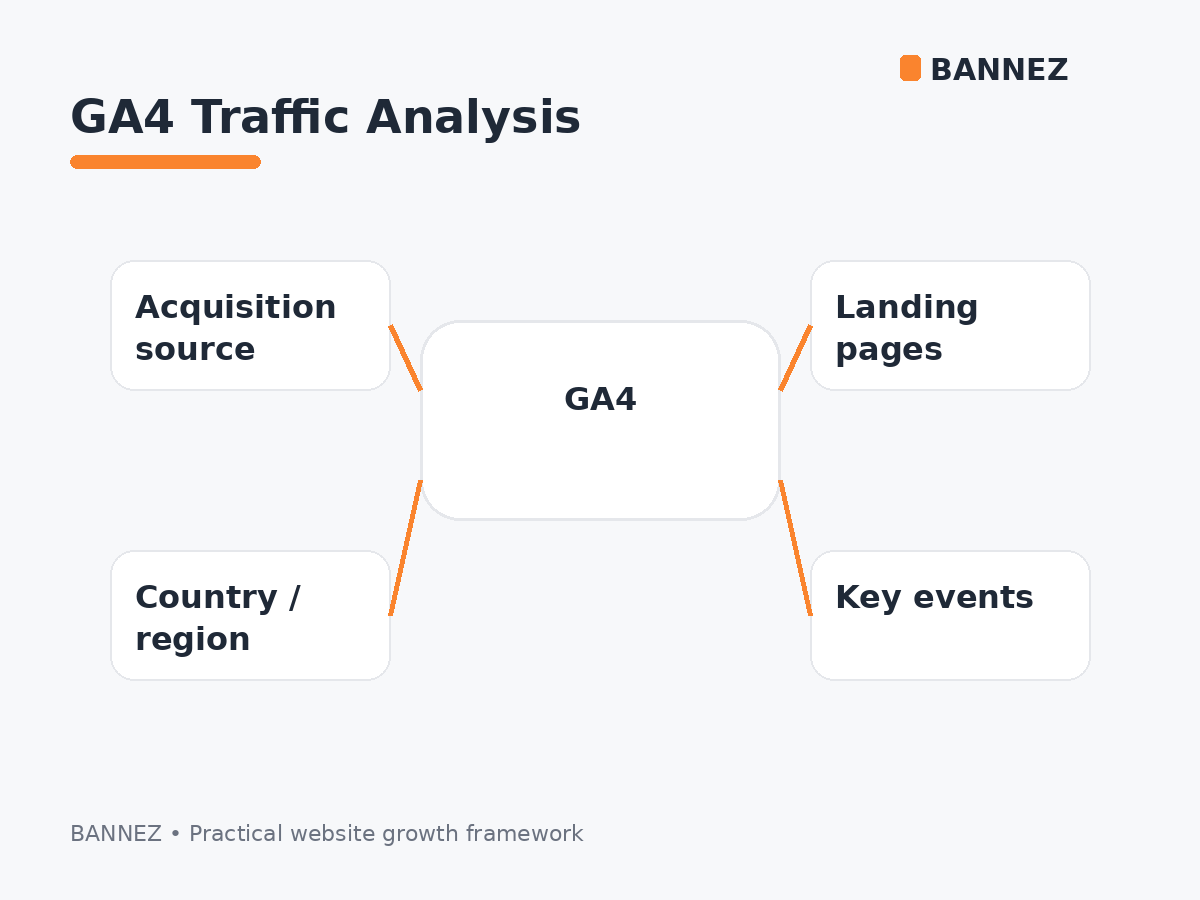
Google Analytics 4 can tell you much more than how many people visited your website. A useful traffic analysis connects visitors and sessions with acquisition source, landing pages, location, engagement, and the actions that matter to your business.
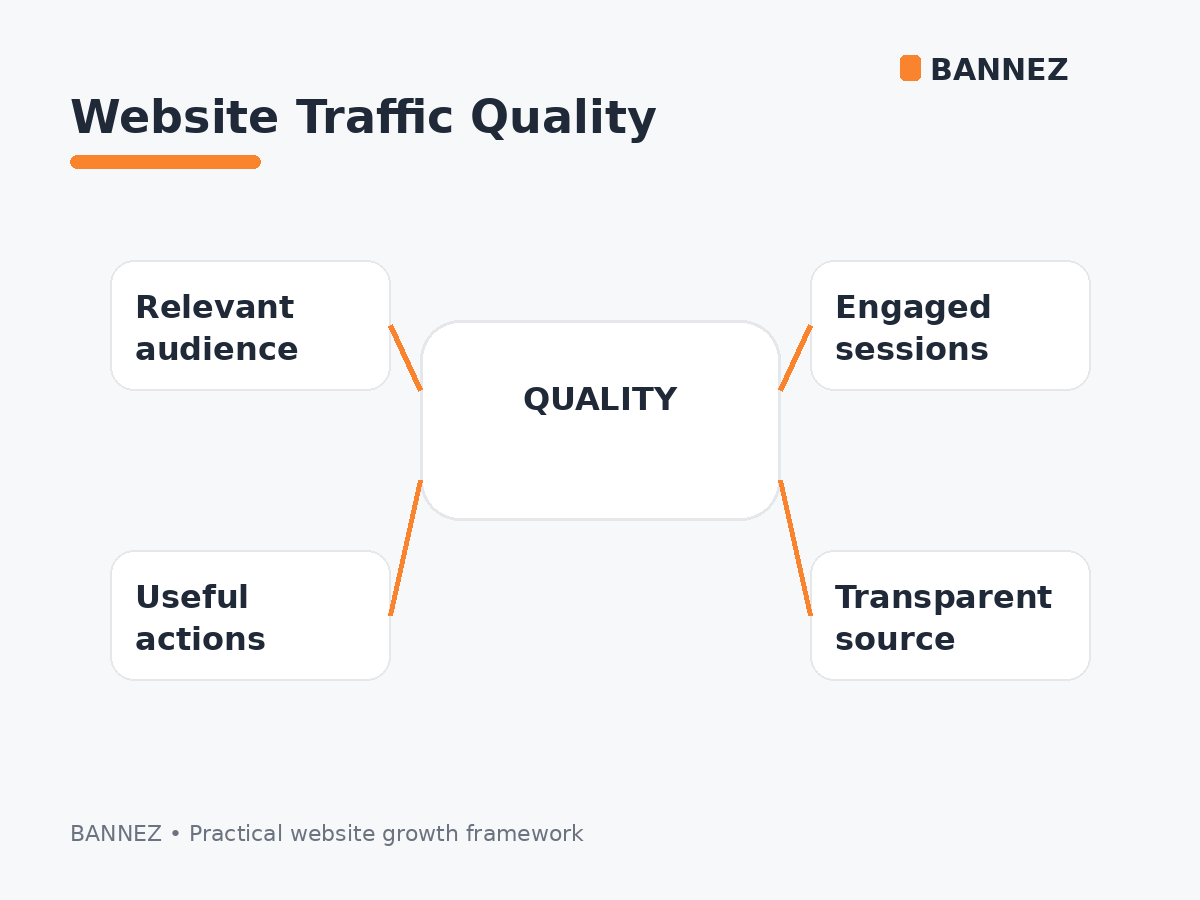
The key is to avoid reading one metric in isolation. A traffic source with fewer sessions may be more valuable if those visitors engage more strongly or complete more key events.
Start With the Question You Want to Answer
Before opening reports, decide what you are trying to learn. For example:
- Which channels send the most useful traffic?
- Which landing pages receive the most visits?
- Which countries engage best?
- Are paid campaigns producing meaningful actions?
- Are visitors returning?
1. Understand Users, Sessions and Views
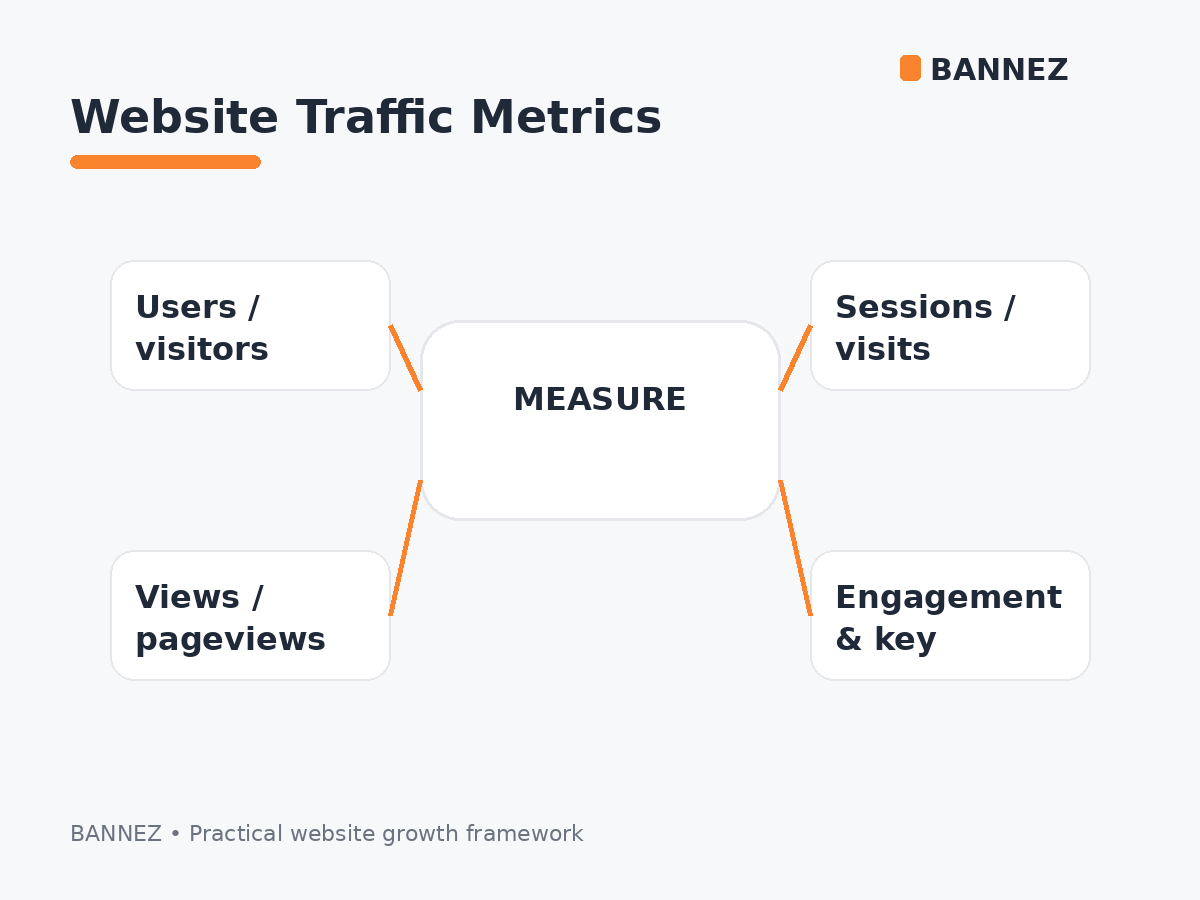
GA4 uses different metrics for audience size, visit periods, and page or screen consumption. One user can create several sessions, and one session can contain several views.
Google’s user metrics documentation and sessions guide explain these definitions.
For a simple comparison, read Website Visitors vs Pageviews vs Sessions.
2. Open the Traffic Acquisition Report
The Traffic acquisition report is session-scoped. It helps you analyze where current sessions came from using dimensions such as Session default channel group, Session source, Session medium, and campaign information.
See Google’s current Traffic acquisition report documentation.
Useful dimensions to review
- Session default channel group
- Session source
- Session medium
- Session source / medium
- Session campaign
3. Understand Source, Medium and Channel
Google describes source as the website or platform that sent traffic, medium as the method of acquisition, and channel group as a broader rule-based category.
For example, google / organic may appear under Organic Search, while a properly tagged paid search click can appear under a paid channel.
Review Google’s traffic-source dimensions guide.
4. Compare Organic, Direct, Referral and Paid Traffic
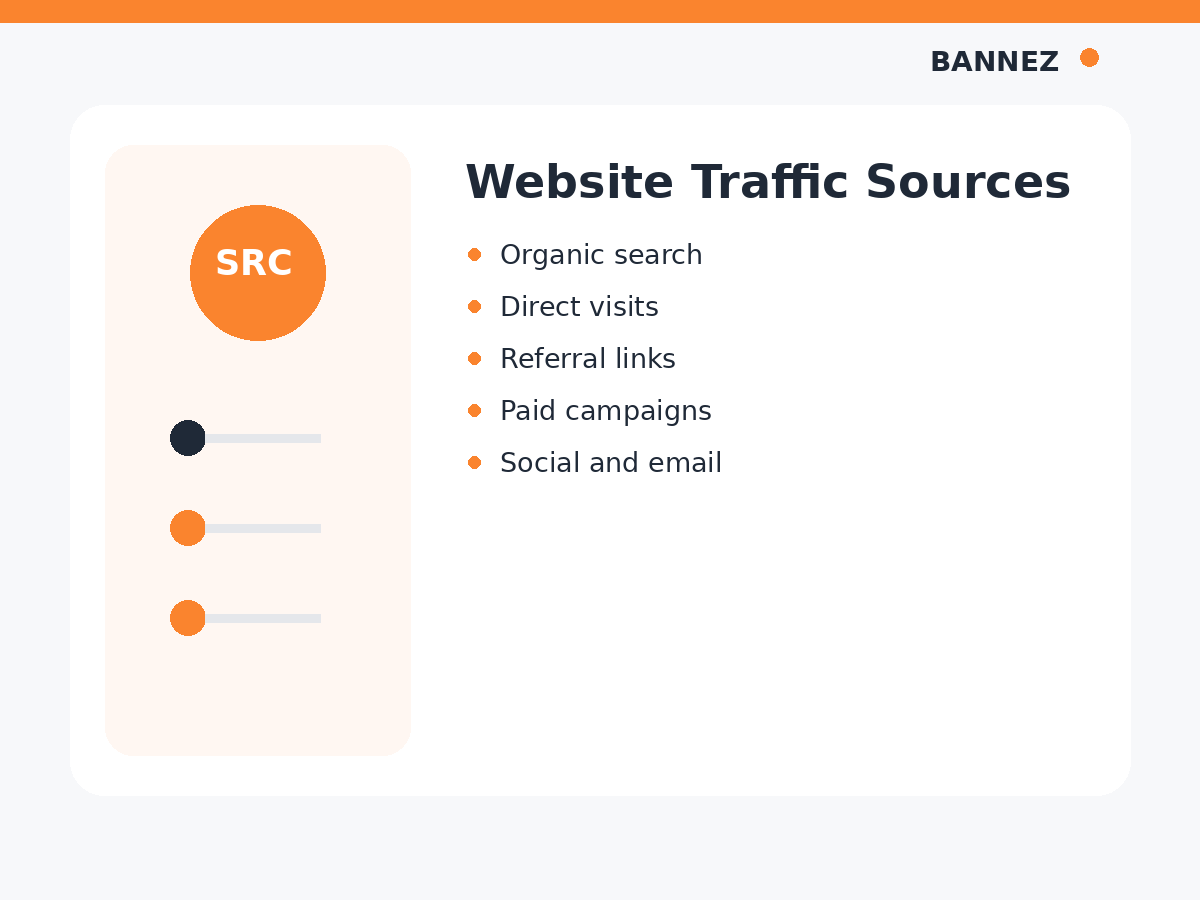
Do not group all visits together. Each acquisition type answers a different marketing question.
Our Different Types of Website Traffic Explained guide covers the main channel categories.
5. Analyze Landing Pages
Landing pages show where sessions begin. A source can look strong overall while sending visitors to a weak landing page, so acquisition and page performance should be reviewed together.
Look for
- High-traffic landing pages
- Pages with weak engagement
- Pages with strong key-event rates
- Unexpected campaign destinations
- Old or broken landing pages
6. Review Engagement
GA4 engagement metrics provide context beyond session volume. Google defines an engaged session as one that lasts longer than 10 seconds, has a key event, or includes at least two page or screen views.
See the official engagement rate and bounce rate guide.
7. Review Key Events
Traffic analysis becomes more meaningful when important actions are configured as key events. Depending on your website, these may include a purchase, lead form, signup, call click, download, or another action.
Do not assume the source with the most sessions is the source producing the best outcomes.
8. Analyze Traffic by Country and Region
GA4 includes Country, Region, and City dimensions. Google states that geography is approximated from IP information.
Use the Demographic details report to compare locations with users and other metrics.
9. Compare User Acquisition With Traffic Acquisition
User acquisition focuses on how new users were first acquired, while Traffic acquisition focuses on the source of sessions. These are different scopes and should not be expected to show identical numbers.
Google’s User acquisition vs Traffic acquisition guide explains the difference.
10. Compare Date Ranges Carefully
Compare meaningful periods instead of reacting to one day of data. Consider seasonality, campaign dates, publishing changes, website outages, and promotions.
11. Segment the Question
When total traffic changes, break the change down by channel, source, landing page, country, and device. This helps identify what actually caused the movement.
Example Traffic Analysis Table
| Question | Dimension | Metrics |
|---|---|---|
| Which channel brings visits? | Session channel group | Sessions, users |
| Which source engages best? | Session source / medium | Engagement, key events |
| Which page starts useful sessions? | Landing page | Sessions, engagement, key events |
| Which country performs best? | Country | Users, engagement, key events |
How to Analyze a Paid Traffic Campaign
Keep paid campaign traffic separate from organic search. Review its source, landing page, country, engagement, and key events according to the campaign objective.
If broad paid visits fit an appropriate campaign objective, you can explore our Worldwide Website Traffic service and measure the resulting sessions in your own analytics.
GA4 Traffic Analysis Checklist
- Date range is correct
- Users, sessions, and views are not confused
- Traffic acquisition is reviewed
- Source and medium are understood
- Landing pages are checked
- Engagement is compared
- Key events are configured
- Countries are reviewed where relevant
- User and session acquisition scopes are not mixed
- Paid and organic traffic are reported separately
Frequently Asked Questions
Where can I see website traffic in GA4?
The Traffic acquisition report is a primary place to analyze session-level traffic sources and channels.
What is the difference between source and medium?
Source identifies where traffic came from, while medium describes the acquisition method.
Why are User acquisition and Traffic acquisition numbers different?
They use different scopes: first-user acquisition versus session acquisition.
Which traffic metric matters most?
No single metric gives the full picture. Combine traffic volume with engagement and key events.
Conclusion
To analyze website traffic in Google Analytics, start with a question and then combine the right dimensions and metrics. Review sessions by source, landing page, location, engagement, and key events instead of relying on total traffic alone.
Good analysis explains not only where visitors came from, but whether those visits supported the purpose of the website.
