
How Website Traffic Can Help Test a New Website
Launching a new website is not the end of testing. A site can look correct during development but still reveal problems when real visits begin arriving across different pages, devices, browsers, and traffic sources.
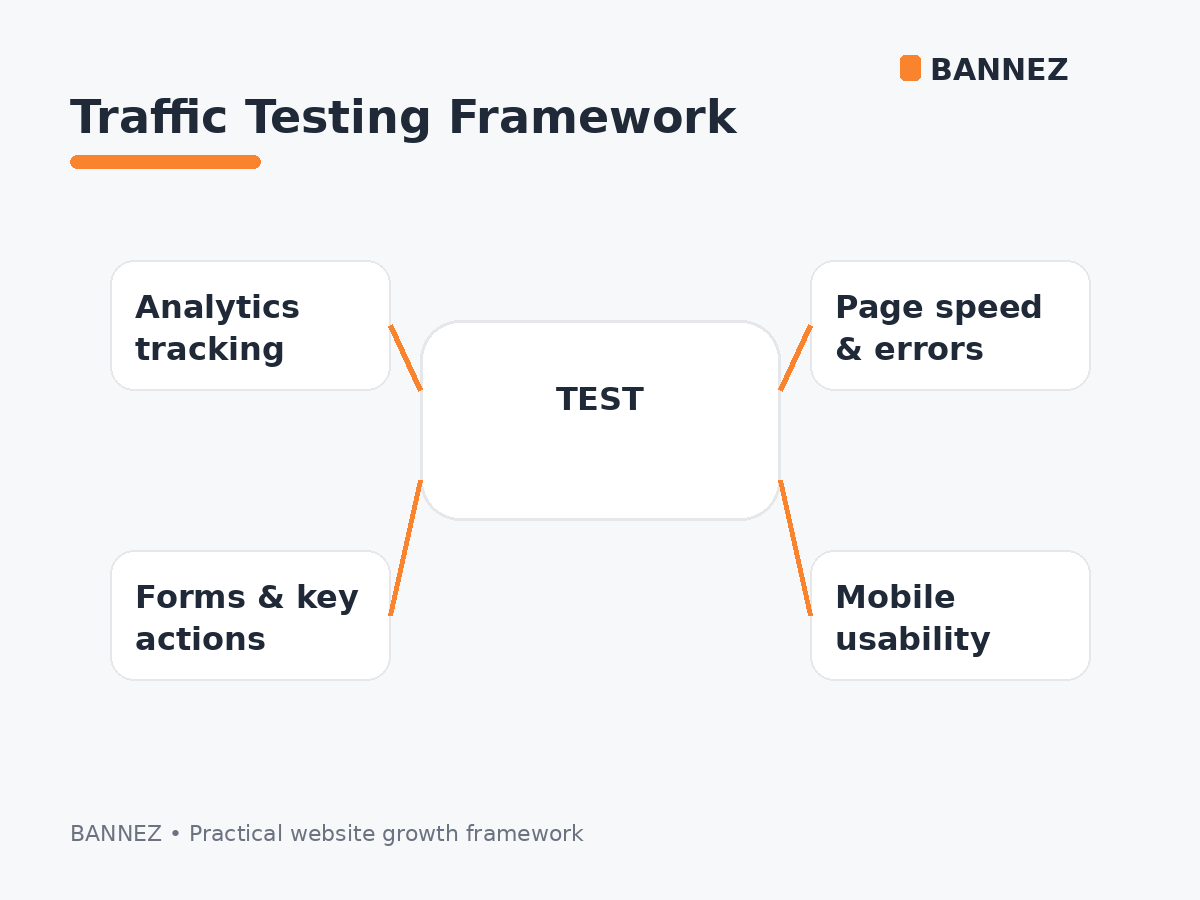
Website traffic can help expose tracking gaps, broken landing pages, form issues, navigation problems, slow pages, and weak conversion paths. However, traffic testing should support—not replace—structured quality assurance, accessibility checks, security testing, and real usability testing.
What Does It Mean to Test a Website With Traffic?
Traffic testing means observing how a newly launched website behaves when visits reach it. The goal is not simply to increase a counter. The goal is to confirm that your analytics, pages, forms, links, funnels, and server setup behave as expected.
Why Traffic Can Reveal Problems That Manual Checks Miss
Different landing pages get used
Developers often test the homepage first, while visitors may enter through blog posts, service pages, campaign URLs, or deep links. Real traffic can reveal issues on pages that received less attention before launch.
Analytics receives a wider range of events
More sessions can make it easier to see whether page views, source information, landing pages, and important actions are being recorded consistently.
More devices and browsers may appear
Traffic can expose layout or interaction problems that were not obvious on the devices used during development.
1. Confirm Google Analytics Is Collecting Data
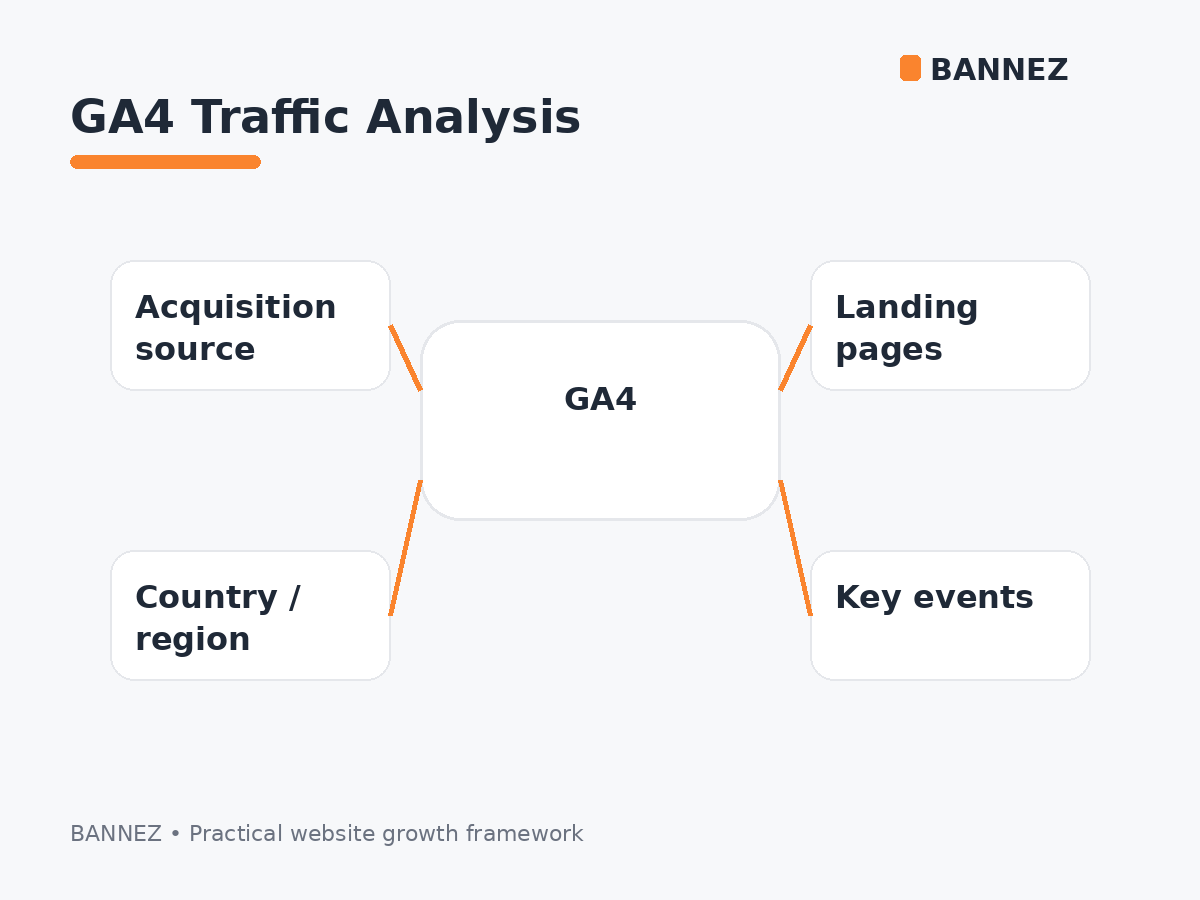
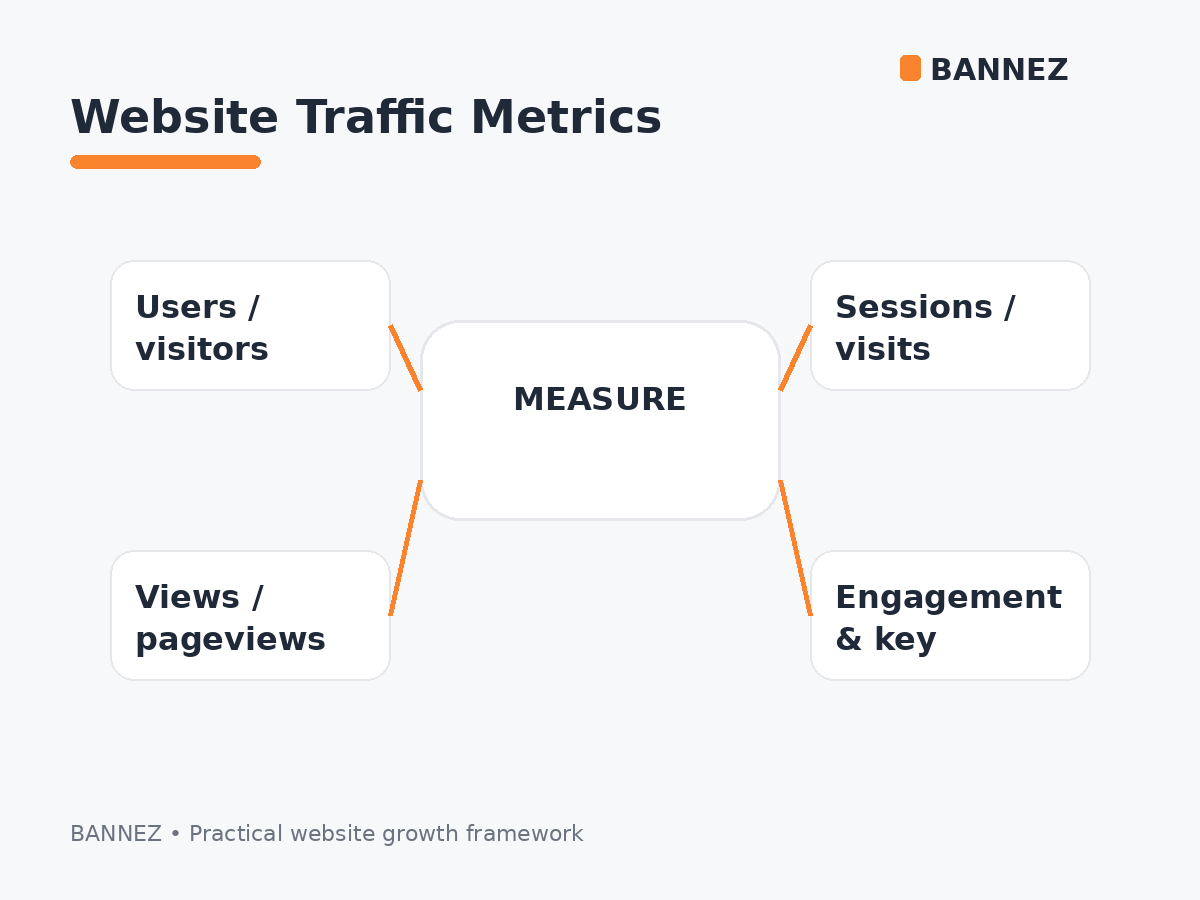
Before using traffic for testing, confirm that GA4 is installed correctly. Check whether users, sessions, page views, source/medium information, and key events appear as expected.
Google’s current Traffic acquisition report documentation explains how session-level traffic sources are analyzed.
2. Check Landing Pages
Review the pages where visitors first enter the website. A landing page should load correctly, explain the next step clearly, and work on mobile.
Look for problems such as
- Missing images
- Broken layouts
- Incorrect headings
- Buttons that do not work
- Forms that fail
- Unexpected redirects
- Pages that load much more slowly than others
3. Test Forms and Important Actions
Contact forms, quote requests, account registrations, newsletter forms, checkout flows, and other important actions should be tested manually before launch. Traffic then gives you another opportunity to confirm whether those paths behave normally under real visit conditions.
4. Review 404 Errors and Broken Links
A new website may contain old URLs, incorrect internal links, or campaign links that lead to missing pages. Monitor server logs, Search Console, analytics landing pages, and site-crawl tools for broken paths.
5. Check Mobile Usability
Do not assume a page that looks good on desktop will work equally well on mobile. Review real landing pages on phones and tablets.
Mobile checks
- Navigation opens correctly
- Buttons are easy to tap
- Forms fit the screen
- Text is readable
- No horizontal scrolling appears
- Important content is not hidden
6. Observe Website Performance Under More Visits
Traffic can help reveal whether caching, hosting, database queries, third-party scripts, or heavy pages become slower as more requests arrive. This is not a substitute for controlled load testing, but it can reveal practical performance issues worth investigating.
7. Verify Traffic Source Tracking
Campaign links should preserve useful source information. If a large amount of identifiable campaign traffic appears as Direct or Unassigned, review tagging and analytics configuration.
Google’s traffic-source dimensions guide explains source, medium, campaign, and related dimensions.
8. Test the Conversion Path
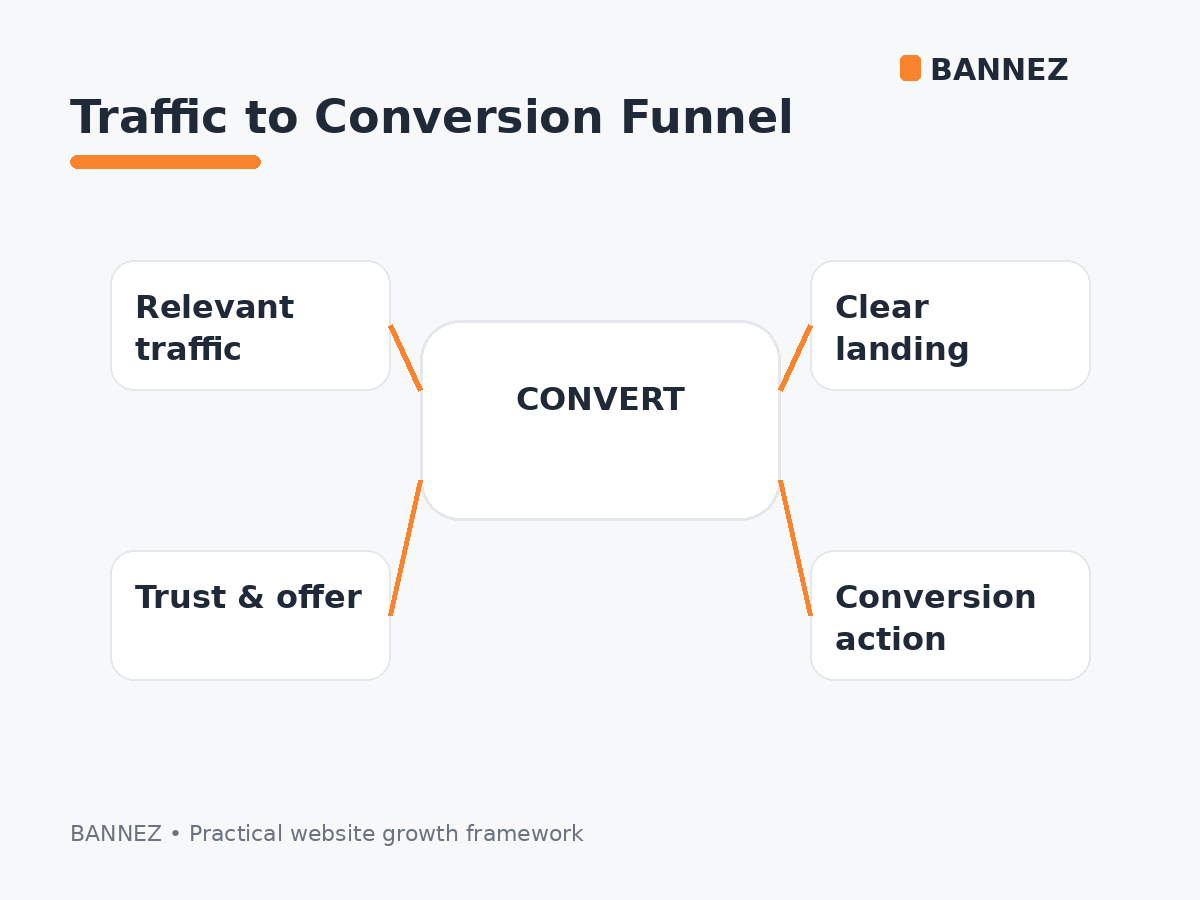
A website can receive visits and still fail if the path from landing page to action is confusing. Check whether visitors can understand the offer, trust the page, find the call to action, and complete the next step.
9. Compare Traffic Quality, Not Only Traffic Volume
A test becomes more useful when you compare engagement and important actions rather than asking only whether the visitor number increased.
- Which landing pages keep visitors engaged?
- Which pages generate key events?
- Which devices show weak behavior?
- Which countries match the intended audience?
- Which traffic sources produce useful sessions?
10. Separate Testing Traffic From SEO Performance
Paid or externally generated visits should not be treated as organic search performance. Use Search Console for Google Search visibility and GA4 for website behavior and acquisition analysis.
If you are evaluating traffic quality, read High-Quality Website Traffic: What Does It Actually Mean?.
When Paid Traffic Can Help With Testing
Paid traffic can provide additional visits when you need more data for an appropriate website or campaign test. It can help exercise pages, analytics, and funnels, but it cannot guarantee that real customers will behave the same way.
If broad paid visits fit your test objective, you can explore our Worldwide Website Traffic service. Use it only where it fits your analytics, advertising, and monetization policies.
Website Traffic Testing Checklist
- Analytics is installed and verified
- Important events are configured
- Landing pages are reviewed
- Forms are tested manually
- Broken links and 404s are monitored
- Mobile pages are checked
- Performance is monitored
- Traffic sources are tracked correctly
- Conversion paths are reviewed
- Test traffic is not confused with organic SEO
Frequently Asked Questions
Can website traffic replace load testing?
No. Real traffic can reveal performance issues, but controlled load testing is a separate technical process designed to test defined traffic levels and system limits.
Can traffic prove a website is user-friendly?
No. Analytics can reveal behavior patterns, but structured usability testing with real users is still important.
Should I send traffic before analytics is configured?
It is better to verify analytics first so the test visits produce useful data.
Can paid testing traffic improve organic rankings?
Paid visits should not be treated as an organic ranking method. Search performance should be evaluated separately.
Conclusion
Website traffic can be a useful post-launch testing signal when you use it to inspect analytics, landing pages, forms, device behavior, technical errors, and conversion paths.
Start with proper QA, configure measurement before the campaign, and use traffic data to find issues that deserve deeper investigation. The best test is not “did visits increase?” but “did the website behave correctly when visits arrived?”
