

How to Write SEO-Friendly Blog Posts for Beginners
Writing an SEO-friendly blog post becomes much easier when you follow a clear process. Beginners often focus too early on keyword density, plugins, or SEO scores. A better approach is to first understand the reader’s question, build a useful outline, write the answer clearly, and then optimize the page.
This beginner guide shows a practical workflow you can repeat for almost any blog topic.
1. Start With One Clear Topic
Every blog post should have one main purpose. Avoid trying to rank one article for several unrelated topics. Write down the main question the post should answer and the audience it is meant for.
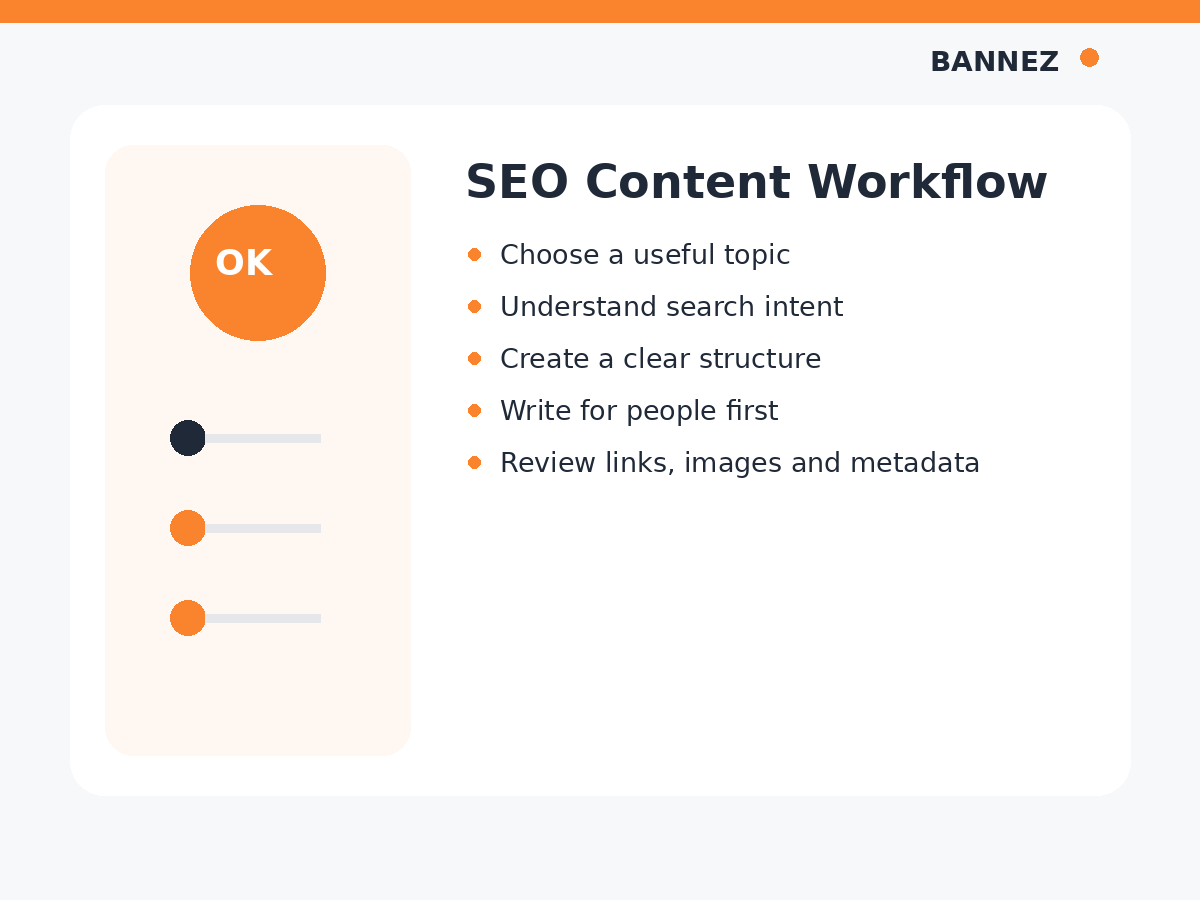
2. Understand What the Searcher Wants
Before writing, check what someone using the target search phrase is probably trying to do. They may want a definition, tutorial, comparison, checklist, product, or service.
Matching the article format to the likely intent makes the content more useful. Our guide on what search intent is and why it matters for SEO explains this in more detail.
3. Choose a Primary Keyword and Related Terms
Use one main keyword that accurately describes the article. Then collect closely related phrases and questions that can naturally appear in supporting sections.
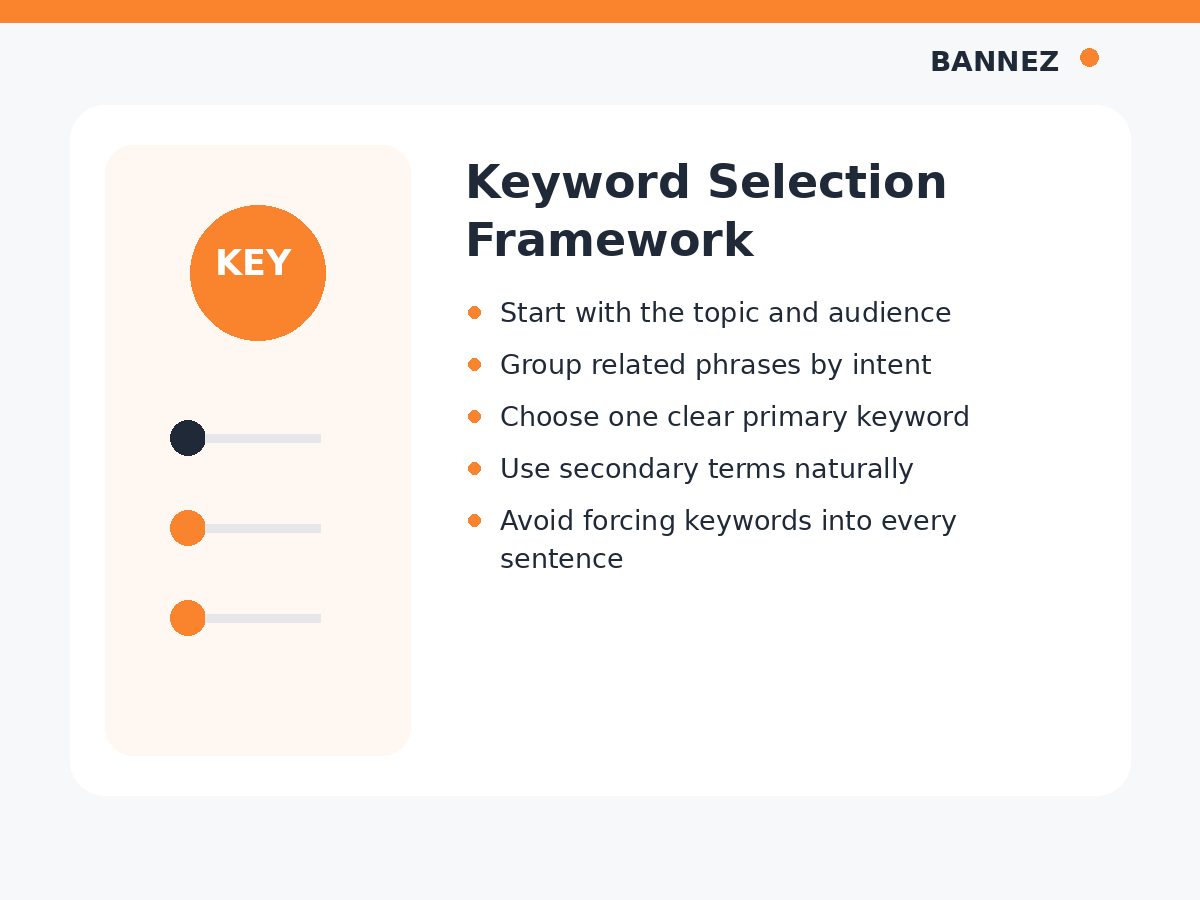
Simple keyword rule for beginners
- Use the primary keyword in the page topic naturally
- Do not repeat it in every paragraph
- Use related phrases where they improve clarity
- Write for the reader, not for a keyword counter
Google’s SEO Starter Guide recommends useful, well-organized content rather than mechanical optimization tricks.
4. Create the Outline Before Writing
A basic outline can save time and prevent repeated ideas. List the major questions the reader needs answered, then place them in a logical order.
Example outline
- Introduction
- Definition or context
- Main steps
- Examples
- Common mistakes
- Checklist
- FAQs
- Conclusion
5. Use H1, H2 and H3 Headings Clearly
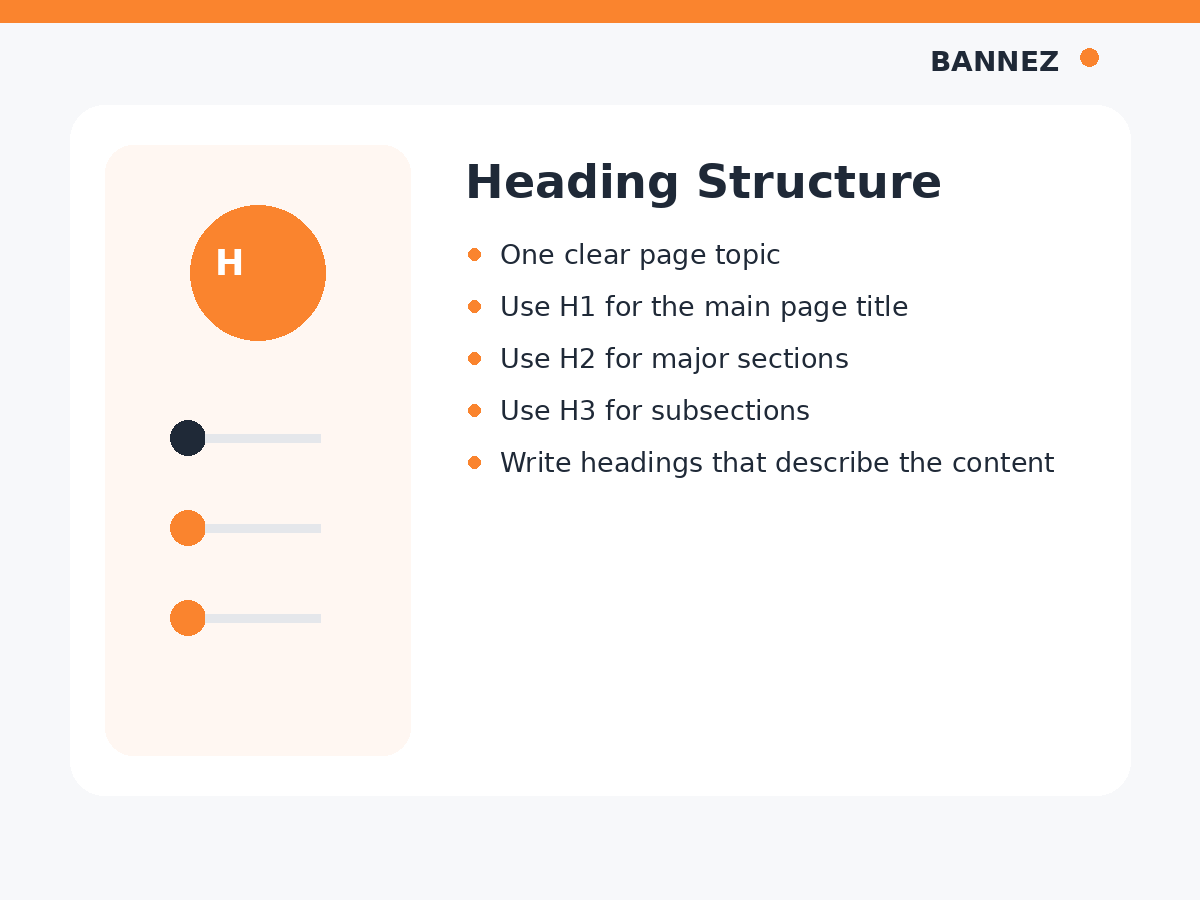
The article title normally acts as the H1. Use H2 headings for major sections and H3 headings when an H2 section needs smaller subsections.
Headings should describe the section clearly. Do not force keywords into every heading if the wording becomes awkward.
6. Write a Strong Introduction
The introduction should confirm that the reader is on the right page. Explain the problem, what the article will cover, and why the information matters.
A simple introduction formula
- State the problem or goal
- Explain why it matters
- Tell the reader what they will learn
7. Write Helpful Main Content
Google’s people-first content guidance encourages content that provides substantial value, accurate information, and a useful experience for readers.
Use short paragraphs, direct explanations, examples, bullets, tables, or steps where they make the topic easier to understand.
8. Add Internal Links
Link to other pages on your site when they genuinely help the reader continue learning or reach a relevant product or service.
For example, this article can naturally connect to our guide on the SEO article writing checklist and our article on choosing keywords for a blog post.
9. Add Trustworthy External Sources
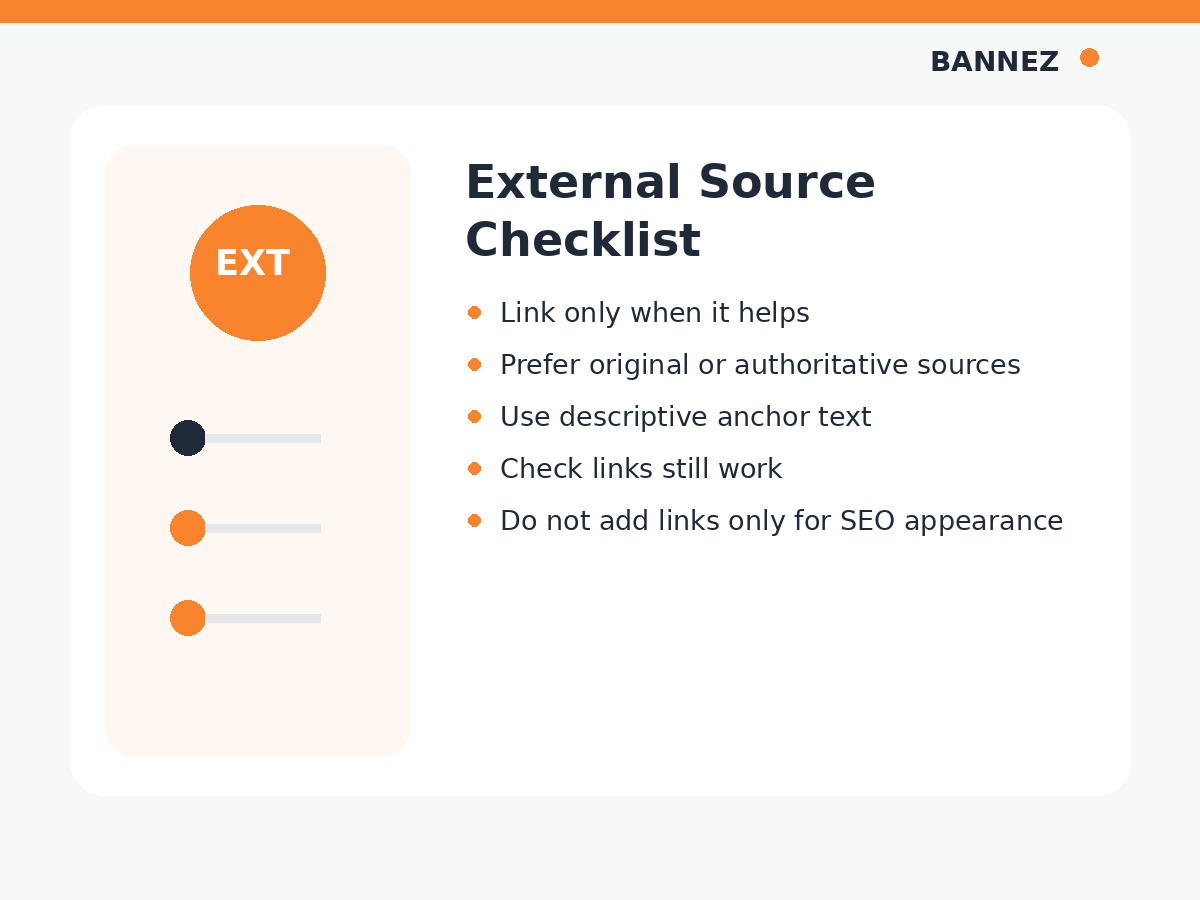
External links can support a statement with official documentation, original research, or another trustworthy source. Link because the source adds value, not because you think every article must contain a fixed number of external links.
10. Add Relevant Images
Images should explain, demonstrate, or break up information in a useful way. Use descriptive file names and accurate alt text when the image needs a text alternative.
Google’s image SEO best practices cover image discovery and page context.
11. Write the SEO Title and Meta Description
SEO title
Make the title descriptive and useful. It should accurately match the page instead of using exaggerated clickbait.
Meta description
Write a short summary that tells searchers what they will find on the page.
12. Use a Clean URL
A good slug is short and descriptive. For example, /seo-friendly-blog-posts-beginners/ is easier to understand than a long URL with unnecessary words or dates.
13. Proofread and Fact-Check
Check spelling, grammar, links, names, statistics, screenshots, and any claim that could become outdated. Good SEO cannot compensate for unreliable content.
14. Publish, Measure and Improve
After publishing, use search and analytics data to understand what happens. Search Console can show impressions, clicks, queries, and page performance. Google’s Performance report guide explains practical ways to find top pages and low-CTR opportunities.
Beginner SEO Blog Post Checklist
- One clear topic
- Search intent understood
- Primary keyword selected
- Related terms collected
- Outline created
- H1, H2 and H3 structure reviewed
- Useful introduction written
- Main content answers the question
- Internal links added naturally
- Trustworthy external links added where useful
- Images optimized
- SEO title and meta description written
- Slug kept clean
- Article proofread before publishing
Frequently Asked Questions
How many keywords should a beginner use?
There is no fixed number. Start with one primary keyword and use closely related phrases only where they naturally fit the topic.
Do I need an SEO plugin to write a good blog post?
No. A plugin can help manage metadata and checks, but useful content, clear structure, correct links, and accurate information still depend on the writer.
Should I write the SEO title before the article?
You can create a working title first and improve it after the article is complete. The final title should accurately describe the finished page.
Need Help With SEO Blog Writing?
If you need ready-to-publish SEO content with a featured image and professional structure, you can explore our SEO Content Writing for Any Topic with Featured Image service.
Conclusion
Beginners do not need a complicated SEO formula. Choose one useful topic, understand the searcher’s likely need, create a clear outline, write a complete answer, and then improve headings, links, images, metadata, and the URL.
Use the checklist every time you write. A repeatable process helps you produce more consistent blog posts and makes future updates easier.
