
Website Visitors vs Pageviews vs Sessions: What Is the Difference?
Website analytics can be confusing because visitors, users, pageviews, views, and sessions sound similar but measure different things. If you compare the wrong metrics, you may think your website has more people than it really does—or miss the fact that one visitor returned several times.
In Google Analytics 4, the main terms are users, sessions, and views. “Website visitors” is a common marketing phrase, while GA4 uses user metrics such as Total users and Active users.
What Is a Website Visitor?
A visitor usually means a person who reaches your website. In GA4, user metrics are used to estimate people. Google defines Total users as the number of unique users who triggered an event during the selected date range, while Active users represent users who engaged with the site or app under GA4’s rules.
See Google’s current user metrics documentation.
What Is a Session?
A session is a period of interaction with your website or app. One user can create multiple sessions by returning at different times. Google states that a session starts when a user views a page or screen and no session is currently active. By default, a session times out after 30 minutes of inactivity.
Read Google’s GA4 sessions guide.
What Is a Pageview or View?
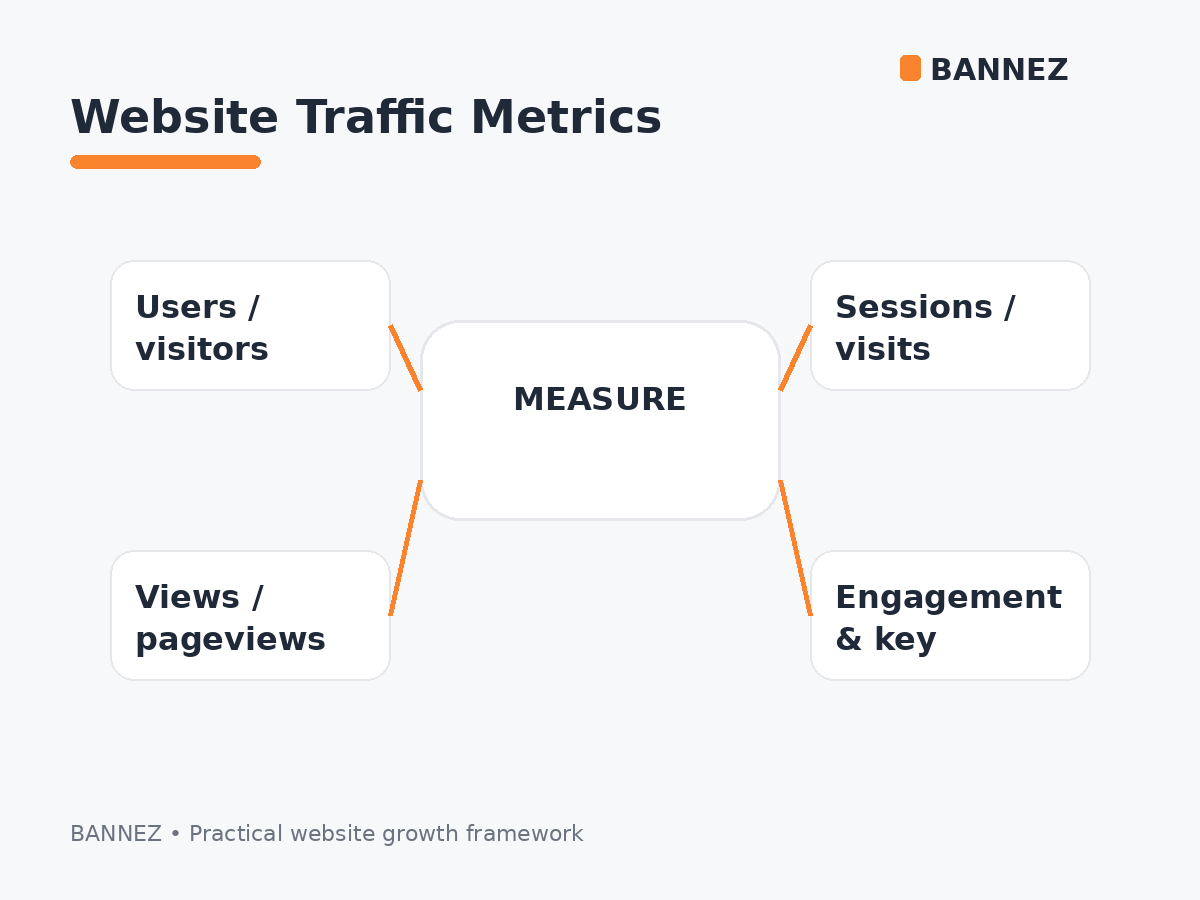
A pageview is a viewing of a webpage. In GA4 reports, the broader metric is called Views and can include pageviews or screenviews. A person can generate several views during one session by moving through multiple pages or returning to the same page.
Visitors vs Sessions vs Views: Simple Example
Imagine one person visits your website in the morning, reads three pages, then returns in the evening and reads two more pages.
| Metric | Possible count in this example |
|---|---|
| User / visitor | 1 |
| Sessions | 2 |
| Views | 5 |
This is why these numbers should not be expected to match.
Why Can Sessions Be Higher Than Users?
The same person can visit more than once. Every new qualifying visit period can create another session while still representing the same user under Analytics reporting identity.
Why Can Views Be Higher Than Sessions?
One session can contain many page views. A visitor may land on your homepage, open a service page, read a blog article, and then visit your contact page—all during one session.
Which Metric Should You Use?
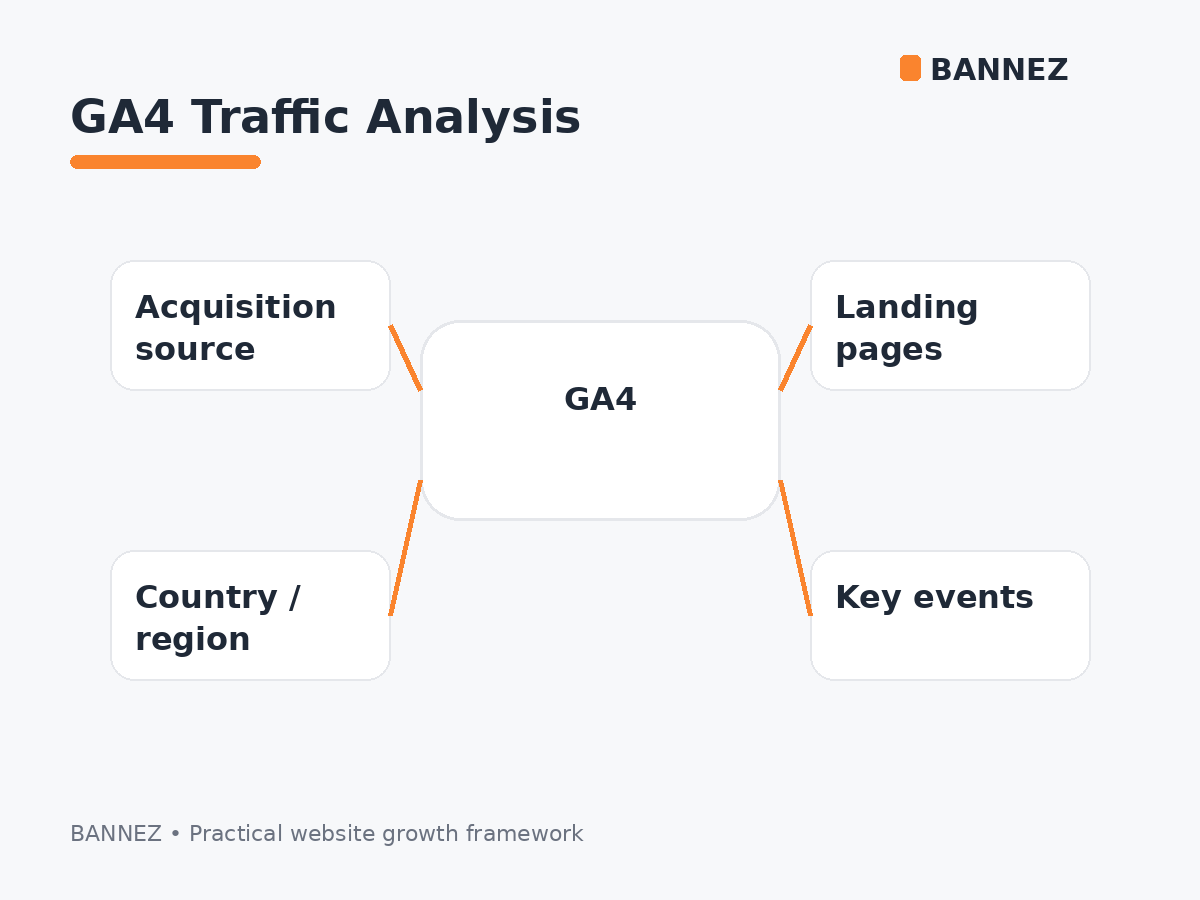
Use users when you want audience size
User metrics help estimate how many people interacted with your site during a period.
Use sessions when you want visit frequency
Sessions help you understand how many visit periods occurred and are especially useful in traffic-acquisition reports.
Use views when you want content consumption
Views help identify which pages or screens are being seen and how much content visitors consume.
What Is an Engaged Session?
GA4 defines an engaged session as one that lasts longer than 10 seconds, has a key event, or includes at least two page or screen views. Engagement is useful because raw session totals do not tell you whether visitors found the site useful.
Google’s engagement rate documentation explains this metric.
How These Metrics Work With Traffic Sources
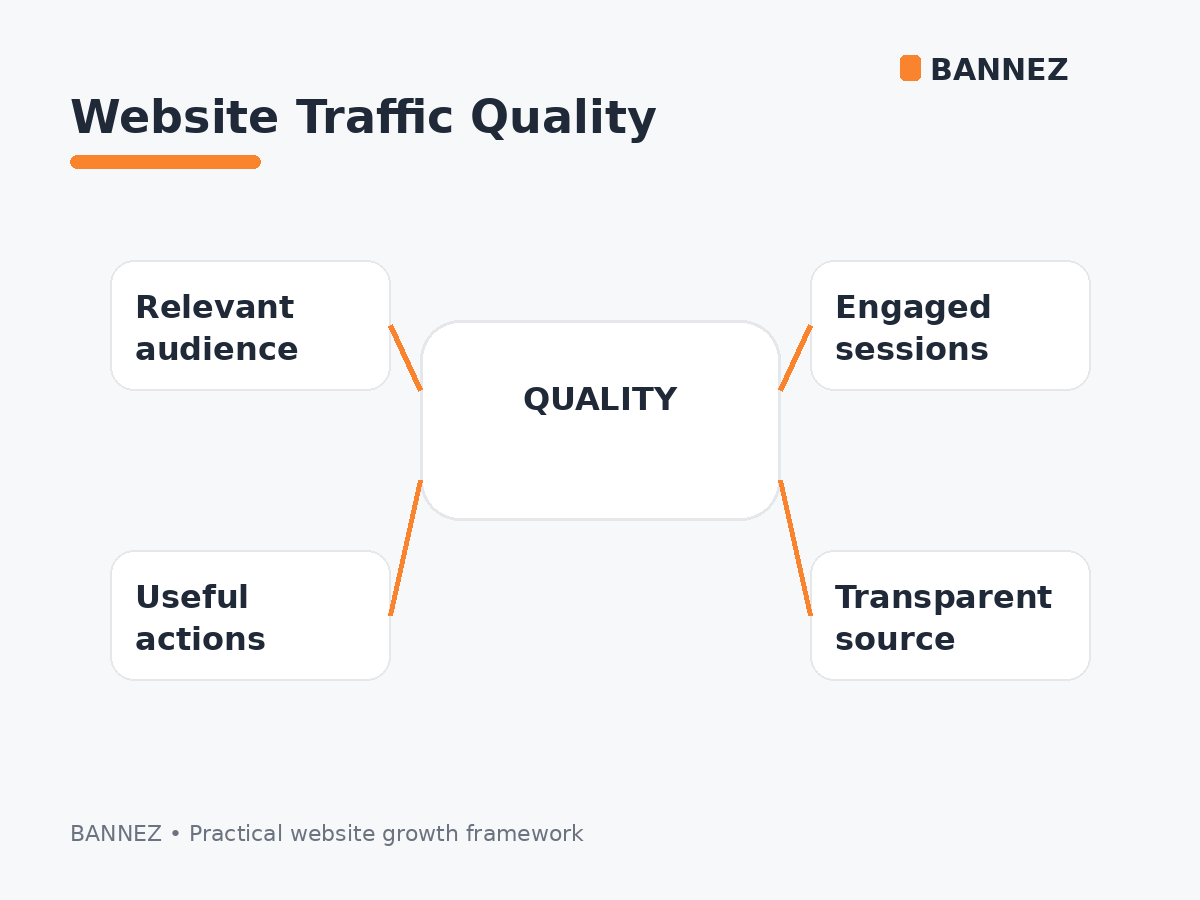
Traffic reports become more useful when you combine users, sessions, and views with dimensions such as source, medium, channel group, country, and landing page.
For example, you might find that one traffic source generates many sessions but few engaged sessions, while another source sends fewer visitors who complete more key events.
Read our Different Types of Website Traffic Explained guide for source definitions.
Common Reporting Mistakes
- Calling every pageview a visitor
- Assuming one session equals one unique person
- Comparing GA4 users directly with old Universal Analytics definitions
- Using traffic volume without engagement or conversion context
- Ignoring the selected date range
- Comparing reports with different dimension scopes
How to Review These Metrics in GA4
- Set the date range.
- Review users to understand audience size.
- Review sessions to understand visit frequency.
- Review views to understand page consumption.
- Add traffic source or landing-page dimensions.
- Compare engagement and key events.
Google explains that users, sessions, and events use different scopes. See its traffic-source scope guide.
When Measuring a Traffic Campaign
If you run a paid traffic campaign, do not judge success only by the number of visitors. Review sessions, engagement, landing pages, and useful actions so you understand what those visits actually produced.
If you need additional paid visits for an appropriate campaign objective, you can explore our Worldwide Website Traffic service.
Quick Metrics Checklist
- Users = estimated people
- Sessions = visit periods
- Views = page or screen views
- One user can create multiple sessions
- One session can create multiple views
- Engagement adds quality context
- Key events connect traffic to outcomes
Frequently Asked Questions
Are visitors and users the same?
They are often used similarly in marketing language, but GA4 reports specific user metrics rather than a generic “visitors” metric.
Can one user have multiple sessions?
Yes. A person who returns later can generate another session.
Can one session have many pageviews?
Yes. A session can include multiple page or screen views and other events.
Which metric is most important?
It depends on your goal. Strong analysis normally combines users, sessions, views, engagement, and key events.
Conclusion
Visitors, sessions, and pageviews measure different parts of website activity. Think of users as people, sessions as visits, and views as content consumption.
Use the three together instead of treating one number as the complete picture. Then add acquisition source, engagement, and key events to understand whether the traffic is valuable.
