
AdSense Account Approval vs Website Approval: What Is the Difference?
AdSense publishers often use the phrases account approval and website approval as if they mean the same thing. In practice, AdSense has account-level setup and eligibility steps, while each website that you want to monetize must also be connected and reviewed before it is ready to show ads.
Understanding the difference helps explain situations where you can sign in to AdSense but a new site still shows a review or approval status.
What Does “AdSense Account Approval” Mean?
“Account approval” is common publisher shorthand for getting an AdSense account created, activated and ready to use. The exact onboarding steps can include account information, payment profile details, identity or address requirements and other checks depending on the account and country.
Having access to an AdSense dashboard does not automatically mean every website you add can immediately serve ads.
What Is AdSense Website Approval?
Website approval is the site-level review that occurs after you add and connect a website to AdSense. Google checks the site before it becomes ready to show ads.
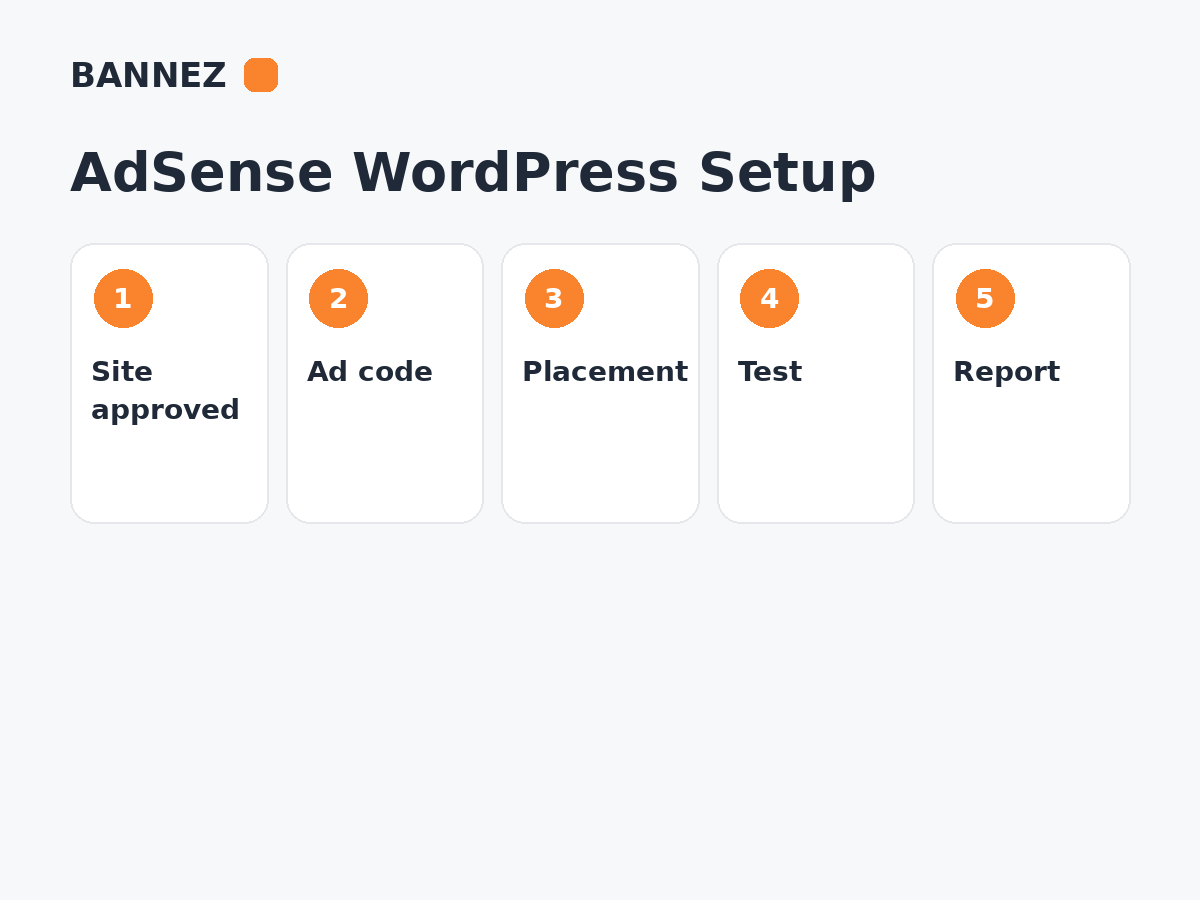
Google’s current Connect your site to AdSense guide explains that you add the site, connect it using one of the supported verification methods and request review.
Account Readiness vs Site Approval
| Area | Account-level setup | Website-level approval |
|---|---|---|
| Scope | Your AdSense publisher account | A specific website/domain |
| Main purpose | Establish publisher/account readiness | Check whether the site is ready to show AdSense ads |
| Applies to | The account holder | Each site submitted for monetization |
| Can ads show automatically? | No, not on an unreviewed new site | Ads can serve once the site is ready and implementation is correct |
You Can Have an AdSense Account but an Unapproved Site
This is a common situation. A publisher may already monetize one site and later add another domain. The new site still needs to be added and reviewed through the Sites area.
Do not assume a previously approved account bypasses the review for every future website.
What Google Reviews on a Website
Google’s publisher policies and site-review systems evaluate whether a site is suitable to serve ads. The exact internal review process is not fully published as a scoring checklist, so avoid treating unofficial “minimum article count” or “minimum traffic” claims as guaranteed requirements.
Publishers should focus on
- Useful original content
- Clear site purpose and navigation
- Policy-compliant content
- Accessible public pages
- Accurate ownership/connection
- Good user experience
- No deceptive or invalid-traffic behavior
Our detailed guide Google AdSense Approval: Complete Website Requirements & Checklist covers practical readiness areas.
How to Add a New Site to AdSense
- Sign in to your AdSense account.
- Open Sites.
- Add the website domain.
- Choose a supported connection method.
- Place the AdSense code or verification as instructed.
- Confirm the site is publicly accessible.
- Request review.
- Monitor the site’s status in AdSense.
Does Adding AdSense Code Mean the Site Is Approved?
No. Code is used to connect the site and later serve ads, but site review is a separate step. A correctly installed script cannot force approval.
Can You Use One AdSense Account for Multiple Websites?
A publisher can add multiple eligible sites to the same AdSense account. Google generally expects one AdSense account per publisher/payee rather than creating duplicate accounts for each domain.
Each new site still needs to meet the applicable review and policy requirements.
Why a Site May Not Be Approved Even When the Account Is Active
Insufficient useful content
The site may feel incomplete, thin or provide little original value.
Navigation or accessibility problems
Important pages may be broken, private, difficult to reach or not crawlable.
Policy issues
Content or site behavior may conflict with Google Publisher Policies.
Ownership or connection problem
AdSense may be unable to confirm the site or code.
The website is not ready
Placeholder content, construction pages, broken templates and unfinished sections can make a site unsuitable for review.
Approval Is Not a Permanent Guarantee
After approval, publishers still need to follow applicable AdSense policies. Policy issues or invalid traffic can later limit ad serving.
Google’s ad serving status documentation explains that enforcement can affect sites, pages or accounts.
What Happens After Website Approval?
Once the site is ready, you can configure Auto Ads, manual ad units or another supported AdSense implementation.
For WordPress, read How to Add AdSense Ads to a WordPress Website.
Website Approval vs AdX Access
AdSense site approval and Google AdX access are different processes and products. An approved AdSense website does not automatically receive AdX access.
For product differences, read Google AdX vs AdSense.
If you specifically need a service related to AdX and meet the stated eligibility and service conditions, you can review our AdX MA Approval via Google Publisher Partner or AdX MI Account Approval via Google Publisher Partner service pages for their exact scope and terms.
Where Bannez Can Help With AdSense Readiness
If you want your website reviewed before you apply or resubmit it to AdSense, you can explore our Free Website Analysis & Recommendations for Google AdSense Approval service.
The analysis provides recommendations; final AdSense decisions remain with Google.
AdSense Approval Checklist
- One correct publisher account used
- Account information complete
- Website added under Sites
- Site connection verified
- Website publicly accessible
- Useful content available
- Navigation works
- Policy-sensitive areas reviewed
- Review requested
- Status monitored before placing final ads
Frequently Asked Questions
If my AdSense account is active, is my new website automatically approved?
No. A newly added website still goes through the site connection and review process.
Can I create a new AdSense account for every website?
Publishers generally should not create duplicate AdSense accounts simply for separate websites. Add eligible sites to the appropriate existing account.
Does website approval guarantee permanent ad serving?
No. Continued ad serving depends on ongoing policy compliance, valid traffic and account/site status.
Can Bannez guarantee Google AdSense website approval?
Our free AdSense website analysis provides recommendations to improve readiness. The final approval decision is made by Google.
Conclusion
AdSense account readiness and website approval are related but separate. Your publisher account establishes the account-level relationship, while each website must be connected and reviewed before it is ready to show ads.
Use one proper account, prepare each site carefully and monitor the Sites area for review status. Avoid trying to bypass site review with extra code or duplicate accounts—the sustainable path is a complete, policy-compliant website and correct implementation.
