
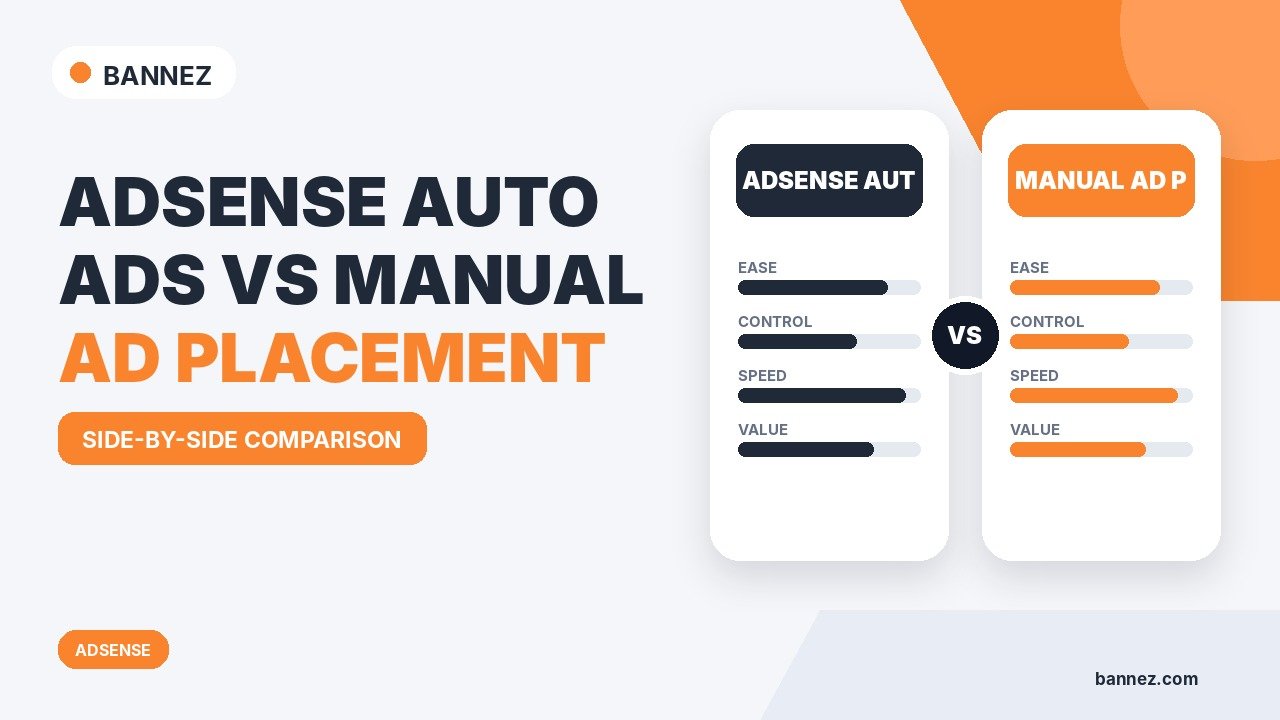
AdSense Auto Ads vs Manual Ad Placement
AdSense gives publishers two broad ways to place display advertising: let Auto Ads find eligible positions automatically, or create manual ad units and place them in specific locations yourself.
Neither method is automatically better. Auto Ads reduces setup work and adapts to pages, while manual placement gives you more control over layout and the customer journey. The right choice depends on how much control you need and how carefully you can manage placements.
What Are AdSense Auto Ads?
Auto Ads uses the AdSense code across your site and automatically identifies eligible places to show supported ad formats. Google says Auto Ads scans pages and adjusts to changes in your site and ad settings.
See Google’s official About Auto Ads documentation.
Auto Ads can simplify
- Finding in-page ad opportunities
- Adding supported overlay formats
- Managing ad load from AdSense
- Applying page exclusions
- Adjusting excluded areas
What Is Manual Ad Placement?
Manual placement means creating individual ad units and inserting their code into specific website positions. You decide exactly where the slot exists in the layout.
For WordPress, Google’s current WordPress ad-unit guide lists plugins, themes and widgets among common placement methods.
Auto Ads vs Manual Ads: Quick Comparison
| Area | Auto Ads | Manual placement |
|---|---|---|
| Setup | Simpler after site-level code | Each placement must be managed |
| Control | Google chooses eligible positions within settings | Publisher chooses exact locations |
| Maintenance | Adapts automatically to page changes | Publisher maintains placements |
| Testing | AdSense includes preview and experiment options | Publisher compares placements through reporting/testing |
| Layout predictability | Lower | Higher |
Advantages of Auto Ads
1. Faster setup
You do not need to manually place every eligible in-page position.
2. Central control
Google’s Auto Ads settings allow publishers to control supported formats, page exclusions, excluded areas and ad load.
3. Automatic adaptation
Auto Ads can respond to new pages or changed layouts without requiring a new manual ad unit on every page.
4. Built-in experiments
AdSense can offer experiments for some Auto Ads settings, allowing a portion of traffic to compare changes before full rollout.
Limitations of Auto Ads
- Exact placement is less predictable.
- Some pages may need exclusions or excluded areas.
- Automatic placements can conflict with design priorities if settings are not reviewed.
- Publishers still need to check mobile usability and content balance.
Advantages of Manual Ad Placement
1. Exact position control
You can place ads after a specific section, in a planned sidebar, or in another designed slot.
2. More predictable page design
Your content, calls to action, forms and navigation can be designed around known ad locations.
3. Easier placement-level analysis
When each ad unit represents a clear location, reporting can make it easier to compare performance by slot.
Limitations of Manual Placement
- More implementation work
- More maintenance when layouts change
- Risk of copying outdated code
- Risk of inconsistent placement between templates
- Publisher must actively review responsive behavior
Can You Use Auto Ads and Manual Ads Together?
Yes. Auto Ads can work alongside existing ad units. Google provides an Existing ads option within Auto Ads settings that influences how Auto Ads interacts with existing Google ad units.
A hybrid approach can be useful when you want guaranteed manual positions plus automatic opportunities elsewhere. However, monitor total ad load so the combined implementation does not overwhelm content.
Which Method Is Better for a New Publisher?
Auto Ads can be easier for beginners because there are fewer recurring placement decisions. But beginners should still use the preview, review ad load and inspect real pages after activation.
If your website has a carefully designed conversion flow, ecommerce checkout, membership interface or custom layout, manual placements may give you better control over sensitive areas.
Which Method Is Better for WordPress?
Both can work well. Auto Ads usually requires the main AdSense code to be available across the site. Manual ad units can be placed through suitable plugins, widgets, blocks, hooks or theme methods.
See How to Add AdSense Ads to a WordPress Website for implementation steps.
How Ad Placement Affects Viewability
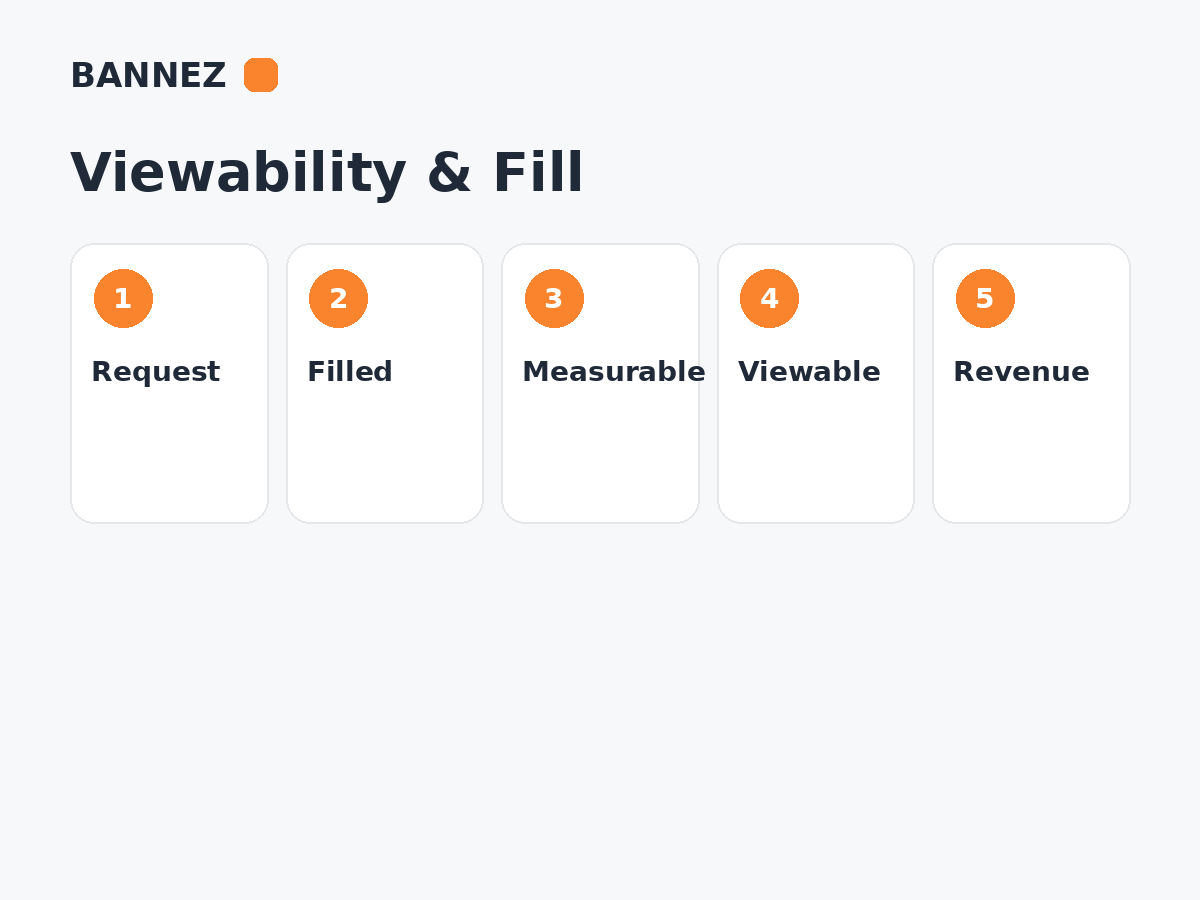
An ad must have a real opportunity to be seen to create a viewable impression. Position, content behavior, device size and how quickly a visitor moves through the page can all influence viewability.
Read our guide What Is Ad Viewability and Why Does It Matter?.
How to Choose Between Auto and Manual Ads
- Identify the page types that matter most.
- Mark areas where ads must not appear.
- Decide whether exact placement is important.
- Review your ability to maintain manual code.
- Choose Auto, manual or hybrid.
- Test mobile and desktop.
- Measure impressions, viewability, RPM and user behavior.
- Change one major variable at a time.
Where Bannez Can Help
If your website is approved and you need help integrating ads or planning practical ad positions, you can explore our Website Ad Placement & Ad Network Integration service.
Auto Ads vs Manual Checklist
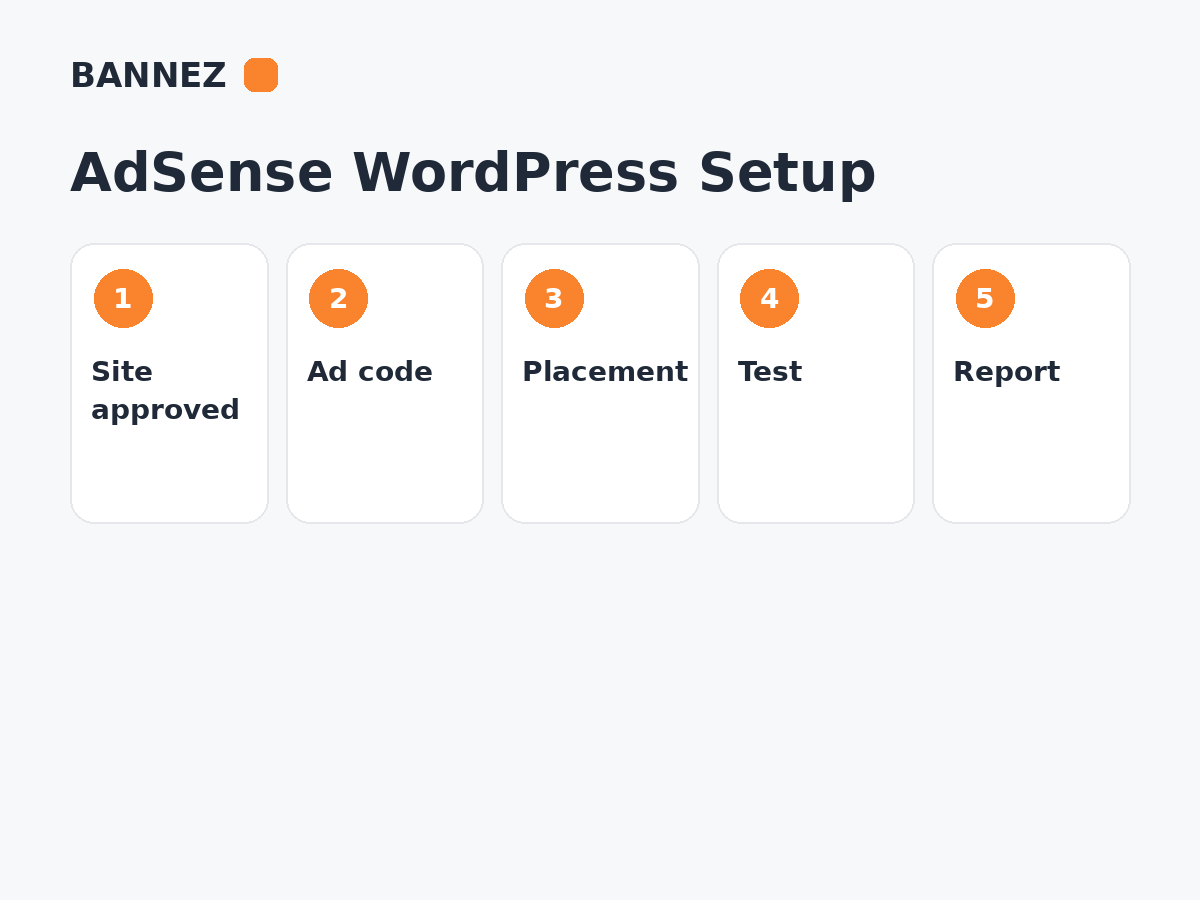
- Site approved and ready to monetize
- Auto Ads preview reviewed if used
- Excluded pages/areas configured where needed
- Manual placements documented if used
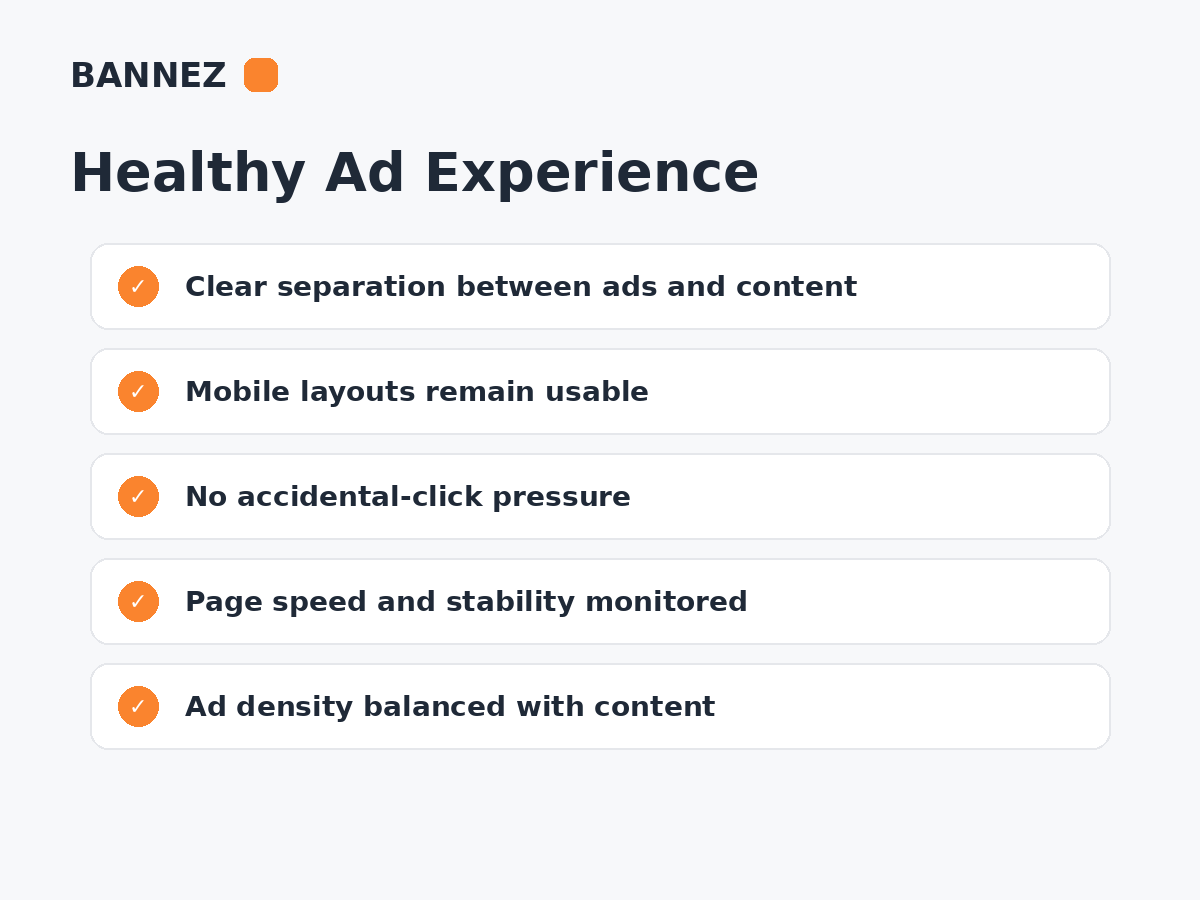
- Combined ad load reviewed
- Mobile pages tested
- Ads separated clearly from content
- Viewability monitored
- Page speed monitored
- Revenue changes compared with user experience
Frequently Asked Questions
Do Auto Ads always earn more?
No. Google says Auto Ads can identify additional opportunities, but actual revenue depends on traffic, demand, page layout, audience, viewability and many other factors.
Are manual ads better for user experience?
They can provide more control, but poorly chosen manual placements can be just as disruptive as poorly configured automatic ads.
Can I disable Auto Ads on one page?
AdSense provides page exclusions so you can prevent Auto Ads from appearing on selected pages.
Should I switch everything at once?
Usually it is easier to evaluate results when you make controlled changes and compare before and after data.
Conclusion
Auto Ads is built for convenience and automatic placement opportunities. Manual placement is built for control. A hybrid approach can combine both, but only if total ad load and page experience are managed carefully.
Choose the method that fits your website structure, then evaluate it using both publisher metrics and real usability. Revenue gains are more useful when the site remains clear, fast enough and comfortable to use.
