

What Is Ad Viewability and Why Does It Matter?
An ad impression does not automatically mean a visitor had a real chance to see the ad. An ad can technically load below the fold, disappear before the user reaches it, or remain outside the visible browser area. This is why publishers and advertisers track ad viewability.
Viewability helps answer a simple question: was enough of the ad actually visible on the screen for long enough to count as a viewable impression?
What Is Ad Viewability?
Ad viewability is a measurement of whether an ad had an opportunity to be seen by a user. Google Ad Manager measures viewability with Active View where supported.
Google explains the current standards in its Active View viewability guide.
Common display-ad viewability standard
For a standard display ad, an impression is generally considered viewable when at least 50% of the ad’s pixels are visible on screen for at least one continuous second.
Large display ads
For larger display ads above 242,000 pixels, the commonly used threshold is at least 30% of the pixels visible for one continuous second.
Video ads
For supported video inventory, at least 50% of the ad generally needs to be visible for at least two continuous seconds to meet the viewability standard.
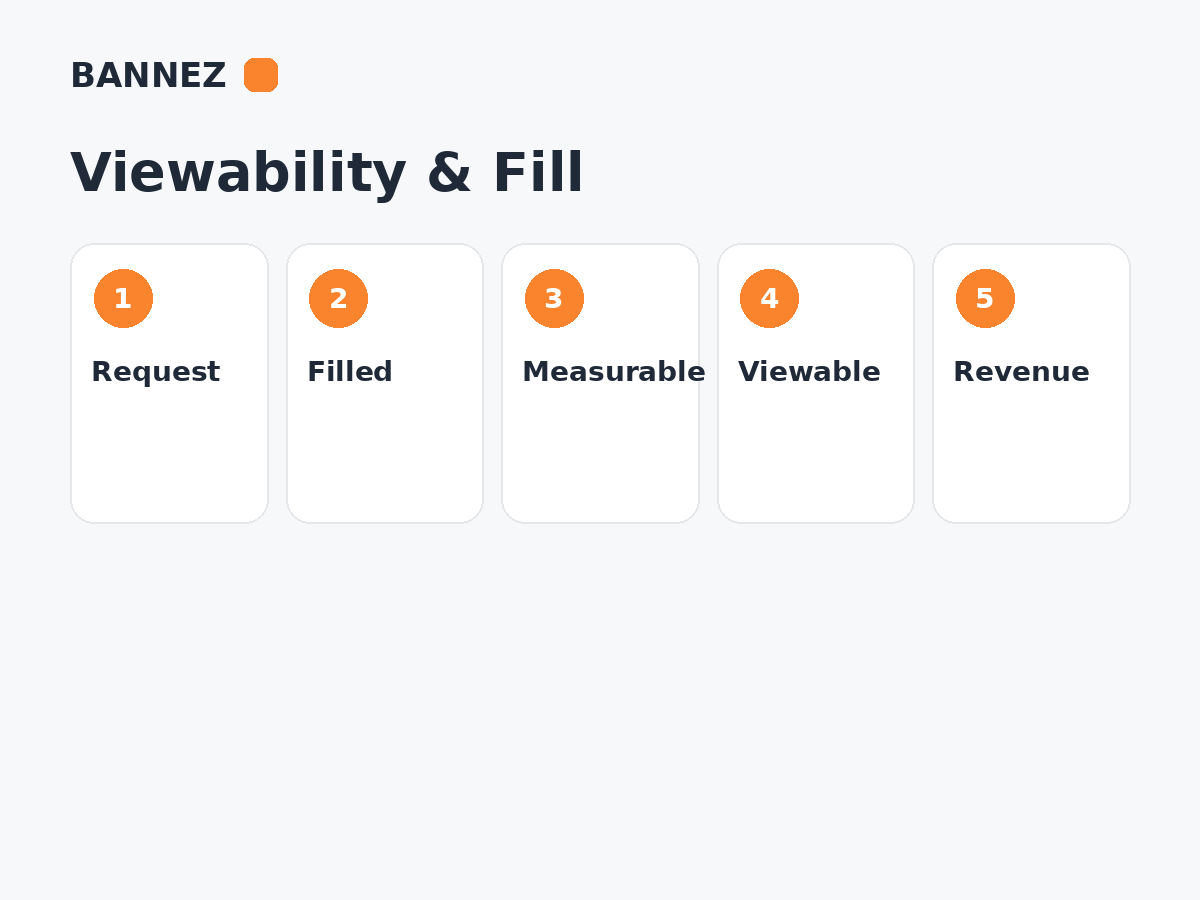
Viewable vs Measurable vs Served Impressions
These terms are related but not identical.
| Metric | Meaning |
|---|---|
| Served impression | An ad impression was counted by the ad-serving system. |
| Measurable impression | The system was able to determine whether the impression met viewability criteria. |
| Viewable impression | A measurable impression met the defined visibility and time threshold. |
| Viewable rate | The share of measurable impressions that were viewable. |
Google provides more detail on how Active View metrics are calculated in its Active View metric calculation documentation.
Why Does Ad Viewability Matter?
1. Advertisers care about real opportunities to be seen
An ad that loads where users rarely reach can generate an impression without providing much practical exposure. Viewability gives advertisers and publishers a better quality signal than impression count alone.
2. Viewability can influence demand quality
Advertisers may value inventory differently based on historical performance, context, audience and viewability. High viewability does not guarantee a particular CPM, but consistently poor viewability can make inventory less attractive to some buyers.
3. It helps publishers evaluate placements
If one ad unit receives many impressions but very few are viewable, the position may load too early, sit too low on the page, or appear in a layout users rarely reach.
4. It supports better optimization decisions
Publishers can compare viewability with fill, RPM, page speed and engagement rather than optimizing only for the number of ad slots.
What Is a Good Viewability Rate?
There is no universal percentage that is automatically good for every publisher. News sites, long-form blogs, tools, forums, ecommerce sites and different device mixes can behave differently.
Instead of chasing one benchmark, compare:
- Ad units on the same site
- Mobile vs desktop
- Article pages vs home/category pages
- Before vs after a placement change
- Viewability together with revenue and user-experience metrics
What Causes Low Ad Viewability?
Ads load too far below the fold
If an ad request happens immediately but the user never scrolls to the slot, the impression may be measurable but not viewable.
Users leave quickly
Short visits reduce the chance that deeper placements become viewable.
Slow page or ad loading
If the user scrolls past the placement before the creative renders, viewability can suffer.
Poor responsive design
A desktop placement can become partially hidden or pushed into an awkward position on mobile.
Too many ads
Adding more ad positions can increase requests while reducing the attention and viewability available to each slot.
Layout shifts
Unstable page elements can move ad containers unexpectedly and damage both usability and measurement quality.

How to Improve Ad Viewability
1. Place ads where users naturally spend time
In-content placements near useful sections can have better opportunities to be seen than slots positioned in areas users rarely reach.
2. Use lazy loading carefully
Requesting below-the-fold ads closer to the time they are likely to enter the viewport can reduce unnecessary requests and may improve viewability. However, loading too late can cause the ad to appear after the user has already passed it.
3. Improve page speed
Faster content and ad delivery can help placements render before users move past them. Read How Website Speed Affects Ad Revenue.
4. Reserve ad space
Using predictable containers helps reduce layout movement and can improve the stability of the ad experience.
5. Test mobile separately
Do not assume a strong desktop placement performs equally well on phones.
6. Avoid accidental-click placement
Do not move ads too close to buttons, navigation or interactive controls simply to increase visibility. Viewability should improve because the placement is naturally visible, not because the ad interferes with the page.
Viewability and Sticky Ads
Sticky or anchor formats can remain visible for longer, which may create stronger viewability, but they must follow the platform’s format and placement requirements and should not dominate the screen.
For a detailed comparison, read Sticky Ads vs Display Ads: What Is the Difference?.
Viewability and Fill Rate Are Different
Fill rate or AdSense coverage describes whether an eligible ad request returned an ad. Viewability describes what happened after an impression was served and measured.
A publisher can have high fill but weak viewability, or lower fill with strong viewability. Read What Is Ad Fill Rate? for the difference.
How to Diagnose Low Active View Numbers
If Active View measurability or viewability looks unexpectedly low, Google provides a dedicated Active View troubleshooting guide.
- Compare measurable and viewable impressions.
- Break results down by ad unit.
- Compare devices.
- Review page templates and scroll depth.
- Check whether ads load too early or too late.
- Test speed and layout stability.
- Make one placement change at a time.
- Compare revenue and user experience after the change.
Where Bannez Can Help
If your website is approved for an ad network and you need help integrating ads into practical positions, you can explore our Website Ad Placement & Ad Network Integration service.
Ad Viewability Checklist
- Viewable rate monitored by ad unit
- Measurability reviewed separately
- Mobile and desktop compared
- Below-the-fold loading reviewed
- Ad containers remain stable
- Ads do not overlap navigation
- Page speed checked
- Sticky formats follow platform rules
- Revenue checked alongside viewability
- User experience reviewed after changes
Frequently Asked Questions
Does a served impression mean the ad was seen?
No. A served impression can occur without meeting the viewability threshold.
Does higher viewability always mean higher revenue?
No. Viewability is one important quality signal, but revenue also depends on traffic, demand, geography, advertiser competition, formats and many other factors.
Can an ad be measurable but not viewable?
Yes. Measurable means the system could determine its viewability status. It may still fail the visibility/time threshold.
Should every ad be above the fold?
No. Forcing every ad into the first screen can create a poor page experience. Strong in-content placements can become viewable naturally as users read.
Conclusion
Ad viewability tells publishers whether served ads had a genuine opportunity to be seen. It is more useful when analyzed together with measurability, fill, RPM, page speed and user behavior.
Improve viewability by making placements naturally visible, stable and fast enough—not by crowding the page. Test changes by ad unit and device so monetization improvements do not come at the cost of usability.
