
How to Choose Countries for Your Website Traffic Campaign
Choosing countries for a website traffic campaign should start with your business goals, not with a generic “best countries” list. A country is useful only when the people there can understand your website, use your offer, and take the action you want.
A good country-selection process combines existing analytics data, market availability, language, pricing, campaign objective, and traffic quality.
1. Define the Campaign Goal First
Decide what the traffic should help you learn or achieve. Different goals need different country strategies.
Common goals
- Increase broad website visits
- Test a new market
- Generate leads
- Promote content
- Test a landing page
- Build awareness in selected locations
Google Ads also separates objectives such as Website traffic, Leads, and Sales because campaign setup should match the outcome. See Google’s campaign objectives guide.
2. List Countries You Can Actually Serve
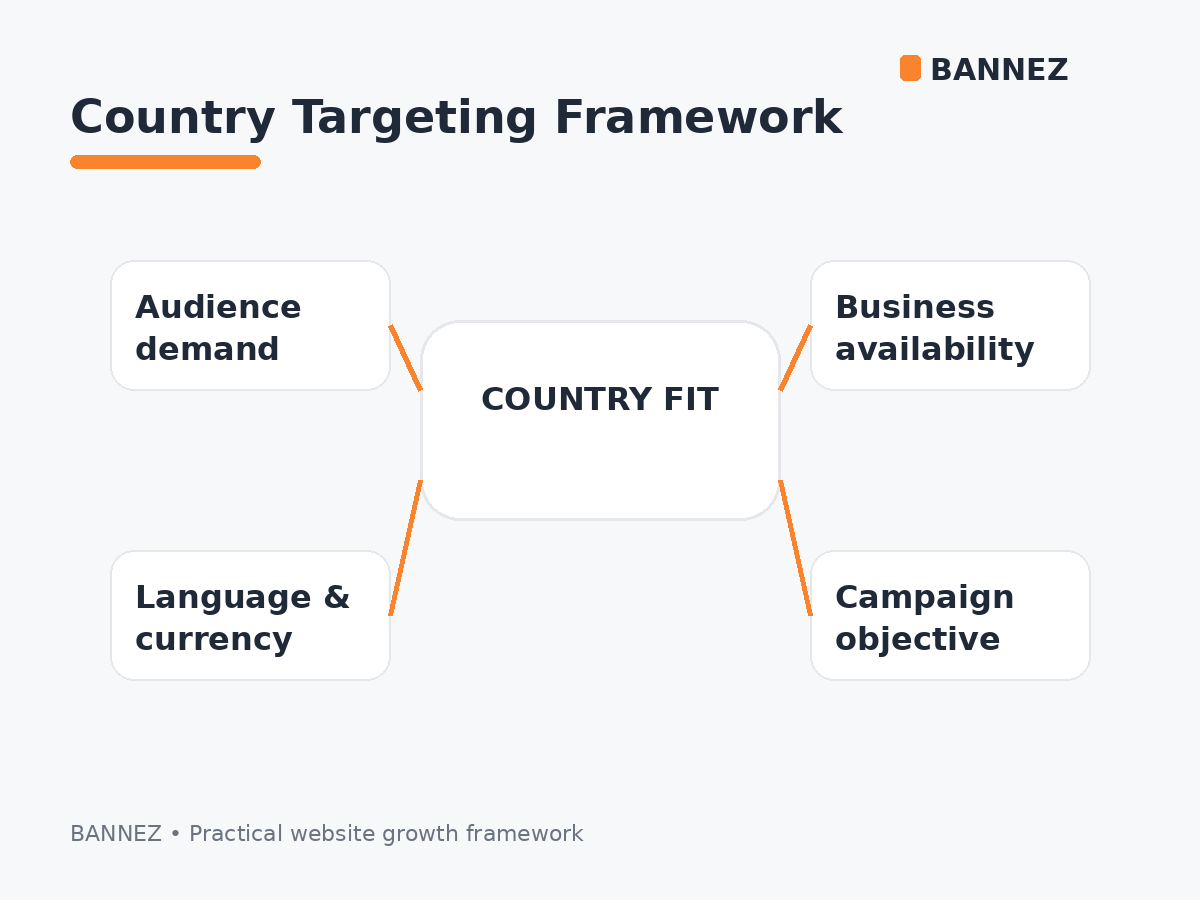
Remove countries where your product, service, shipping, payment methods, support, or legal availability does not work.
For a local business, the useful country list may be very small. For a global SaaS product or content site, it may be much larger.
3. Review Existing Country Data in GA4
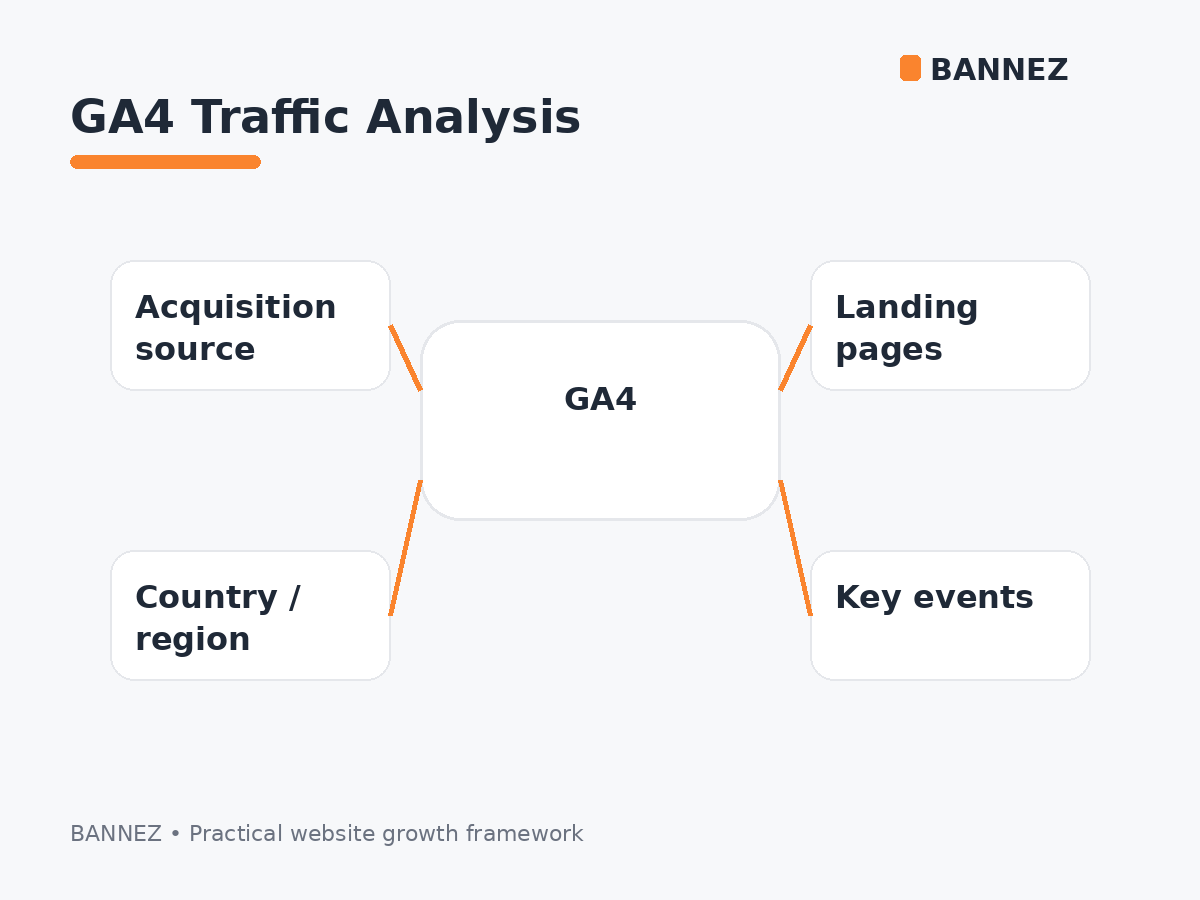
If your site already receives traffic, use Google Analytics to see which countries are sending visitors and how those visitors behave.
Google Analytics includes Country, Region, and City dimensions, with geography approximated from IP information. See the GA4 Demographic details report documentation.
4. Compare More Than Visitor Count
A country with many visitors but almost no engagement or conversions may not be your best target.
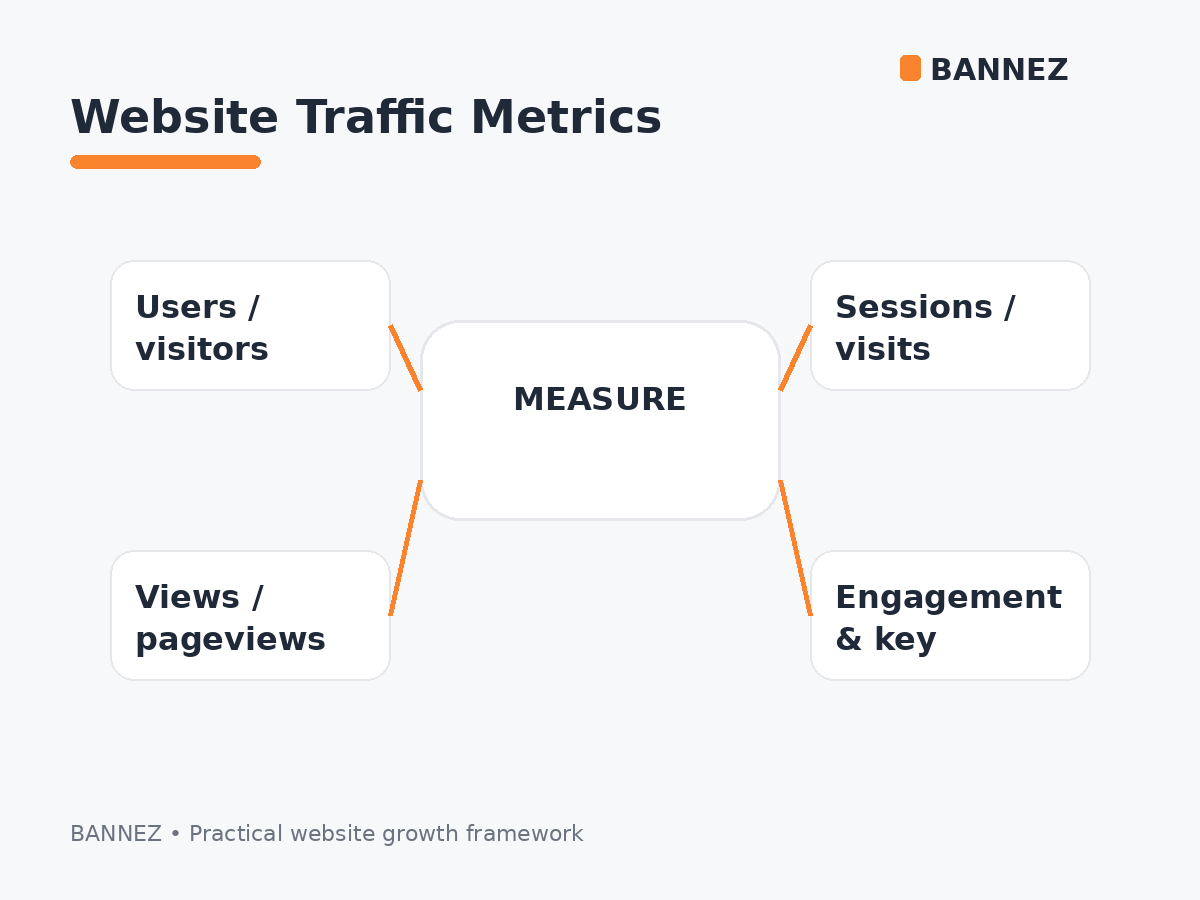
Compare metrics such as
- Users and sessions
- Engagement rate
- Average engagement time
- Landing-page performance
- Key events
- Lead quality
- Revenue when relevant
5. Check Language Fit
If your website is only in English, traffic from an English-speaking market may be easier to serve than traffic from a market where most users expect another language.
That does not mean you should exclude multilingual countries. It means language should be part of the decision.
6. Check Currency and Pricing
Your pricing may fit one country better than another. Review whether visitors understand the currency, can use your payment methods, and see realistic value in the offer.
7. Consider Mobile and Internet Conditions
Some markets have stronger mobile usage or different connection speeds. Make sure the landing page works well on the devices and networks your target audience uses.
8. Do Not Choose Countries Only by Tier Label
Tier 1, Tier 2, and Tier 3 are informal marketing terms and are not official Google Analytics classifications. Read our Tier 1, Tier 2 and Tier 3 Countries Explained guide before using those labels.
9. Decide Between Worldwide and Targeted Traffic
If you are unsure which countries matter, a broader campaign may be useful for early testing. If your business has clear markets, country targeting can reduce irrelevant visits.
Compare both approaches in Worldwide Website Traffic vs Targeted Country Traffic.
10. Start Small and Measure
Instead of targeting a very large country list immediately, begin with the most relevant group and measure performance. Expand only when the data supports it.
Country Selection Example
| Business | Better starting approach |
|---|---|
| Local UK consultant | UK-first targeting |
| Global English blog | Broader English-speaking markets |
| US-only ecommerce store | United States focus |
| International SaaS tool | Markets supported by language, billing, and support |
| New general website test | Broad reach, then analyze country performance |
Where Worldwide Traffic Fits
If your campaign does not require a strict country list and broad paid visits fit the objective, you can explore our Worldwide Website Traffic service. Keep paid traffic separate from organic SEO reporting.
Country Campaign Checklist
- Campaign goal is clear
- Supported markets are listed
- Existing GA4 country data is reviewed
- Language fit is checked
- Pricing and currency fit are checked
- Mobile usability is tested
- Engagement and key events will be measured
- Tier labels are not used as the only decision factor
- Country list can be adjusted after data arrives
Frequently Asked Questions
How many countries should I target?
There is no fixed number. Target the countries that match your business and campaign objective.
Should I always target Tier 1 countries?
No. Relevant markets matter more than an informal tier label.
Can GA4 help choose countries?
Yes. Review country-level users, sessions, engagement, and key events to find useful patterns.
Is worldwide traffic better for a new website?
It can help with broad testing, but targeted traffic may be better when the site serves specific markets.
Conclusion
Choose website traffic countries by starting with the audience you can actually serve. Use GA4 data, language, pricing, availability, and campaign objectives to build the list.
Start with the most relevant markets, measure results, and adjust. A smaller well-matched country group is often more useful than a large list chosen only because the countries are popular.
