

How to Update Old Blog Posts for Better SEO
Old blog posts can lose value when facts become outdated, search intent changes, links break, screenshots become obsolete, or newer pages answer the topic better. Updating useful existing content can often be more valuable than publishing another article on the same subject.
A good content refresh is not simply changing the date. It means reviewing whether the page still deserves to exist in its current form and improving it where needed.
Which Old Blog Posts Should You Update First?
Start with pages that previously performed well, still receive impressions, support important services, or contain outdated information.
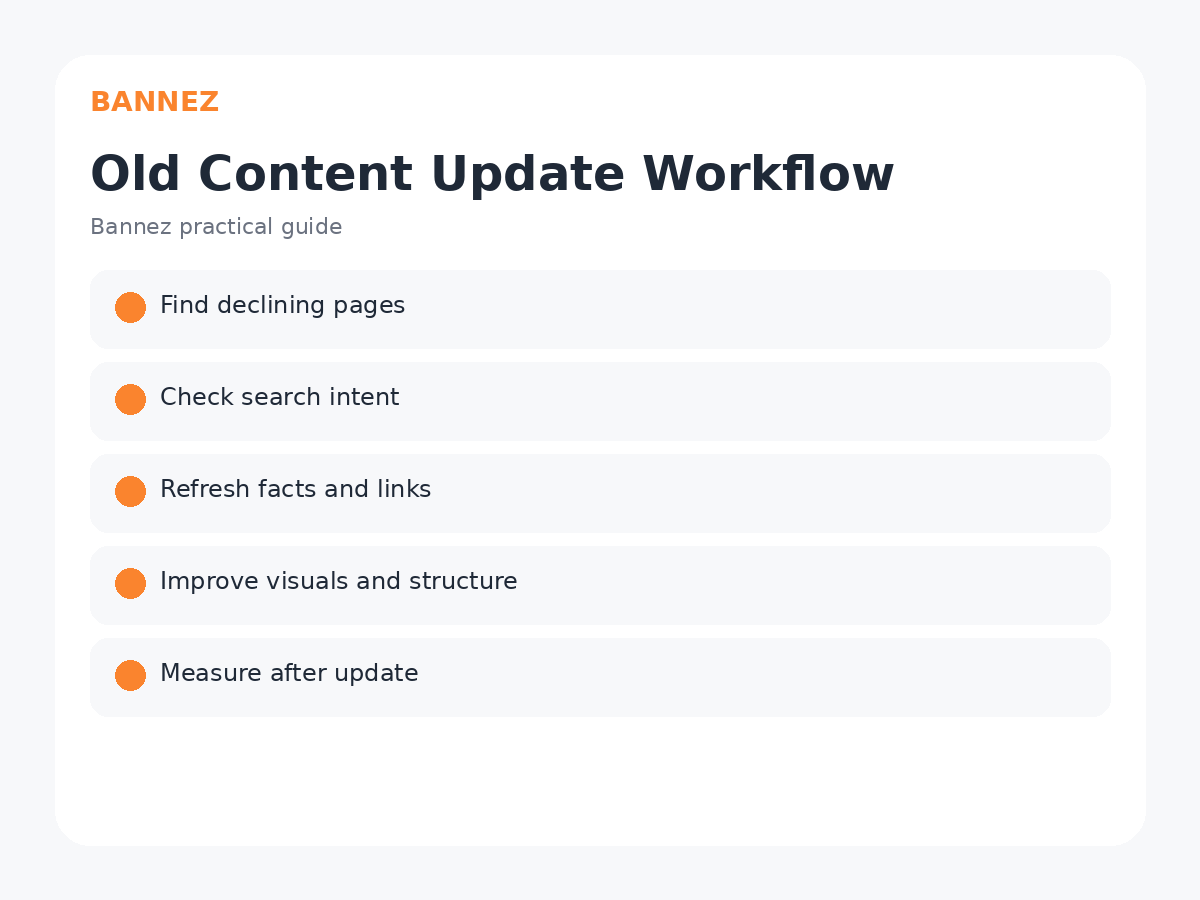
Useful signals include
- Declining organic clicks
- High impressions but weak CTR
- Outdated facts or product information
- Broken internal or external links
- Old screenshots
- Pages competing with another similar article
- Important pages with weak internal linking
Use Search Console to Find Opportunities
Google Search Console can show page-level clicks, impressions, queries and changes over time. The official Performance report guidance explains how to review page and query performance.
Step 1: Check Whether Search Intent Has Changed
Compare the page with the current need behind its main queries. A page written as a short definition may need to become a tutorial, comparison, or more complete guide if user expectations changed.

Step 2: Update Facts, Dates and Examples
Replace outdated statistics, old product features, expired policies, obsolete screenshots, and examples that no longer make sense. Prefer current primary sources where practical.
Step 3: Improve the Introduction
Make sure the page answers the main question quickly. Remove long introductions that delay useful information.
Step 4: Improve H2 and H3 Structure
Reorganize sections if the article has grown confusing over time. Merge repeated ideas and add missing subtopics only when they improve completeness.
Step 5: Review Keywords Naturally
Check whether the page still focuses on one clear topic. Search Console queries can reveal language users already associate with the page. Do not stuff new keywords into old paragraphs simply to increase variation.
Step 6: Improve Internal Links
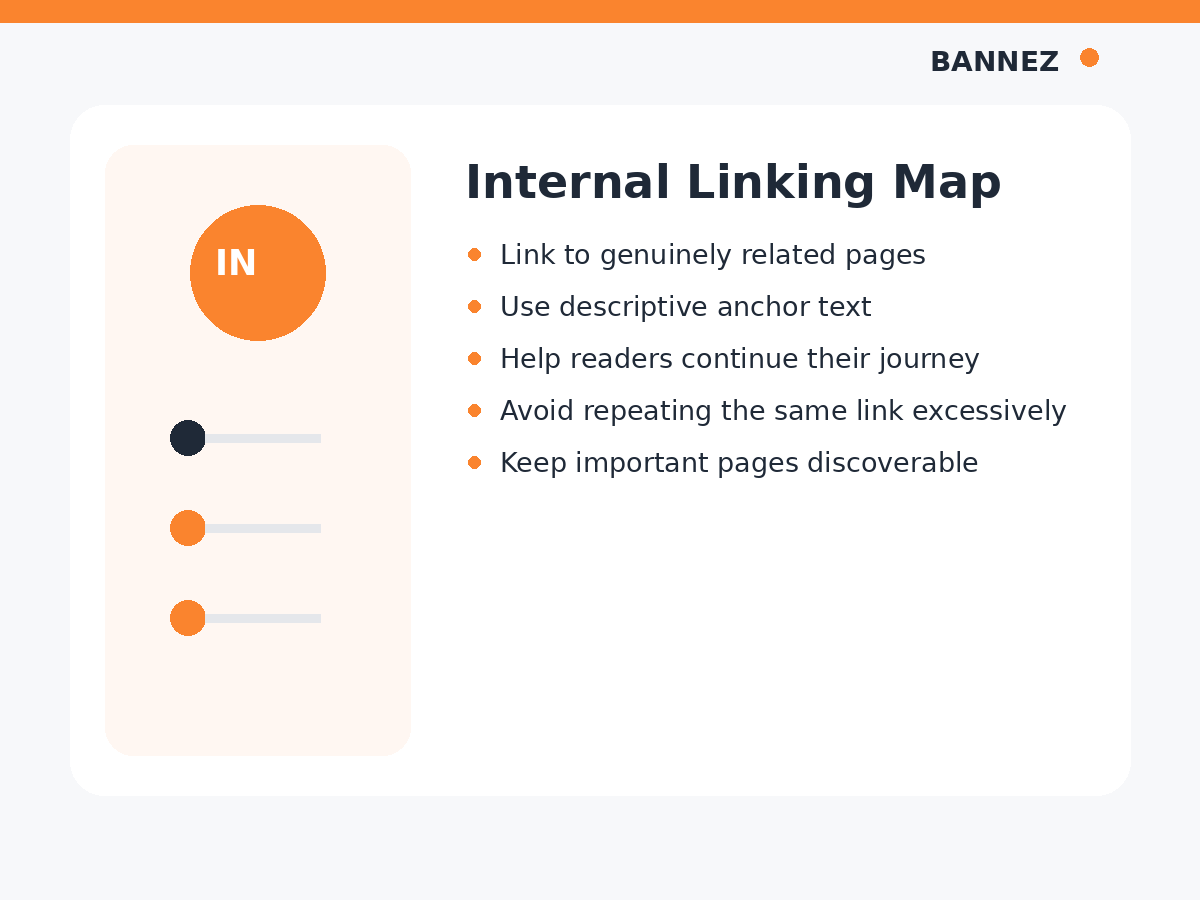
Add links to useful articles published after the original post. Also update older related articles so they can link back to the refreshed page where appropriate.
Step 7: Review External Sources
Replace broken or outdated references and link to original documentation when possible. Our guide on authority links explains how to evaluate outside sources.
Step 8: Refresh Images
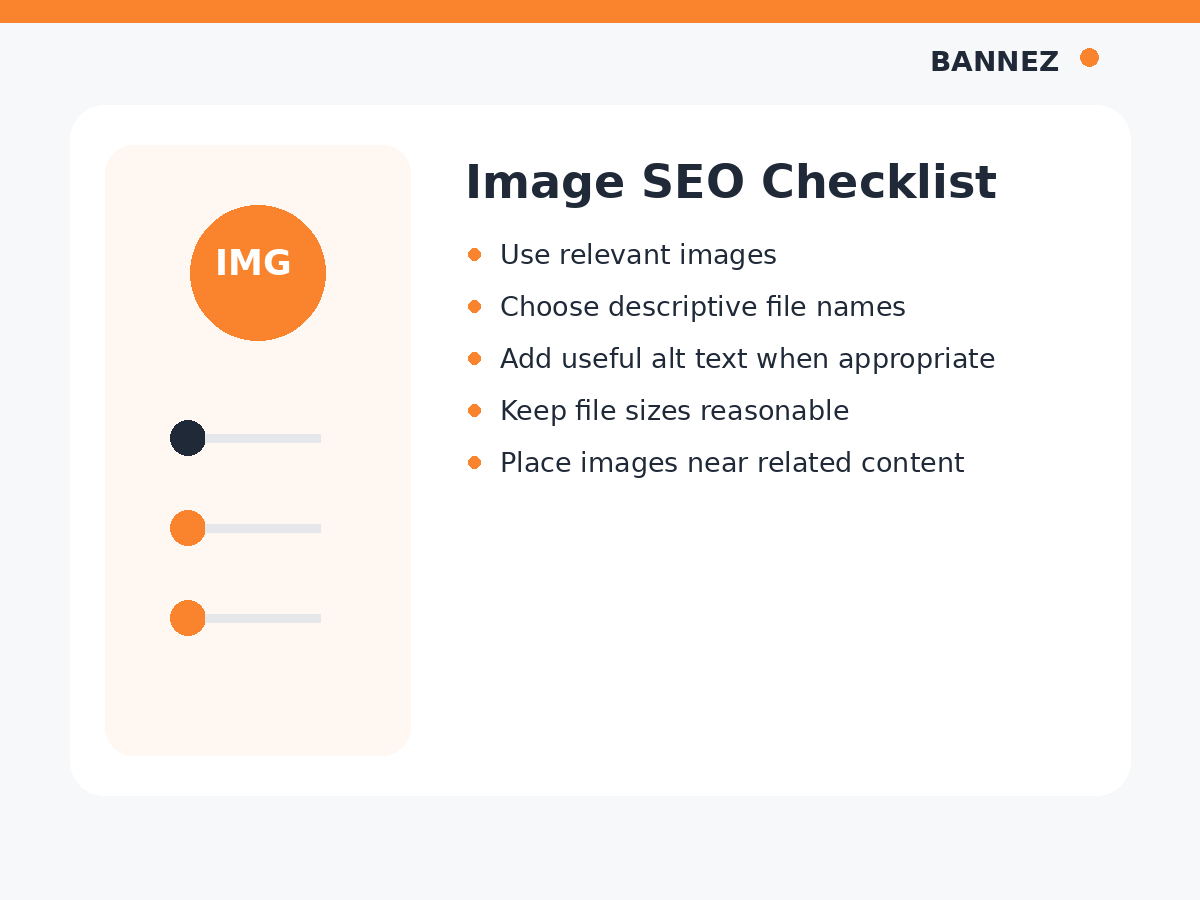
Replace outdated screenshots, improve image quality, compress unnecessarily large files, and review alt text. Use our blog image SEO guide for the full checklist.
Step 9: Review the SEO Title and Meta Description
Make sure the search snippet accurately reflects the updated page. A title written years ago may no longer describe the current article well.
Step 10: Decide Whether to Update, Merge or Remove
Not every old post deserves a rewrite. If two articles target the same need, consider consolidating them into one stronger resource and using an appropriate redirect from the retired URL.
Do Not Change the Date Without Making Real Updates
Changing a visible “updated” date without meaningful changes can mislead readers. If you show an updated date, it should reflect a real content review or improvement.
Measure After the Update
SEO changes can take time to appear. Record the update date and compare impressions, clicks, queries and conversions over an appropriate period.
Google’s helpful content guidance emphasizes accurate, useful information. Refreshing pages should improve the user experience, not simply create the appearance of freshness.
Old Content Update Checklist
- Performance trend reviewed
- Search intent checked
- Facts and examples refreshed
- Duplicate sections removed
- Missing useful sections added
- Internal links updated
- External sources verified
- Images reviewed
- SEO title and meta description checked
- Mobile layout reviewed
- Update date used honestly
- Performance measured after changes
Frequently Asked Questions
How often should I update old blog posts?
There is no fixed schedule. Prioritize pages when information changes, performance declines, or the article becomes less useful.
Should I rewrite every old post?
No. Some pages may need small corrections, while others should be consolidated, redirected, or removed if they no longer serve a useful purpose.
Does changing the publication date improve SEO?
Changing a date alone is not a meaningful content improvement. Focus on real updates that improve accuracy and usefulness.
Need Help Refreshing SEO Content?
If an old article needs a complete rewrite with improved structure, branded visuals and authoritative sources, you can explore our SEO Content Writing with Images & Authority Links service.
Conclusion
Update old posts by reviewing performance, intent, facts, structure, links, images and metadata. Make changes because the page can become more useful, not simply because it is old.
A strong content library grows through both new publishing and careful maintenance of pages that already have value.
