
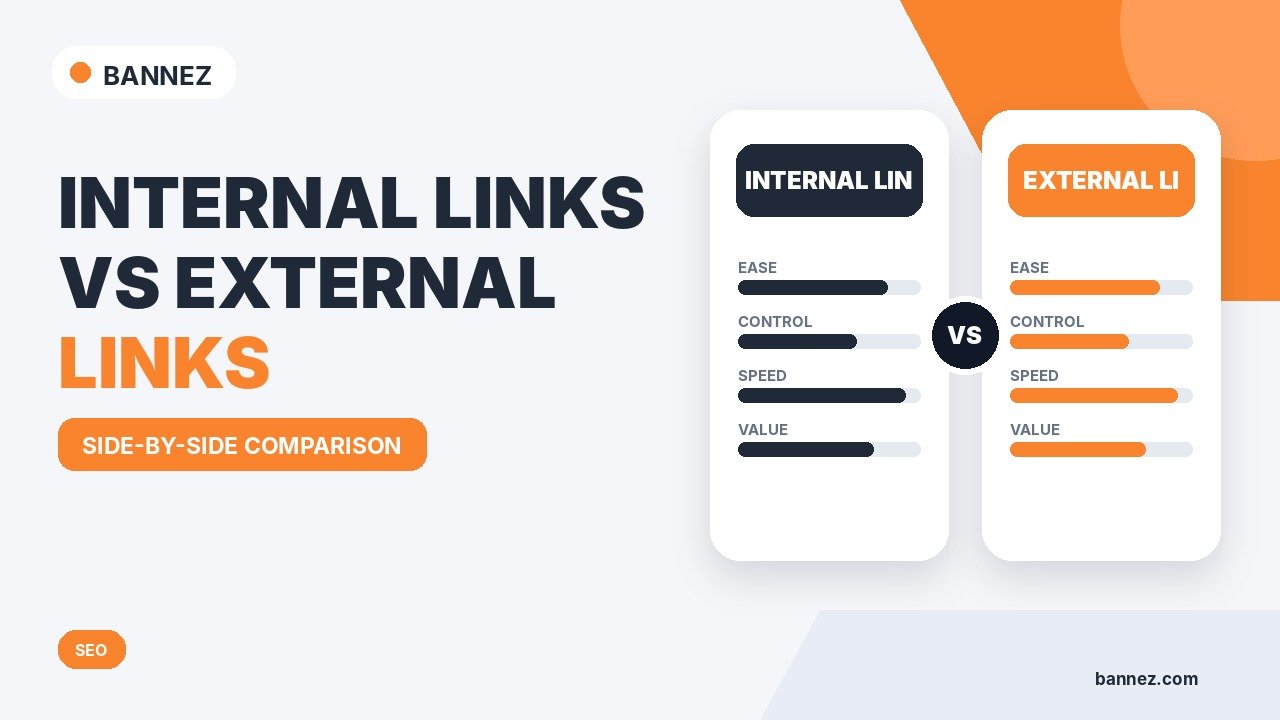
Internal Links vs External Links: What Is the Difference?
Internal links and external links both help people move through useful information, but they connect to different destinations. An internal link points to another page on the same website. An external link points to a page on another website.
Both can support a well-structured blog post. Internal links help readers discover related pages on your site, while external links can provide evidence, official documentation, research, or additional context from trusted sources.
What Is an Internal Link?
An internal link connects one page on your website to another page on the same domain.
Internal link examples
- A blog post linking to another related article
- A guide linking to a relevant service page
- A category page linking to individual posts
- A homepage linking to important sections of the site
What Is an External Link?
An external link points from your website to a different domain. These links are useful when another website provides original information, official documentation, research, or a resource that improves the reader’s understanding.
External link examples
- An SEO article linking to Google Search Central
- An accessibility article linking to W3C guidance
- A statistics article linking to the original research report
- A product guide linking to official manufacturer documentation
Internal Links vs External Links: Quick Comparison
| Area | Internal link | External link |
|---|---|---|
| Destination | Another page on your own website | A page on another website |
| Main purpose | Navigation, discovery, context | Evidence, references, extra context |
| Example | Blog post to service page | Blog post to Google documentation |
| Control | You control both pages | You do not control the destination |
| Maintenance | Update after URL or site changes | Recheck for broken or outdated sources |
Why Internal Links Matter
They help readers discover related information
A useful internal link can answer the reader’s next question without forcing them to search your site manually.
They connect related topics
Linking related pages creates a clearer content structure. For example, this article can connect naturally to our guide on authority links and our guide on how many internal links a blog post should have.
They help important pages receive contextual links
A service page or important guide can receive relevant links from supporting articles when that destination genuinely helps the reader.
Why External Links Matter
External links can show where information comes from and let readers verify or explore it further. Google’s SEO Starter Guide recommends linking to relevant resources where useful and using descriptive anchor text.
For important rules, technical claims, statistics, or specifications, original sources are usually better than linking to a random summary page.
What Is Anchor Text?
Anchor text is the clickable wording in a link. Good anchor text gives readers an idea of what they will find after clicking.
Better anchor text
Read Google’s SEO Starter Guide
Weak anchor text
Click here
Descriptive anchor text is helpful for both internal and external links.
Do Internal Links Need Exact-Match Keywords?
No. The anchor should describe the destination naturally. Repeating the same exact keyword every time can make the article feel forced.

Do External Links Need Special Attributes?
Normal editorial links to trusted resources usually do not need a special attribute. Different attributes may be appropriate when a link is sponsored, paid, user-generated, or otherwise requires qualification. Google’s current outbound link guidance explains when attributes such as rel="sponsored", rel="ugc", or rel="nofollow" may be appropriate.
Should You Be Afraid to Link to Other Websites?
No. A useful external link does not automatically damage your SEO. The web depends on links between pages. The better question is whether the destination is trustworthy, relevant, and valuable to the reader.
How Many Internal and External Links Should You Add?
There is no universal number. A short article may need only a few links, while a research-heavy guide may need many more.
Use a link when it does one of these jobs
- Answers the reader’s next question
- Supports a factual statement
- Connects to a relevant service or product
- Provides original documentation
- Helps navigate to deeper content
Do not add links only to reach an arbitrary count.
Internal Link Placement Tips
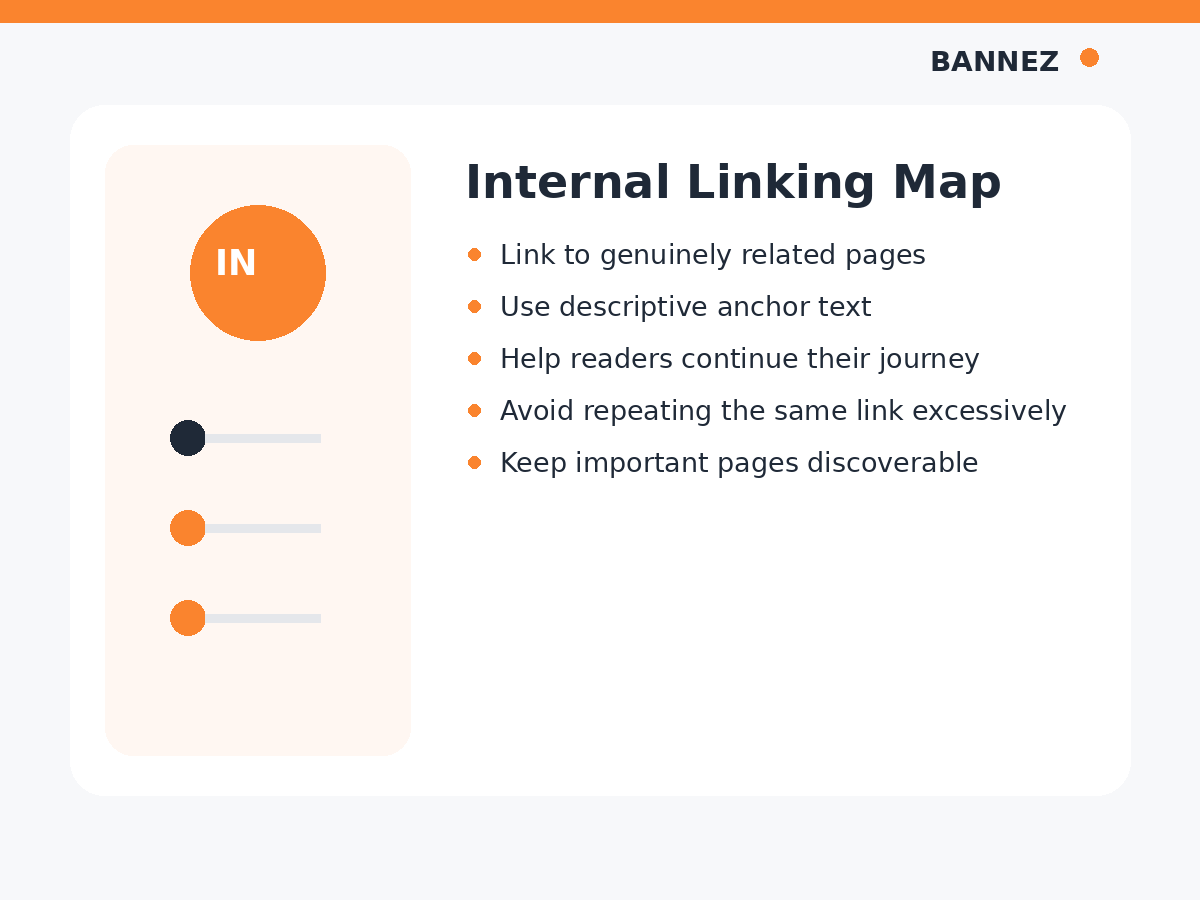
- Place links near relevant text
- Use descriptive anchor wording
- Link to the best destination, not every similar page
- Prioritize pages that genuinely help the current reader
- Avoid repeating the same link unnecessarily in every paragraph
External Link Placement Tips
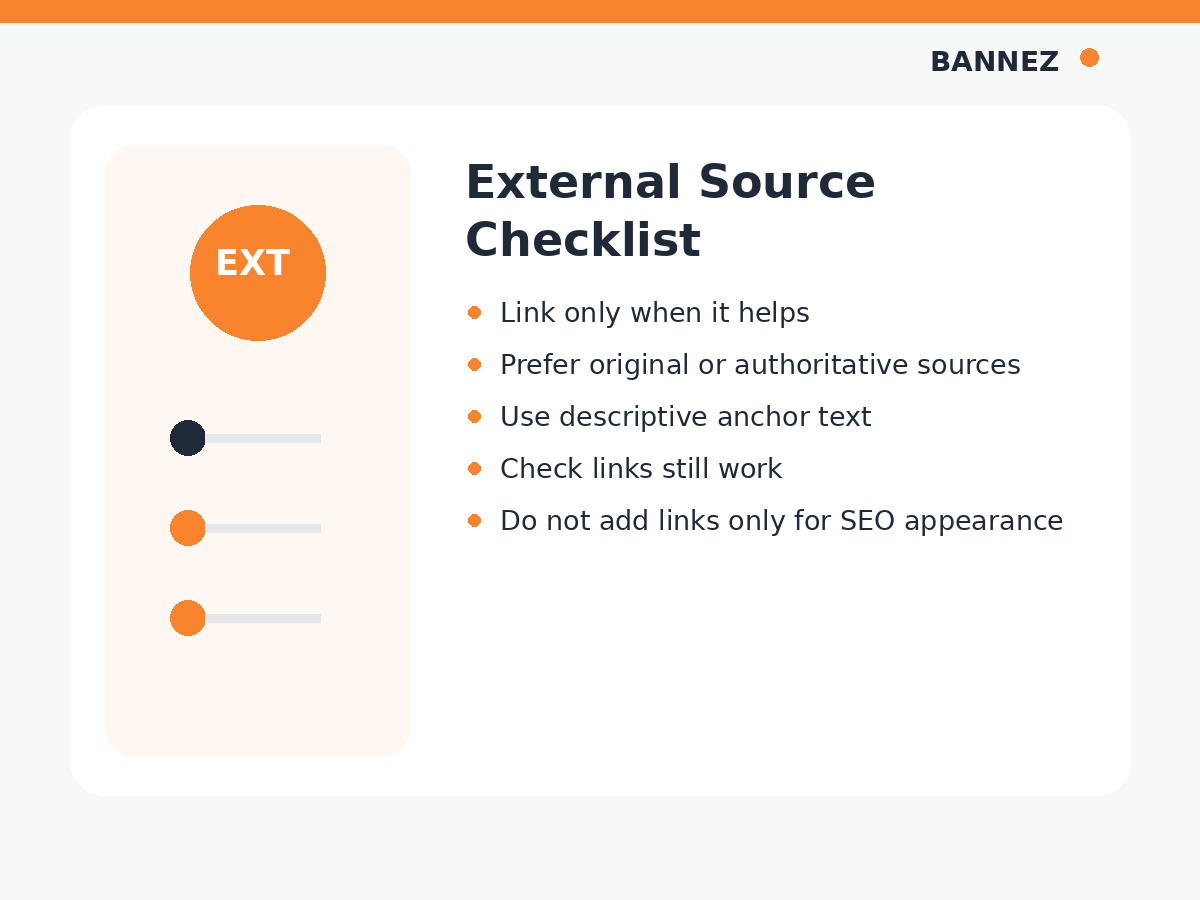
- Prefer original and official sources
- Check that the page supports the claim
- Avoid outdated or broken resources
- Use suitable link attributes when needed
- Recheck important sources during content updates
Common Linking Mistakes
- Using “click here” for every anchor
- Adding irrelevant internal links
- Linking to weak sources when original sources exist
- Adding dozens of links only for an SEO score
- Using the same exact anchor unnaturally everywhere
- Ignoring broken links after old pages move
- Using paid links without appropriate qualification
Internal vs External Links Checklist
- Every link has a clear purpose
- Internal links point to relevant site pages
- External links use trustworthy sources
- Anchor text is descriptive
- Important links are placed near related text
- No unnecessary repetitive links are added
- Sponsored or user-generated links are qualified when needed
- Links are checked during content updates
Frequently Asked Questions
Are internal links better than external links?
They serve different purposes. Internal links help people navigate your site, while external links can provide evidence and outside context.
Should every blog post include internal links?
Most blog posts can benefit from relevant internal links when useful related pages exist, but there is no fixed number required.
Should every blog post include external links?
No. Add external links when a source improves the content. Research-heavy or technical posts often need more references than opinion or experience-based posts.
Can a link be both internal and external?
No. The classification depends on the destination. A link to your own site is internal; a link to another domain is external.
Need SEO Articles With Natural Internal and Authority Links?
If you need professionally structured articles with branded visuals, internal linking opportunities and trusted external references, explore our SEO Content Writing with Images & Authority Links service.
Conclusion
Internal links connect readers to useful pages on your own website. External links connect them to useful resources on other websites. Use both based on reader value, relevance, and context.
Focus less on hitting a link count and more on creating a clear path through the content. A good link should help the reader understand the topic, verify a claim, or continue to the next useful page.
