
Sticky Ads vs Display Ads: What Is the Difference?
Sticky ads and display ads are not two completely separate advertising technologies. A display ad describes a broad visual advertising format, while sticky describes behavior: the ad remains fixed or persistent in a permitted area while the user scrolls.
This distinction matters because publishers sometimes assume every persistent ad is an anchor ad or every display ad scrolls away. The actual behavior depends on the ad product, placement and platform rules.

What Is a Standard Display Ad?
A display ad is a visual advertising unit served into a defined area of a website or app. It can use responsive or fixed dimensions and may appear in-content, in a sidebar, in a banner area or another supported placement.
A normal in-content display ad usually moves with the page. Once the user scrolls past it, the ad leaves the viewport.
What Is a Sticky Ad?
A sticky ad remains fixed or persistent in a defined position while the visitor scrolls. Depending on the implementation, it may stick to the top, bottom or side of the viewport.
Google Ad Manager provides specific sticky ad guidelines. Publishers using sticky behavior must follow the applicable requirements rather than simply applying CSS position:fixed to any ad unit.
What Is an Anchor Ad?
An anchor ad is a supported overlay format that stays at the edge of the user’s screen and can typically be dismissed. It is a specific format, not a generic name for every sticky implementation.
Google Ad Manager describes anchor ads in its anchor ad documentation.
Sticky Ads vs Standard Display Ads
| Area | Sticky ad | Standard display ad |
|---|---|---|
| Scroll behavior | Can remain visible while scrolling | Usually moves with page content |
| Viewability opportunity | Often higher because it persists | Depends heavily on placement and scroll behavior |
| User impact | More persistent and potentially more intrusive | Usually less persistent |
| Implementation rules | Requires careful compliance with sticky/overlay guidelines | Uses standard placement rules |
| Best use | Selected supported persistent placements | General in-content, banner or sidebar inventory |
Why Publishers Use Sticky Ads
Higher opportunity to be seen
Because a sticky ad stays in the viewport longer, it may achieve stronger viewability than a unit users scroll past quickly.
Read What Is Ad Viewability and Why Does It Matter?.
Persistent monetization without repeated in-content slots
A properly implemented supported sticky placement can create a persistent opportunity without inserting many additional ads between paragraphs.
Risks of Sticky Ads
They can cover content
On small screens, even a modest sticky unit can take a meaningful share of the viewport.
They can conflict with other fixed elements
Cookie banners, chat widgets, sticky navigation, accessibility controls and app prompts can overlap.
They can create accidental clicks
Ads placed near navigation or interactive controls create risk if visitors tap the ad while trying to use the website.
They can hurt page experience
A persistent ad that dominates the page may frustrate visitors even if it improves one monetization metric.
Google Ad Manager Sticky Ad Guidelines
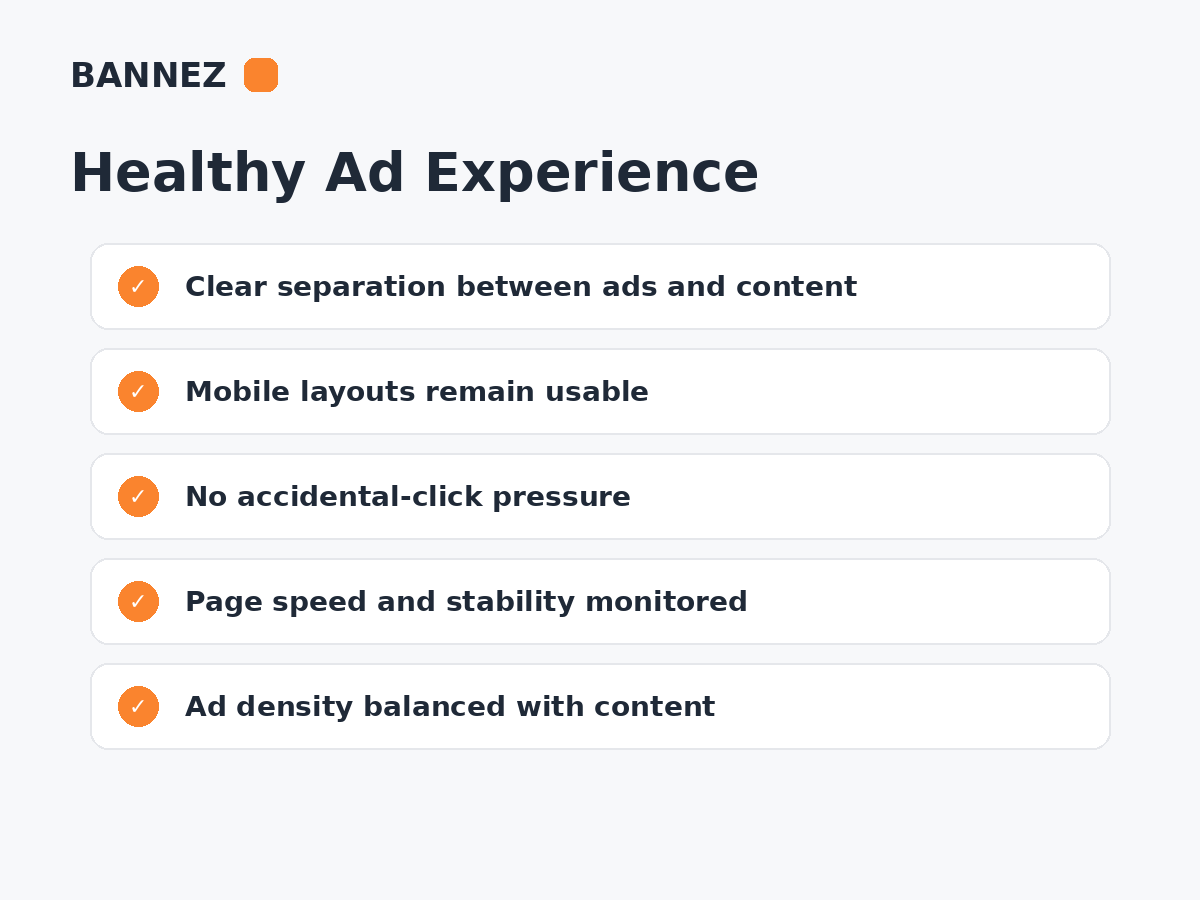
Google’s current sticky guidelines include requirements around placement, user control and the relationship between ads and content. One important principle is that advertising, including sticky advertising, should occupy less of the viewport than the publisher content.
Google also provides a way to declare sticky inventory in Ad Manager. See its sticky ad declaration guidance.
Sticky Ads and Mobile Devices
Mobile deserves separate testing because the viewport is much smaller.
Check
- Whether the ad covers text
- Whether a close/dismiss control works where required
- Whether browser UI or navigation conflicts with the ad
- Whether chat/cookie widgets overlap
- Whether orientation changes break the placement
Standard Display Ads Can Still Have Strong Viewability
A normal display ad placed near content users actually read can perform well without being sticky. A unit close to a useful section may have better quality than a persistent unit that annoys visitors.
Sticky Ads vs In-Content Ads
In-content ads are inserted between content sections and scroll naturally with the article. They can match reading flow well when separated clearly from editorial content.
Sticky ads remain visible for longer but require more careful user-experience and policy review.
Which Format Earns More?
There is no guaranteed winner. Revenue depends on traffic, demand, viewability, format size, device, geography, ad competition and how the placement affects user behavior.
Do not evaluate a sticky ad only by its CPM or viewability. Compare Page RPM, total revenue, Core Web Vitals and engagement.
How Sticky Ads Can Affect Website Speed
The sticky behavior itself is only one part of performance. The ad stack can add script execution, network requests and layout work. Poor implementation can also create layout shifts.

Read How Core Web Vitals and Ads Affect Each Other.
How to Choose Between Sticky and Standard Display Ads
- Identify the page type.
- Check the available viewport on mobile and desktop.
- Review platform rules for the proposed format.
- Test content visibility and controls.
- Measure viewability and RPM.
- Measure speed and engagement.
- Compare results with a standard placement.
- Keep the format only if the complete experience improves.
Where Bannez Can Help
If you need help integrating approved ad-network placements into your website, you can explore our Website Ad Placement & Ad Network Integration service.
Sticky Ad Checklist
- Format supported by ad platform
- Sticky inventory declared where required
- Content occupies more viewport than ads
- No overlap with navigation
- No accidental-click design
- Mobile tested
- Dismiss behavior works where required
- Viewability monitored
- Core Web Vitals monitored
- Revenue compared with user experience
Frequently Asked Questions
Are sticky ads the same as anchor ads?
No. Anchor ads are a specific persistent overlay format. “Sticky” is a broader behavior description.
Are sticky ads allowed?
Supported sticky formats can be used when they follow the relevant ad platform’s policies and implementation guidelines.
Do sticky ads always have higher viewability?
They often have a stronger opportunity to remain visible, but actual viewability depends on implementation and measurement.
Should every site use sticky ads?
No. Some designs, page types and audiences are better served by standard in-content or other display placements.
Conclusion
Standard display ads usually move with the page, while sticky ads remain persistent in a supported area of the viewport. Sticky behavior can improve viewability opportunity but also creates greater responsibility for spacing, mobile usability and policy compliance.
Choose the format based on the whole page experience. A persistent ad is only useful when it monetizes effectively without covering content, creating accidental clicks or making the website difficult to use.
