

How Core Web Vitals and Ads Affect Each Other
Ads and Core Web Vitals affect each other because advertising becomes part of the page that users load and interact with. Ad scripts compete for network and browser resources, ad containers can move content, and creatives can add processing work.
At the same time, aggressive performance optimization can break ad delivery when critical scripts are delayed or modified incorrectly. Publishers need a balance: keep monetization working while reducing unnecessary impact on loading, responsiveness and visual stability.
What Are Core Web Vitals?
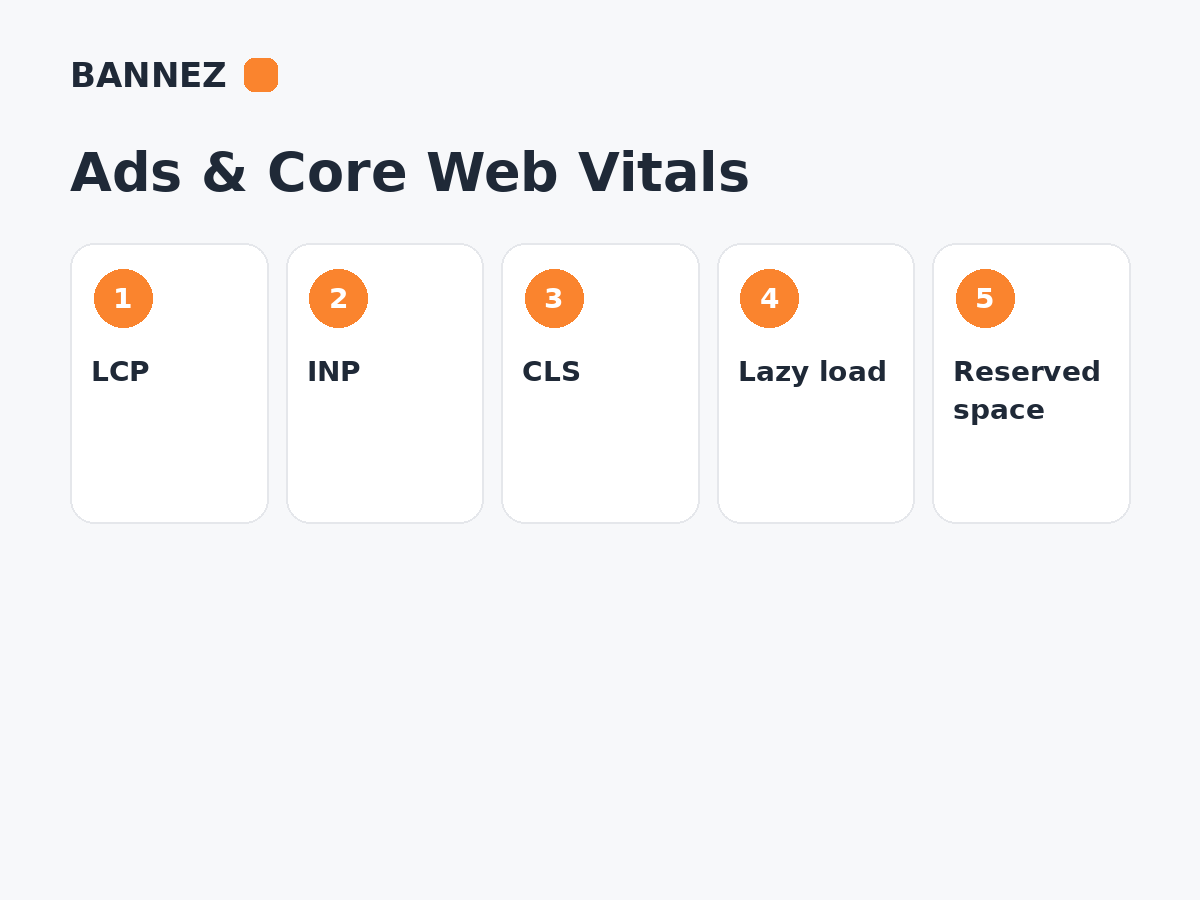
Core Web Vitals are Google metrics designed to measure important parts of real-world user experience.
Google’s current Core Web Vitals documentation uses these good thresholds at the 75th percentile:
- Largest Contentful Paint (LCP): 2.5 seconds or less
- Interaction to Next Paint (INP): less than 200 milliseconds
- Cumulative Layout Shift (CLS): less than 0.1
Core Web Vitals are part of broader page-experience considerations. Passing them does not guarantee search rankings or ad revenue.
How Ads Can Affect LCP
LCP measures how quickly the largest important visible content element renders. Ads can affect LCP indirectly when ad scripts compete with important page resources for network bandwidth or main-thread time.
Common LCP risks
- Heavy scripts loaded before main content
- Too many above-the-fold auctions
- Large third-party resources
- Slow server or tag execution
- Hero content delayed behind advertising code
How to reduce LCP impact
- Prioritize main content resources.
- Avoid unnecessary duplicate ad libraries.
- Review above-fold ad demand complexity.
- Optimize images, fonts and server delivery.
- Measure before and after ad-stack changes.
How Ads Can Affect INP
INP measures interaction responsiveness. A page can look loaded while large JavaScript tasks delay a click, menu or input response.
Ad-related INP risks
- Large auction scripts
- Repeated DOM work
- Heavy creatives
- Third-party measurement scripts
- Multiple tags firing at the same time
Use browser performance tools to identify actual long tasks rather than assuming the ad server is always the cause.
How Ads Can Affect CLS
CLS measures unexpected layout movement. Ads are a common source of layout shift when a page does not reserve enough space before the creative loads.
Common CLS problems
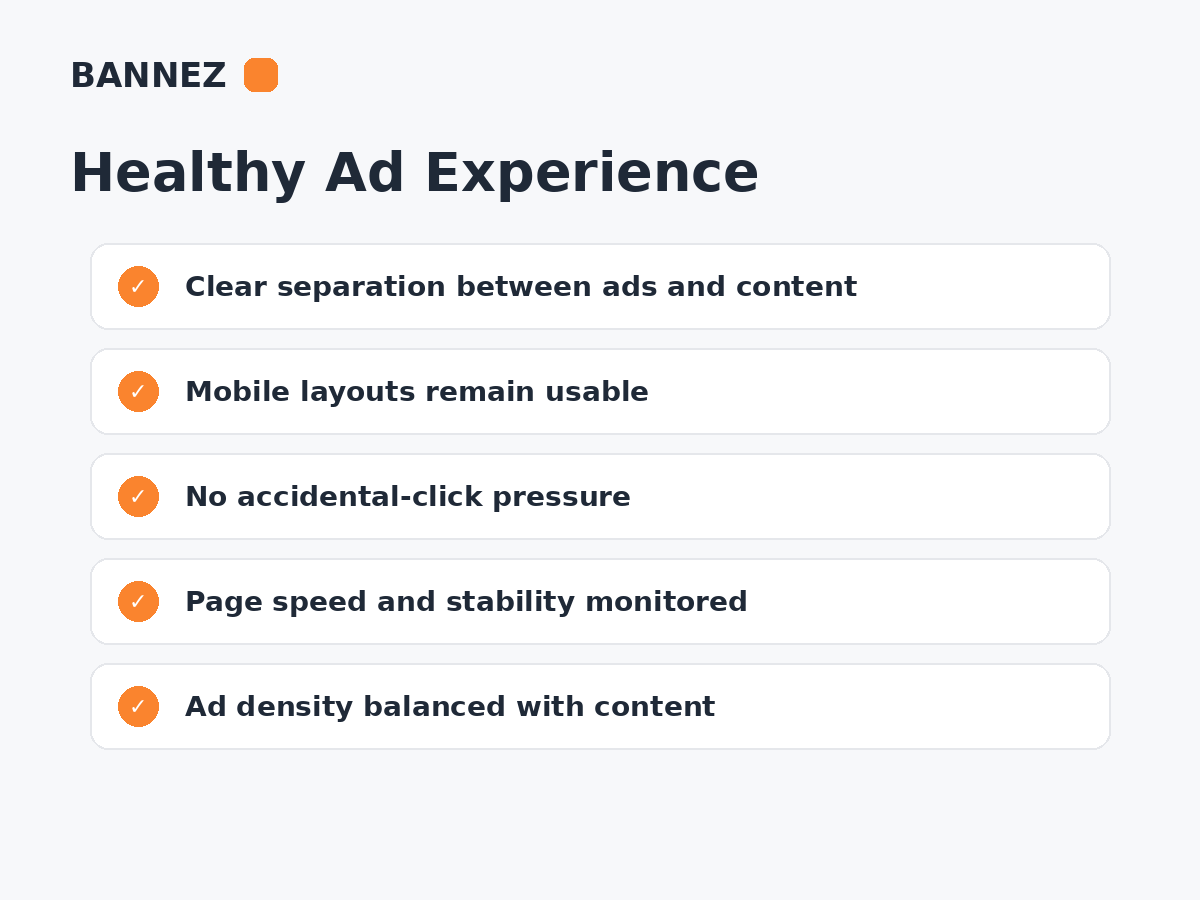
- Ad container begins at zero height and expands later.
- Responsive size changes move surrounding content.
- Sticky units appear without planned space.
- Fallback or unfilled states collapse unexpectedly.
- Consent and ad elements compete for the same screen area.
How to reduce ad-related CLS
Reserve a suitable minimum space for expected ad sizes where practical. If multiple sizes can serve, design the container around predictable behavior so content does not jump unnecessarily.
Can Lazy Loading Improve Core Web Vitals?
Lazy loading appropriate below-the-fold ads can reduce early network and processing work. It may also avoid requesting inventory users never approach.
However, lazy loading is not automatically better. If the threshold is too late, an ad can load only after the user reaches or passes the slot, hurting viewability and creating visual changes at the wrong time.
Core Web Vitals vs Ad Viewability
A performance optimization can improve one metric while hurting another. For example, requesting an ad much later can reduce early page work but may lower ad viewability because the creative misses the user’s scroll position.
Read What Is Ad Viewability and Why Does It Matter?.
Core Web Vitals vs Ad Revenue
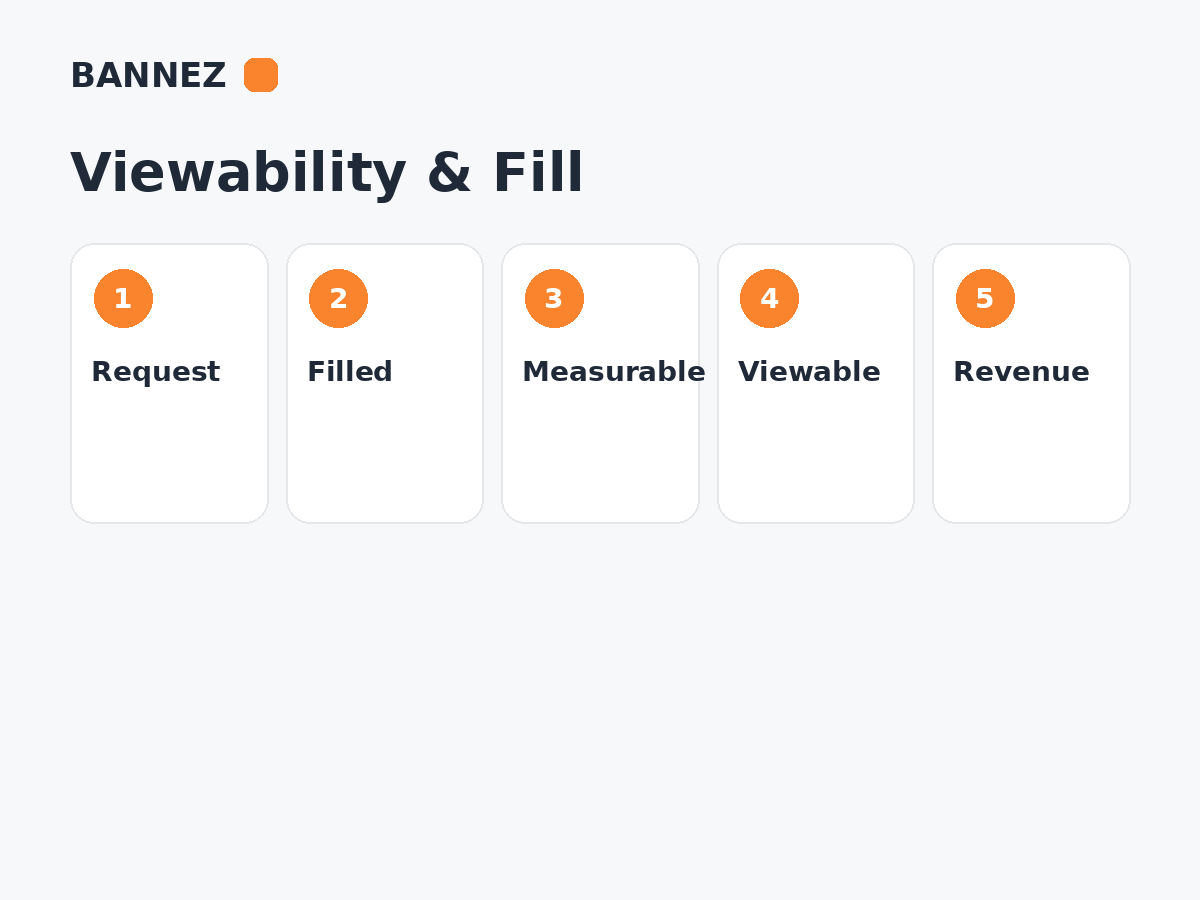
There is no guaranteed formula linking a specific Core Web Vitals score to a fixed amount of publisher revenue. Performance can influence engagement, ad rendering and viewability, while revenue also depends on traffic, advertiser demand, geography, fill and impression value.
Read How Website Speed Affects Ad Revenue.
How Sticky Ads Affect Core Web Vitals
Supported sticky or anchor ads can be useful monetization formats, but they should not create unexpected layout movement, block content or overload mobile screens.
See Sticky Ads vs Display Ads.
How Ad Density Can Affect Performance
More ad units usually create more opportunities for network requests, auctions and rendering. Additional ads may still be profitable, but each position should justify its performance cost.
Read How Many Ads Should You Place on a Web Page?.
Field Data vs Lab Data
Lab data
Tools such as Lighthouse run controlled tests and help identify likely bottlenecks.
Field data
Real-user data shows how actual visitors experience the website across real devices and networks.
Use both. A single laboratory test cannot represent every user, while field data alone may not identify the exact technical cause.
How to Audit Ads for Core Web Vitals
- Identify the main page templates.
- Measure Core Web Vitals before changes.
- List every ad and monetization script.
- Check whether scripts are duplicated.
- Inspect above-fold ad requests.
- Reserve space for display ads.
- Review lazy-loading thresholds.
- Check long JavaScript tasks.
- Test mobile separately.
- Retest ad delivery after optimization.
- Compare viewability and RPM before and after.
Common Optimization Mistakes
- Delaying every ad script without testing
- Removing ad container dimensions
- Loading the same ad library multiple times
- Chasing a perfect lab score instead of real user experience
- Adding more ad slots after speed optimization without remeasuring
- Breaking consent or ad tags through script-combination tools
Where Bannez Can Help
If you need approved ad-network code placed and integrated into your website, you can explore our Website Ad Placement & Ad Network Integration service.
Core Web Vitals + Ads Checklist
- LCP measured
- INP measured
- CLS measured
- Ad scripts inventoried
- Duplicate libraries removed
- Ad containers reserve space
- Lazy loading tested
- Mobile checked
- Ad delivery retested
- Viewability compared
- RPM and total revenue compared
Frequently Asked Questions
Do ads automatically cause poor Core Web Vitals?
No. Ads add work to a page, but the actual impact depends on implementation, number of scripts, creatives, layout and loading strategy.
Does passing Core Web Vitals guarantee more ad revenue?
No. It can support a better user experience, but publisher earnings also depend on traffic and advertising-market factors.
Should I reserve space for every ad?
For known display placements, reserving suitable space can reduce layout shifts. The implementation should still handle responsive sizes and unfilled states cleanly.
Can lazy loading hurt viewability?
Yes, if ads are requested too late. The best threshold balances performance with the chance that the ad is ready as the user approaches the slot.
Conclusion
Ads can affect LCP, INP and CLS through network requests, JavaScript execution and layout changes. Core Web Vitals optimization can also affect monetization if ads are delayed or modified incorrectly.
Treat performance and advertising as one system. Reserve space, reduce unnecessary scripts, lazy load carefully and measure real user data, viewability and revenue after every meaningful change.
